Instant Material Swapping for Walls & Floors
Planning a renovation? Visualize the outcome first. Swap existing flooring for hardwood, change wall colors, or test new wallpapers instantly. See how different textures interact with your room's lighting before making a mess.
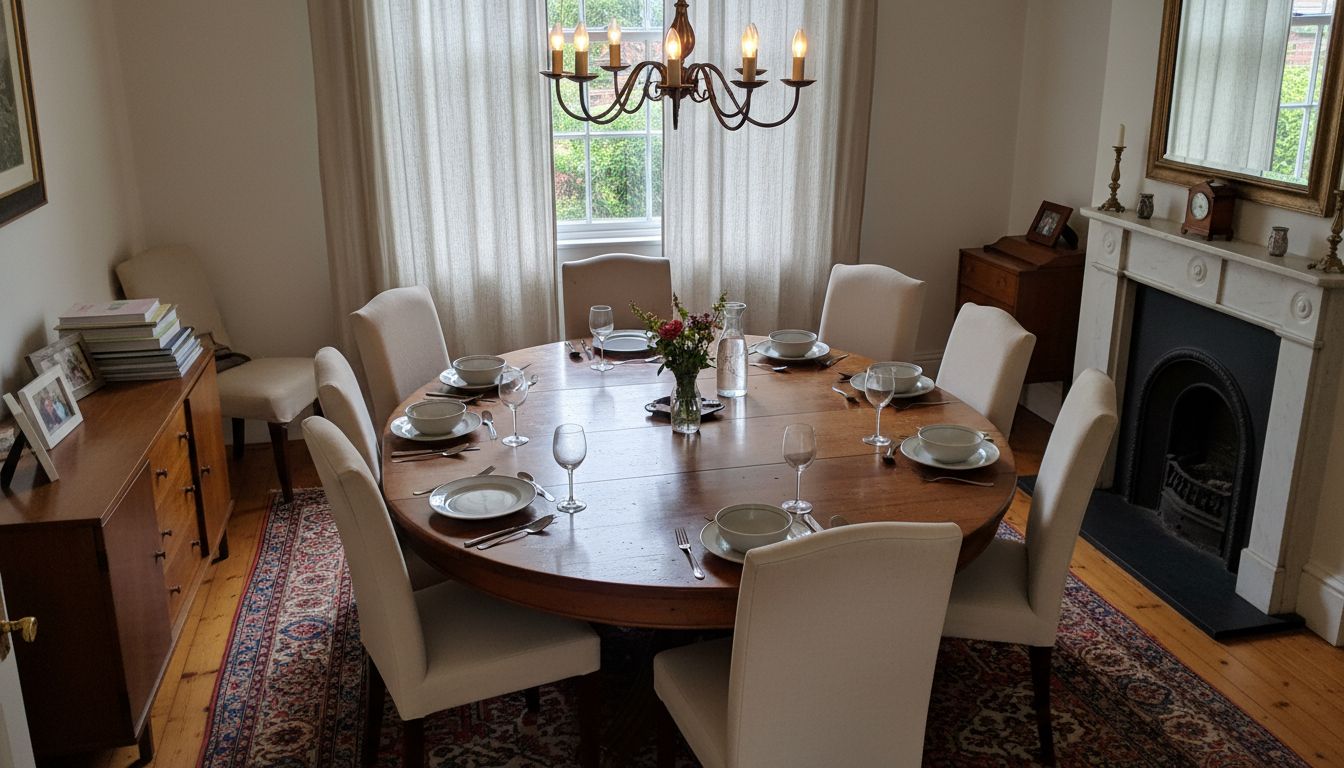
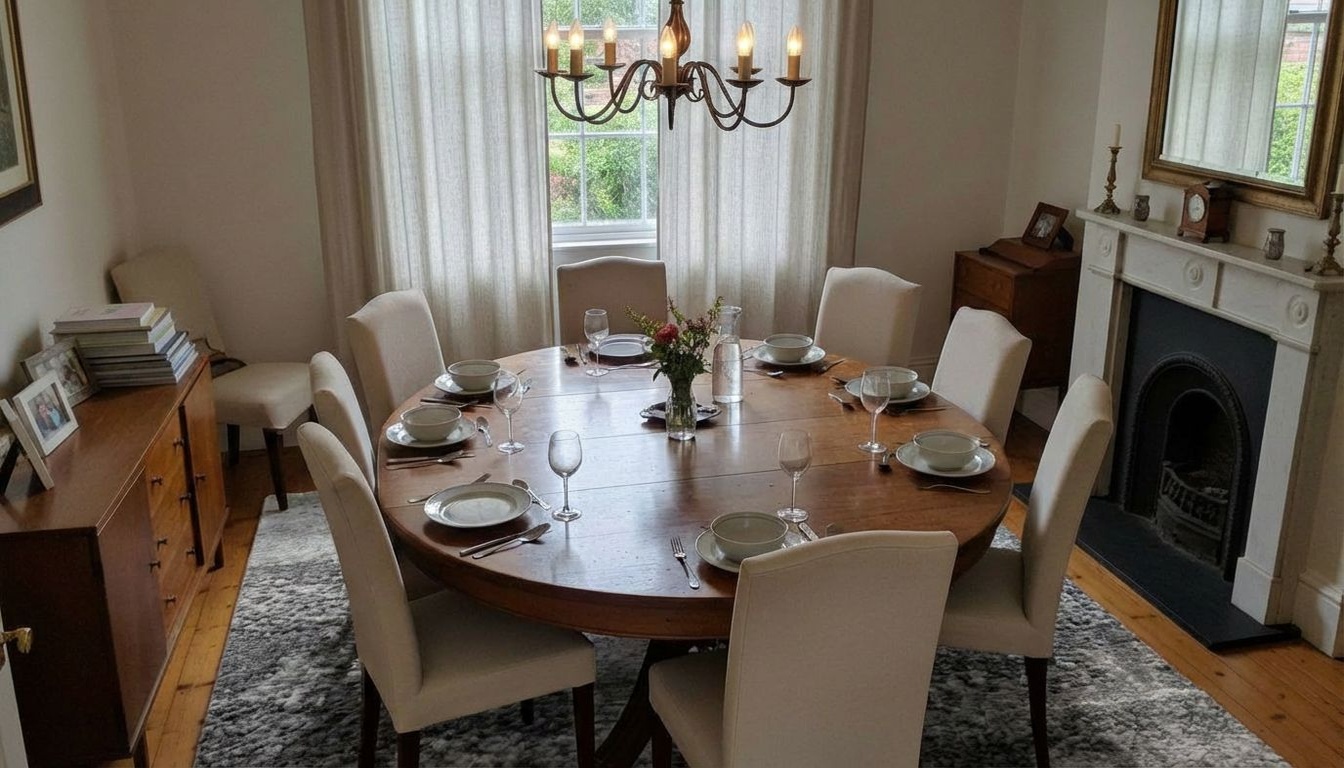
See How It Works
With less than 10 clicks, modify with precision the aspect of your room
Your Room
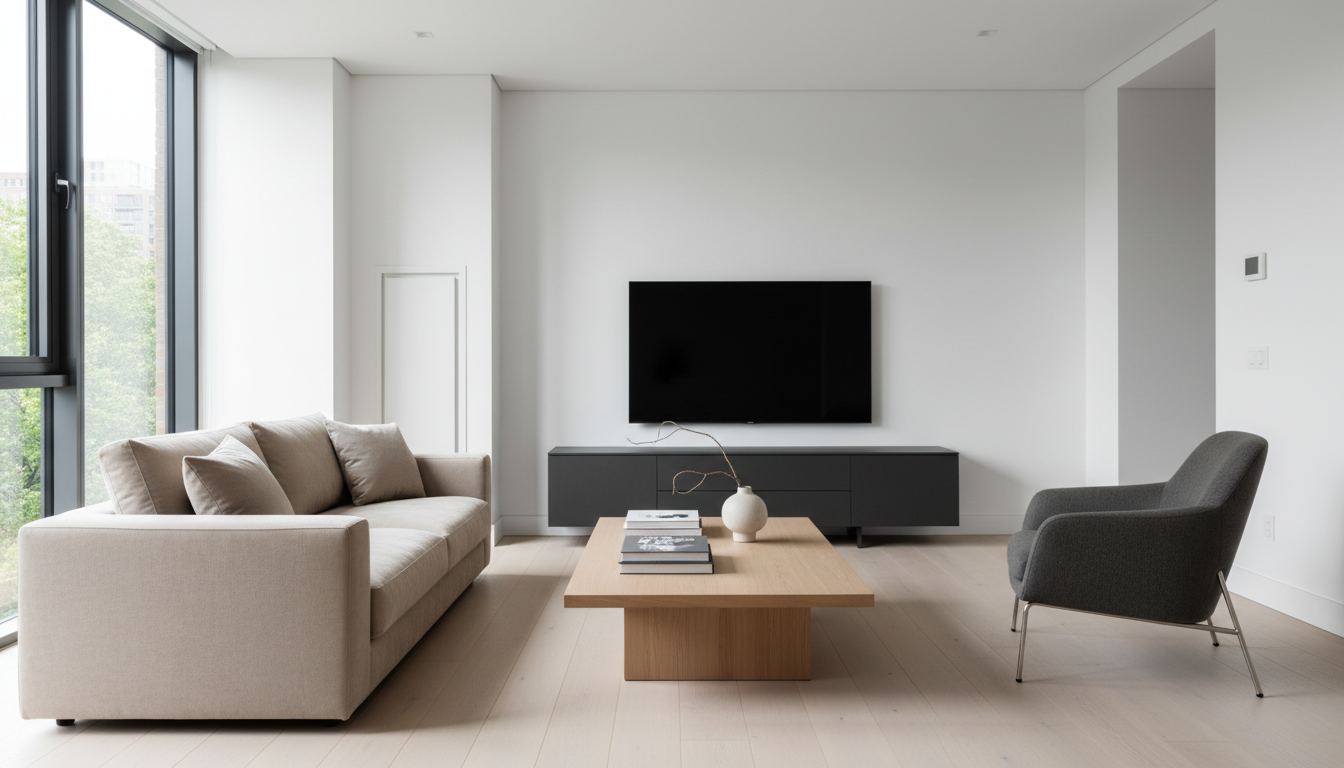
Pick Material
AI Result
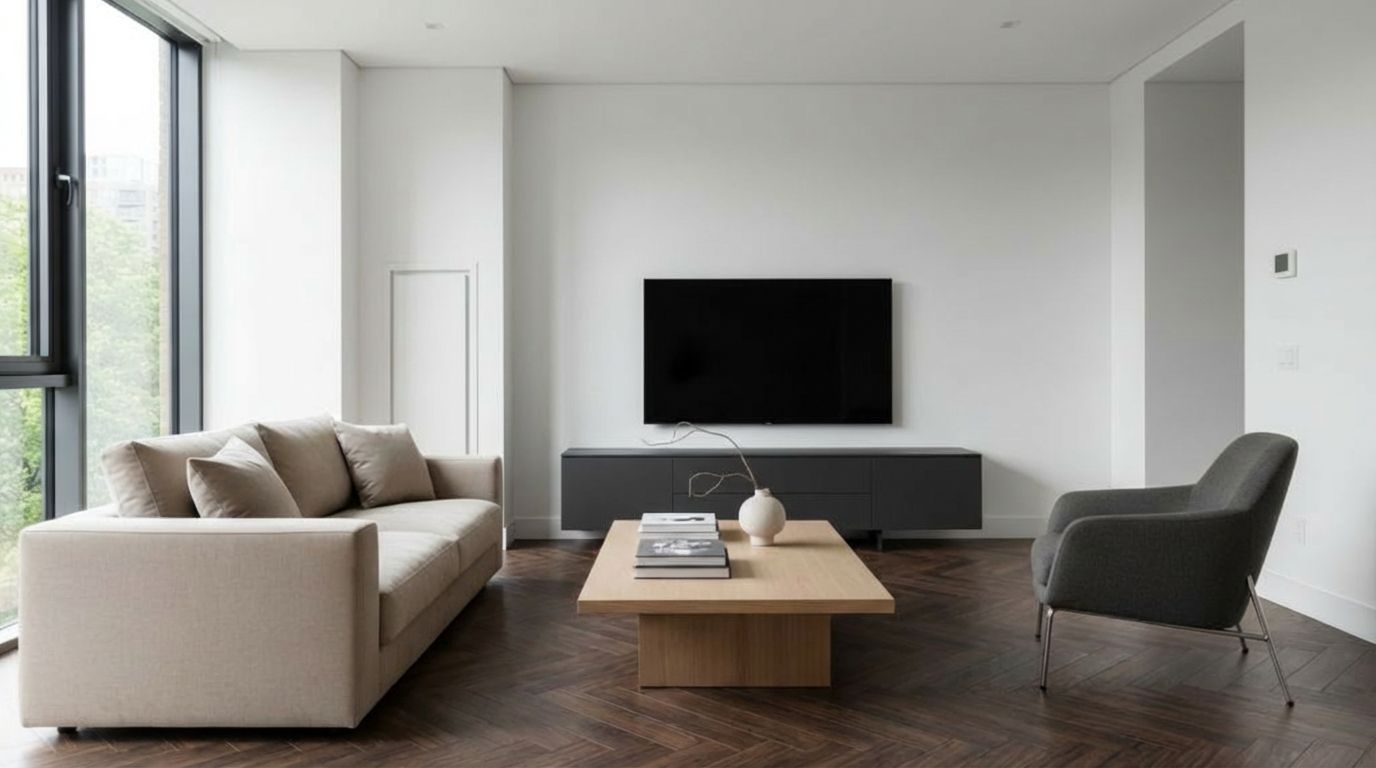
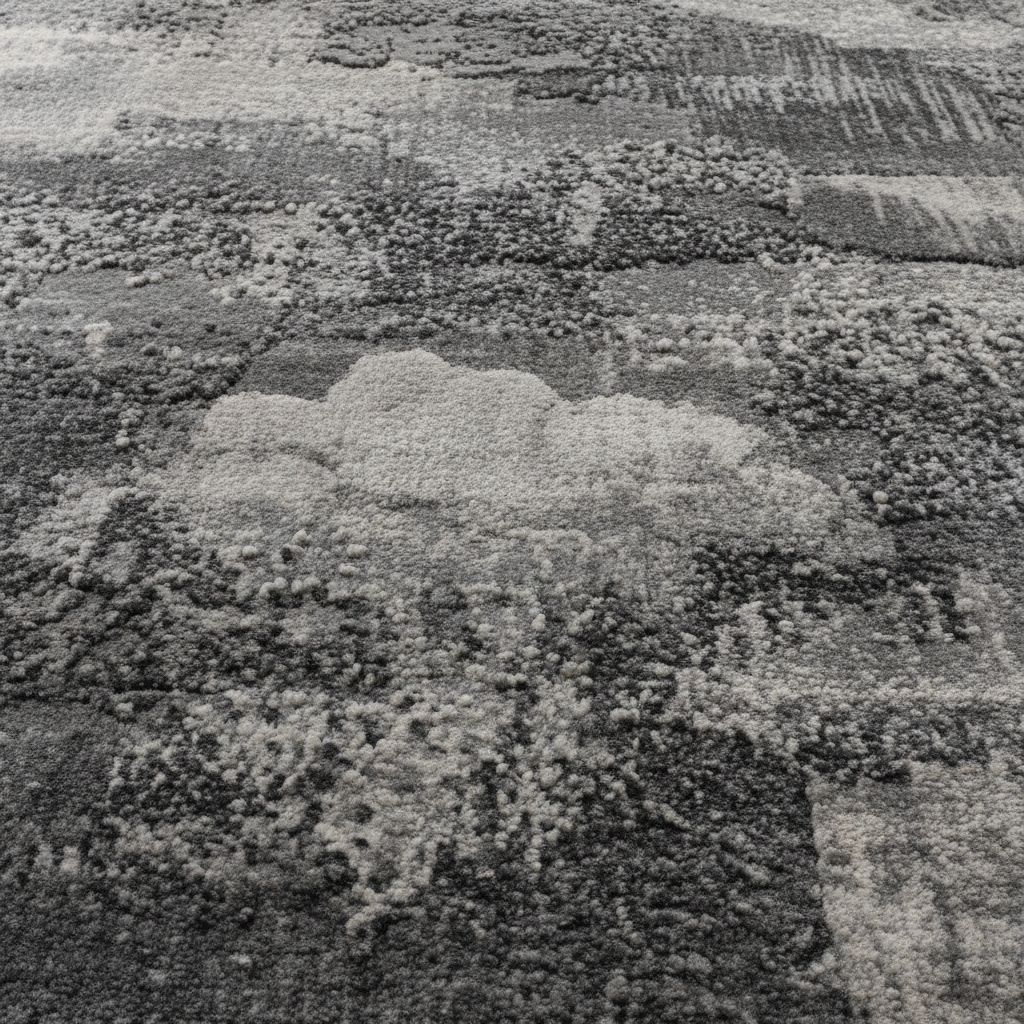
Dining Room Rug Visualizer
Ground your dining space with a new rug. See how different textures and sizes under your table define the dining area elegantly.

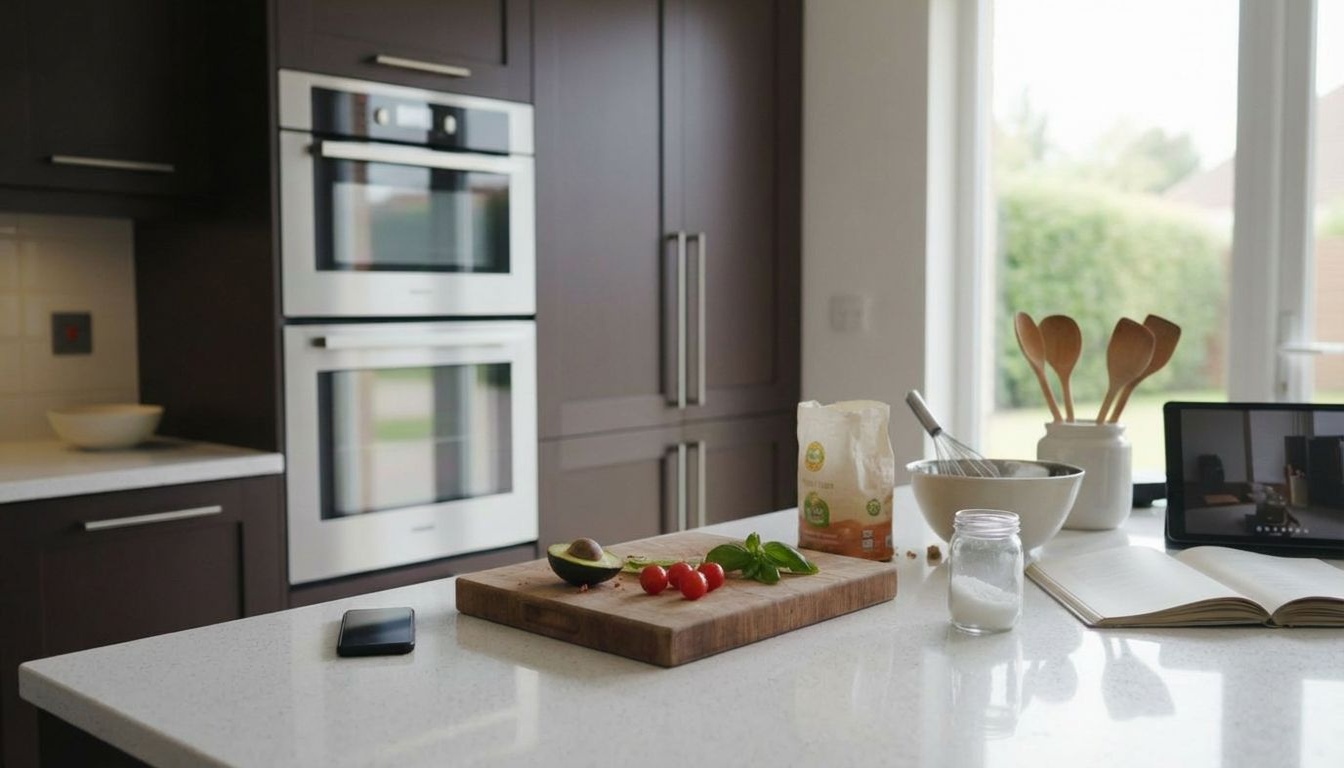
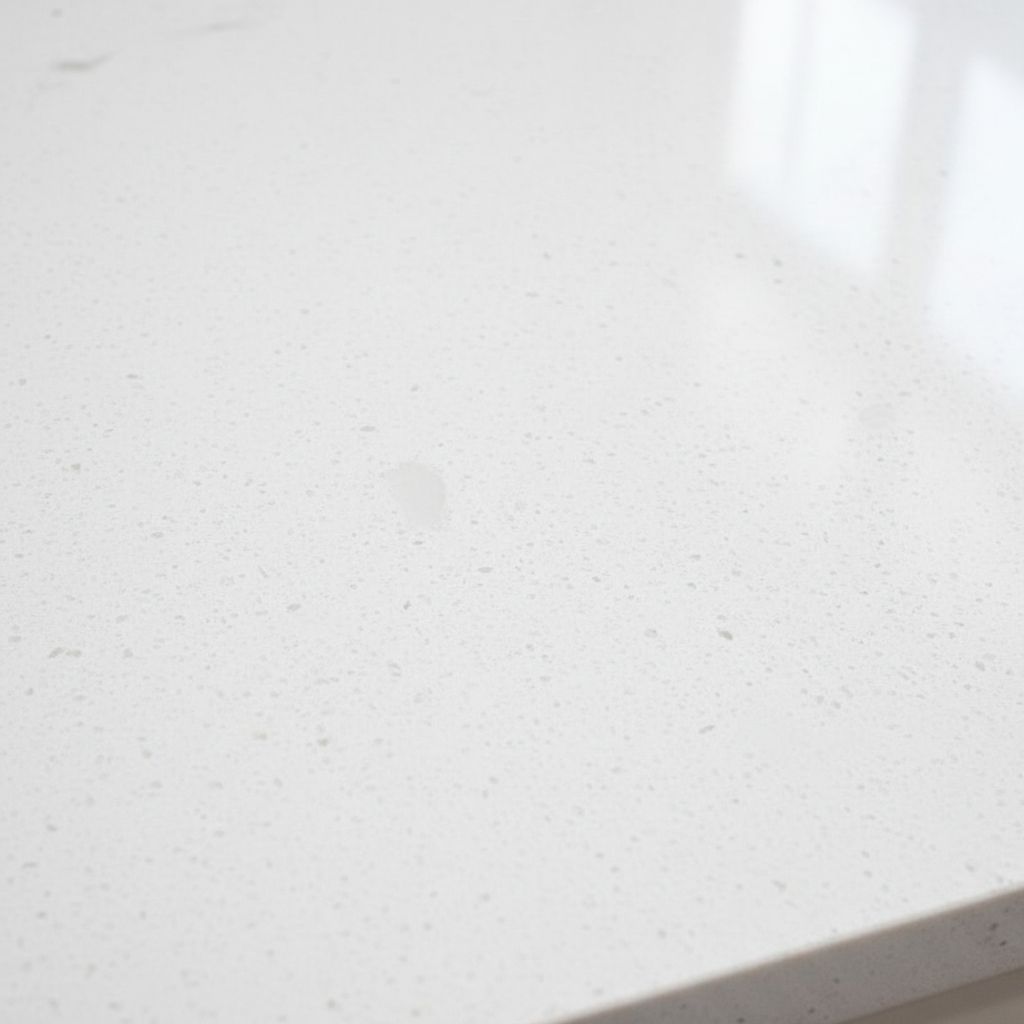
Modern Kitchen Countertop Swap
Switch your countertops instantly. Compare granite, quartz, or marble surfaces to find the perfect match for your modern cooking area.
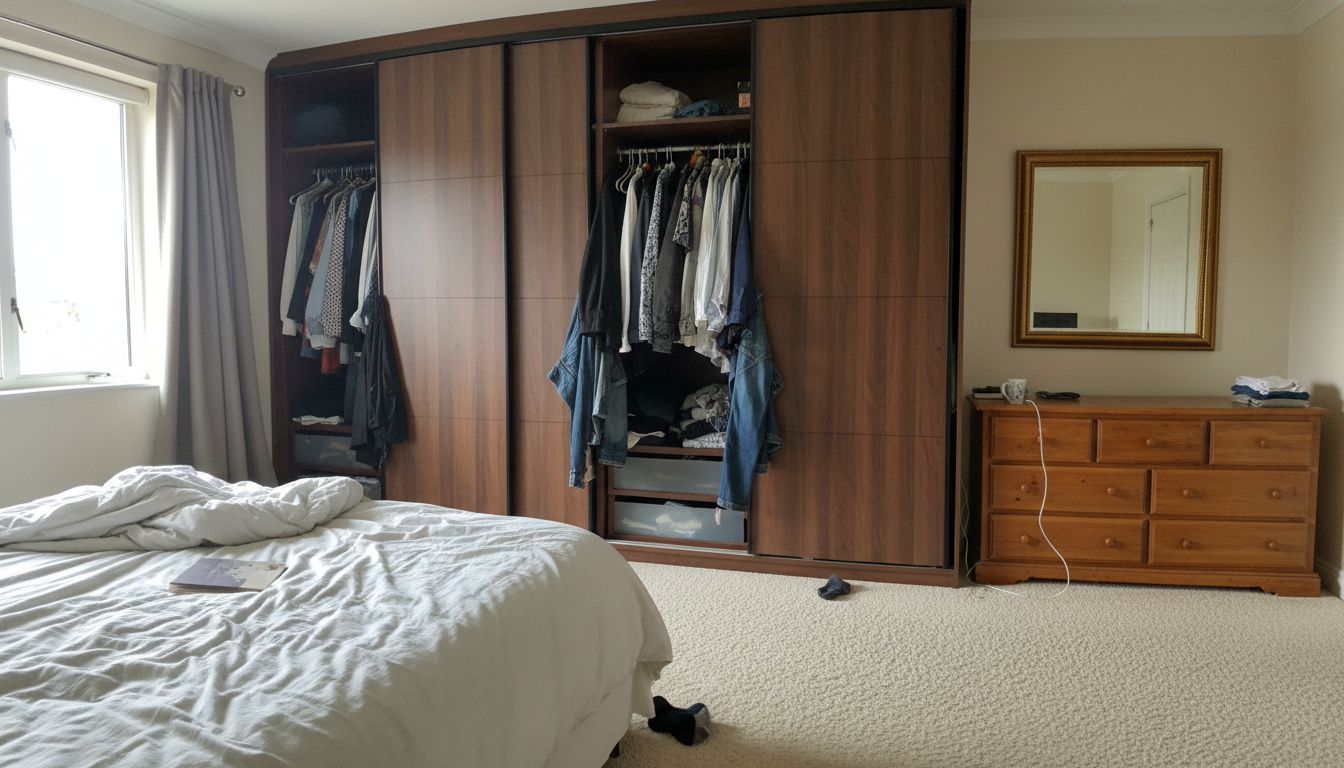
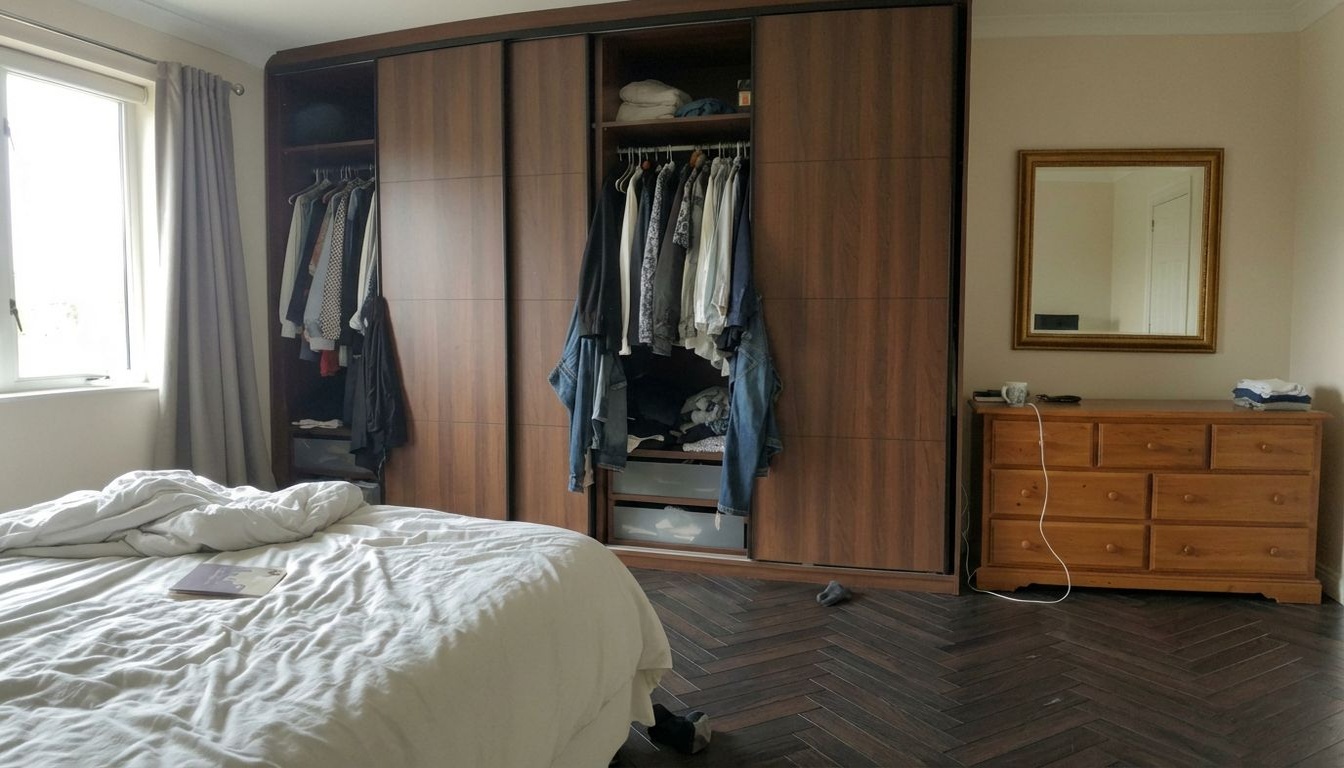
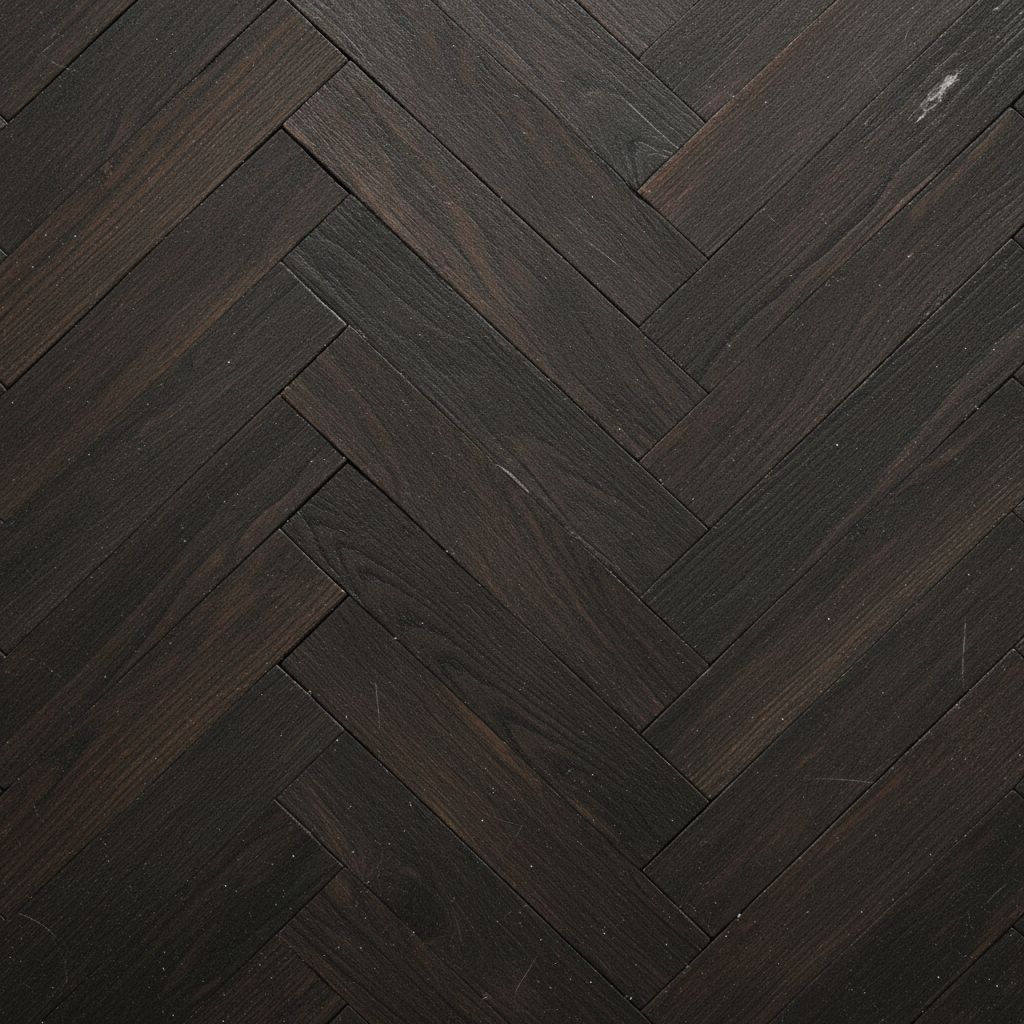
Compare flooring options.
Compare flooring options instantly. Switch from carpet to wide-plank hardwood or polished concrete to decide between cozy comfort and sleek modern elegance.
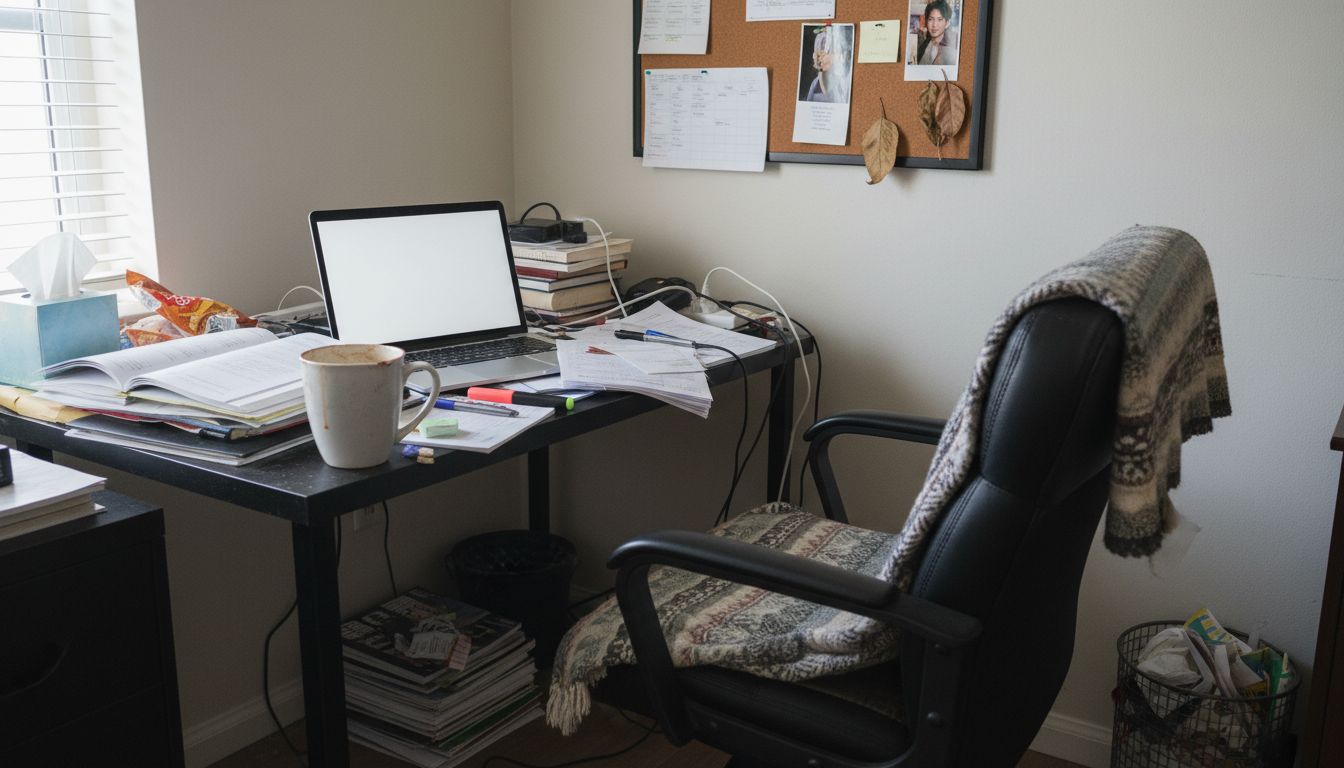

Home Office Wall Design
Boost productivity with a new office backdrop. Change your wall color or texture to create a workspace that inspires focus and creativity.

Explore More Capabilities
Discover what else you can achieve with RoomLab
Virtual Staging & Redesign
Clean up, de-stage, or restyle property photos for better listings.
3D to Photorealistic
Convert 3D models and renders into stunning photorealistic images.
Custom AI Prompts
Describe any transformation in natural language for unique results.
Simple, Transparent Pricing
Choose the plan that fits your needs. No hidden fees.
Pro
Perfect for personal projects
Billed €149 yearly
400 Credits/mo
Features
- 400 Credits
- Images auto-deleted after 1 month
- All generation modes included
Ultra
Best for professionals
Billed €399 yearly
1,100 Credits/mo
Features
- 1,100 Credits
- Images auto-deleted after 1 month
- HD Output HD
- All generation modes included
- Commercial License
Premium
For agencies and power users
Billed €899 yearly
3,000 Credits/mo
Features
- 3,000 Credits
- Images auto-deleted after 3 months Extended
- HD Output HD
- All generation modes included
- Priority Support
- Commercial License
Frequently Asked Questions
How much does each generation cost?
How long does it take to generate an image?
What happens if I run out of credits mid-month?
What are credits?
Do credits expire?
Can I upgrade my plan?
How long are my images stored?
Can I get a refund?
Can I get a receipt or invoice?
What are input photos?
What happens to my personal photos?
Professional Results. Fraction of the Cost.
Traditional rendering agencies charge $500+ per image and take days. RoomLab starts at €14.99/mo for professional speed and control.