Targeted AI Editing: Furniture & Materials
Make precise adjustments without redesigning the whole room. Selectively replace specific furniture pieces or swap out wall and floor materials in seconds to refine your interior design vision.
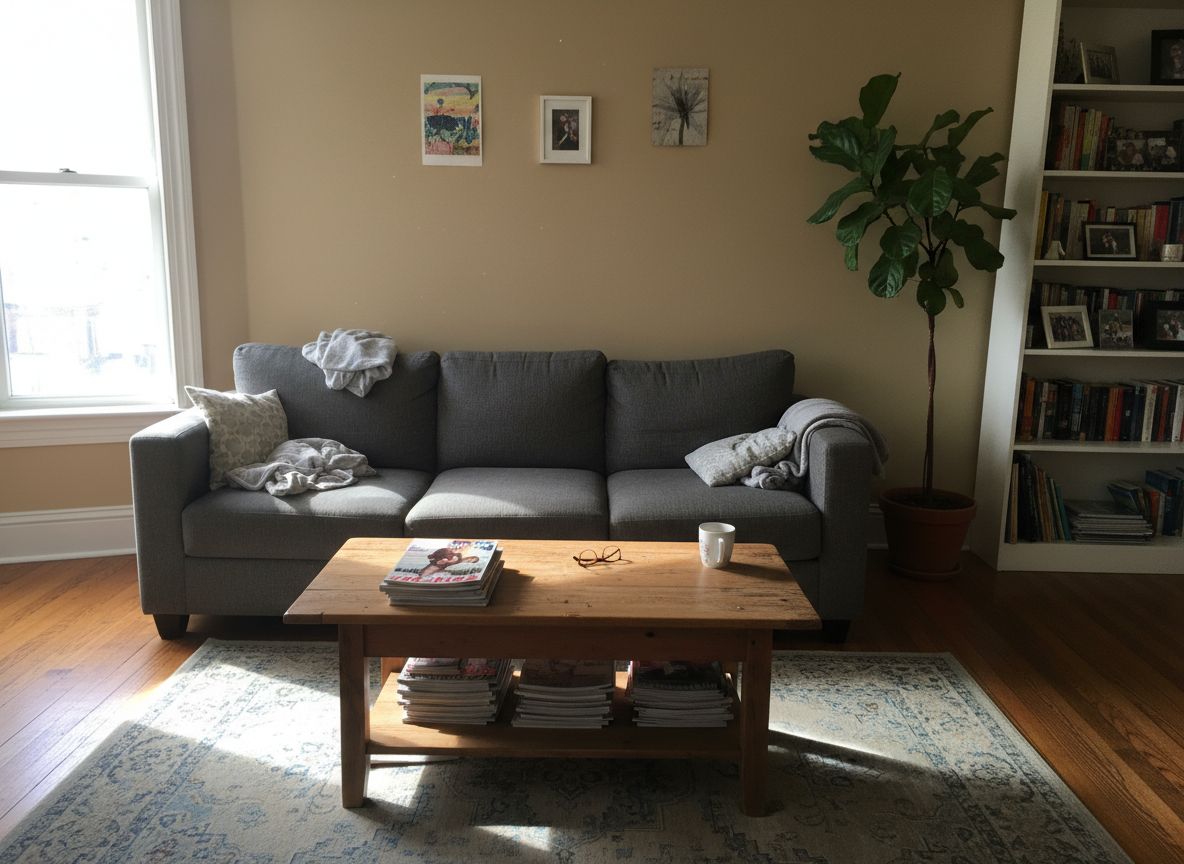

See How It Works
With less than 10 clicks, modify with precision the aspect of your room
Your Room
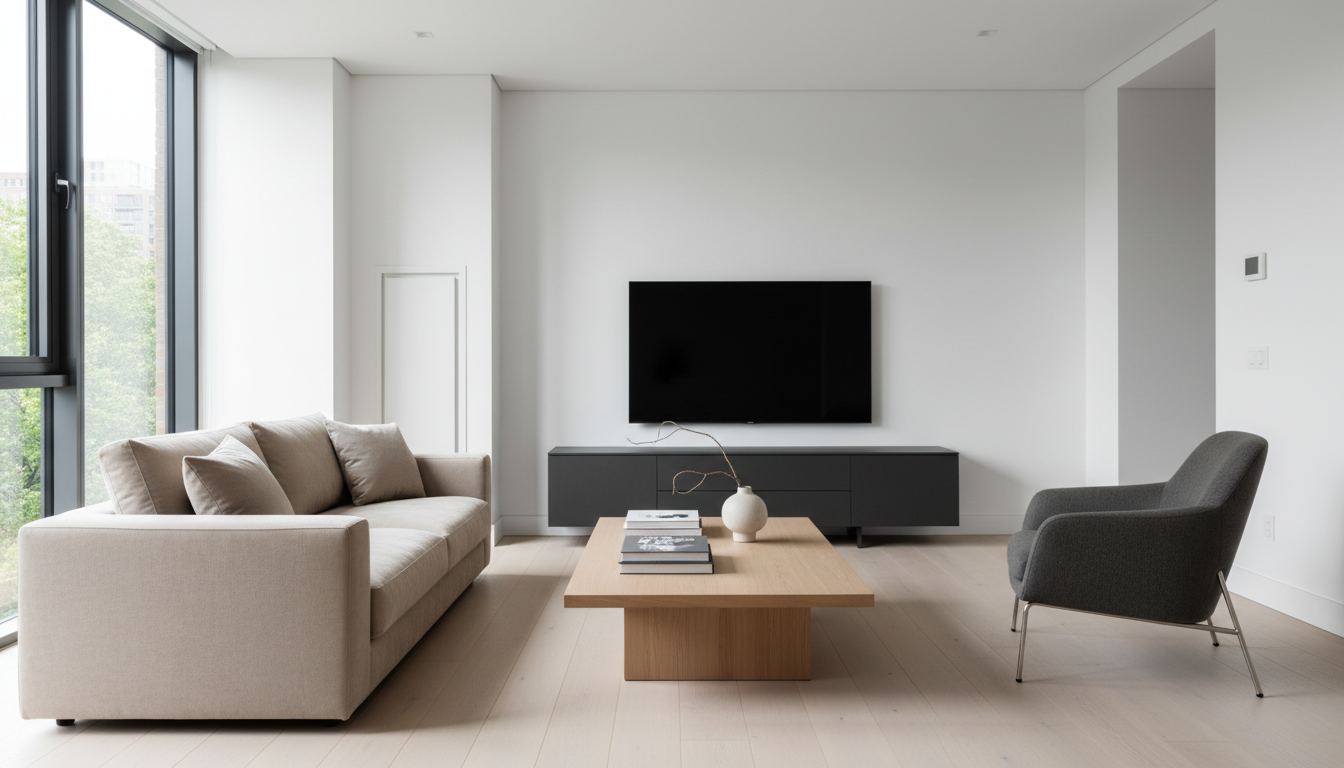
Pick a Style
AI Result
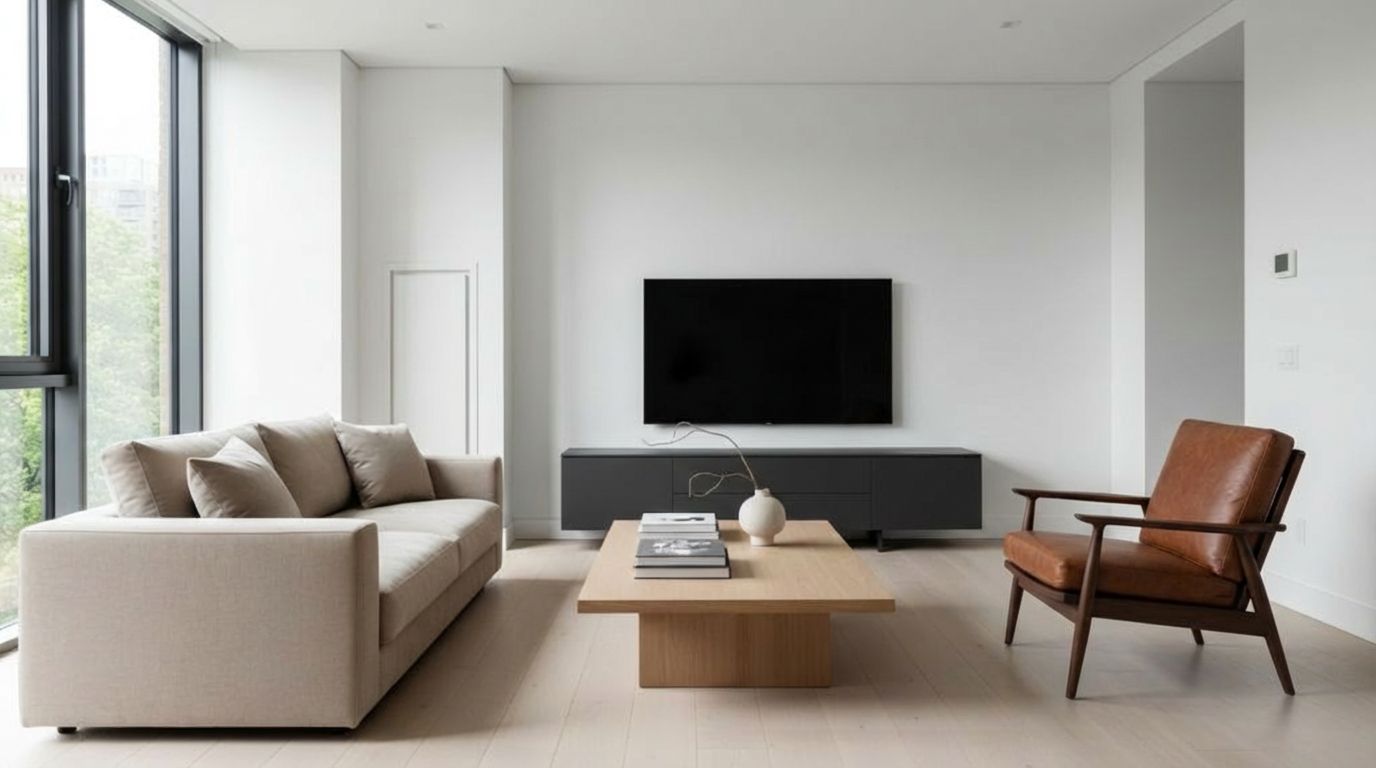
Modernize your seating.
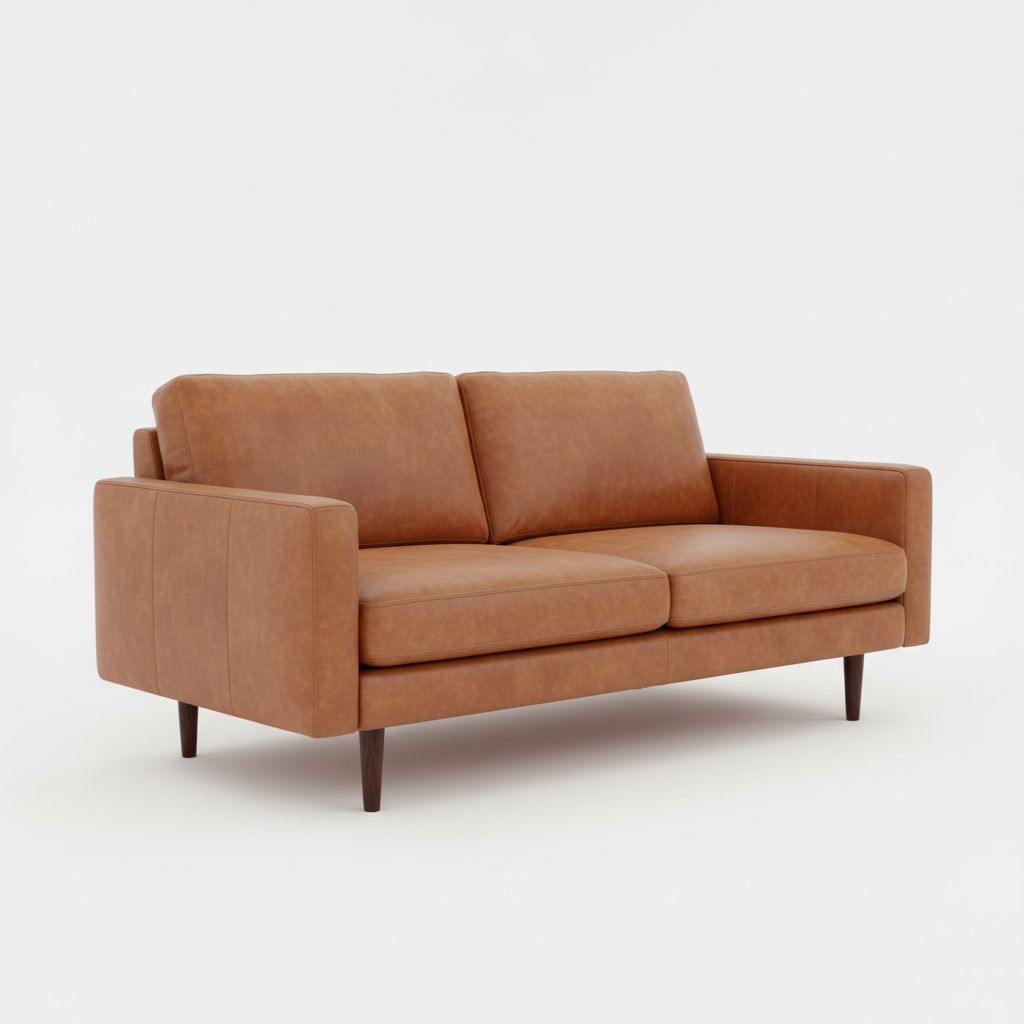
Modernize your living space instantly. Replace an outdated couch with a Mid-Century Modern sectional or a leather Chesterfield to see how a single piece changes the room's entire vibe.
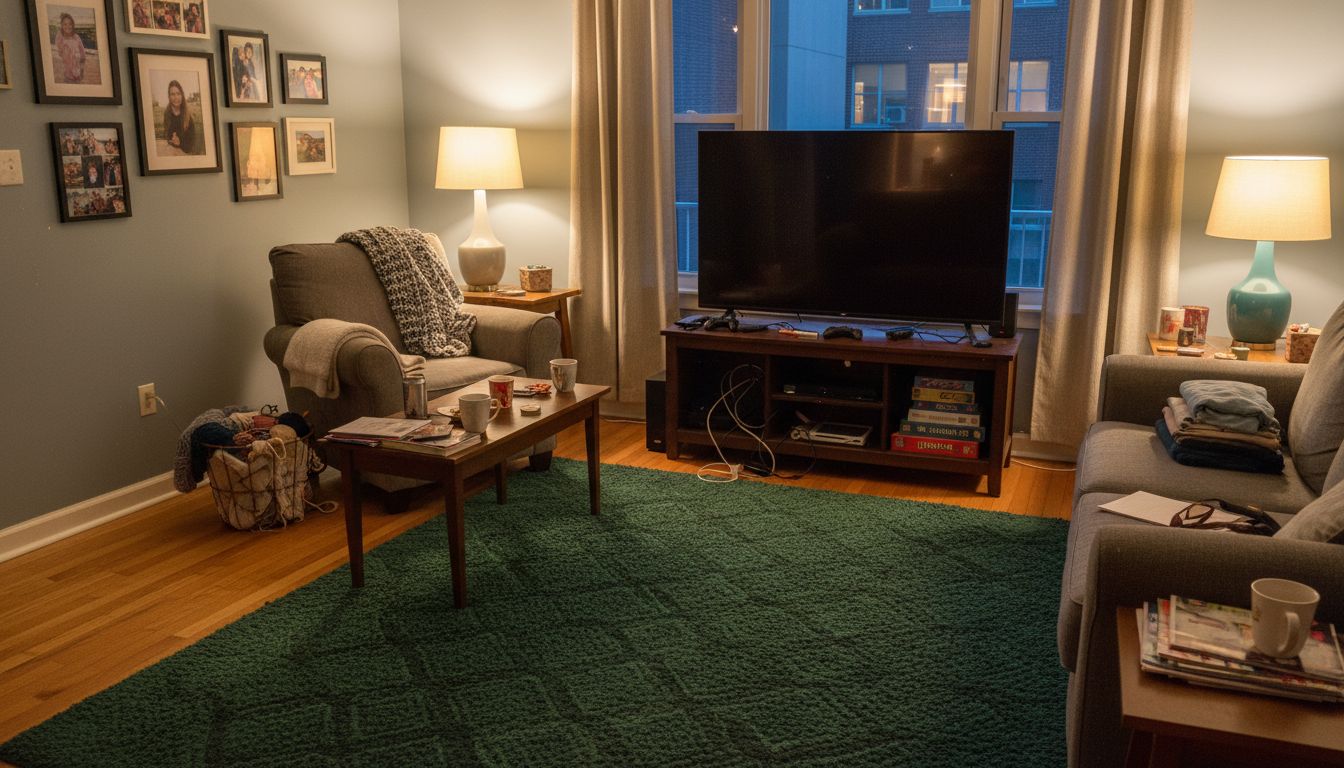

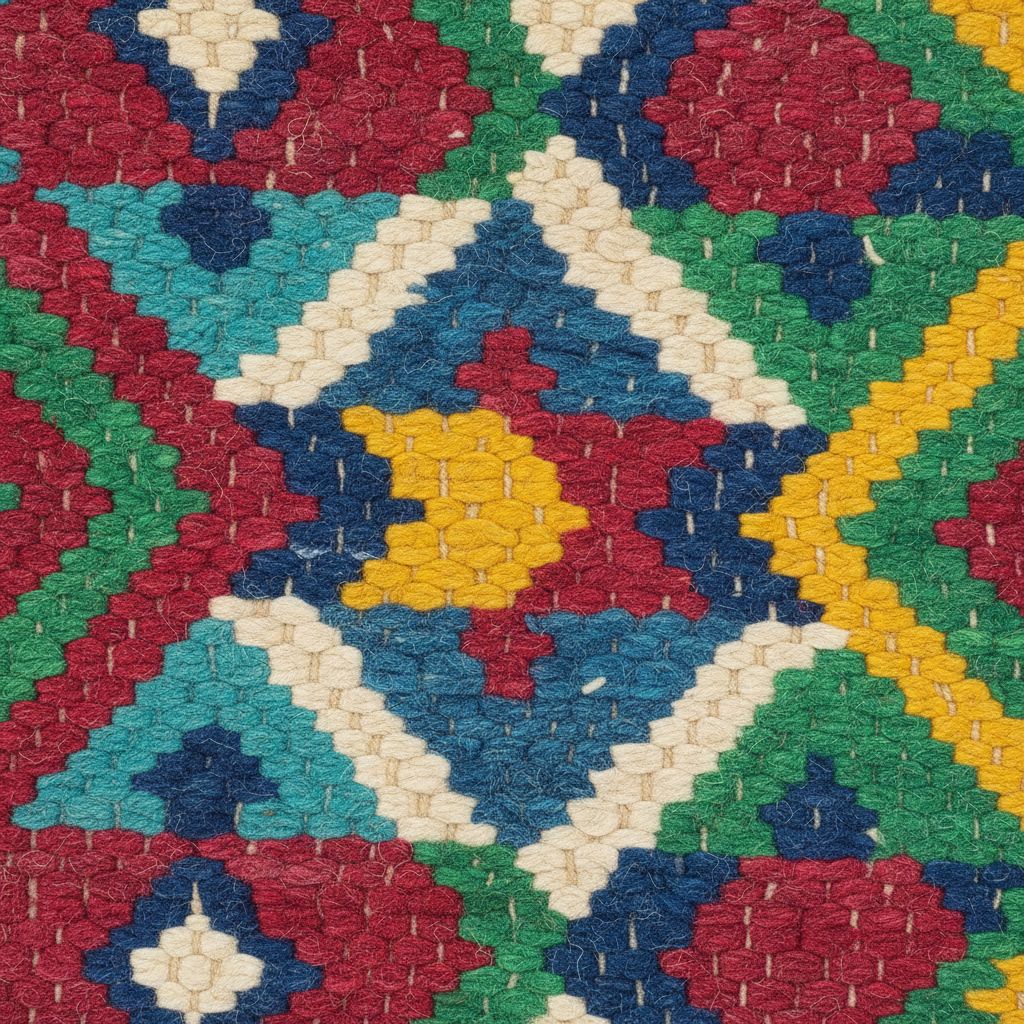
Cozy TV Room Rug Refresh
Add warmth to your TV room with a new rug texture. Visualize how different patterns and materials can completely change the cozy factor of your entertainment space.
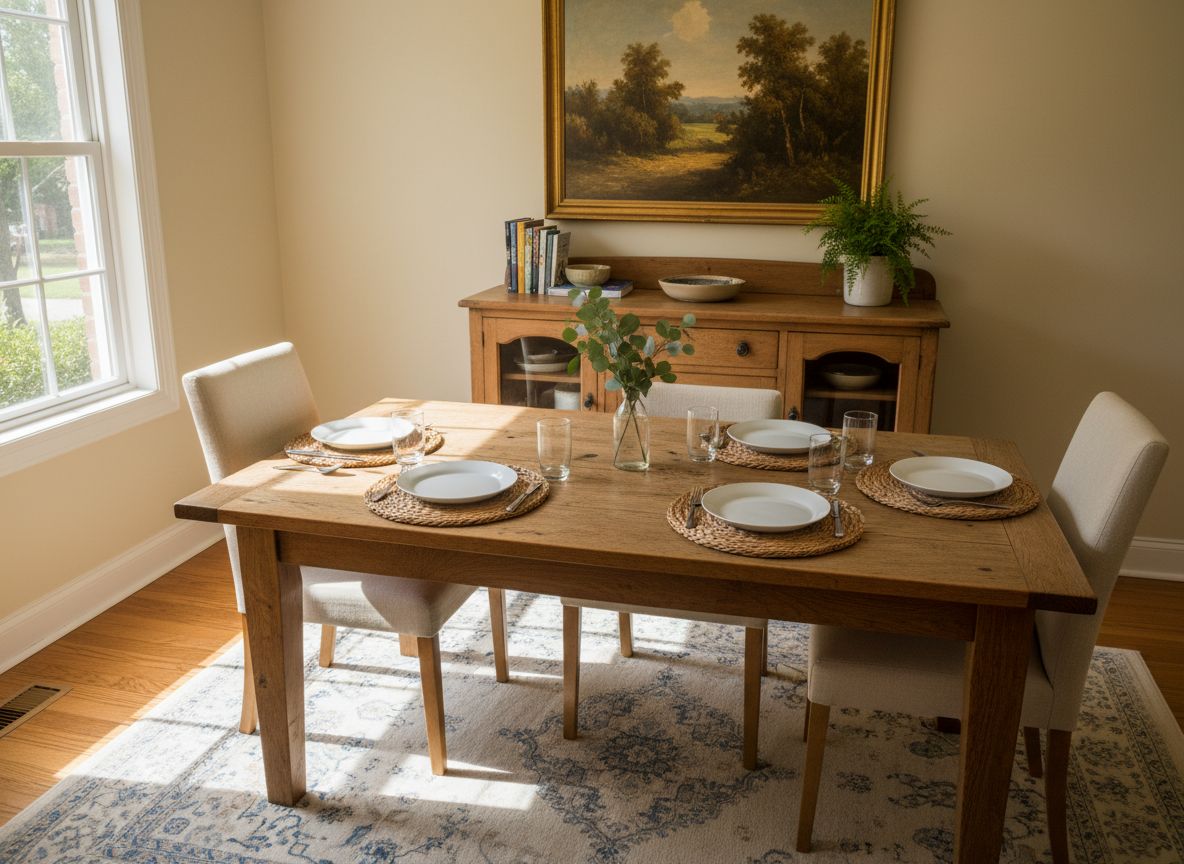
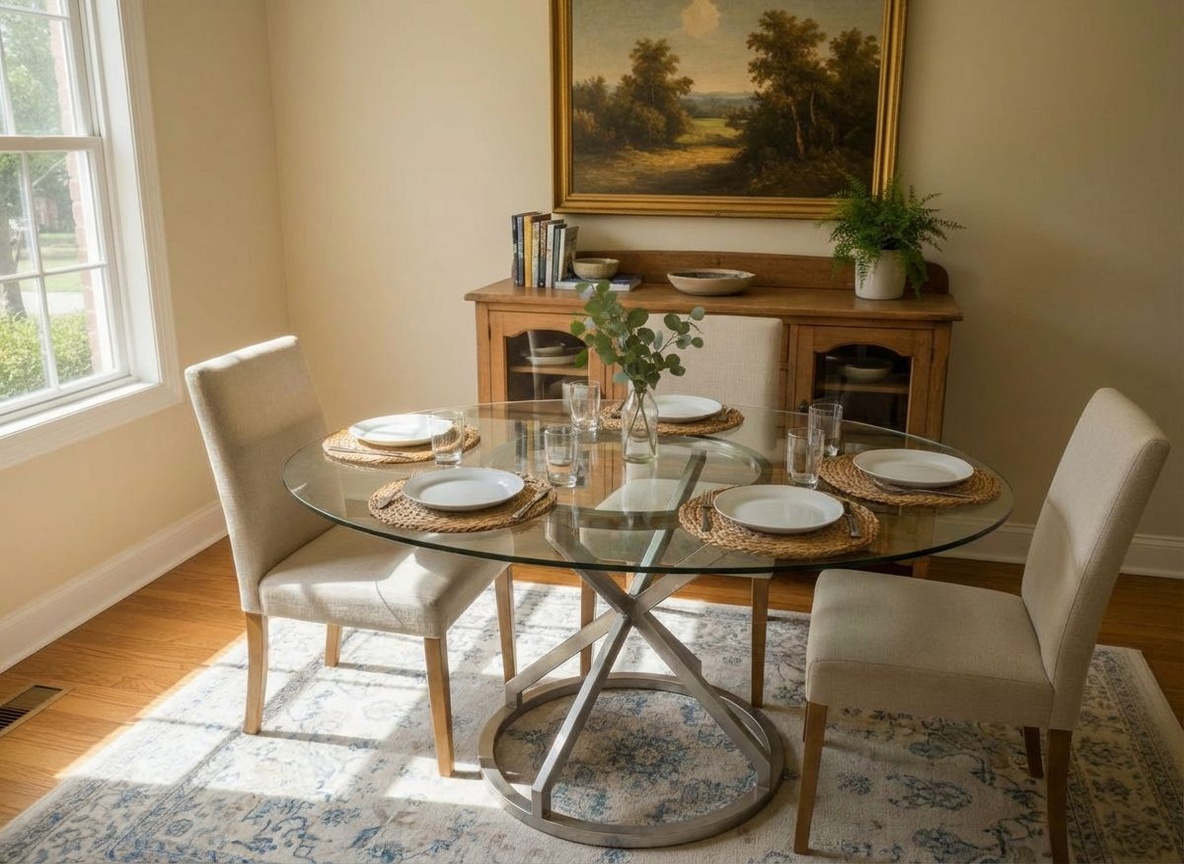
Optimize the breakfast nook.
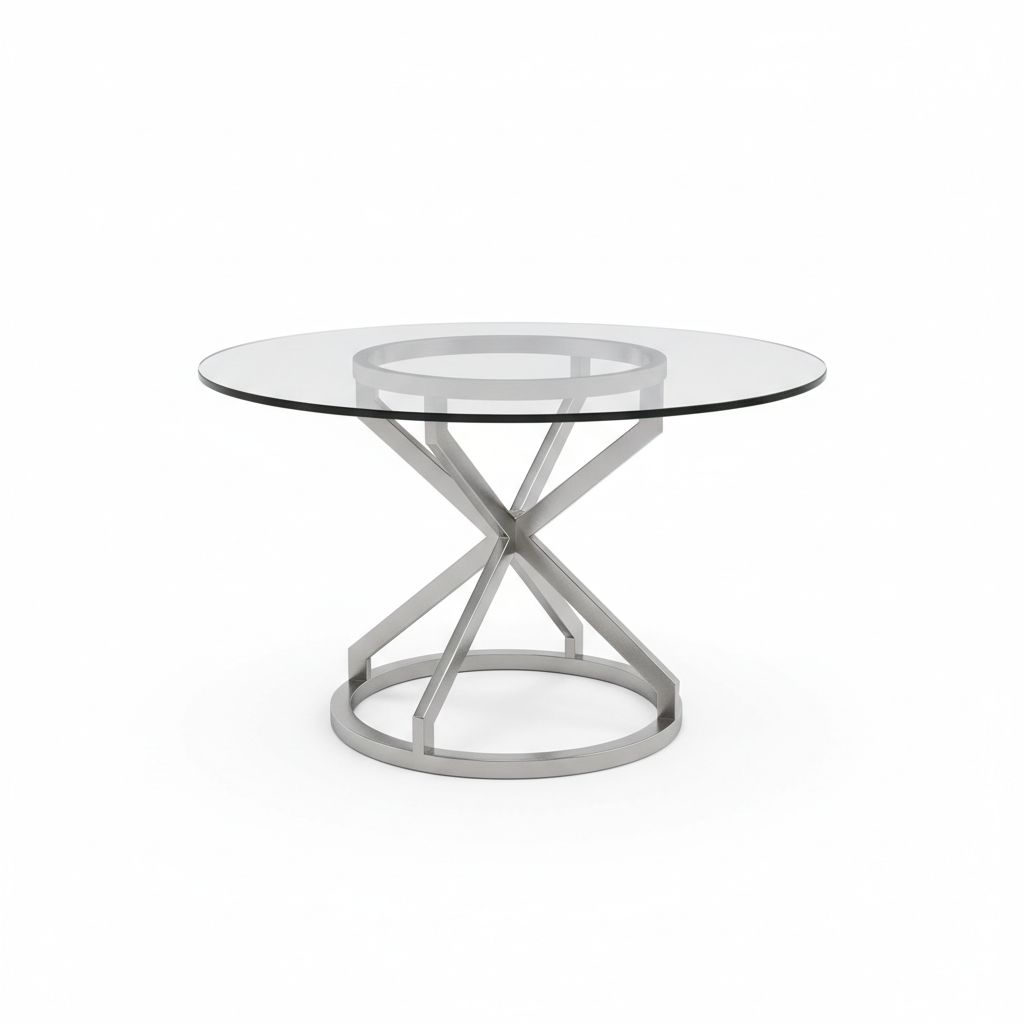
Optimize your dining area. Swap a rectangular table for a round bistro table to improve flow, or try a square dinette to maximize seating in tight corners.
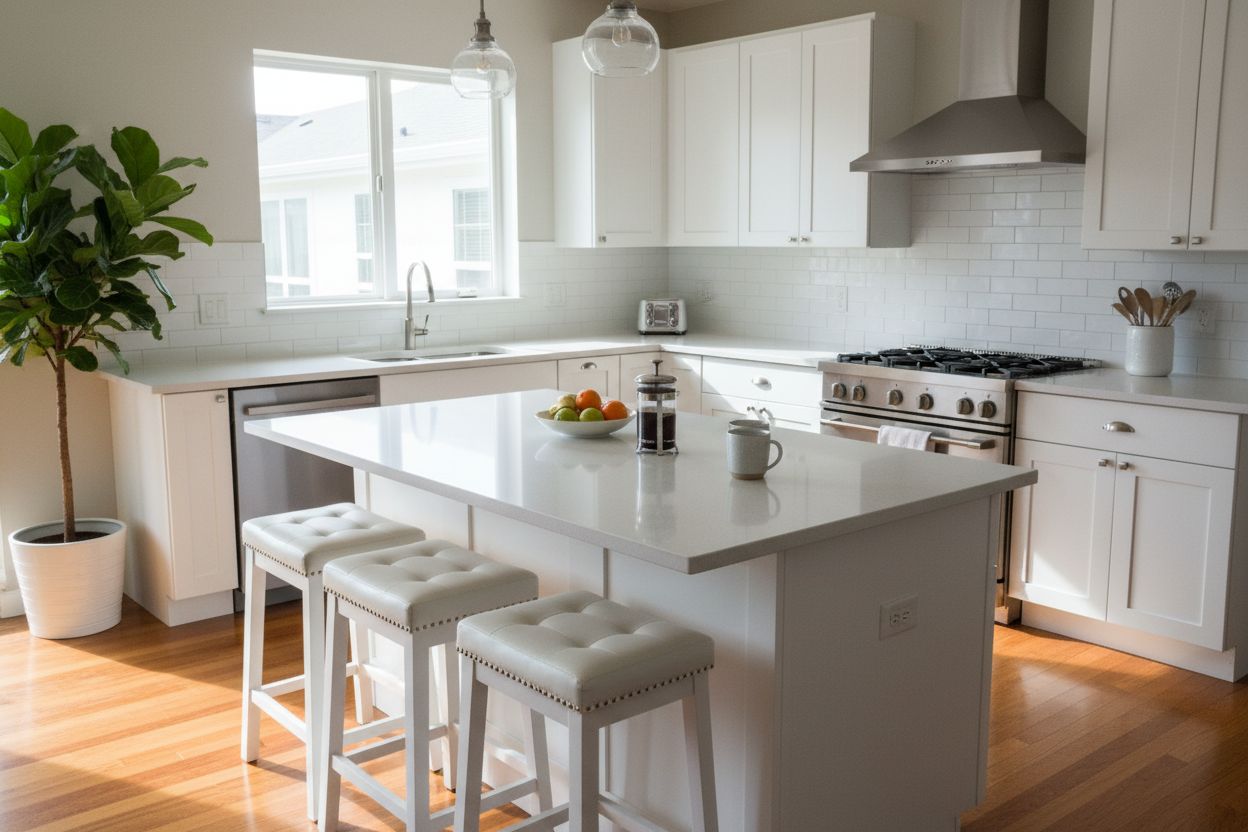
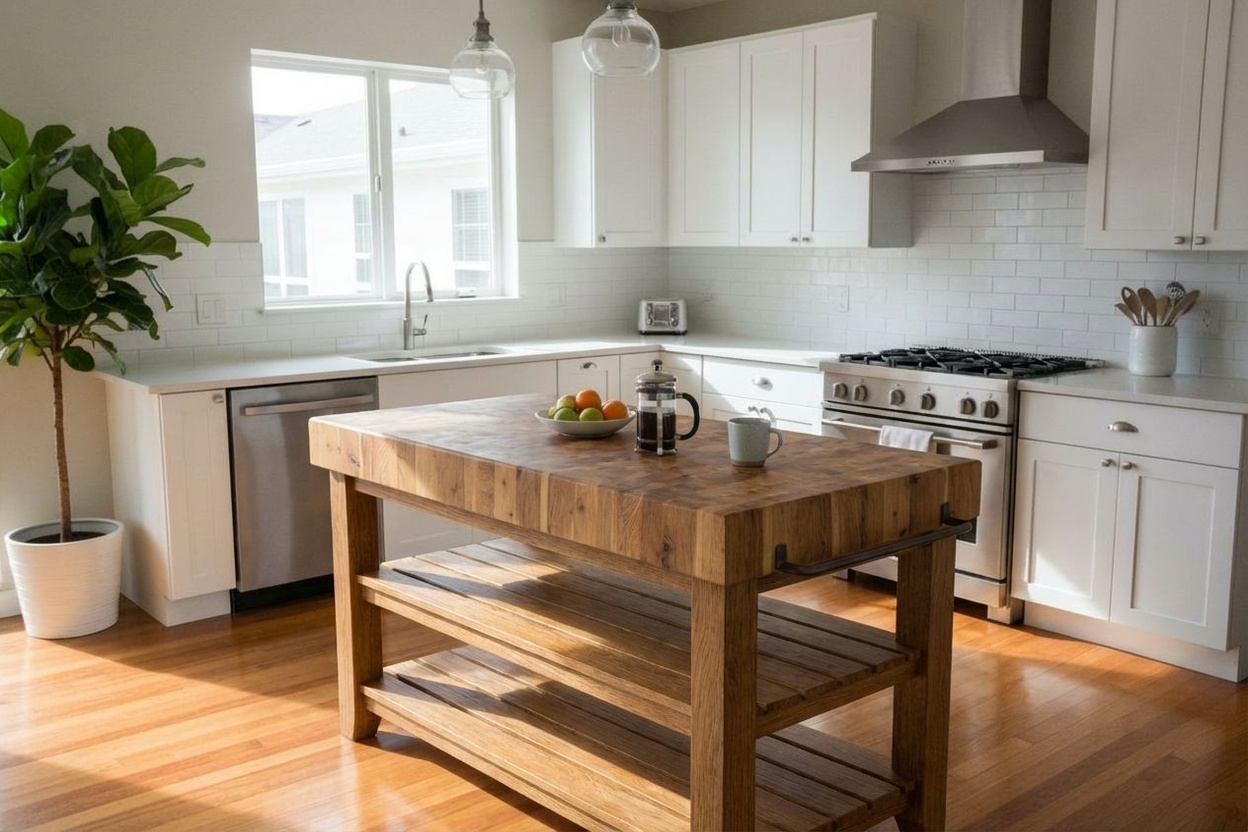
Refresh kitchen finishes.
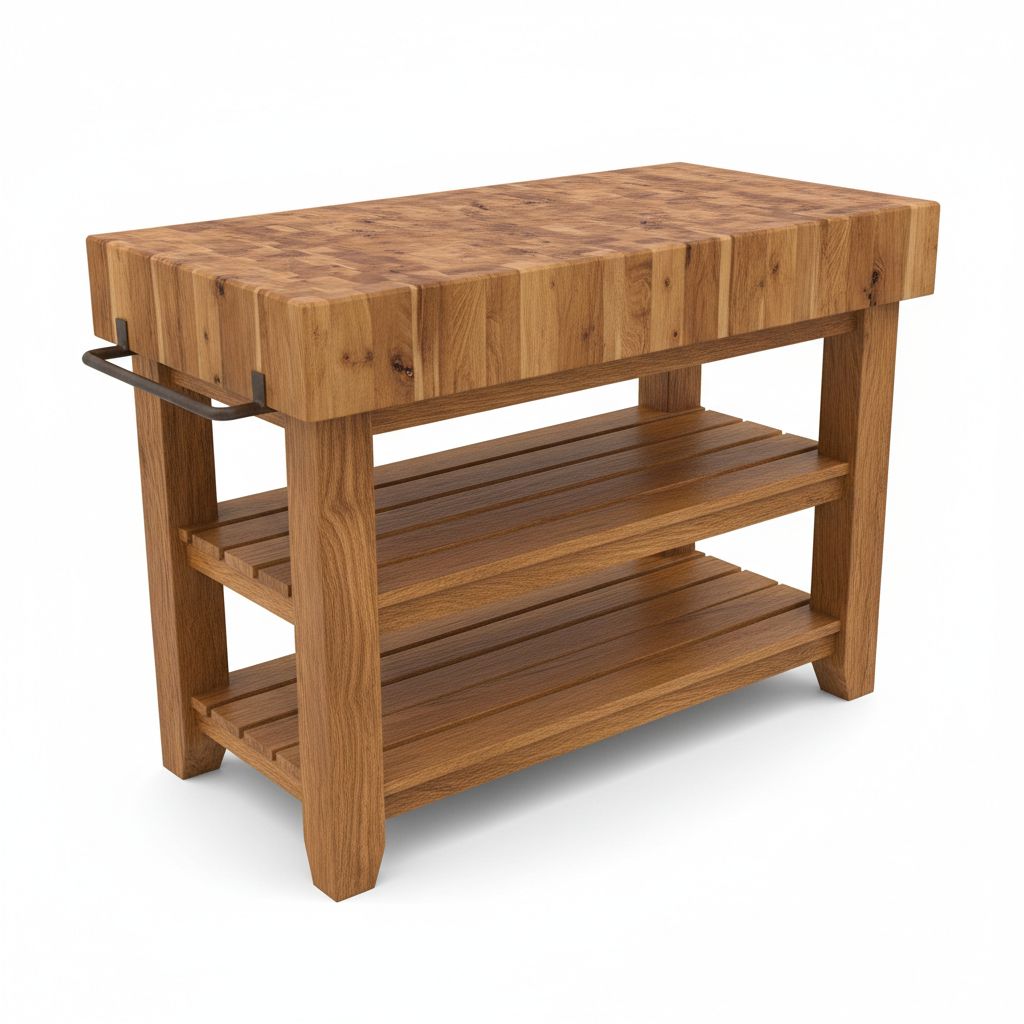
Refresh your kitchen's focal point. Change your island's finish to quartz, butcher block, or marble to match your new design scheme without replacing the cabinetry.
Explore More Capabilities
Discover what else you can achieve with RoomLab
Virtual Staging & Redesign
Clean up, de-stage, or restyle property photos for better listings.
3D to Photorealistic
Convert 3D models and renders into stunning photorealistic images.
Custom AI Prompts
Describe any transformation in natural language for unique results.
Simple, Transparent Pricing
Choose the plan that fits your needs. No hidden fees.
Pro
Perfect for personal projects
Billed €149 yearly
400 Credits/mo
Features
- 400 Credits
- Images auto-deleted after 1 month
- All generation modes included
Ultra
Best for professionals
Billed €399 yearly
1,100 Credits/mo
Features
- 1,100 Credits
- Images auto-deleted after 1 month
- HD Output HD
- All generation modes included
- Commercial License
Premium
For agencies and power users
Billed €899 yearly
3,000 Credits/mo
Features
- 3,000 Credits
- Images auto-deleted after 3 months Extended
- HD Output HD
- All generation modes included
- Priority Support
- Commercial License
Frequently Asked Questions
How much does each generation cost?
How long does it take to generate an image?
What happens if I run out of credits mid-month?
What are credits?
Do credits expire?
Can I upgrade my plan?
How long are my images stored?
Can I get a refund?
Can I get a receipt or invoice?
What are input photos?
What happens to my personal photos?
Professional Results. Fraction of the Cost.
Traditional rendering agencies charge $500+ per image and take days. RoomLab starts at €14.99/mo for professional speed and control.