For Architects

AI Rendering for Architects Photorealistic in Seconds

Stop waiting days for render farms. Transform your 3D models into stunning client-ready visualizations instantly. Control lighting, season, and environment with a few clicks.

SketchUp & Revit support
Instant lighting control
Weather & season options

5 free generations for every new account
or
3D Model 3D Model
Photorealistic Photorealistic
3D to Photorealistic

Transform Models into Marketing Visuals

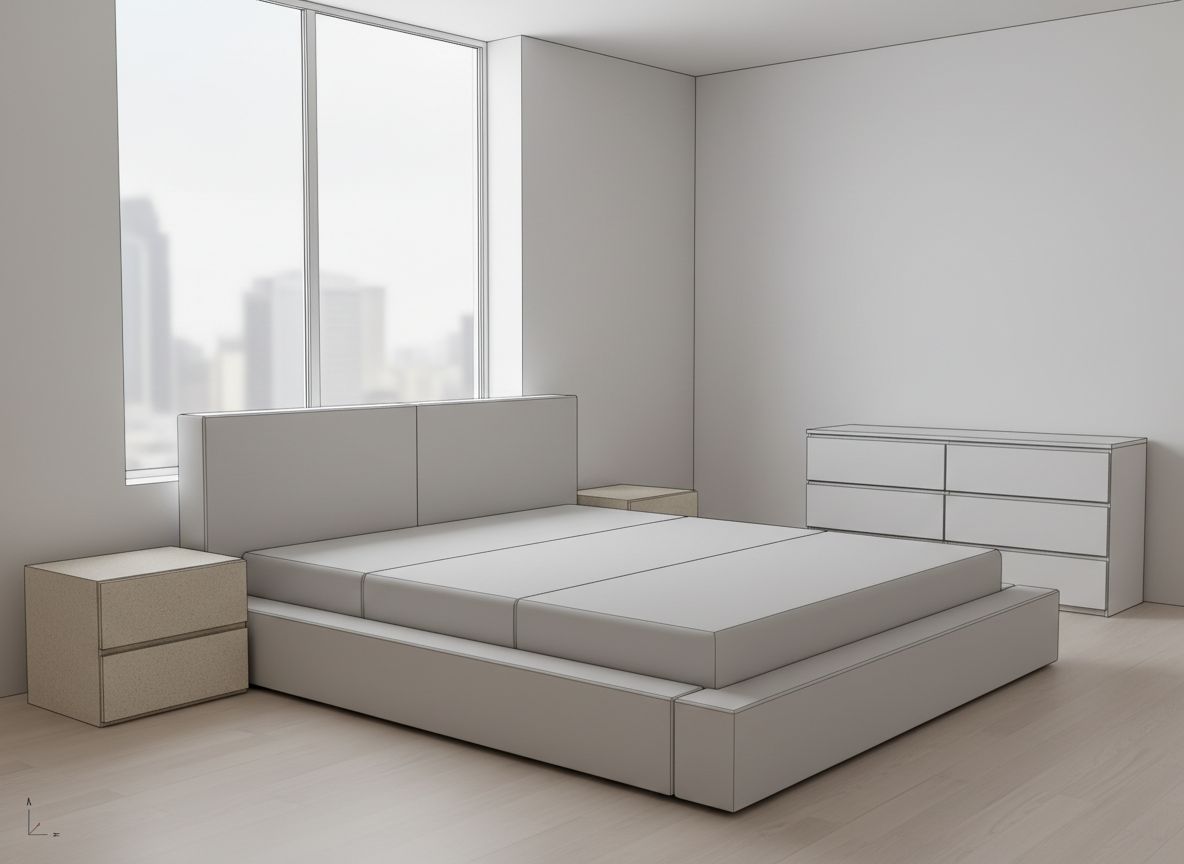
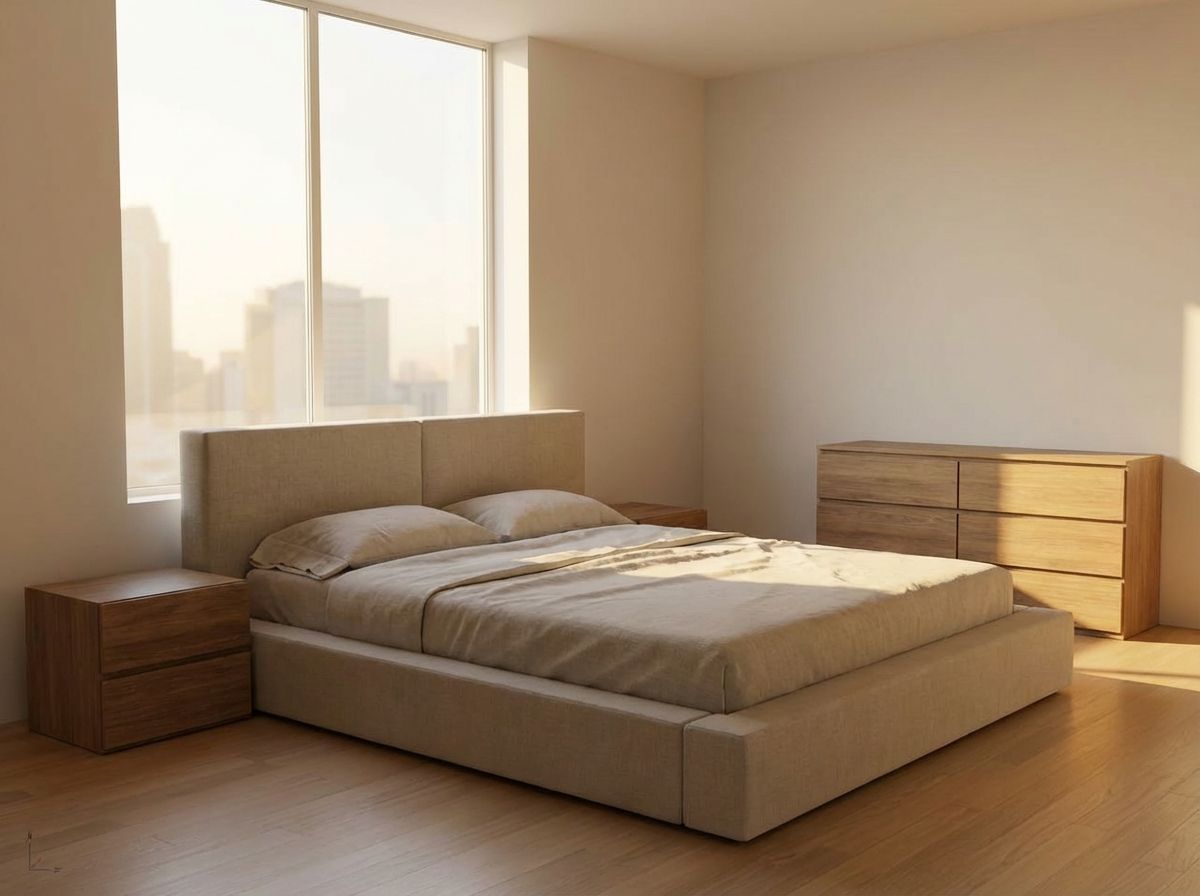
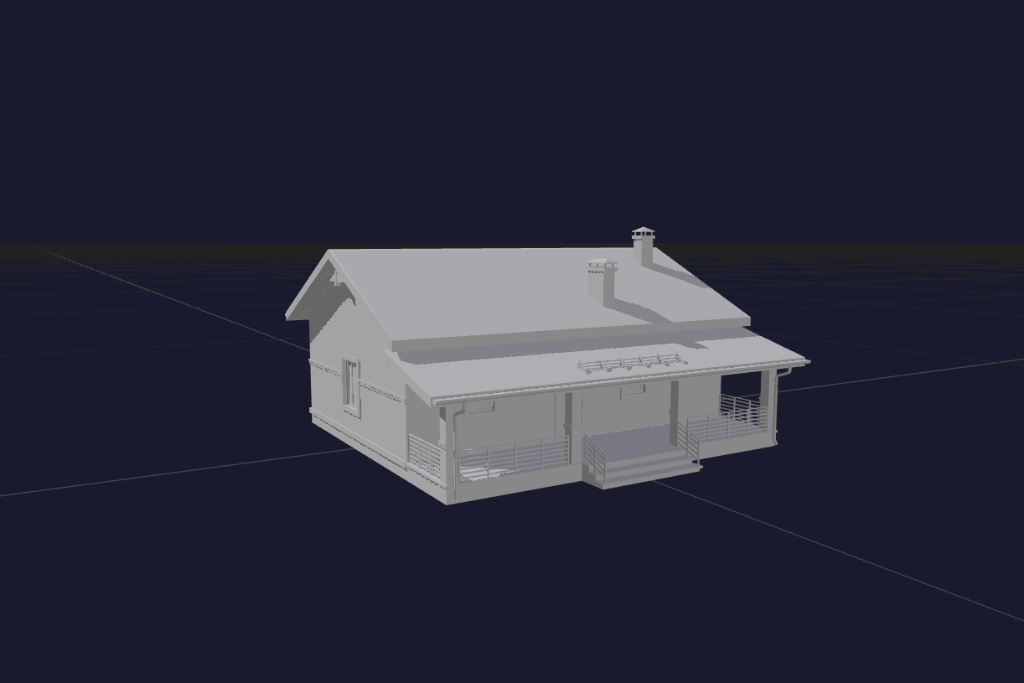
Upload a screenshot from SketchUp, Revit, or any CAD software. Get a photorealistic render in seconds with realistic materials, lighting, and environment.

  • Works with any 3D software output
  • Automatic material enhancement
  • Realistic lighting and shadows
  • Professional-quality results
Explore Render Mode
3D Model 3D Model
AI Render AI Render
Environmental Control

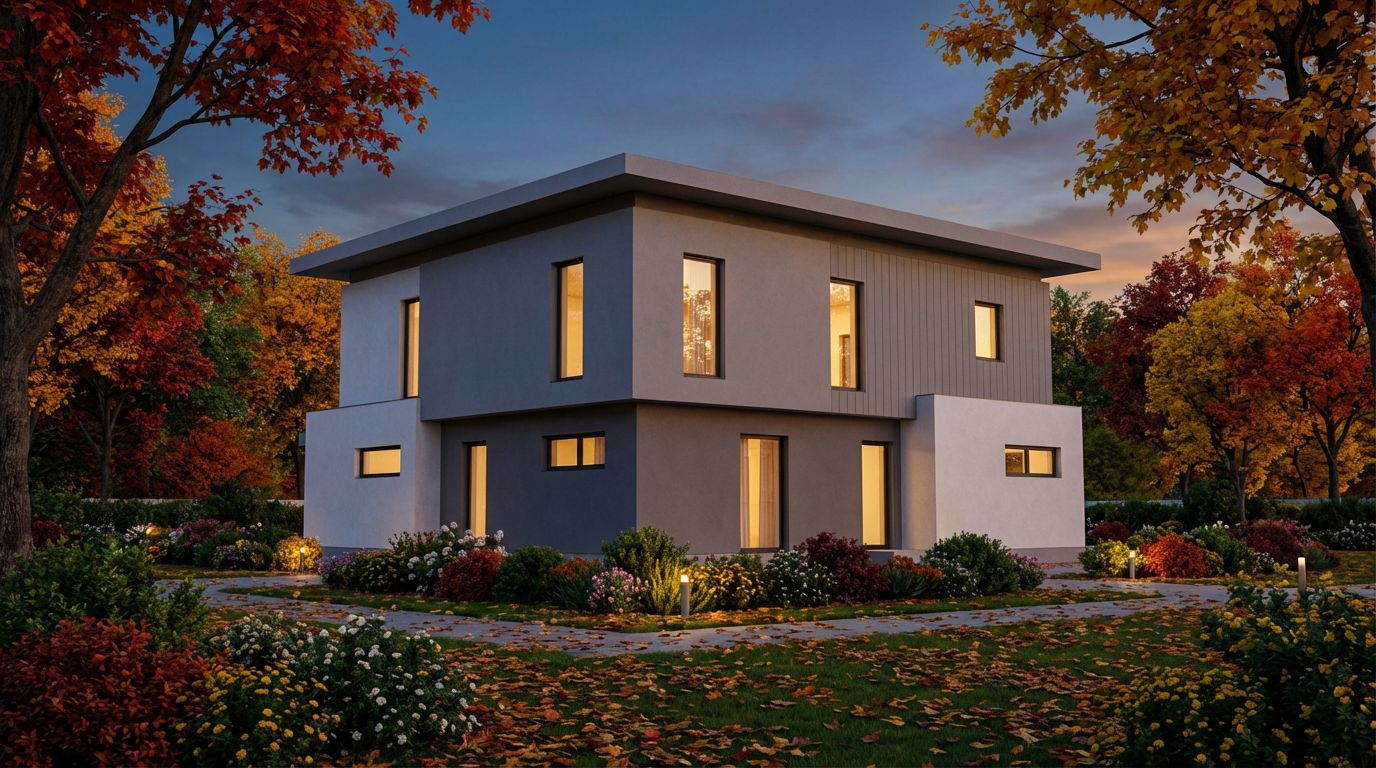
Customize Lighting, Season, and Landscape

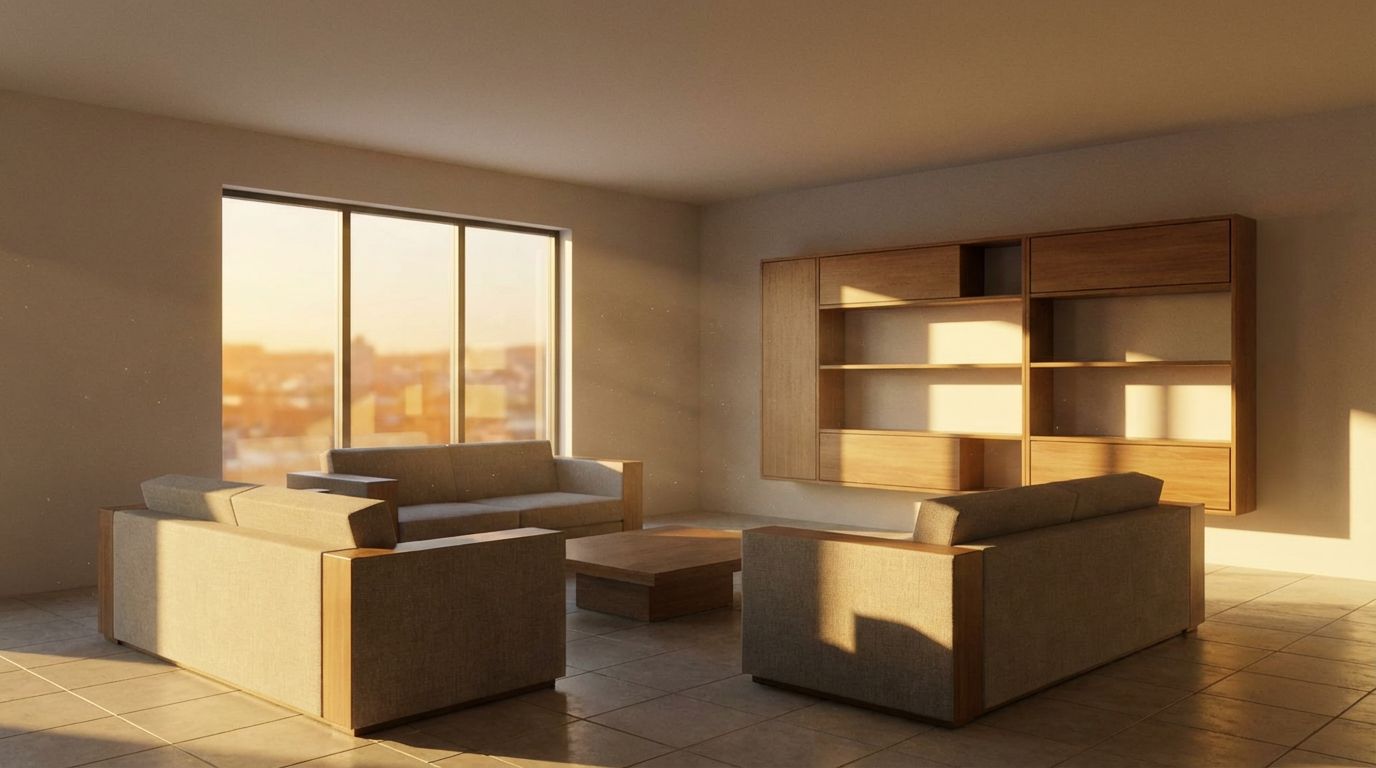
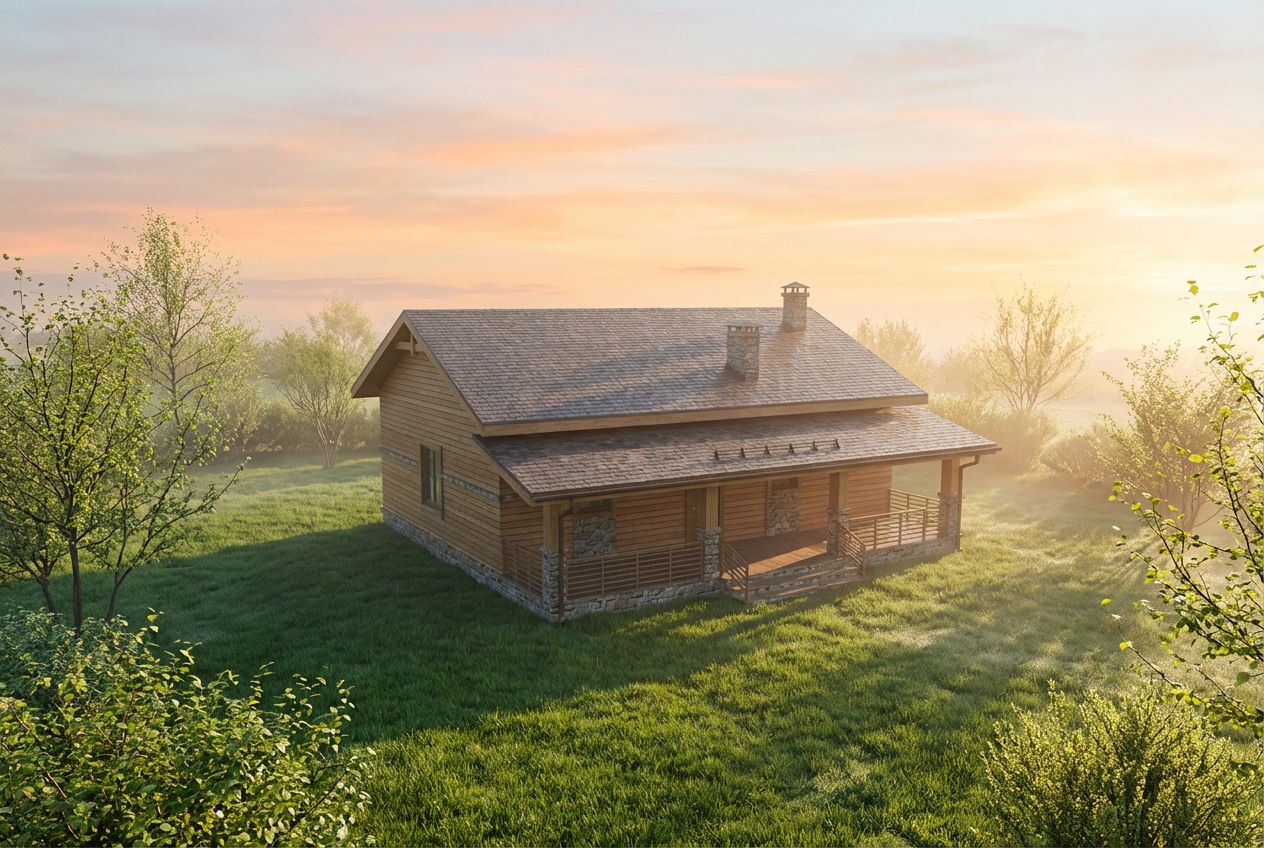
Show the same project at golden hour, in winter snow, or with lush summer landscaping. Give clients the full picture of how their project will look in different conditions.

  • Morning, midday, golden hour, and night lighting
  • Spring, summer, autumn, and winter seasons
  • Garden, neighborhood, and landscape options
  • Create multiple presentations from one model
3D Model 3D Model
With Environment With Environment
Exterior Visualization

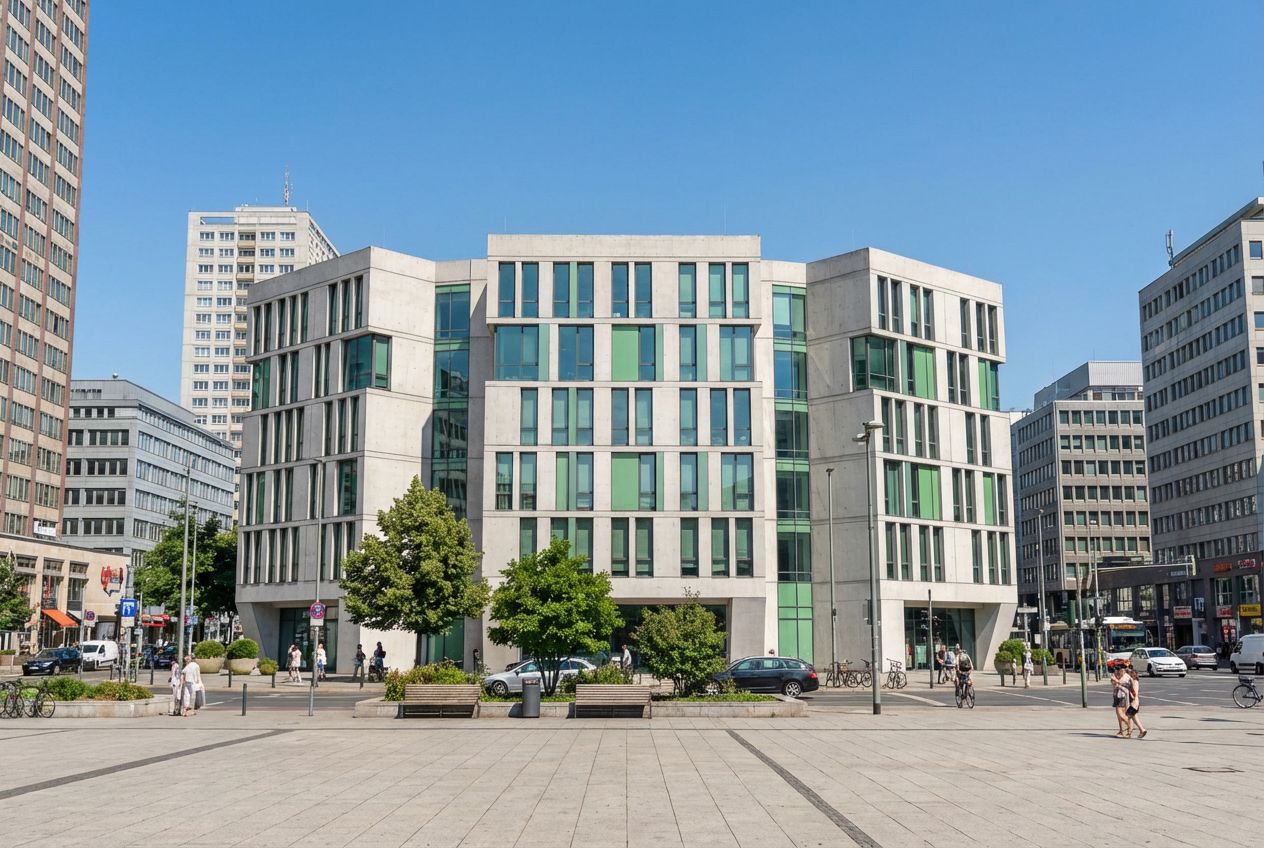
Exterior and Interior Renders

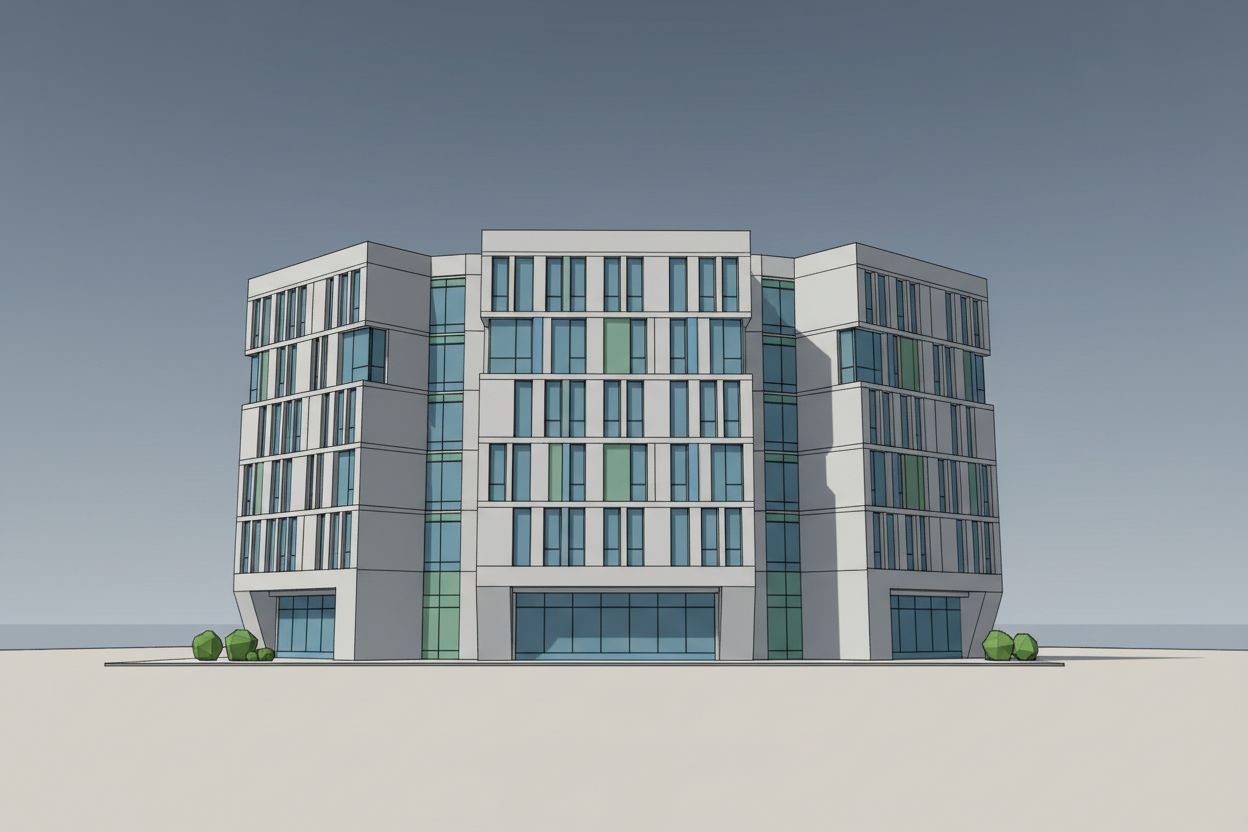
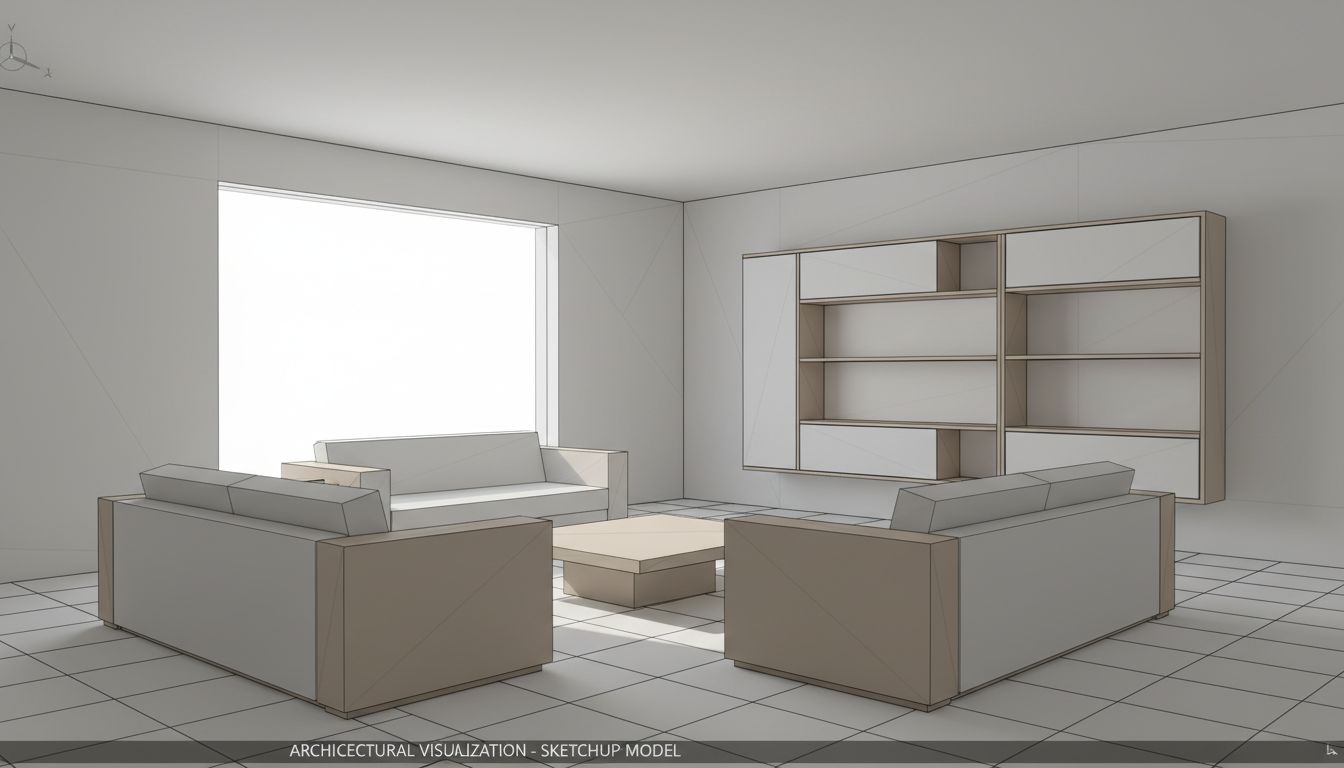
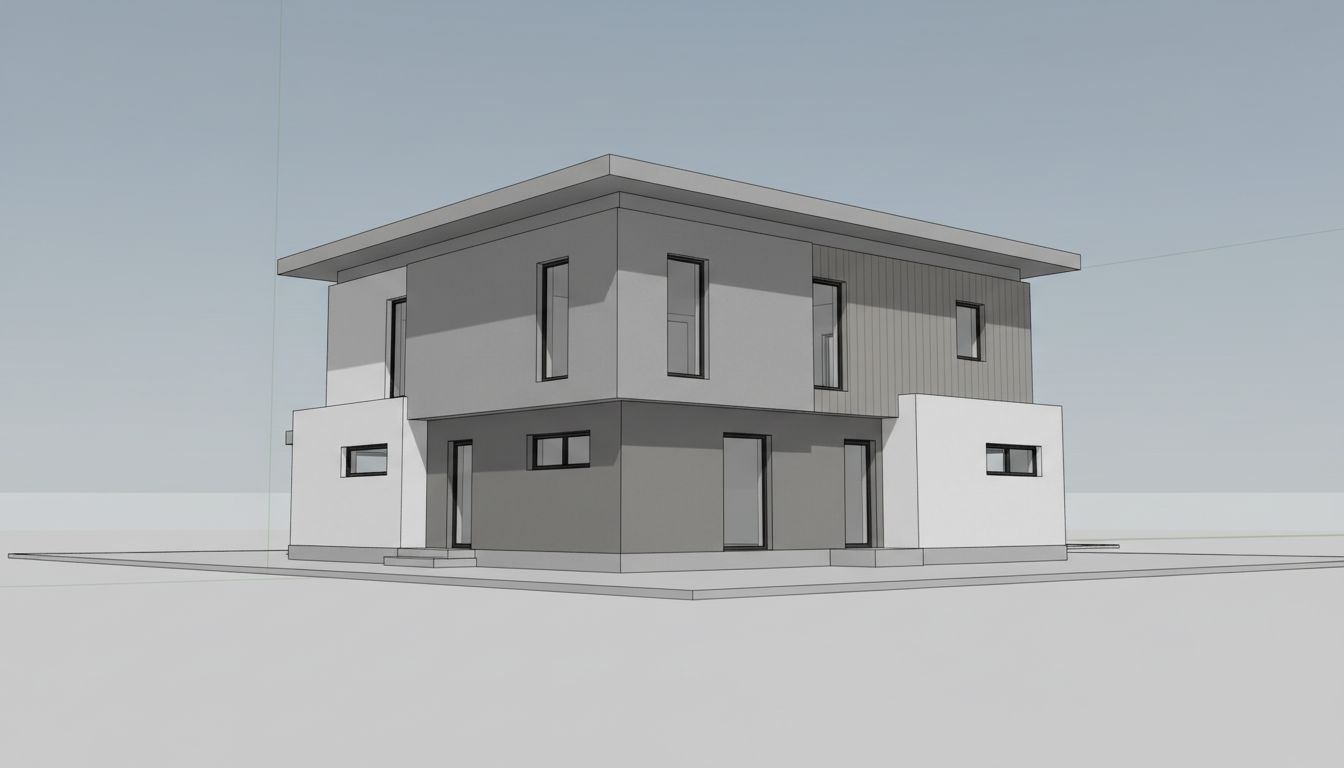
Whether you're presenting a house facade, commercial building, or interior space, get professional visualization quality without the complexity of traditional rendering software.

  • Residential and commercial exteriors
  • Interior spaces with natural lighting
  • Contextual surroundings automatically added
  • Client presentation ready
CAD Model CAD Model
Marketing Ready Marketing Ready
Live Render Preview

Experience Photorealistic Rendering Instantly

Visualize your 3D architectural models in various atmospheric conditions. Switch between lighting, seasons, and environments to see the power of AI rendering.

1

3D Model Input

3D Model
3D model render input
2

Select Options

Time of Day
Season
Landscape
3

Photorealistic Result

Morning - Spring - Grass
A wooden cabin in bright morning sunlight, sitting on a fresh green lawn with a clear sky and soft morning mist in the background.
AI-enhanced architectural visualization with custom settings

Pay only for the images you want to generate

All users get all features.

Image to HD Replace textures Replace furniture Render interiors Render exteriors Redesign entire rooms Empty rooms Clean rooms Enable your imagination...
Monthly Yearly 2 months free

Pro

€14.99 /mo

40 Images

400 Credits

Premium

€89.99 /mo

300 Images

3,000 Credits

Have any question?

How much does each generation cost?
Each generation uses credits: Standard mode uses ~10 credits, Fast mode uses ~5 credits, and HD output adds +2 credits to any generation.
How long does it take to generate an image?
A standard generation takes around 25 seconds. Using Fast mode reduces this to around 5 seconds. Adding HD output adds approximately 5 seconds to the generation time.
What happens if I run out of credits mid-month?
You can always purchase a credit refill pack anytime during the month if you need more credits before your next billing cycle.
What are credits?
Credits are the currency that powers every generation. Different modes consume different amounts: Standard uses ~10 credits, Fast uses ~5 credits, and HD adds +2 credits.
Do credits expire?
Credits are refreshed each billing cycle. Yearly subscribers receive credits monthly (drip-feed), not all at once. Unused credits do accumulate and roll over to the next month.
Can I upgrade my plan?
Yes! You can upgrade anytime. Your remaining credits will carry over to your new plan.
How long are my images stored?
Generated images and history are automatically deleted 1 month after creation (Pro/Ultra) or 3 months (Premium). Unused input images are also deleted after the same period of inactivity. Download your images before they expire!
Can I get a refund?
No, we cannot offer refunds because generation costs are already incurred on our end when you use the service.
Can I get a receipt or invoice?
Yes! After each payment, you receive an email confirmation. From that email, you can request a detailed invoice for your records.
What are input photos?
Input photos are the images you upload to transform. For best results, use well-lit photos taken straight-on and aligned with the room. We continuously update our models to ensure the best performance.
What happens to my personal photos?
Your photos are securely stored in our database and remain completely private. We do not share or use your photos for any purpose other than generating your designs.
What happens if I cancel my subscription?
If you cancel your subscription, you can still use any remaining credits you have until they run out.

Professional Results. Fraction of the Cost.

Traditional rendering agencies charge $500+ per image and take days. RoomLab starts at €14.99/mo for professional speed and control.

5 free generations for every new account