Build a dining room around your favorites
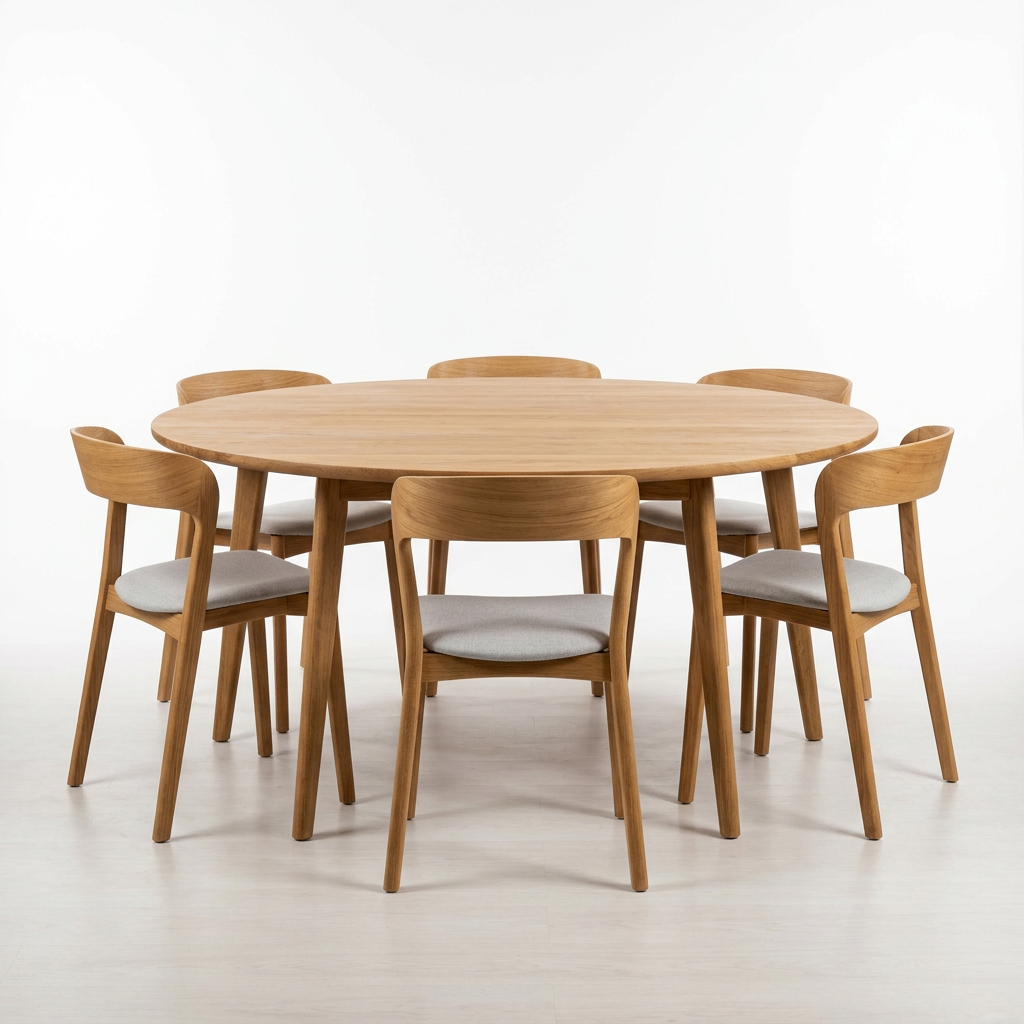
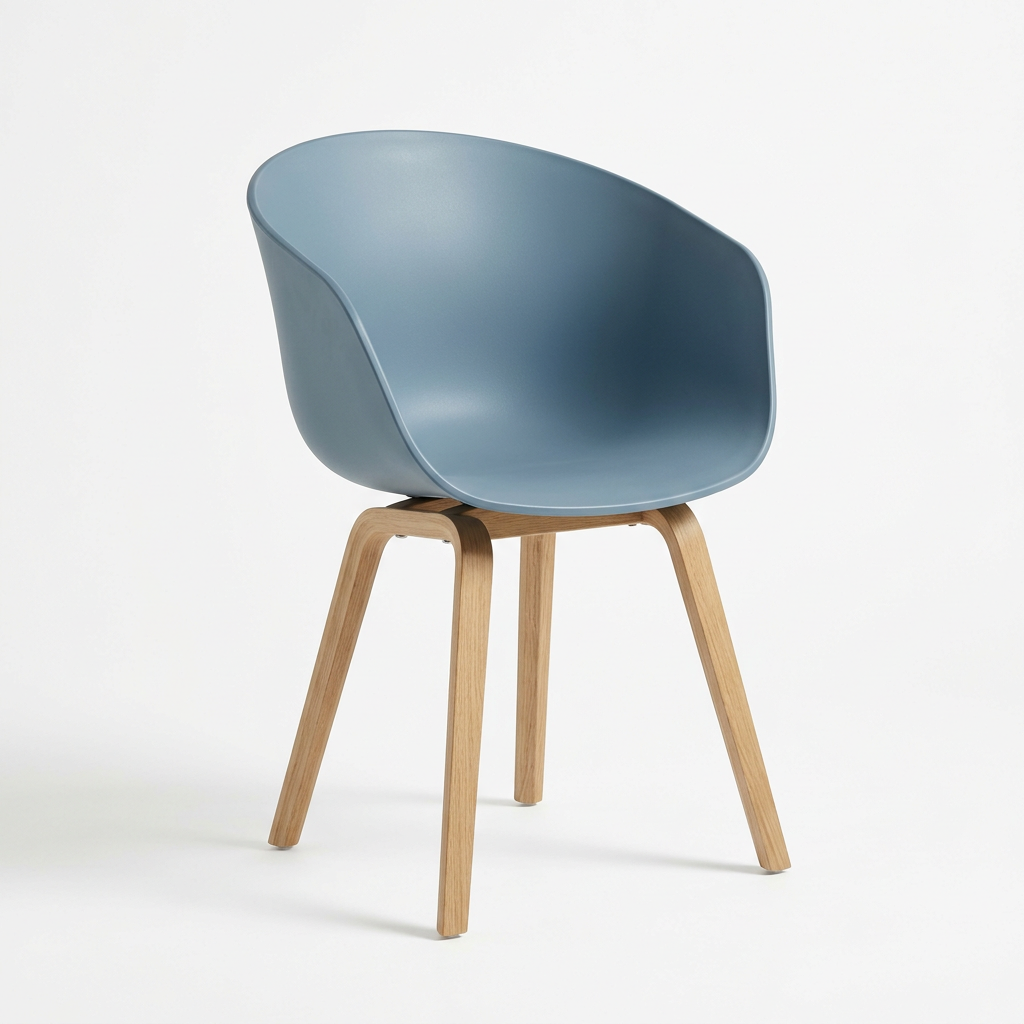
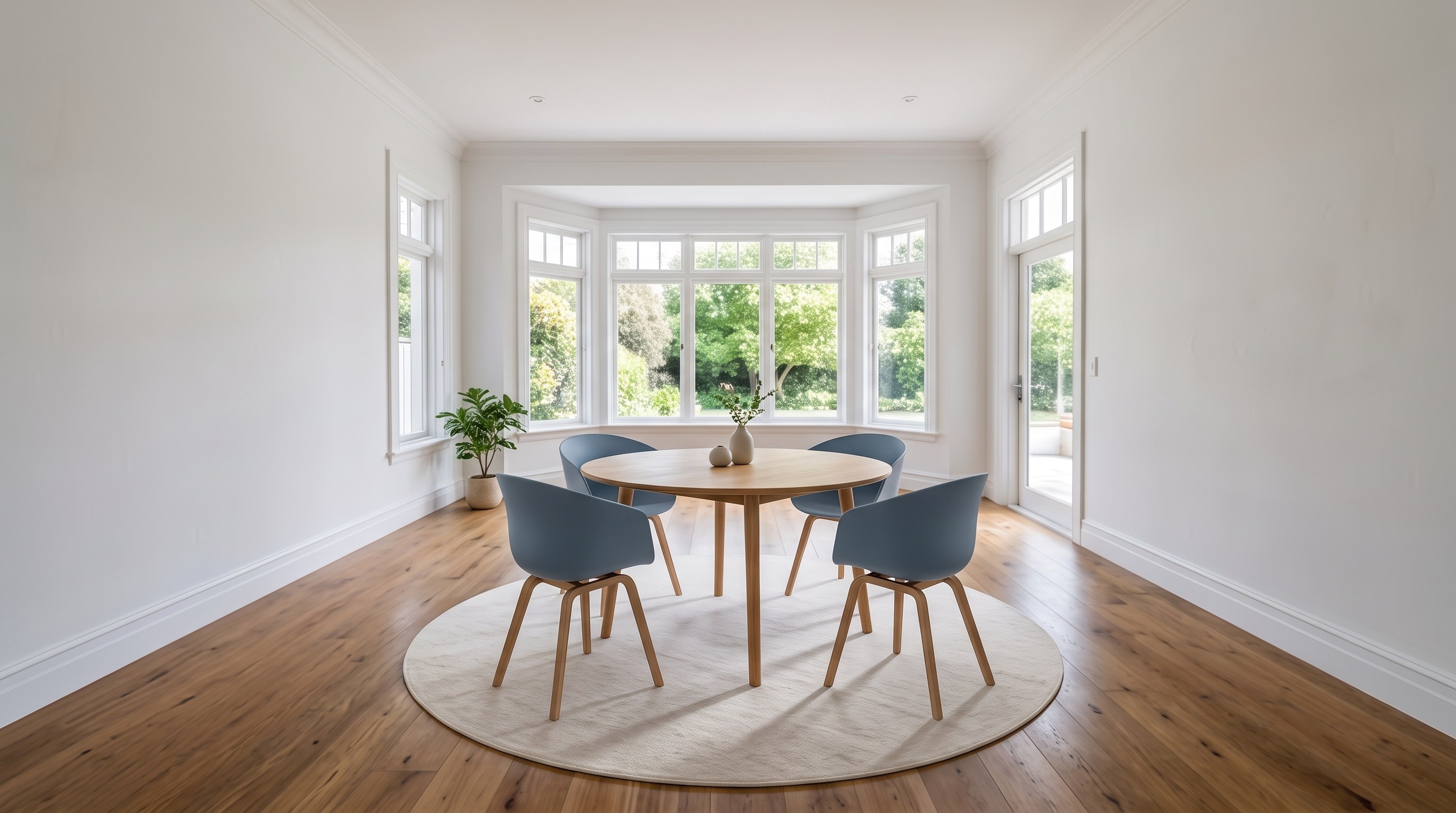
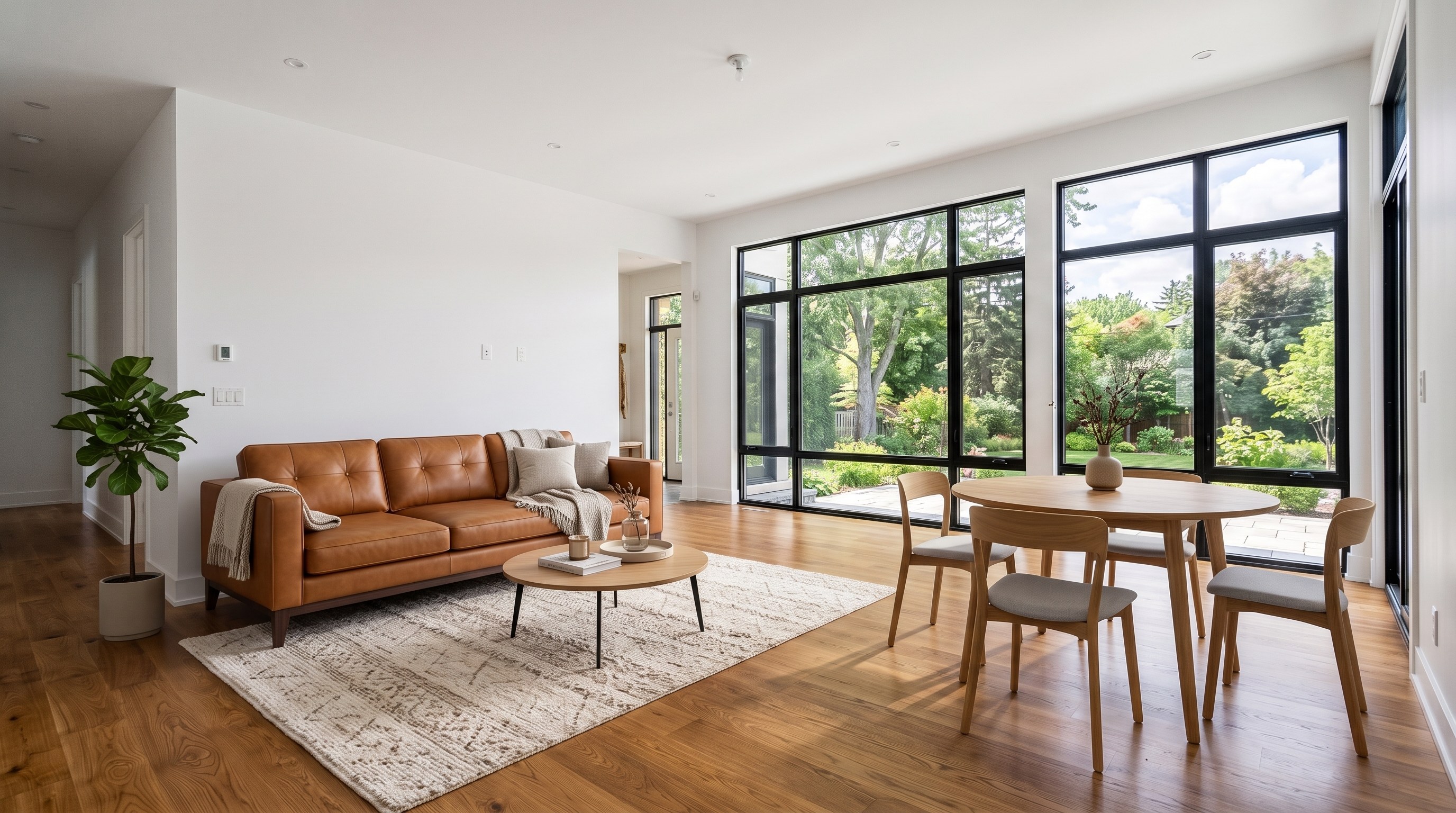
Pair the table you love with chairs from another reference. Tell Virtual Staging how many you want to use.
“Use four blue chairs around the oak table.”
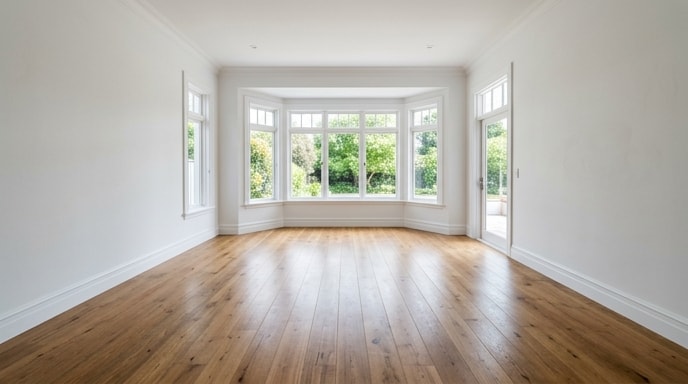
Upload your room—empty or furnished—and up to 13 furniture photos. See your chosen pieces together before you buy.
Different spaces, different pieces. Your choices, brought together in one room.
Pair the table you love with chairs from another reference. Tell Virtual Staging how many you want to use.
“Use four blue chairs around the oak table.”
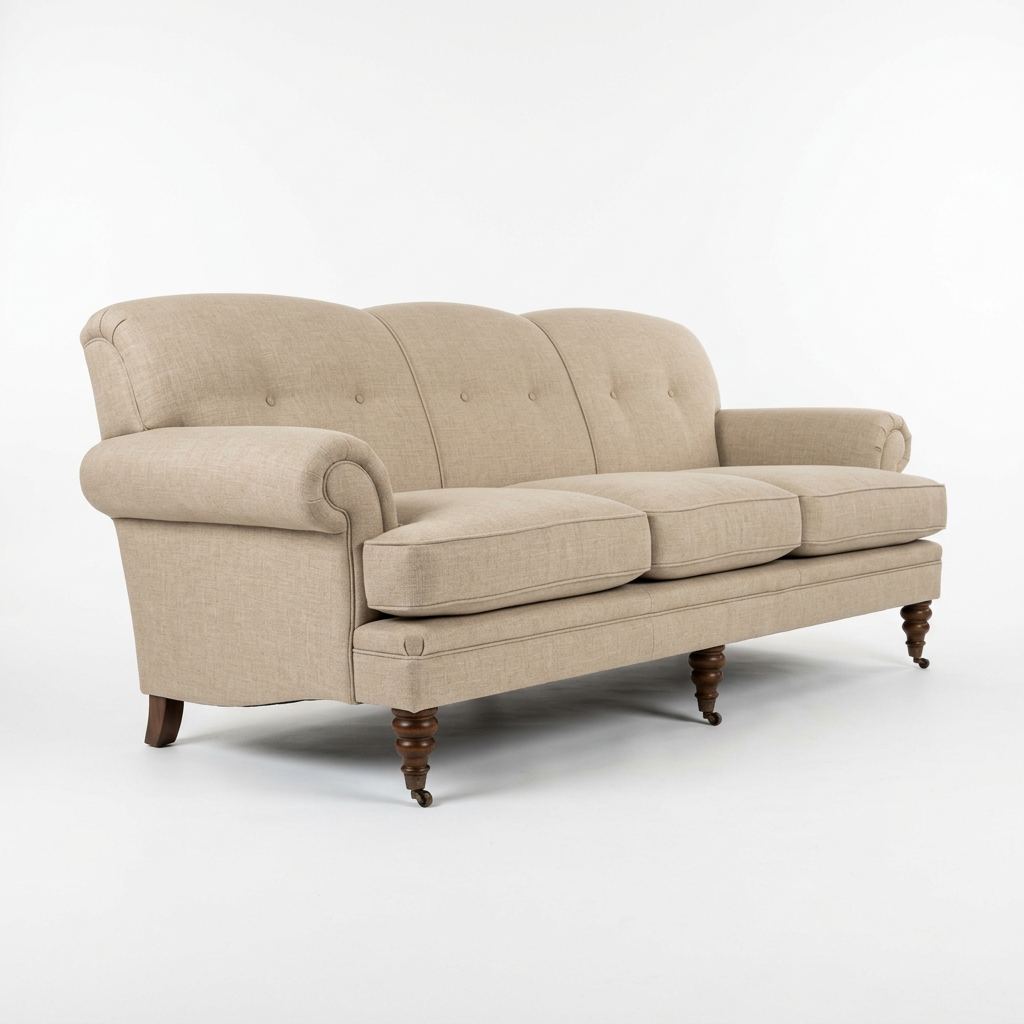
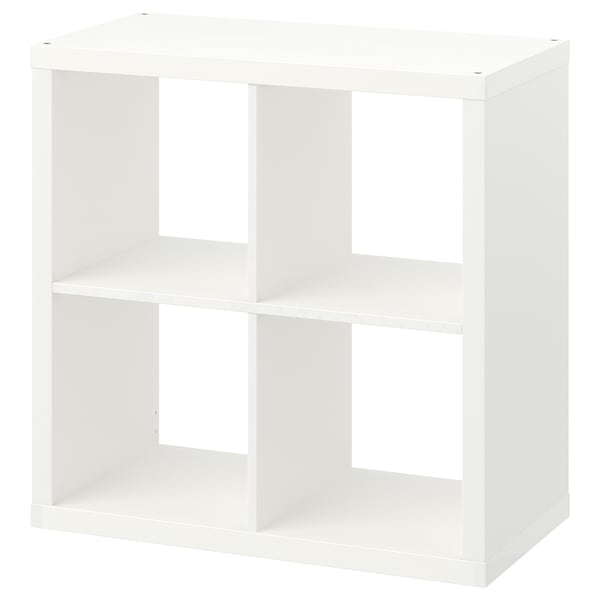
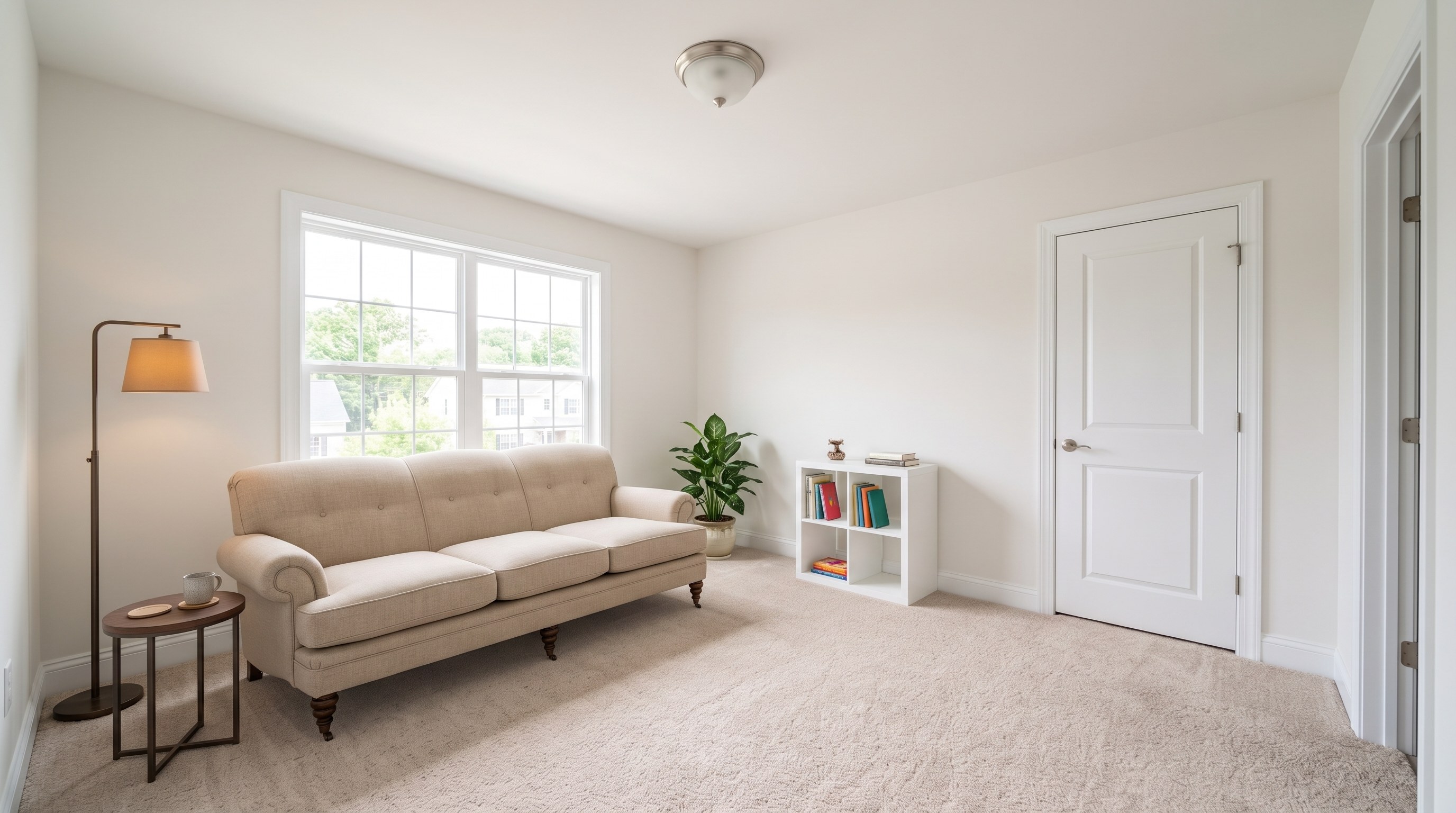
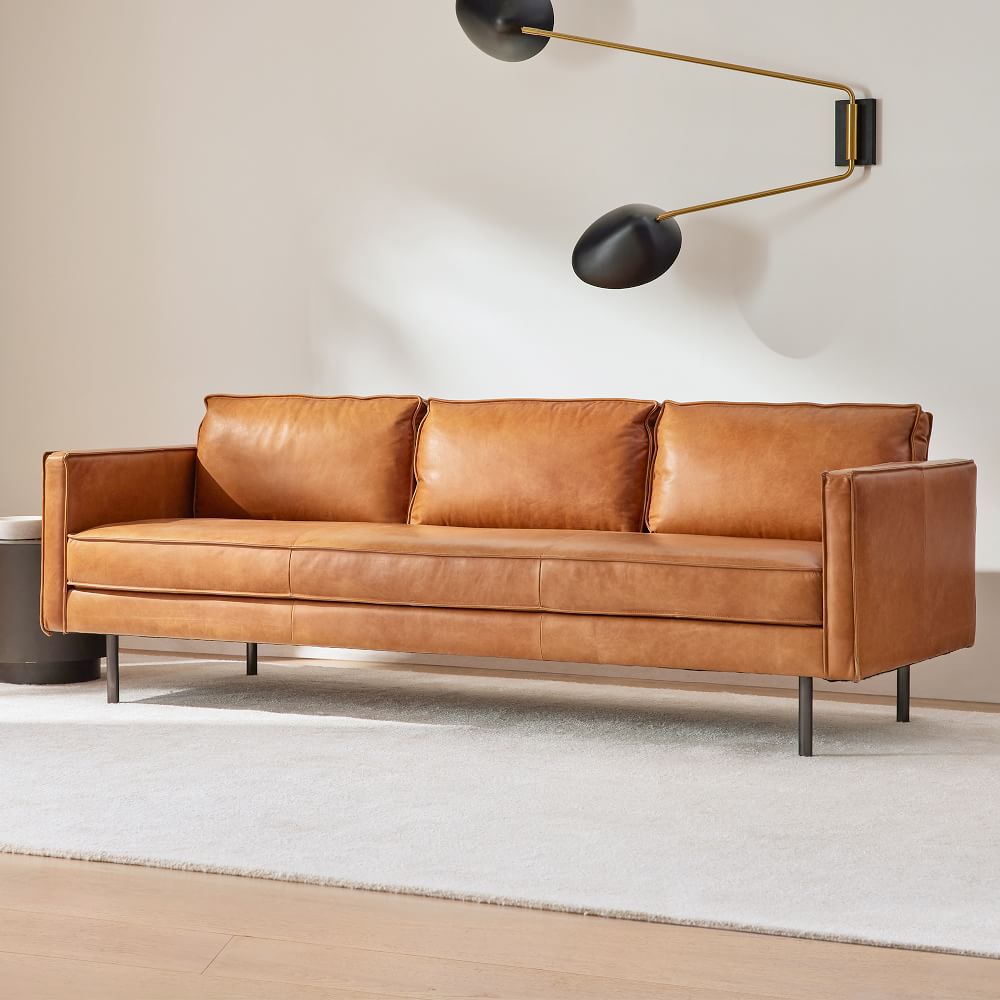
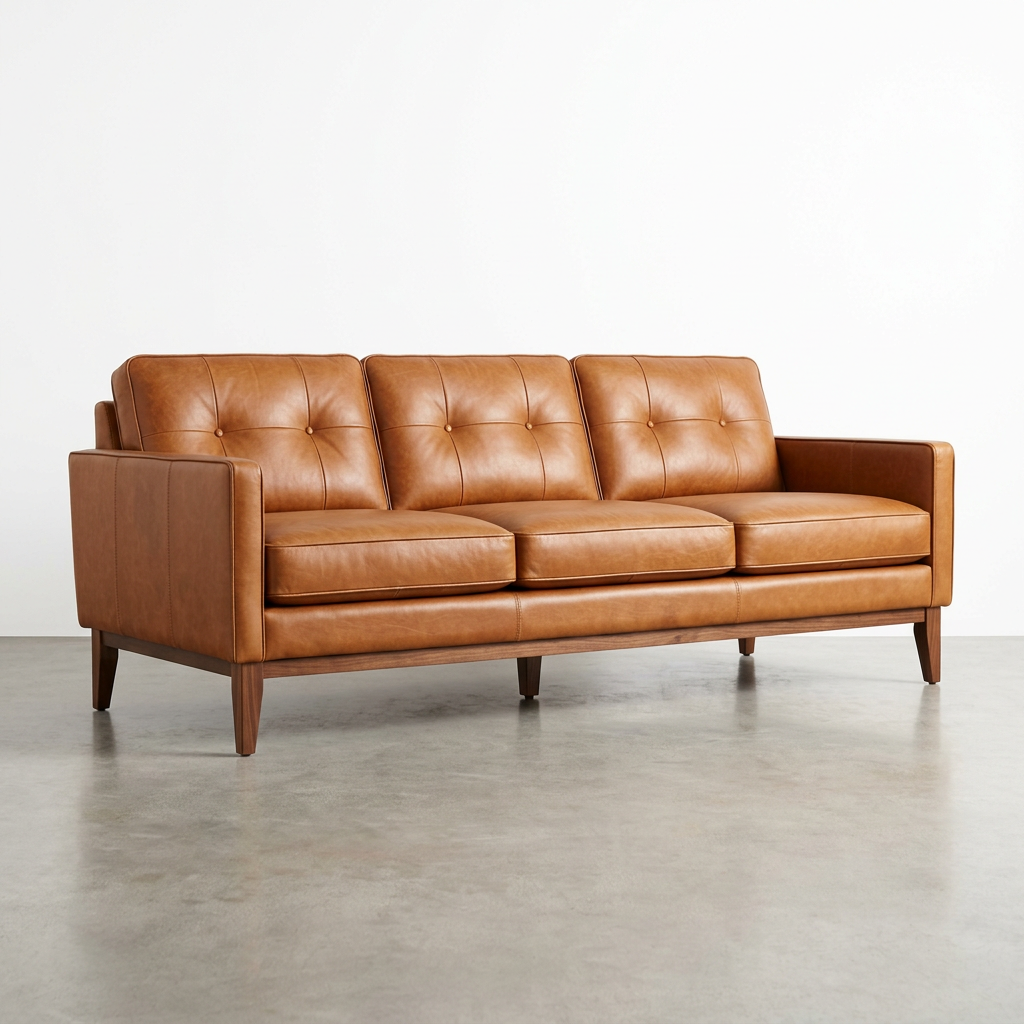
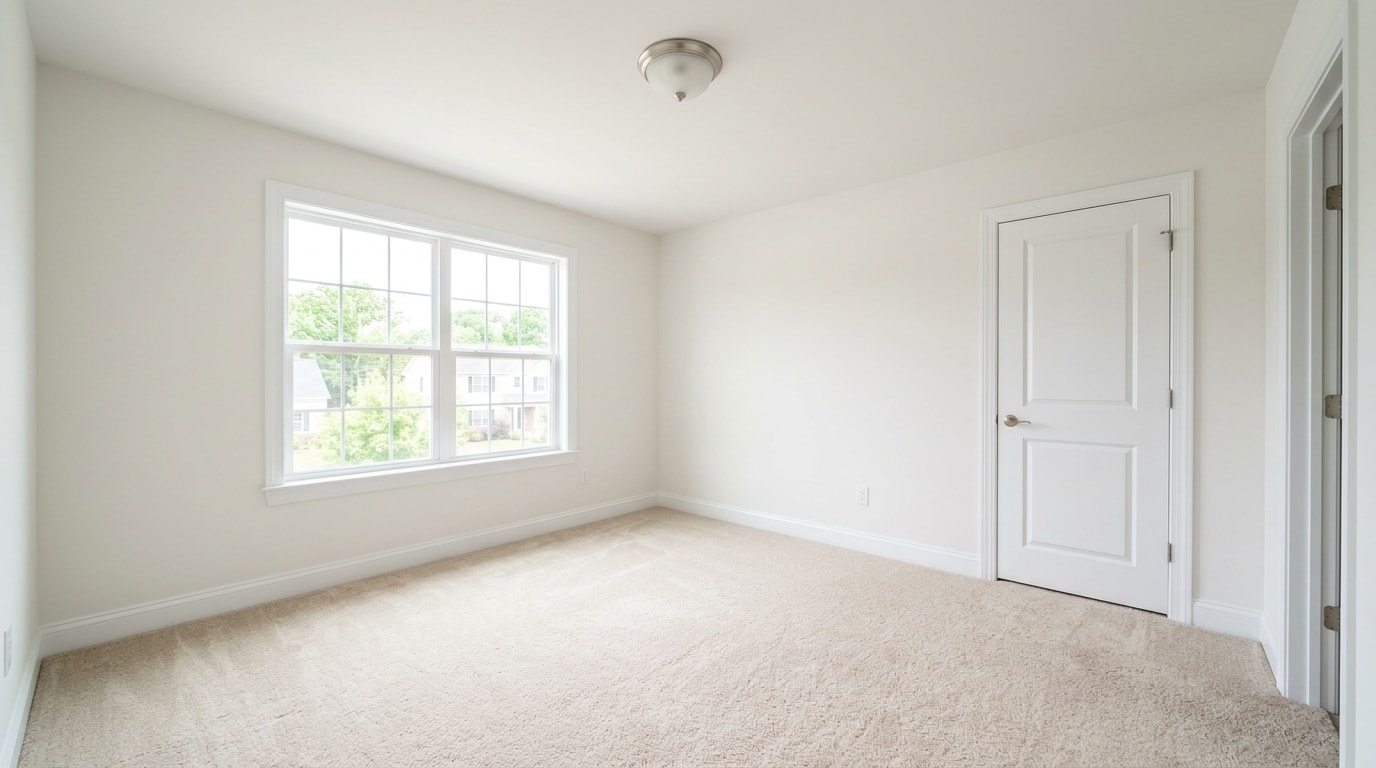
Turn an unused room into a reading retreat with your chosen sofa and bookcase.
“Place the sofa under the window and the bookcase beside the door.”
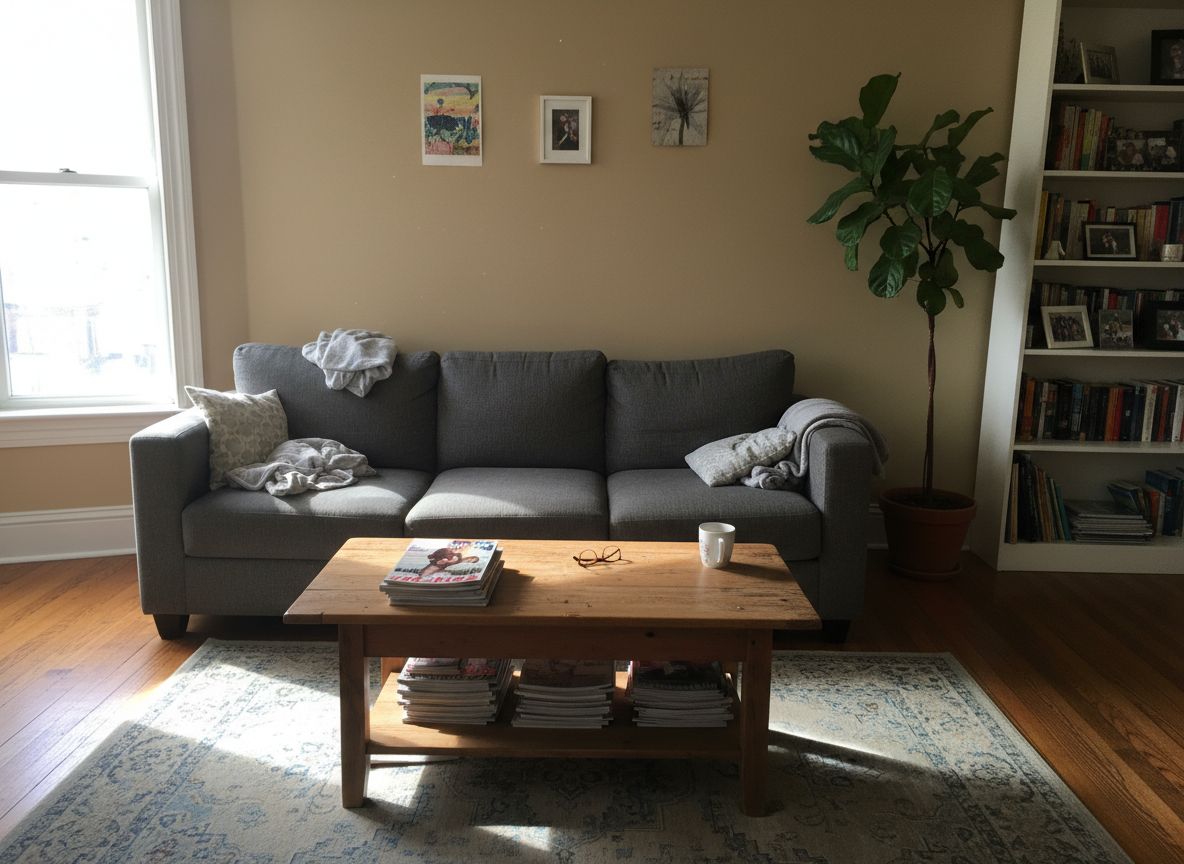
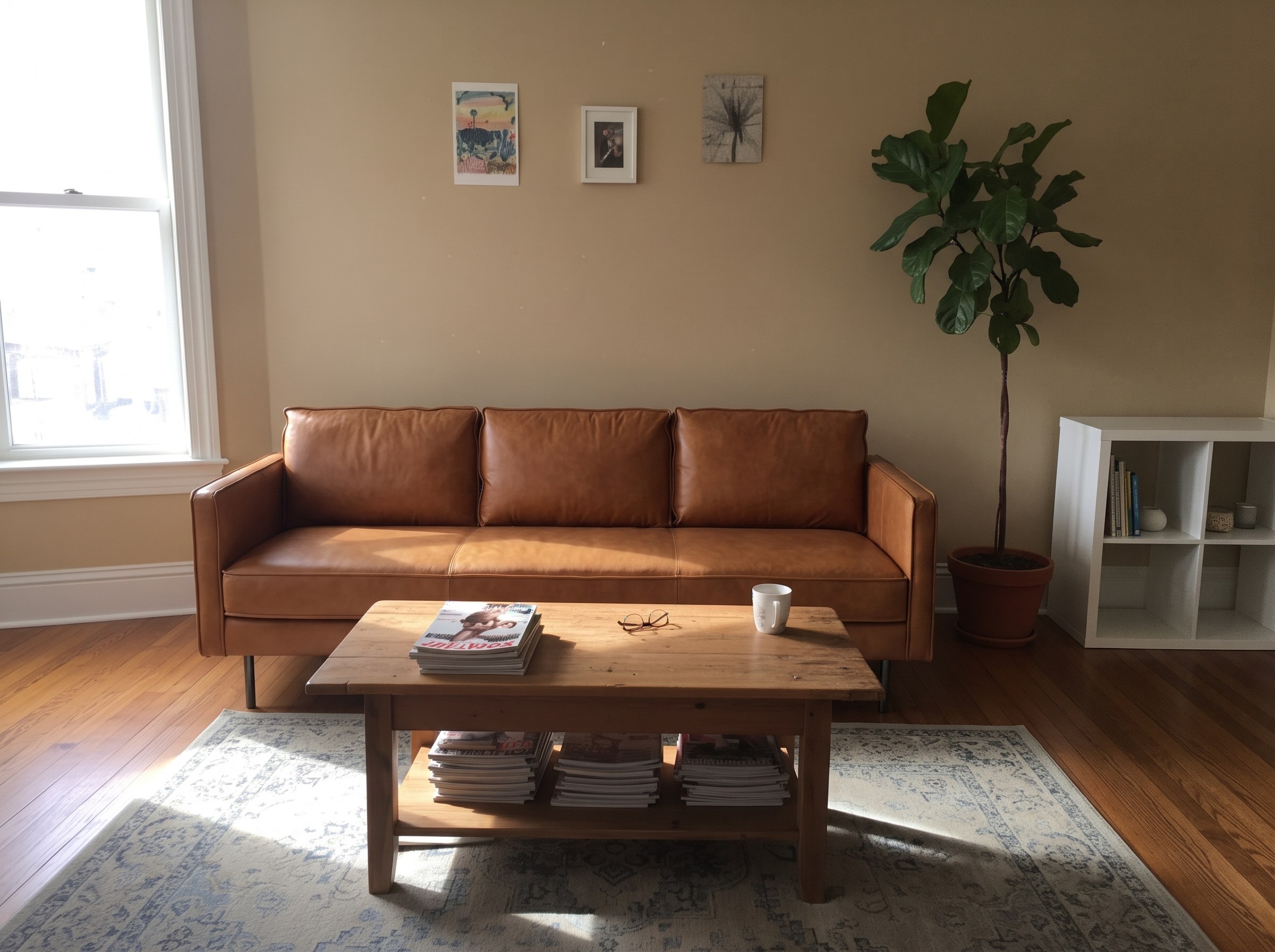
A furnished room is a starting point too. Preview a chosen sofa and bookcase while asking to keep the coffee table, rug and plant.
“Replace the sofa and the bookcase. Keep the coffee table, rug and plant.”
A selected room style guides the surrounding decor and any extra furnishings. Your reference pieces keep their own colors, materials and design unless you explicitly ask to change them.
Upload your room photo and open Virtual Staging.
Add your chosen pieces under Furniture images (optional), up to 13 photos.
Use Additional instructions to describe placement and quantities, then generate your preview.
Add up to 13 furniture images alongside your room photo in Virtual Staging. Furniture references are optional.
Your reference pieces take priority. The selected style guides the surrounding decor and additional furnishings. Only explicit instructions may change the appearance of your chosen pieces.
Yes. Use Additional instructions to request placement and quantities, such as putting the sofa along the left wall or using four chairs around the table.
The AI preview helps you picture the combination. It is not a measured layout; check the furniture dimensions and measure your room before buying.
No. Start with an empty or furnished room photo. Use Replace Furniture for selected replacements, or Virtual Staging for a whole-room furnishing plan. Describe what to replace and what to keep in Additional instructions.
Replace selected pieces with one or several furniture photos. Each photo replaces the matching piece and the rest of the room stays the same.
Replace FurnitureChoose a room style and let Virtual Staging suggest the furniture and decor.
Virtual StagingAll users get all features.
One-Time
One-time purchase, no subscription
15 images or 3 videos
150 Credits
One-time payment · no subscription
Subscriptions
For personal projects
40 images or 8 videos
400 Credits
Cancel anytime · unused credits saved for when you return
Best for professionals
110 images or 22 videos
1,100 Credits
Cancel anytime · unused credits saved for when you return
For agencies and power users
300 images or 60 videos
3,000 Credits
Cancel anytime · unused credits saved for when you return
One-time purchase, no subscription
15 images or 3 videos
150 credits, paid once
One-time payment · no subscription
For personal projects
$16.67/mo · billed yearly
40 images or 8 videos
400 credits every month 400 credits added every month
Renews monthly until cancelled Renews yearly until cancelled
Most Popular
Best for professionals
$40.83/mo · billed yearly
110 images or 22 videos
1,100 credits every month 1,100 credits added every month
Renews monthly until cancelled Renews yearly until cancelled
5,400+
registered users
14,200+
room images created