AI Architectural Rendering SketchUp or Sketch to Photorealistic 3D Render
Transform basic screenshots from SketchUp, Revit, or Blender into high-end visualizations in seconds. Impress clients by rendering your 3D model with realistic weather, landscape, and lighting—no complex rendering software required.
One-time plans from $15
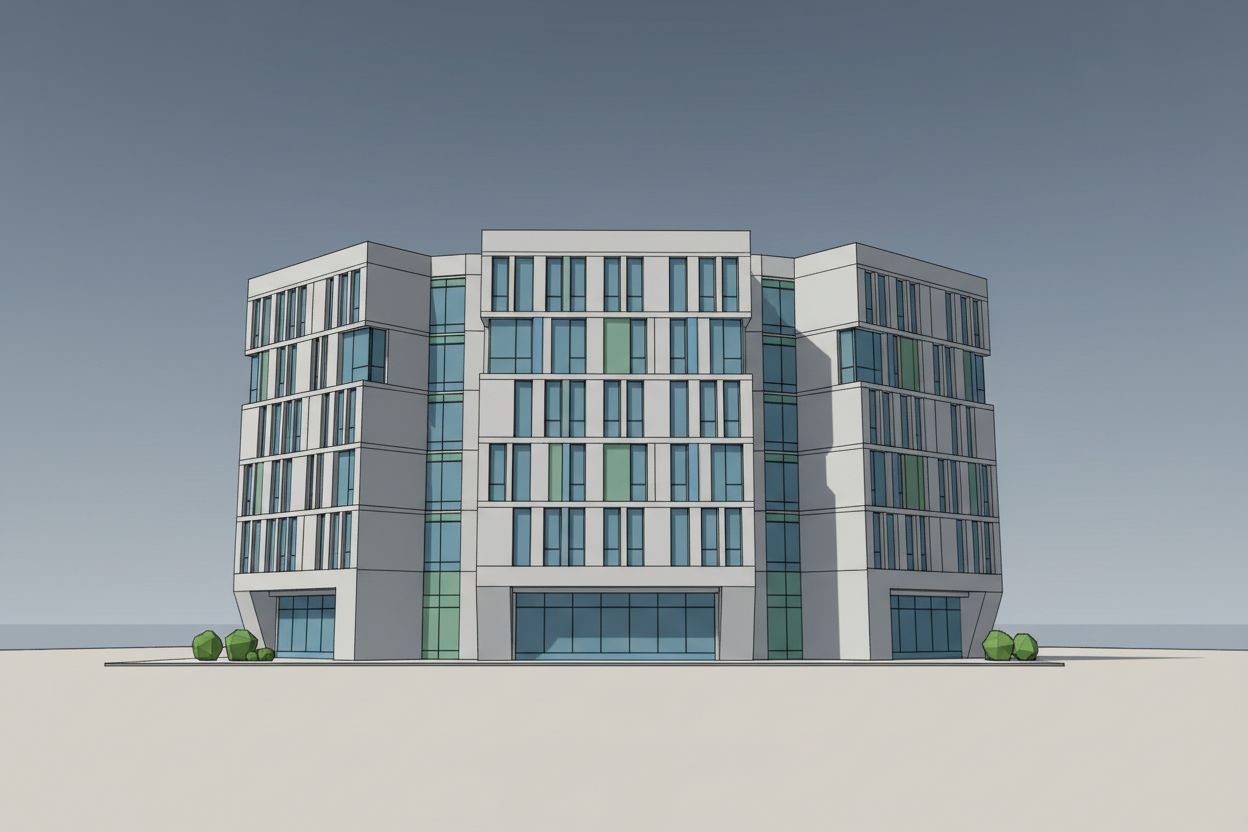
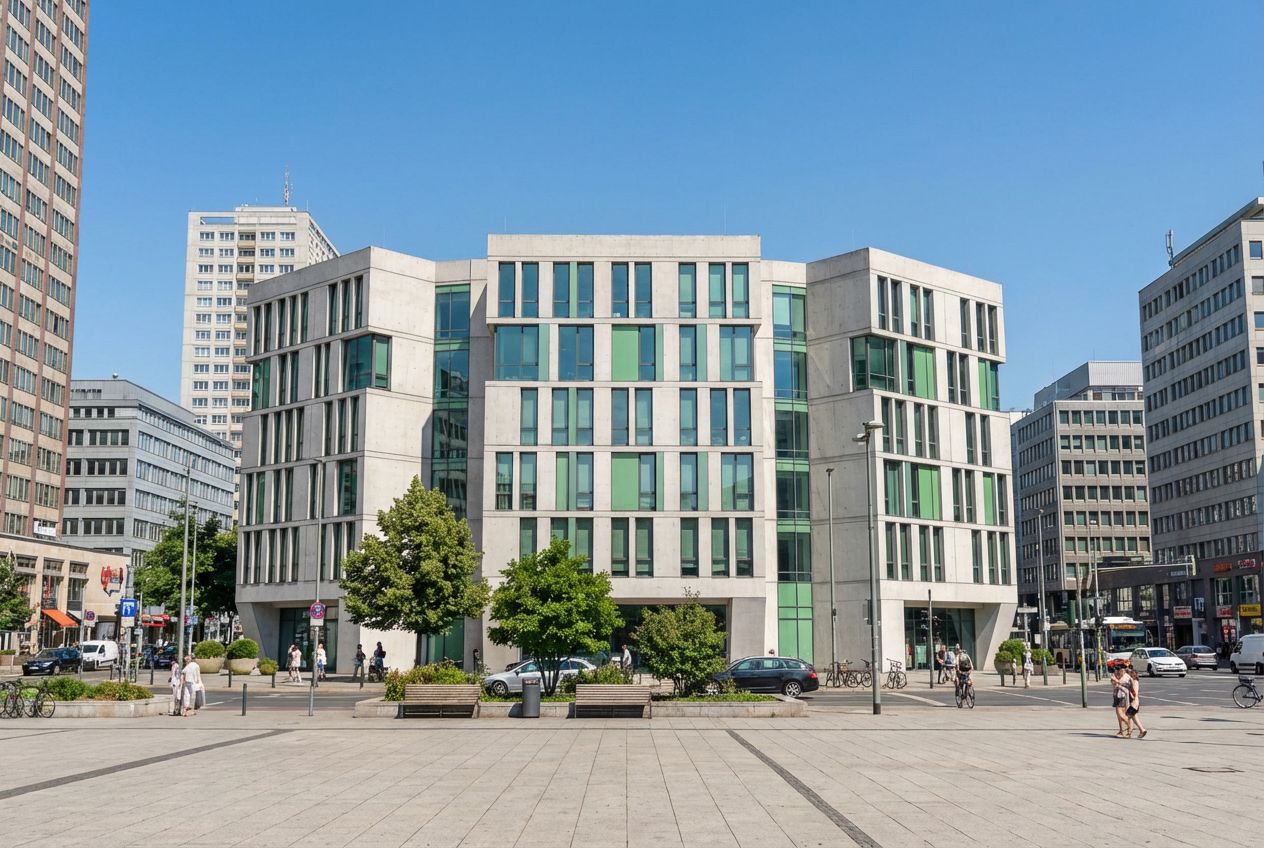
AI 3D Rendering — SketchUp to Photorealistic in Seconds
Raw 3D models don't win approvals. Transform SketchUp, Blender, or CAD screenshots into photorealistic architectural renders — without expensive rendering software.
Learn how in the tutorial →3D models that look like raw SketchUp screenshots don't win client approvals.
Rendering studios charge thousands and take weeks. Do it in seconds.
Every unrendered presentation is a missed opportunity to close the deal.
Perfect For
Used by property and design teams around the world



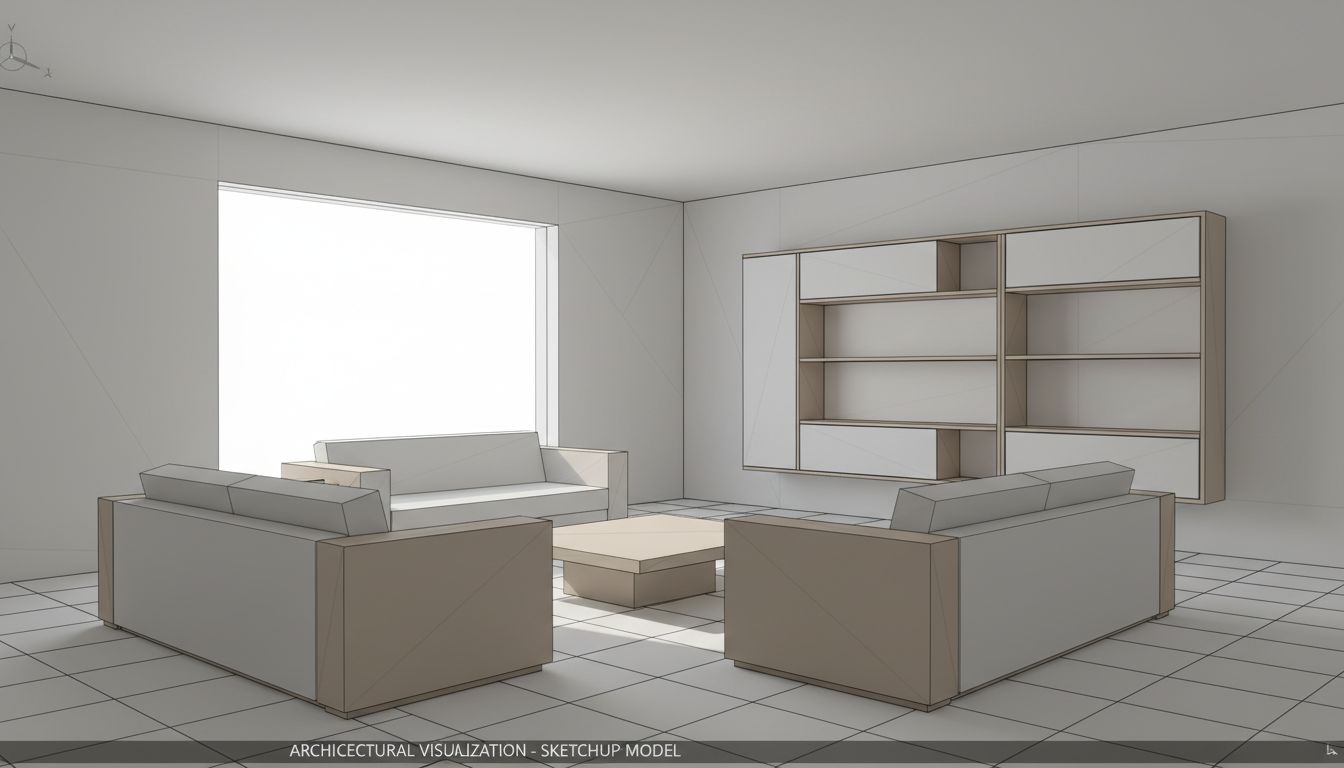
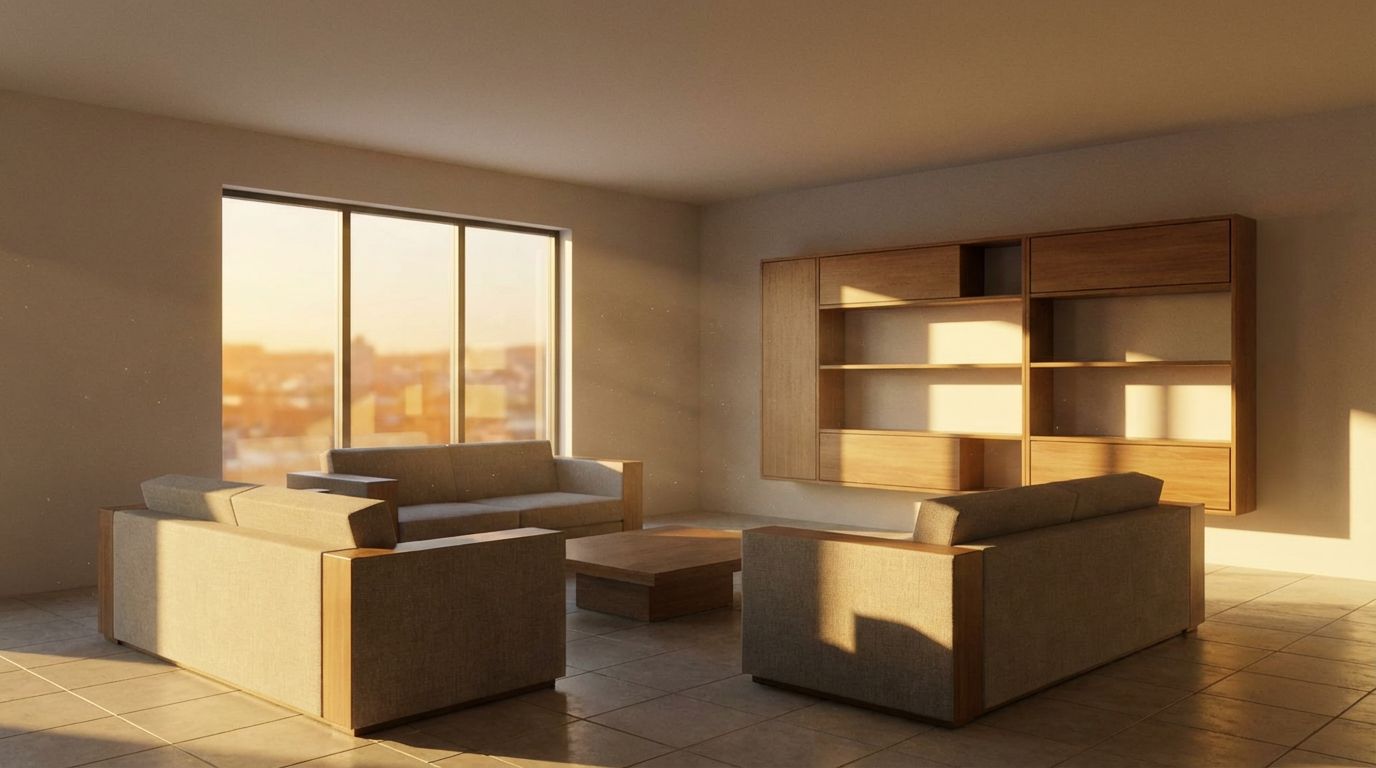
SketchUp to Photorealistic Render: Living Room Example
See a SketchUp-style living room model turned into a photorealistic AI render: a before/after example with 4K output, ready for client approval.
Convert Your 3D Bedroom Model to Photorealism
Turn basic SketchUp bedroom models into photorealistic marketing visuals with AI-powered 3D-to-render technology. Professional results instantly.
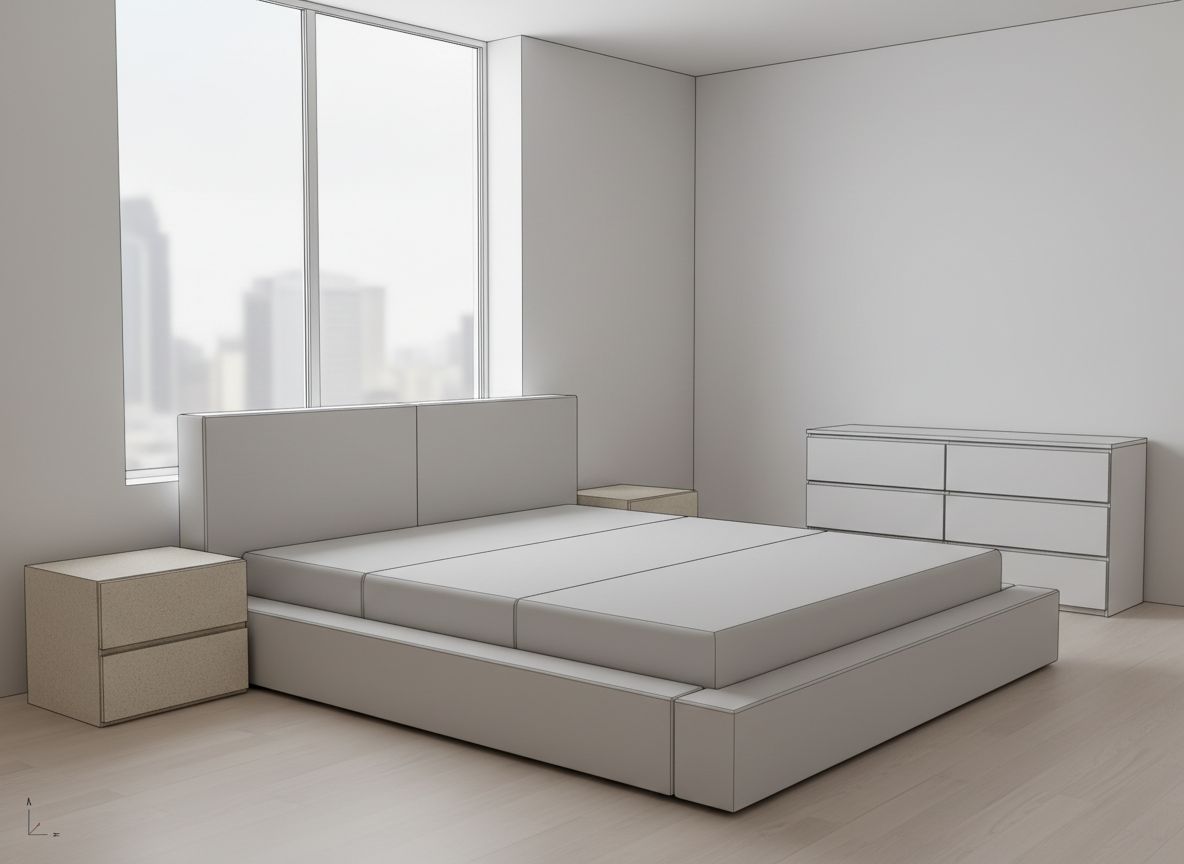
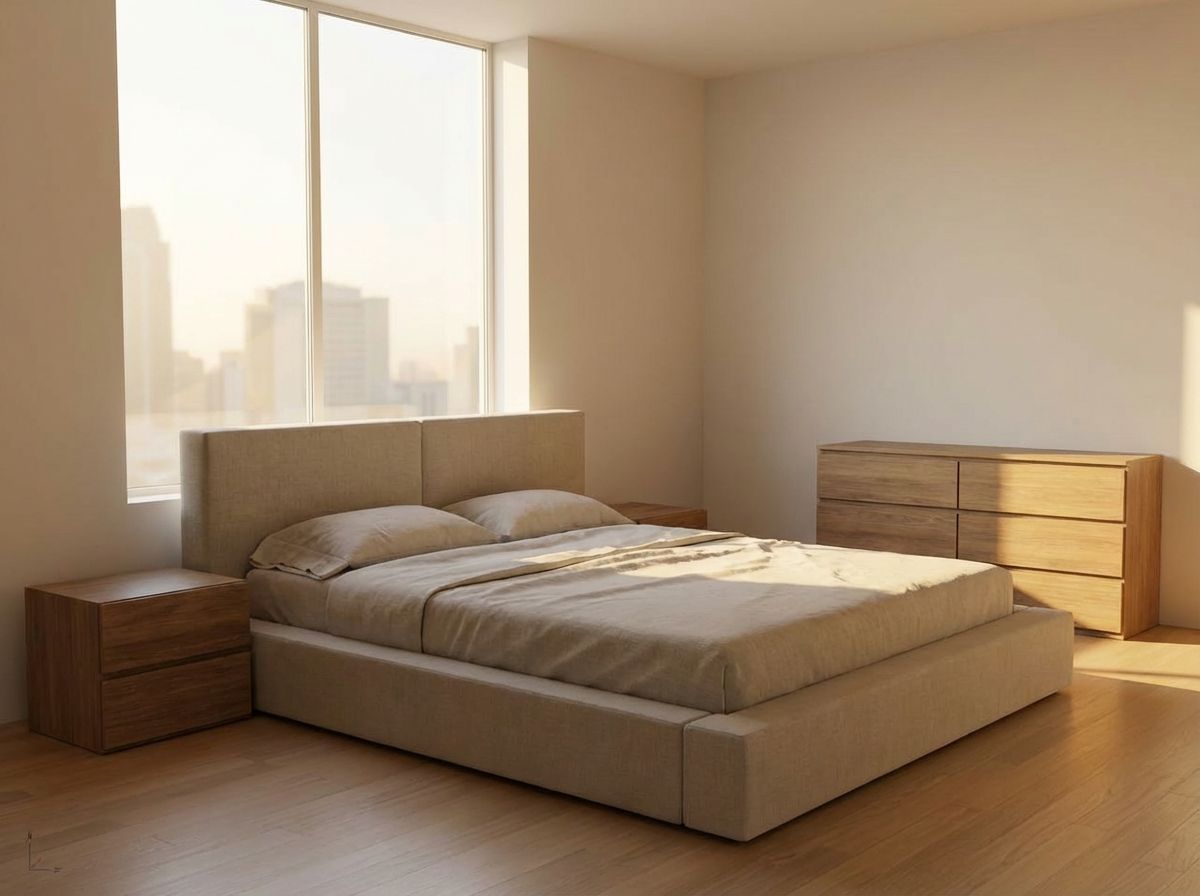
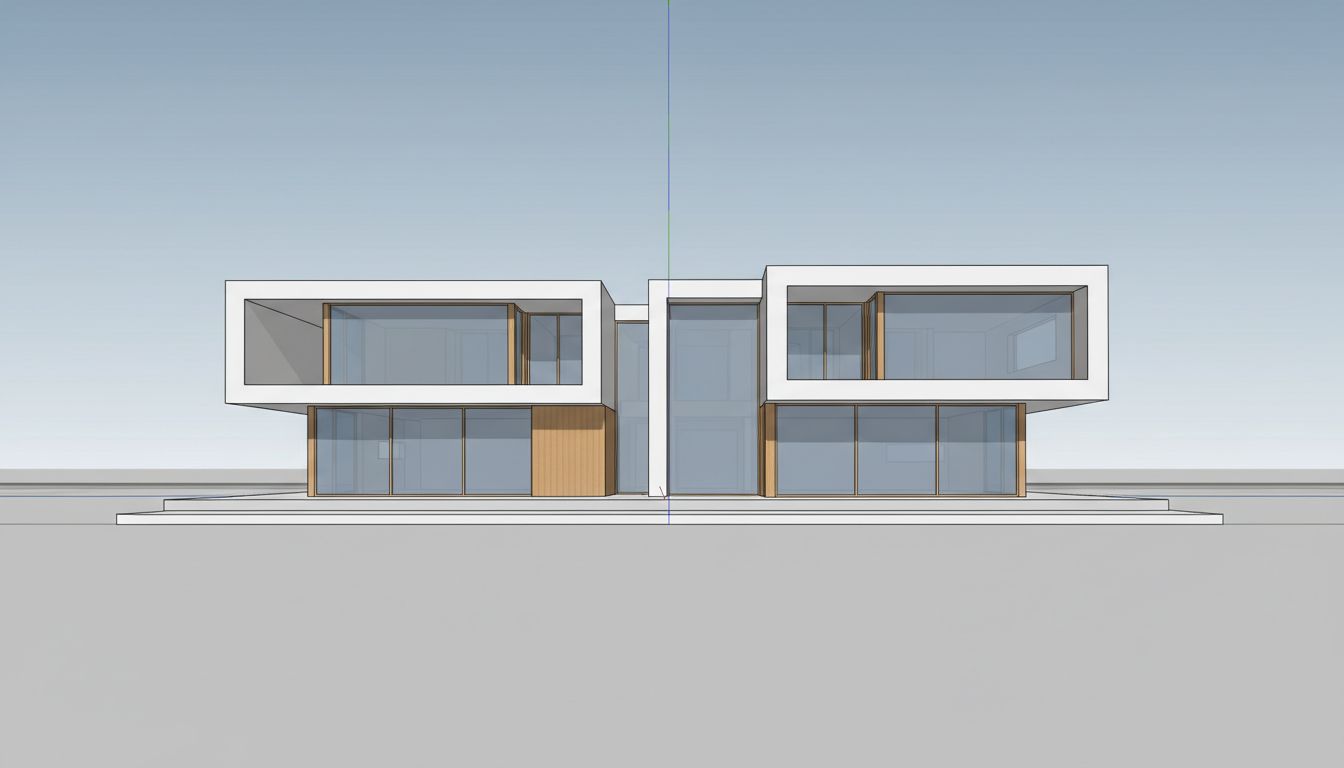
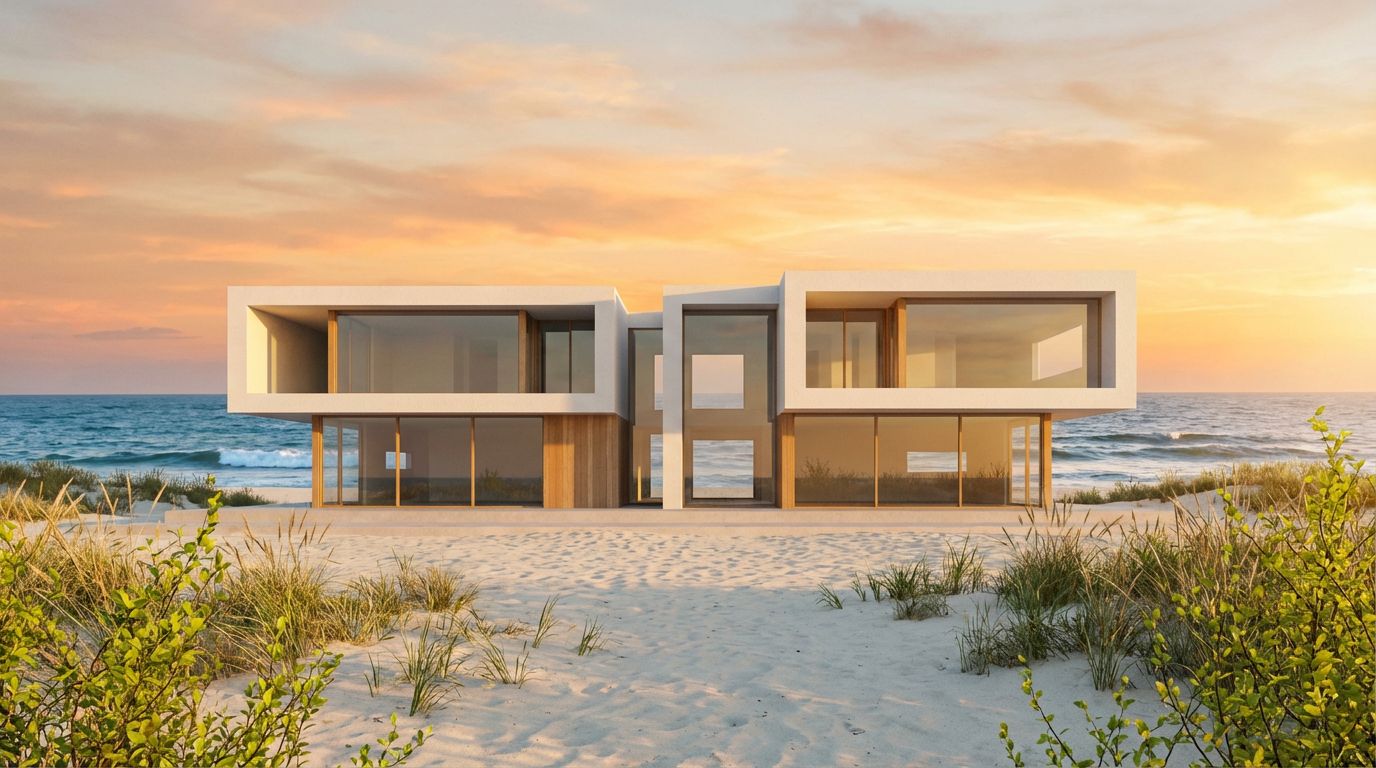
Transform Your Villa Model into a Stunning Render
Transform a modern 3D villa model into a photorealistic exterior visualization with AI-powered architectural rendering and realistic materials.
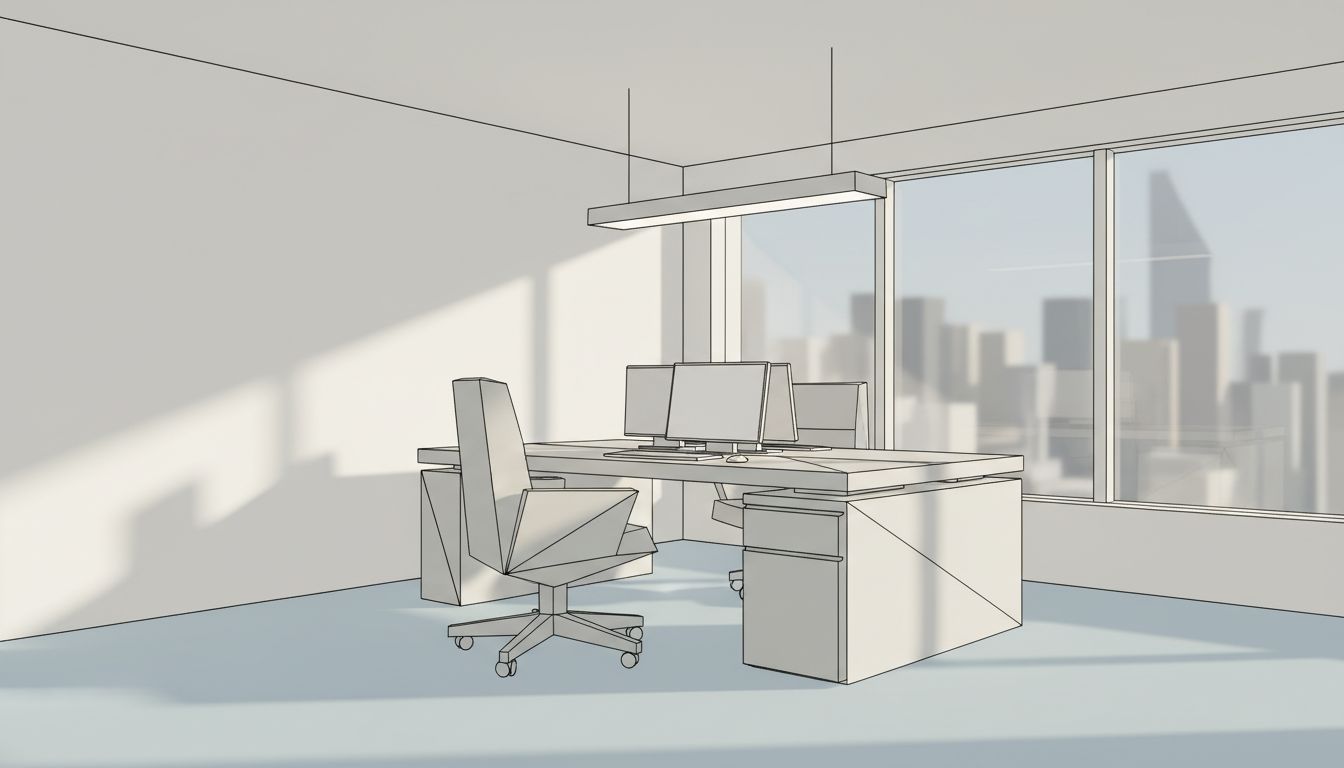
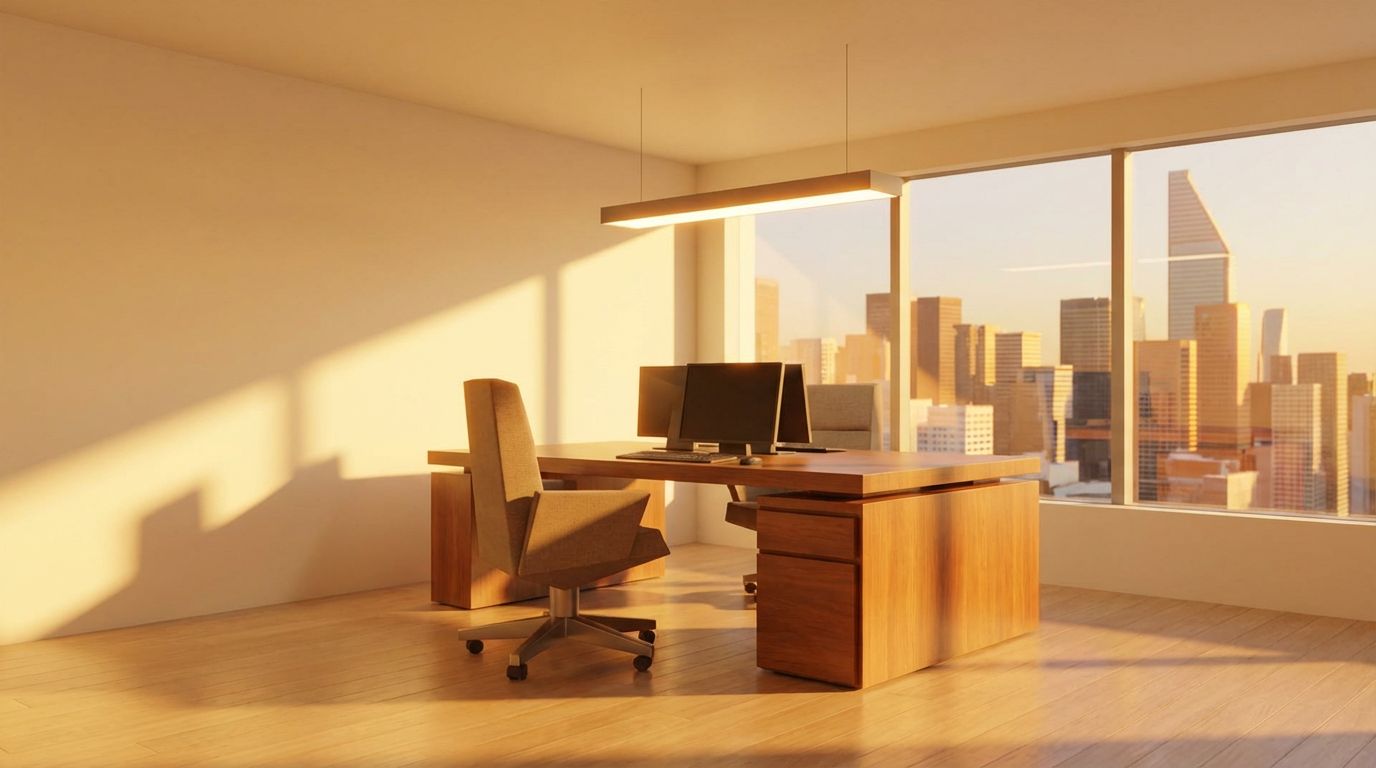
Render Your SketchUp Office as a Real Photo
Render a basic SketchUp office model into a photorealistic workspace with natural daylight, greenery, and realistic material textures using AI.
AI Architectural Rendering — Frequently Asked Questions
What is AI architectural rendering?
AI architectural rendering turns a basic screenshot of your 3D model — from SketchUp, Revit, Blender or any CAD tool — into a photorealistic visualization. Instead of configuring materials, lighting and render settings for hours, the AI interprets your geometry and produces a client-ready image in seconds.
Can I turn a 3D model into a realistic render without rendering software?
Yes. Export or screenshot your model view, upload it to RoomLab.app, and the AI renders it with realistic materials, lighting, landscape and weather. There's nothing to install and no GPU or render farm required — it runs in the browser.
Does it work with SketchUp, Revit and Blender?
It works with a screenshot or export from any 3D software — SketchUp, Revit, Blender, ArchiCAD, Rhino and others. The AI only needs an image of your model view; it doesn't import project files, so there are no compatibility issues.
Can it render interiors as well as exteriors?
Yes. Interior render mode enhances rooms with realistic lighting, materials and detail, while exterior mode renders your building with realistic sky, lighting and landscaping — always preserving your design's exact geometry and proportions.
Is AI rendering good enough for client presentations?
Architects use it for concept presentations, bid proposals and design iterations — situations where a photorealistic impression matters more than millimetric material accuracy. For final construction documentation you'd still use your CAD pipeline; for winning the project, AI renders are dramatically faster.
How much does it cost?
Every new RoomLab.app account includes a free image generation, no credit card required. After that, flexible credit plans let you render as much as you need — far below the cost of render-farm time or a visualization contractor.
Explore More Features
Discover what else you can achieve with RoomLab.app
Replace Furniture
Swap furniture pieces in photos to visualize options before purchase.
Replace Materials
Swap flooring, countertops, walls, and other surfaces to compare options.
Paint Color Visualizer
Preview any wall paint color on any room — pick your own or use our curated presets.
Custom Prompt
Describe any transformation in natural language for unique results.
Virtual Staging
Add furniture and decor to empty rooms for listing-ready property photos.
Declutter Rooms
Remove mess and personal items while keeping the furniture intact.
Remove Furniture
Empty any room photo to show the bare space and its potential.
Change Style
Restyle existing rooms while preserving layout and structure.
Video Generation
Create walkthroughs, before-and-after transitions and multi-room house tours from property photos, or edit a clip you filmed.
Photo Enhancement
Blue skies, green grass, clean pools — one-click fixes for listing photos.
Pay only for the images you want to generate
All users get all features.
One-Time
Personal
One-time purchase, no subscription
15 images or 3 videos
150 Credits
One-time payment · no subscription
Subscriptions
Pro
For personal projects
40 images or 8 videos
400 Credits
Cancel anytime · unused credits saved for when you return
Ultra
Best for professionals
110 images or 22 videos
1,100 Credits
Cancel anytime · unused credits saved for when you return
Premium
For agencies and power users
300 images or 60 videos
3,000 Credits
Cancel anytime · unused credits saved for when you return
Personal
One-time purchase, no subscription
15 images or 3 videos
150 credits, paid once
- Every tool except House Tour
- Download your designs without a watermark
One-time payment · no subscription
Pro
For personal projects
$16.67/mo · billed yearly
40 images or 8 videos
400 credits every month 400 credits added every month
- Every tool, including House Tour
- Refill packs if you run low
Renews monthly until cancelled Renews yearly until cancelled
Most Popular
Ultra
Best for professionals
$40.83/mo · billed yearly
110 images or 22 videos
1,100 credits every month 1,100 credits added every month
- Every tool, including House Tour
- Refill packs if you run low
Renews monthly until cancelled Renews yearly until cancelled
Have any question?
How much does each generation cost?
How long does it take to generate an image?
What happens if I run out of credits mid-month?
What are credits?
Do credits expire?
Can I upgrade my plan?
How long are my images stored?
Can I get a refund?
Can I get a receipt or invoice?
What are input photos?
What happens to my personal photos?
What happens if I cancel my subscription?
Professional Results. Fraction of the Cost.
Get photorealistic interior renders in seconds, not days. Professional-grade AI visualization with full creative control — no design skills needed.
One free image, no credit card required