Collov AI Alternative: Swaps, 4K and Video Without a Subscription
Collov AI is sold as subscriptions: furniture and material edits start on Advanced, and image-to-video tours on Premium. With RoomLab.app, a one-time pack covers furniture and material swaps, 4K upscales and short videos, and House Tours come with Pro at €14.99 / US$20 a month.
One-time plans from $15
Last reviewed:
Collov AI plans, checked in September 2026
Collov AI plans start at US$19 a month billed yearly, and photo credits reset each month. Standard covers staging and furniture removal; adding or editing furniture and changing wall or floor materials start on Advanced, and the AI Virtual Tour on Premium. RoomLab.app lets you buy credits once or subscribe monthly.
RoomLab.app
Choose RoomLab.app for a workspace built around your rooms: stage empty spaces, preview specific furniture and materials, compare wall colors, and turn photos into property videos. Each job has its own guided controls.
Collov AI
A virtual staging platform for real estate listings, sold as subscriptions. Editing tools, virtual tours and API access unlock on higher plans.
See RoomLab.app restyle a real room
See what RoomLab.app can do: original room photos alongside the results created in RoomLab.app.
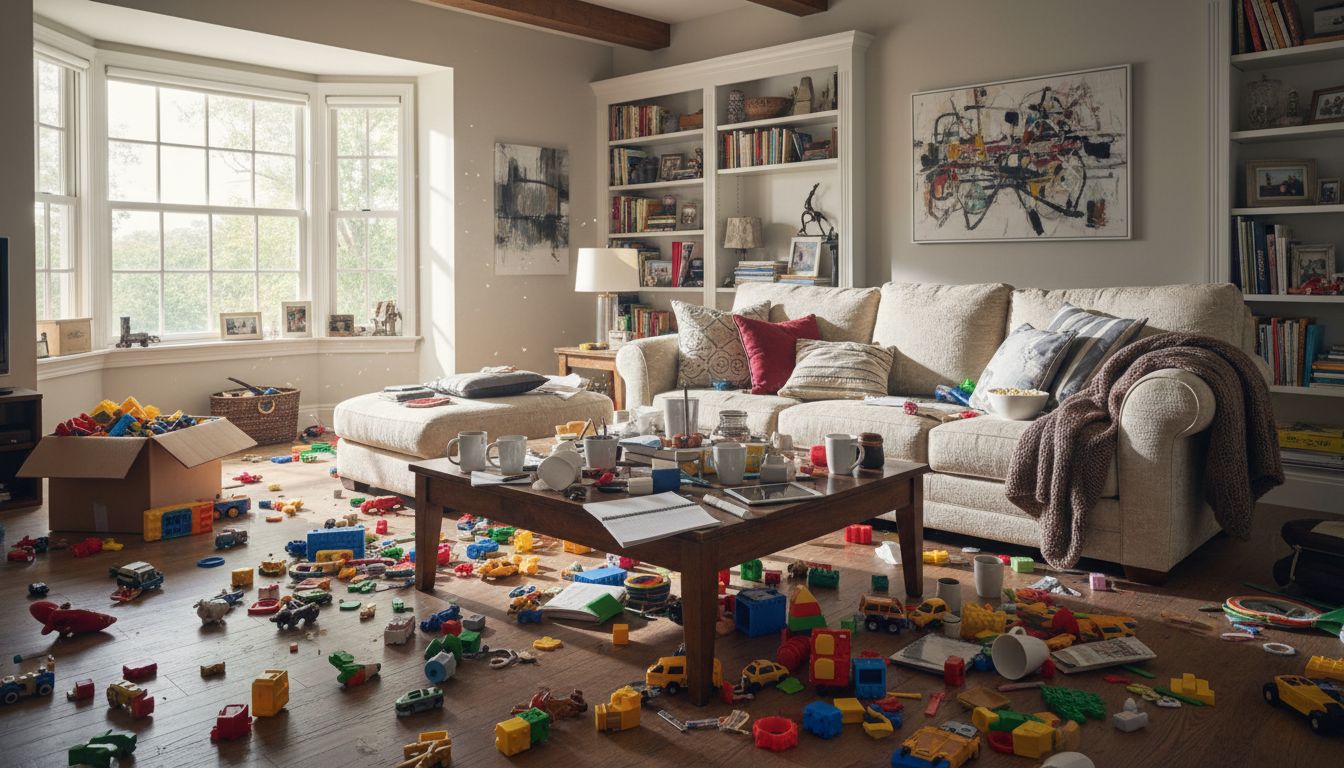
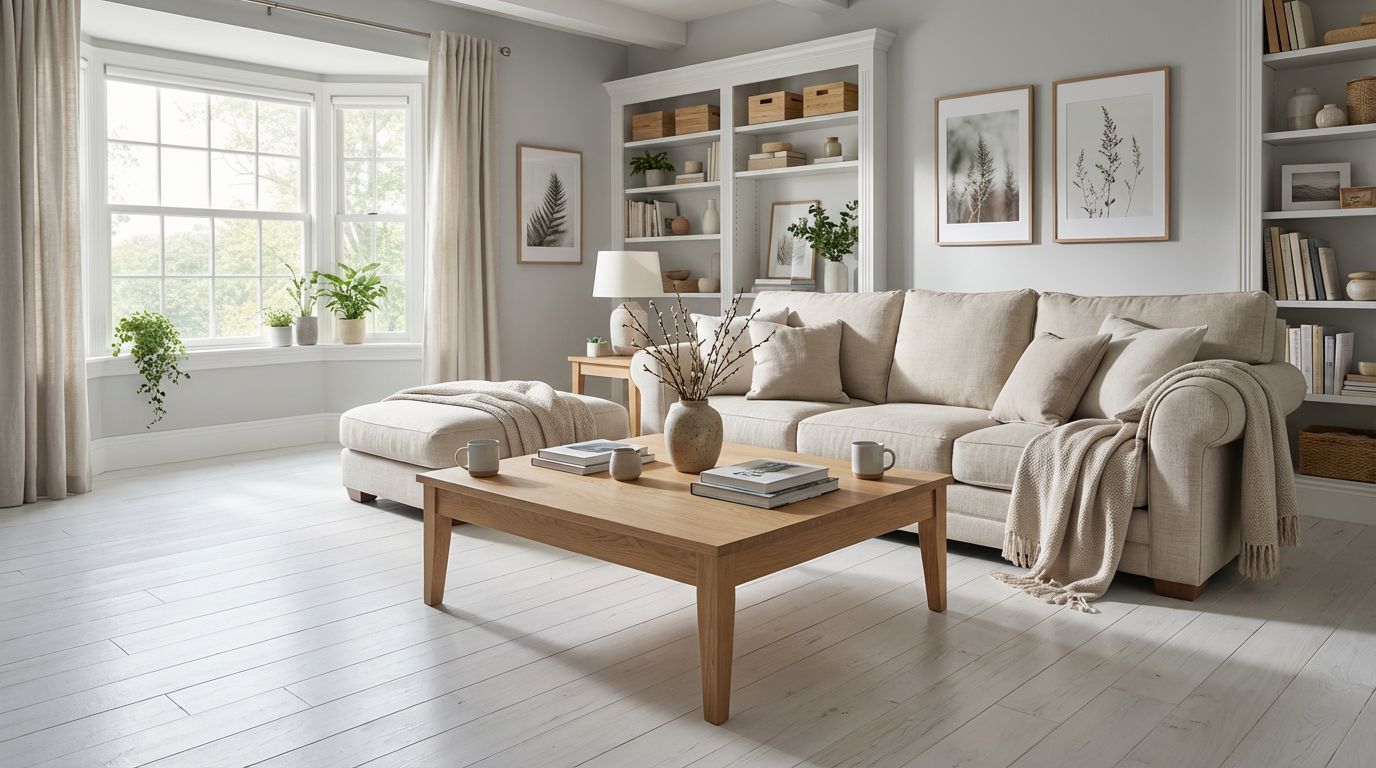
RoomLab.app vs Collov AI: which tools each plan unlocks
Scroll sideways to compare both products.
| Feature | RoomLab.app | Collov AI |
|---|---|---|
| Edit your own room photo | Upload a photo, choose a room task and adjust its settings. | Upload a listing photo, then choose a room type and style. |
| Dedicated room tools | Virtual staging, furniture removal, furniture and material replacement, nine-color wall grids and architectural render concepts. | Standard: staging and furniture removal only. Furniture edits and wall or floor materials start on Advanced. |
| Styles and references | 29 preset interior styles, custom styles, furniture and material references. | All room types and styles on every plan. |
| Image controls on the website | Choose the task, style, reference images and optional custom instructions. | Staging on every plan. AI Chat Edit and photo editing from Advanced. |
| Downloads and 4K | Paid downloads; optional 4K upscale costs 10 additional credits per image. | High-resolution downloads on every plan; no pixel size stated. |
| Property videos | One photo → walkthrough. Two photos → transition. 3–6 photos → House Tour with an editable Auto Script. A clip you filmed → Edit Video. | AI Virtual Tour (image to video) from Premium (US$79 a month, billed yearly); lower plans get one watermarked trial. |
| Pricing | 150 credits: €9.99 / US$15 once. Pro: 400 credits/month for €14.99 / US$20. Currency shown at checkout. | Subscriptions from US$19 (Standard) to US$127 (Enterprise) a month, billed yearly (as of September 2026). |
| Free access and limits | Try 1 free image without a card. Videos and downloads require paid access. Standard images cost 10 credits. | Most free trials on the pricing page carry a watermark. Standard: 60 photo credits a month, reset monthly. |
Sources and comparison notes
Prepared by RoomLab.app. Features, access and limits were checked against the official sources below on the review date. The comparison focuses on the steps and tools available for interior design and property visuals.
Get the room workflow already built in
In RoomLab.app, upload your photo, choose Change Style or Virtual Staging, and select your room type and style. For a specific product, switch to furniture or material replacement and add its reference image. Compare the result with the original in the same workspace.
Describe a listing edit once
A room-design prompt has to explain the style, what to change and what to keep. RoomLab.app turns common jobs into guided choices, so you can start with a task and preset style. Custom instructions remain available.
Stage this empty bedroom for a rental listing in a modern style. Keep the walls, windows, doors, flooring and camera angle unchanged. Add a queen bed with white linen, two bedside tables with lamps and a soft rug. Keep the room bright and uncluttered.
Go from a room concept to a property video
Animate one photo, create a transition between two images, build a House Tour from 3–6 ordered room photos, or edit a 1–15 second clip you filmed with Edit Video. House Tours include an editable Auto Script and cost 250 / 350 / 500 credits for 12 / 15 / 30 seconds. An active subscription is required for House Tours; the one-time Personal pack does not include access.
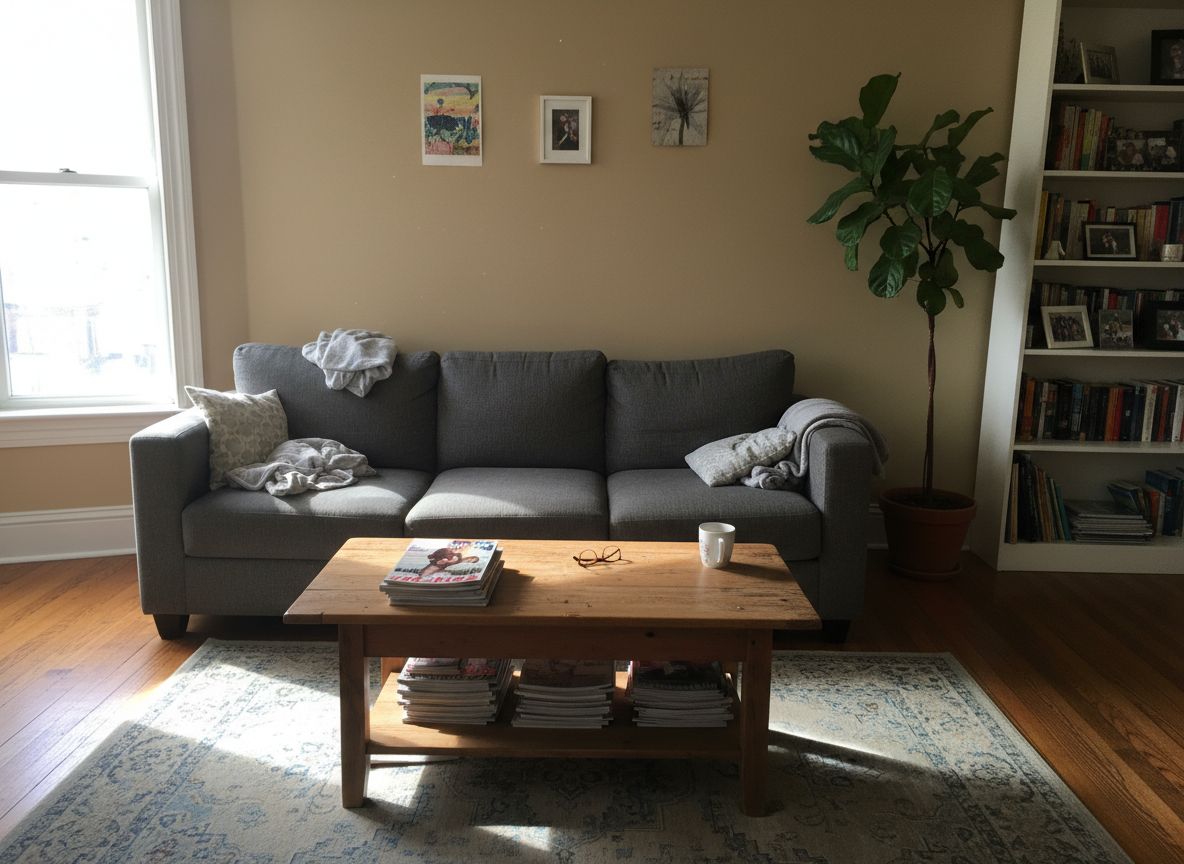

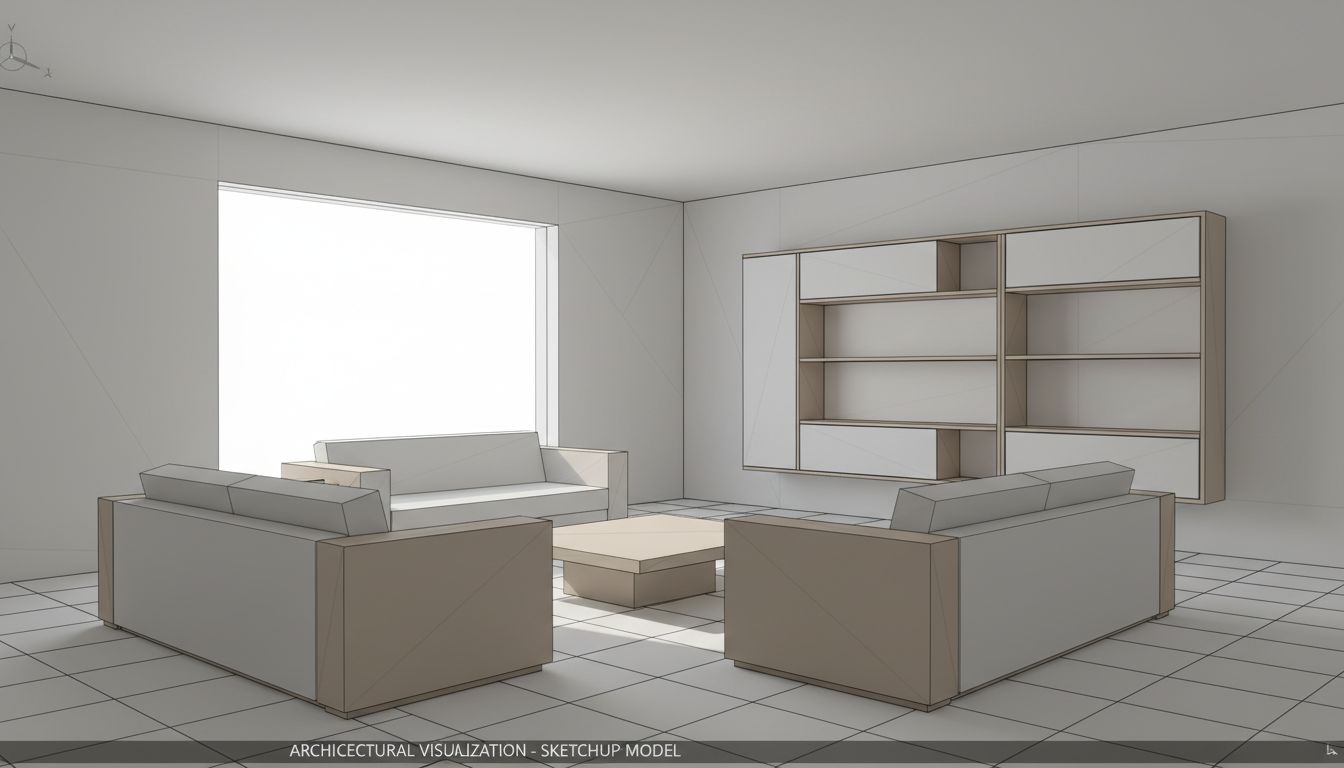
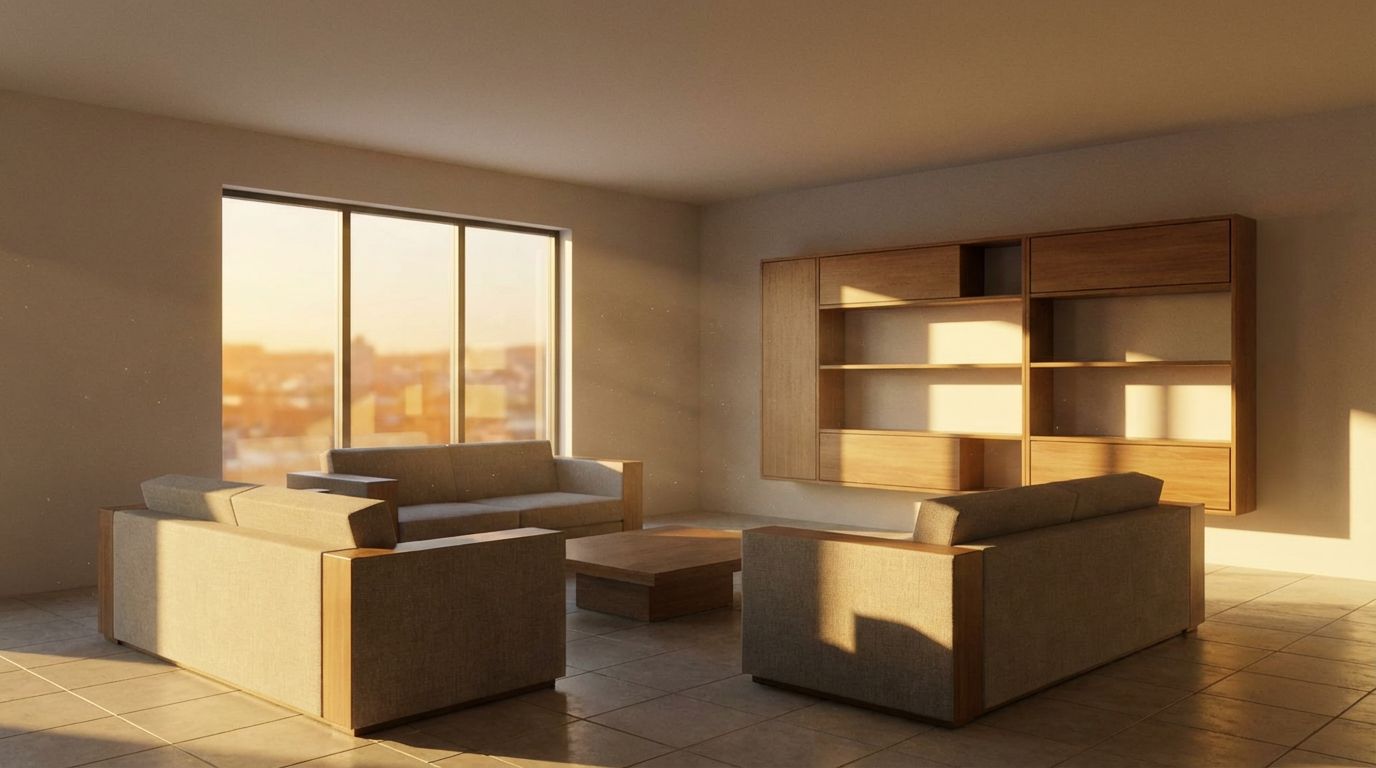
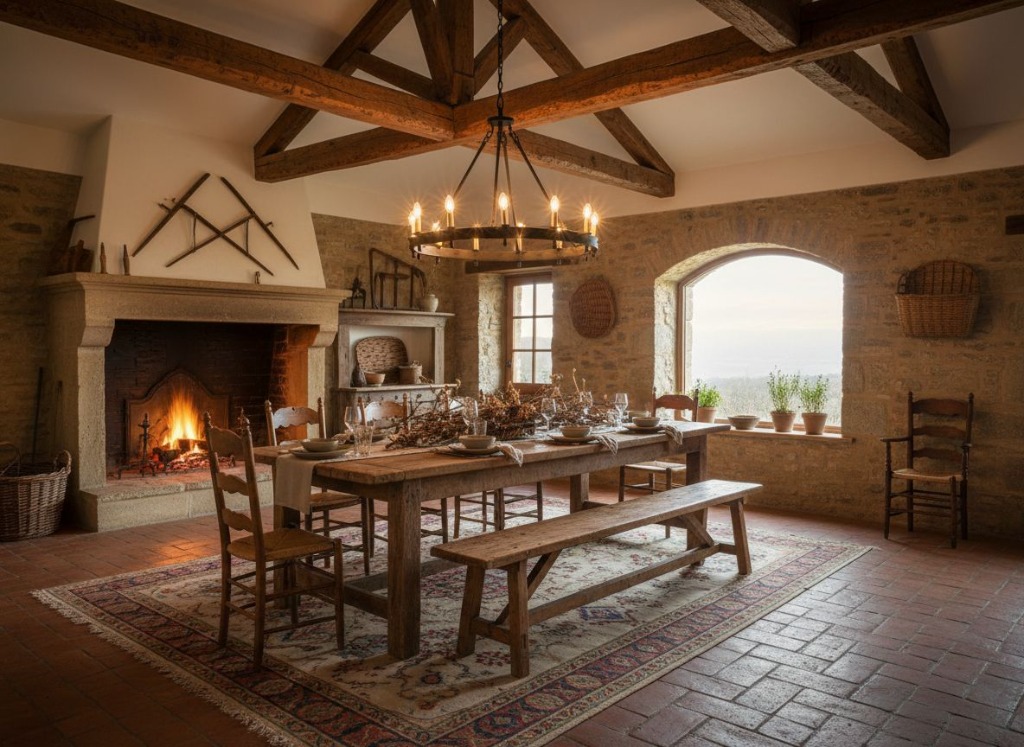

Why choose RoomLab.app for your next project?
Choose RoomLab.app if you want furniture and material swaps, Wall Colors grids, 4K upscales and short property videos without a yearly commitment. Try one free image first, then buy the one-time Personal pack for a single project, or subscribe when you need House Tours and more credits.
One room photo. More ways to move your project forward.
Stage empty rooms from a photo
Restyle rooms with 29 presets or your own style
Preview furniture and materials from reference images
Compare nine wall colors in one grid
Create walkthroughs, transitions and House Tours, or edit a clip you filmed
Review before-and-after images in one workspace
Frequently Asked Questions
Can I use Collov AI without a subscription?
Which Collov AI plan lets me change furniture and materials?
How do RoomLab.app videos compare with Collov AI's virtual tours?
Can I compare paint colors on a listing photo?
Can RoomLab.app turn a 3D model or sketch into a render?
Professional Results. Fraction of the Cost.
Get photorealistic interior renders in seconds, not days. Professional-grade AI visualization with full creative control — no design skills needed.
One free image, no credit card required