AI Paint Color Visualizer See Any Color on Your Walls
Upload a photo of your room and change the wall color with AI. Start with our curated presets or pick your own paint color — compare tones side by side and find the perfect match before touching a brush.


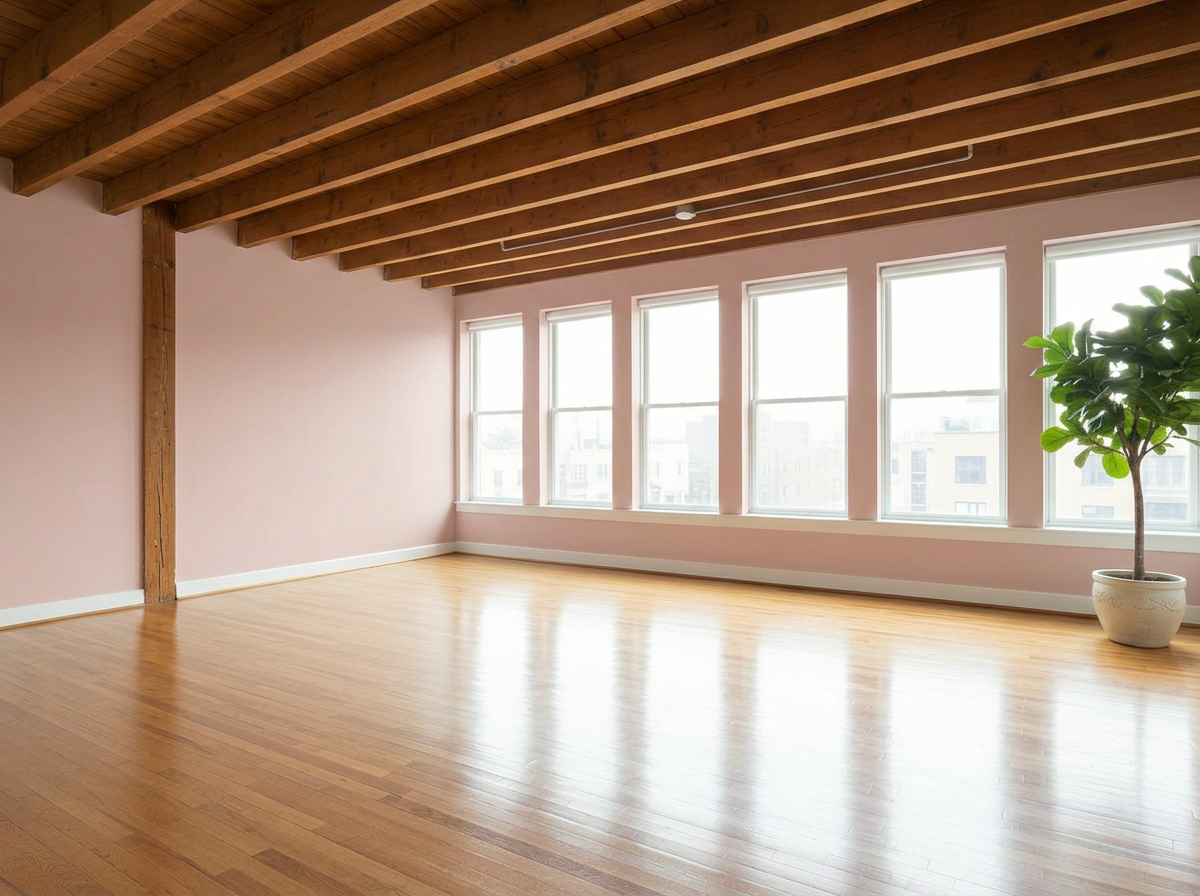
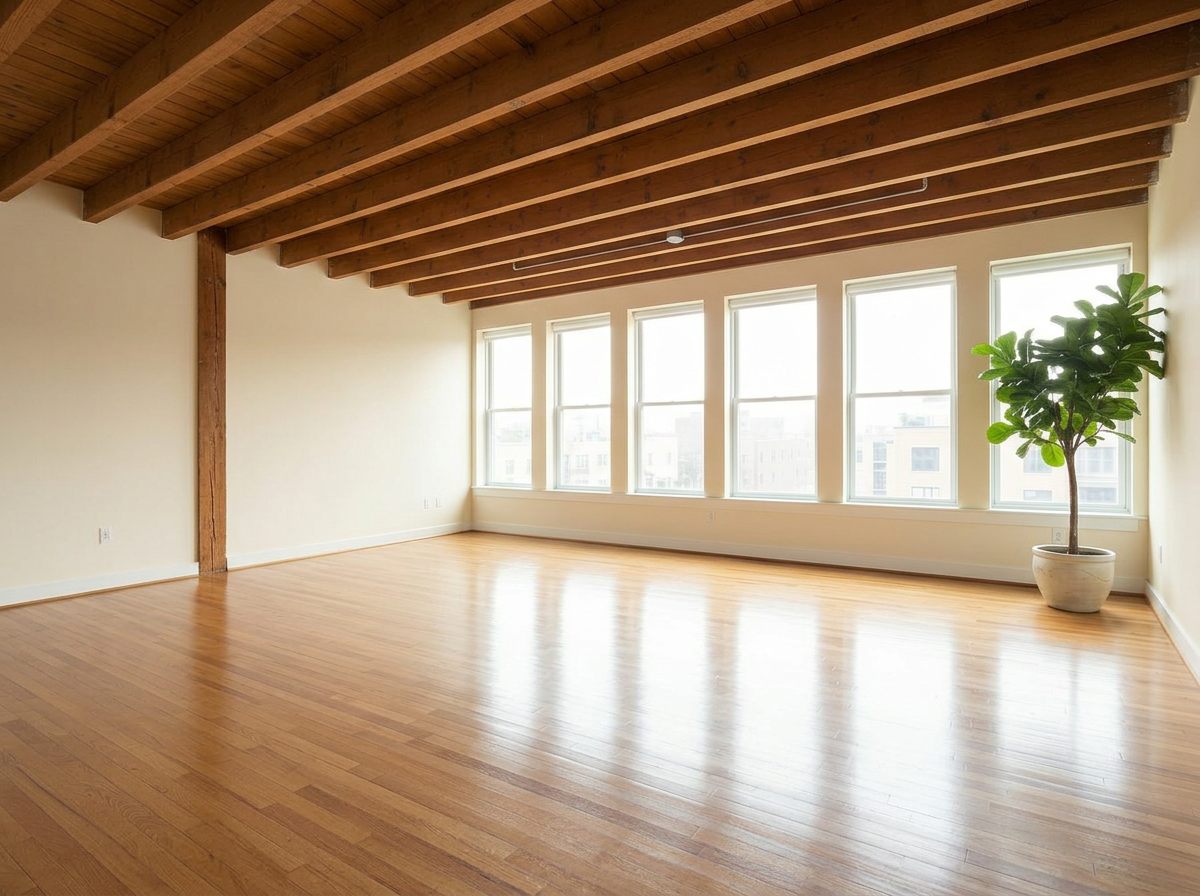
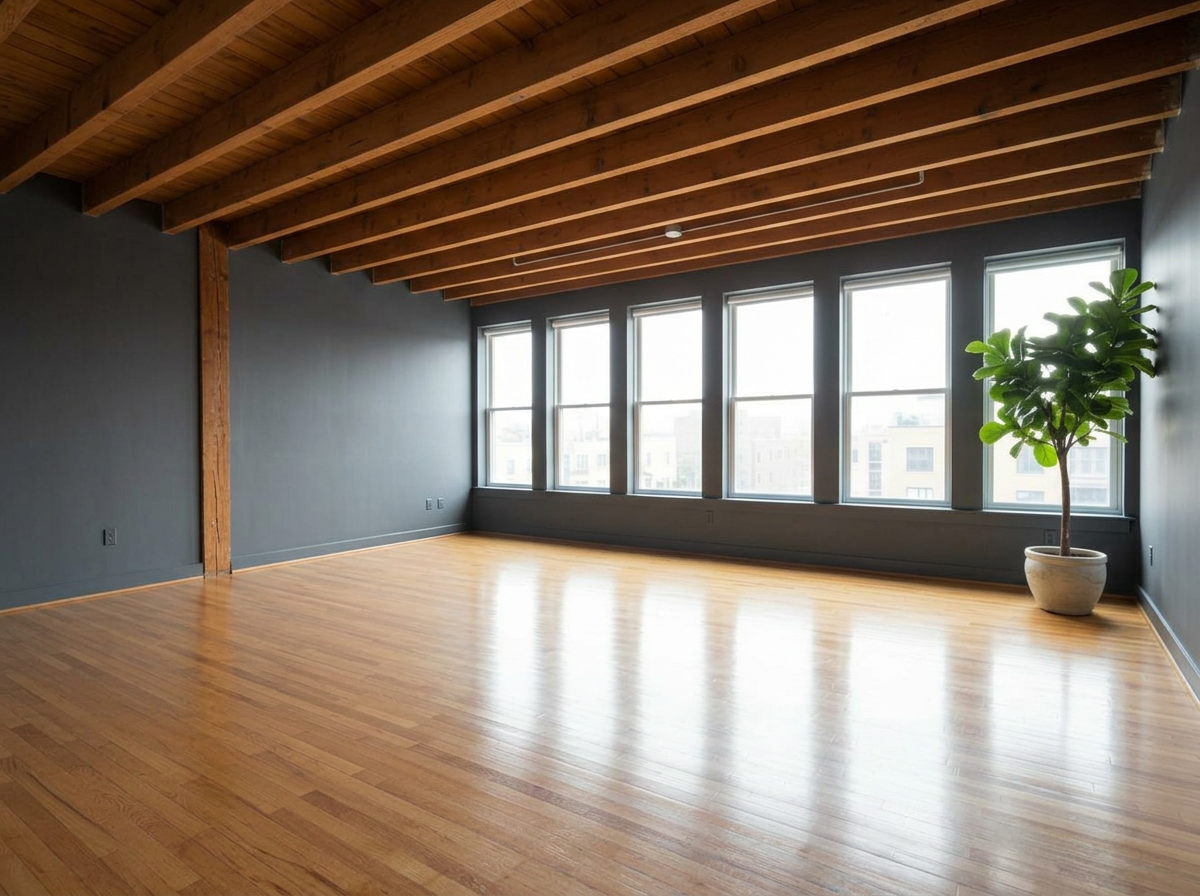
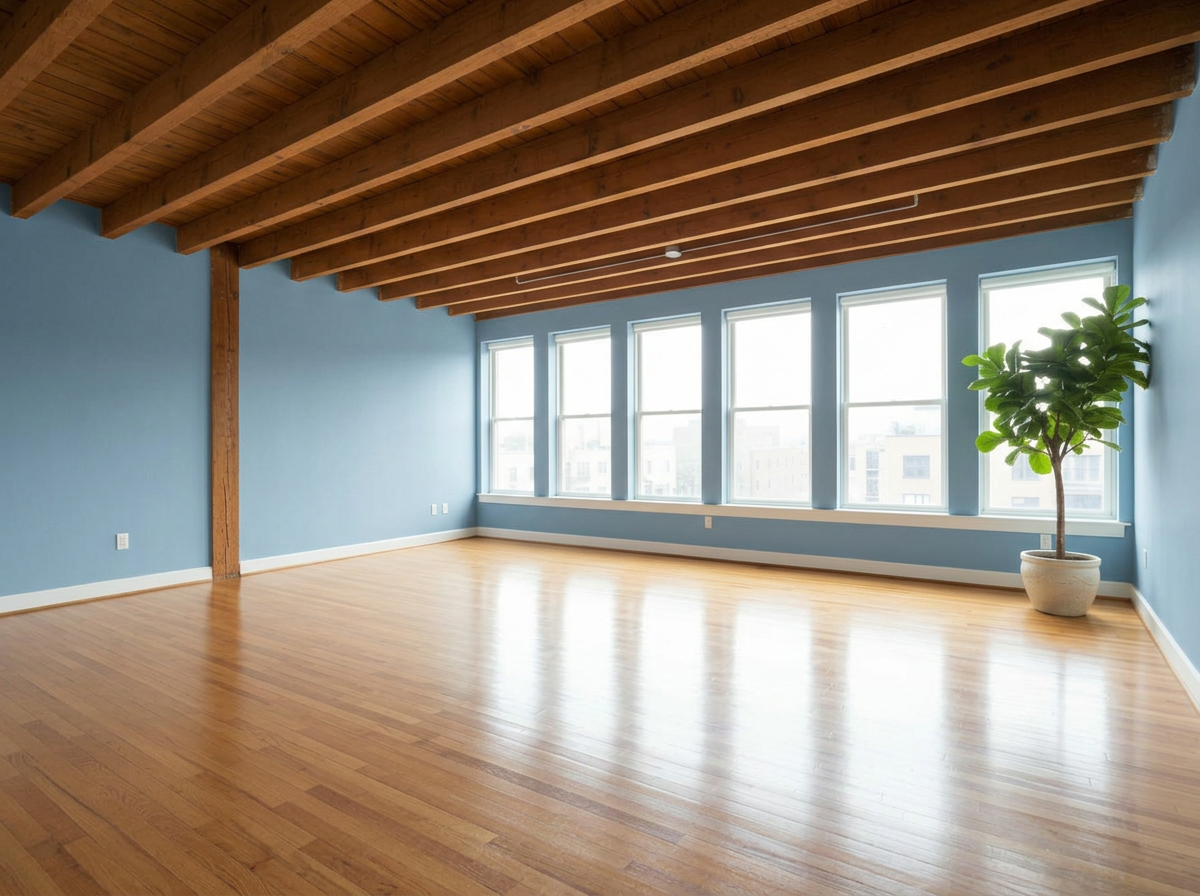
AI Paint Color Generator — Compare 9 Paint Colors at Once
Repainting the wrong color costs hundreds. Preview 9 wall paint options side by side on your actual room photo before committing to a single can.
Clients second-guess paint colors after the job is done — show them 9 options upfront.
Wrong color choices cost hundreds in repainting. Preview before committing.
Don't lose renovation deals to color indecision. Compare tones side by side.
Perfect For
Used by property and design teams around the world







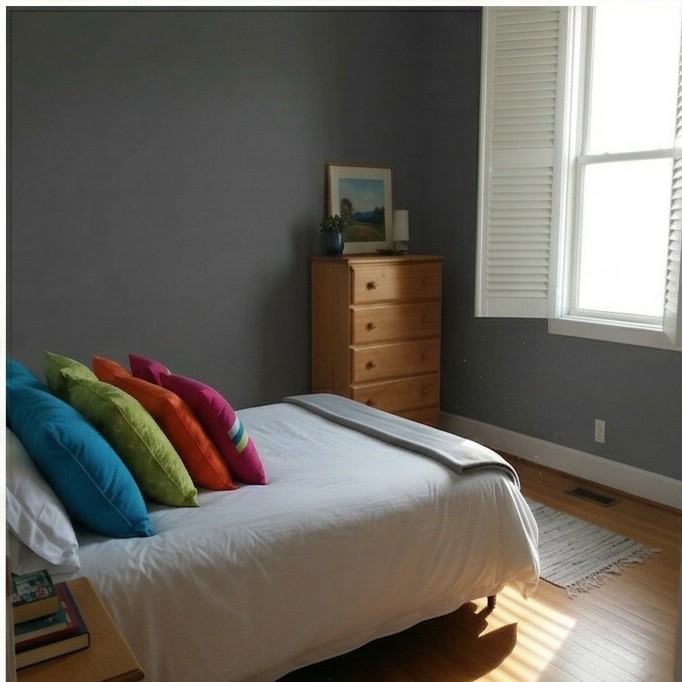
Guest Bedroom
These are just preset examples — in the app you can choose any color you want
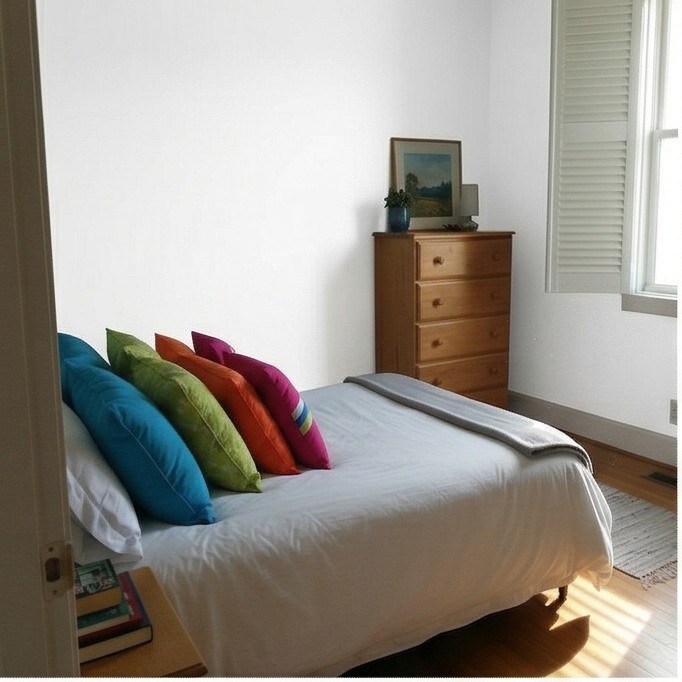
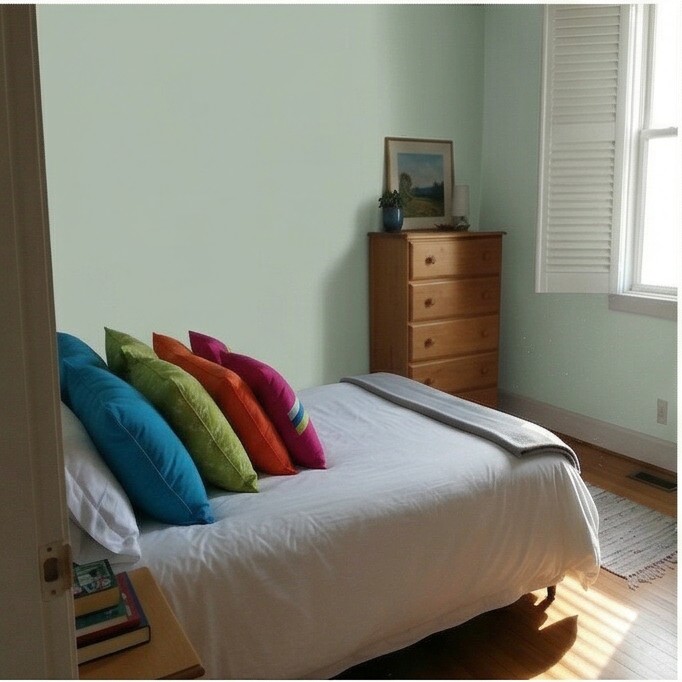
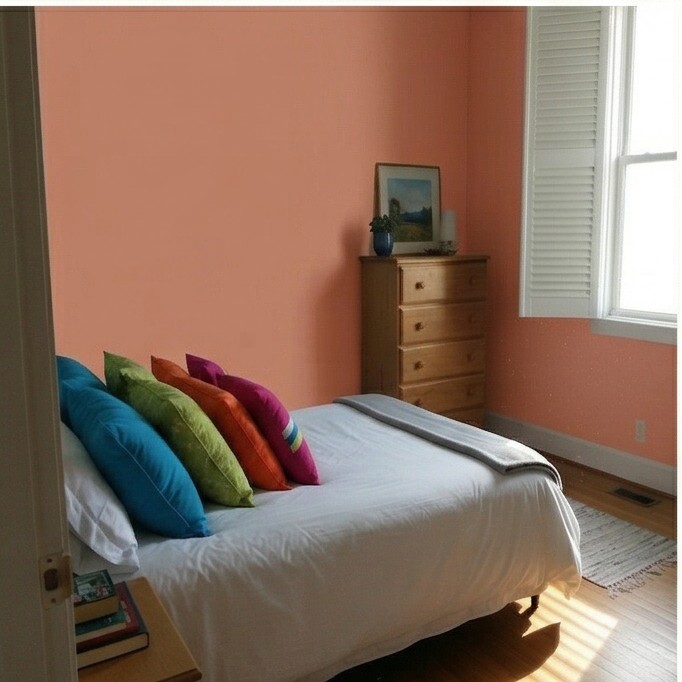
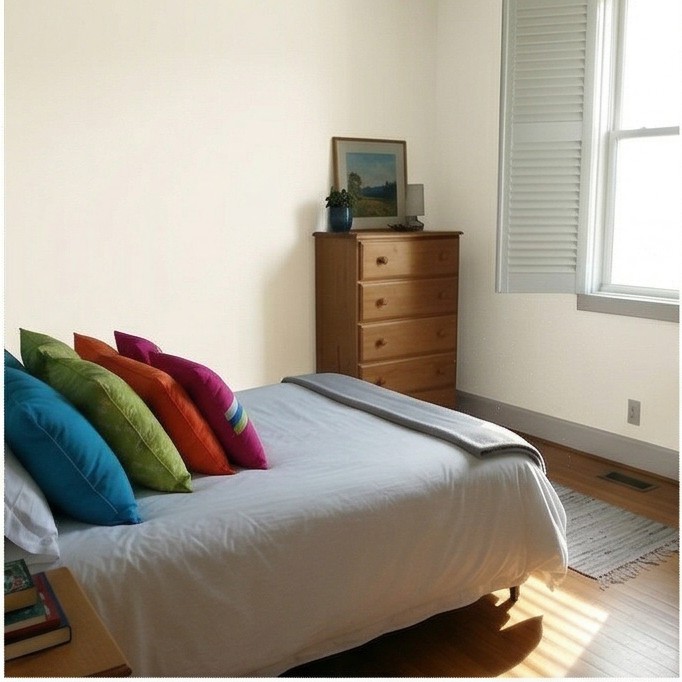
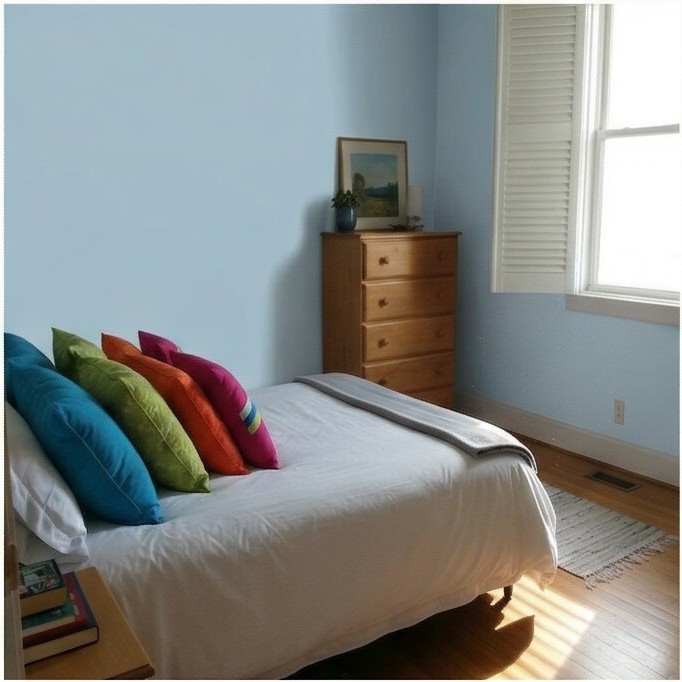
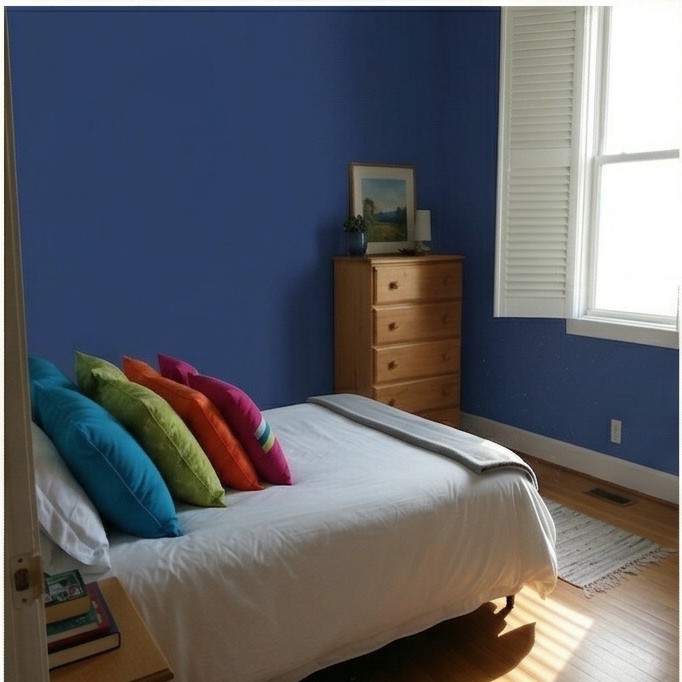
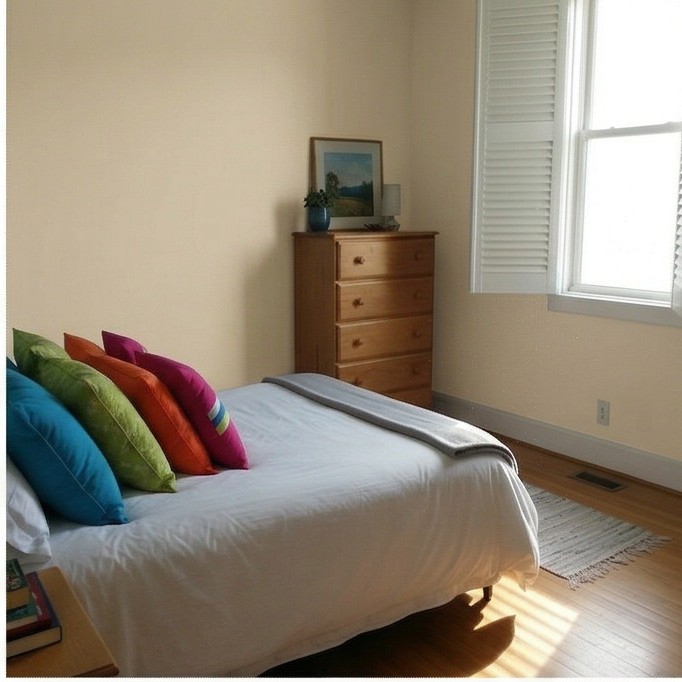
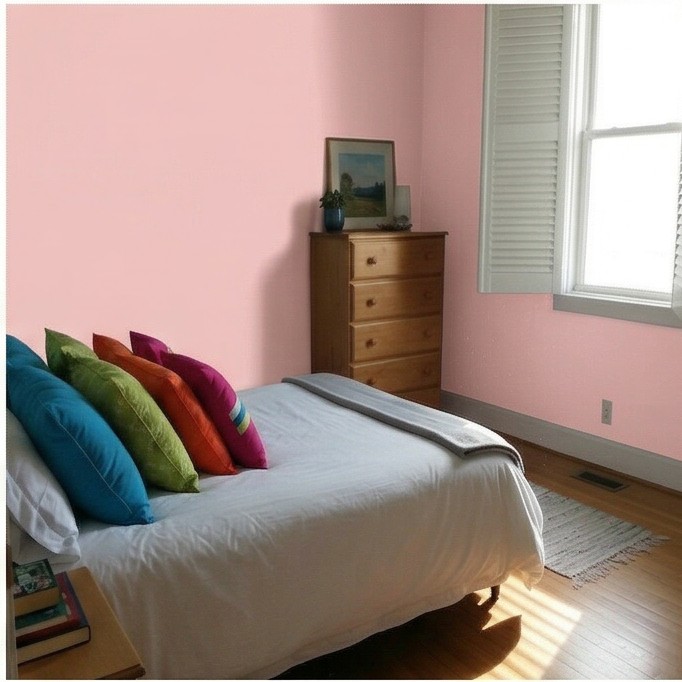
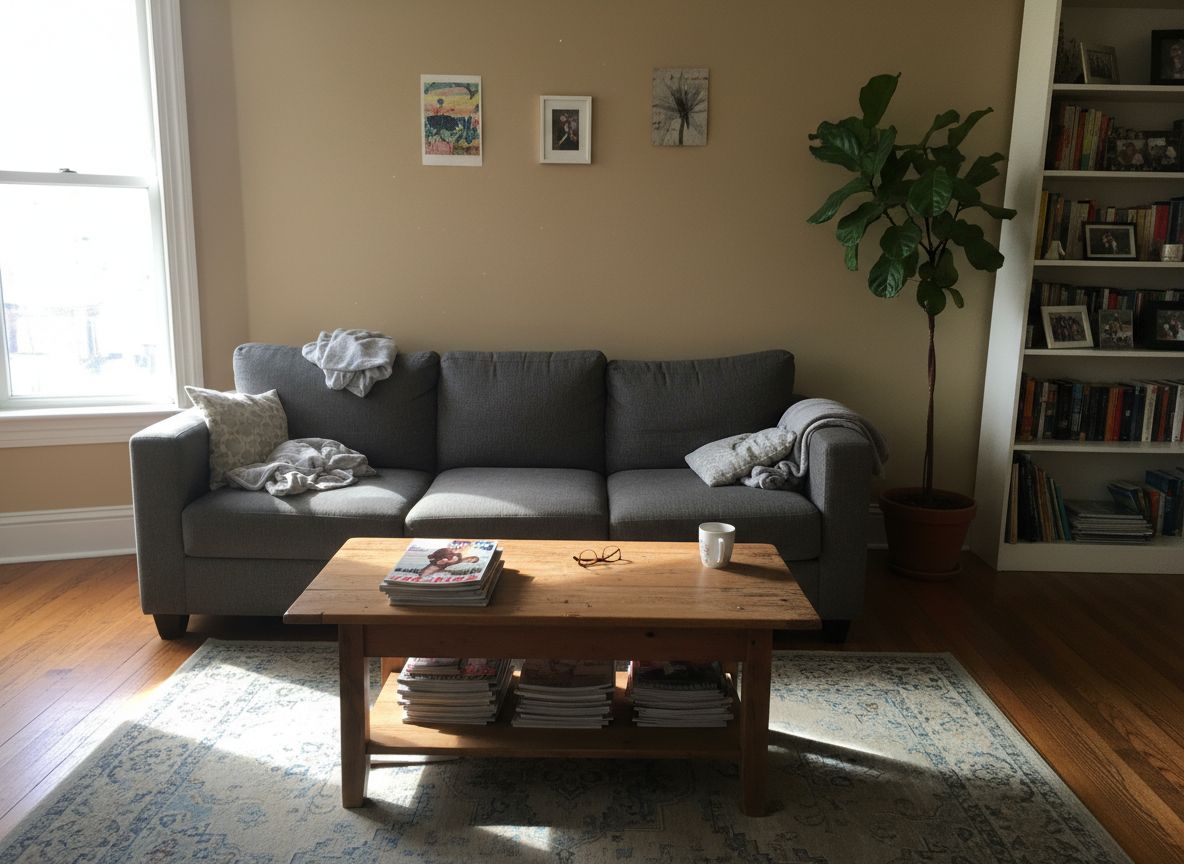
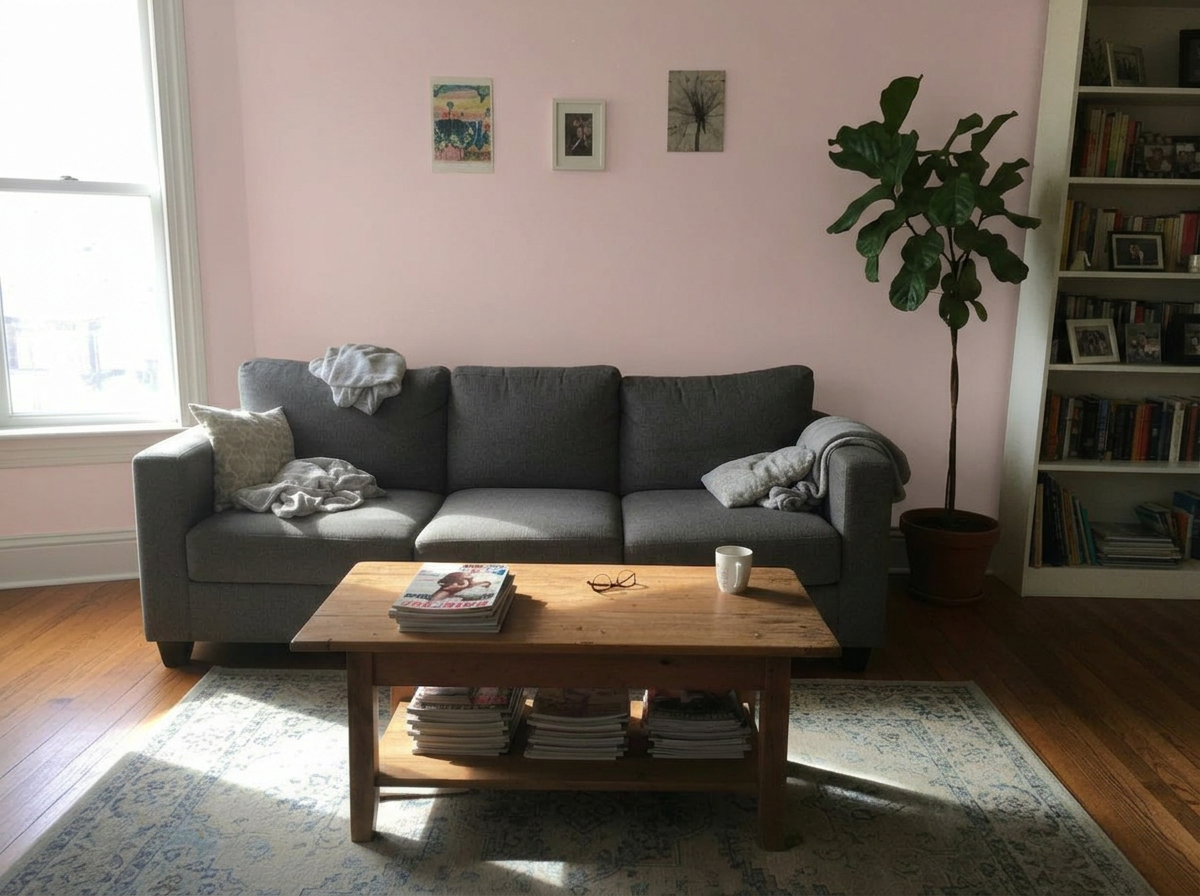
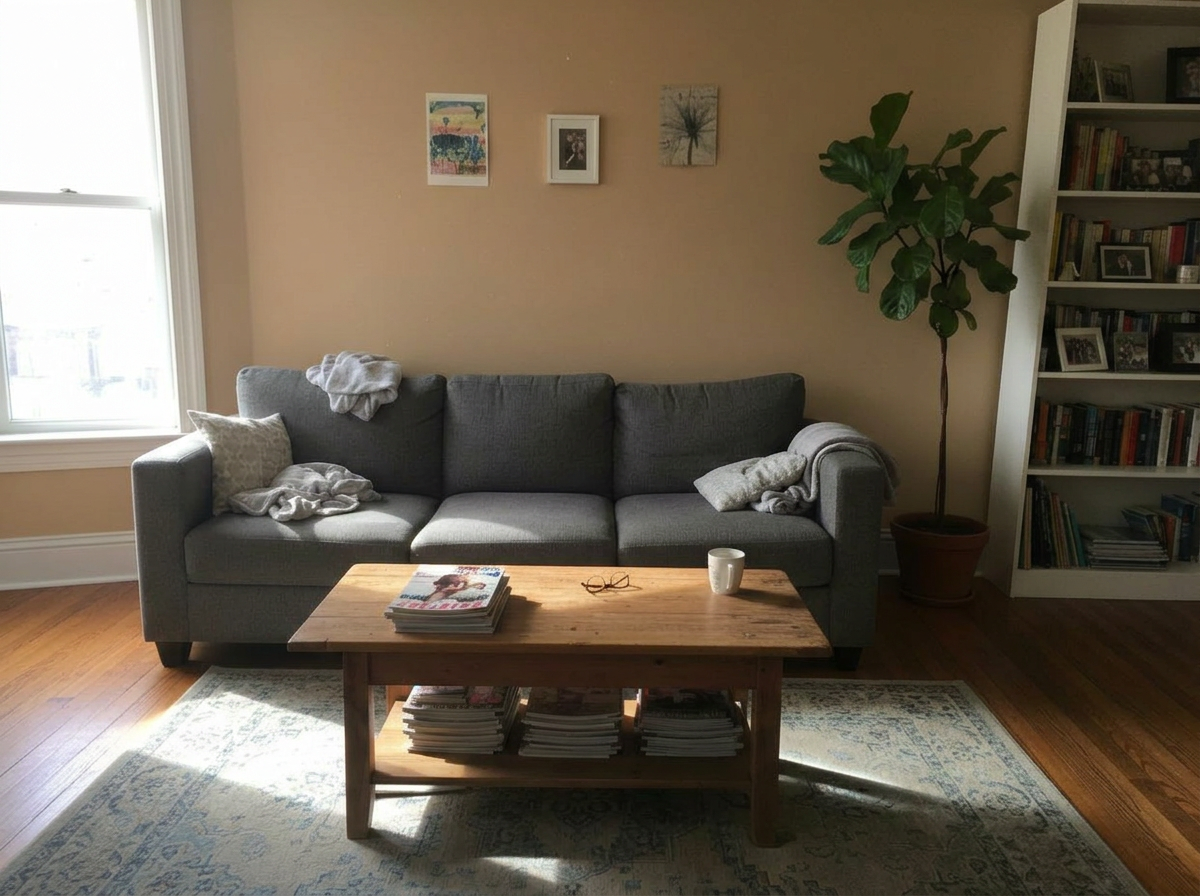
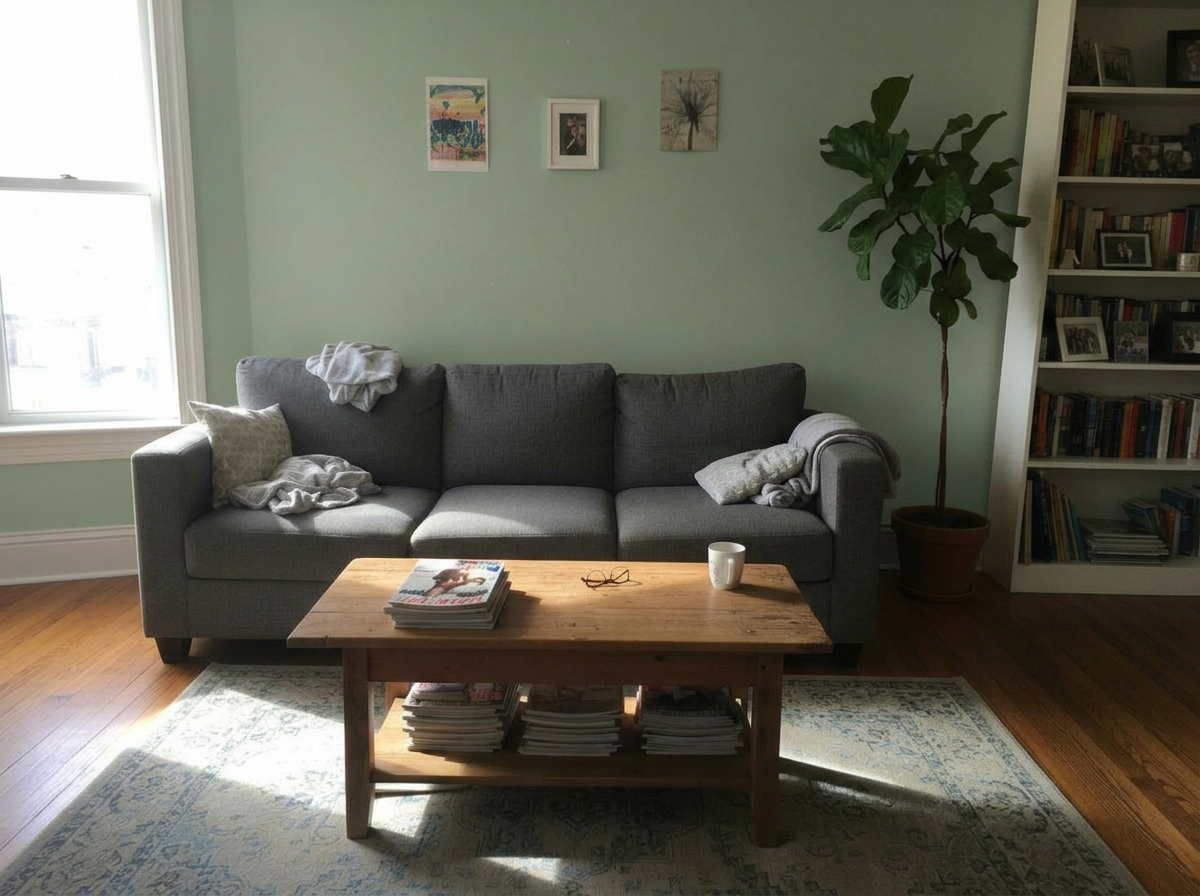
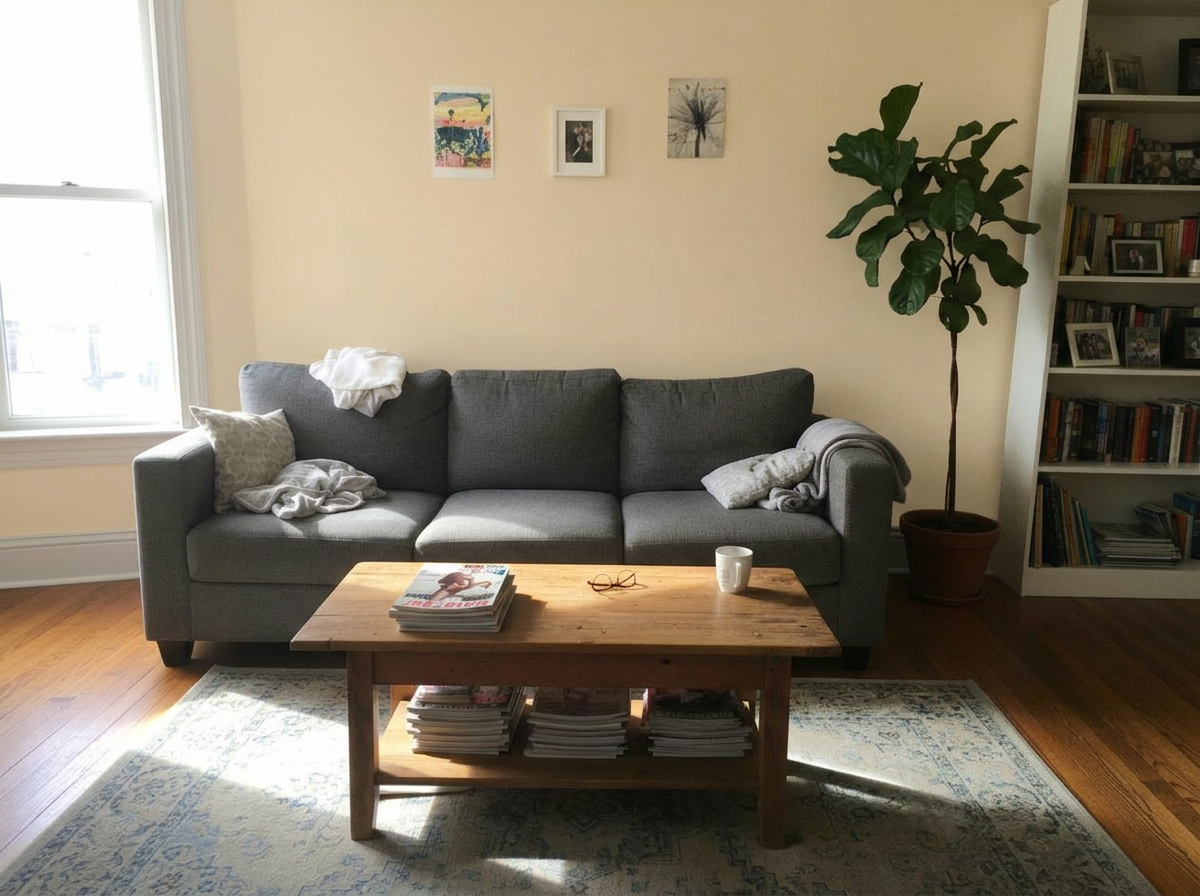
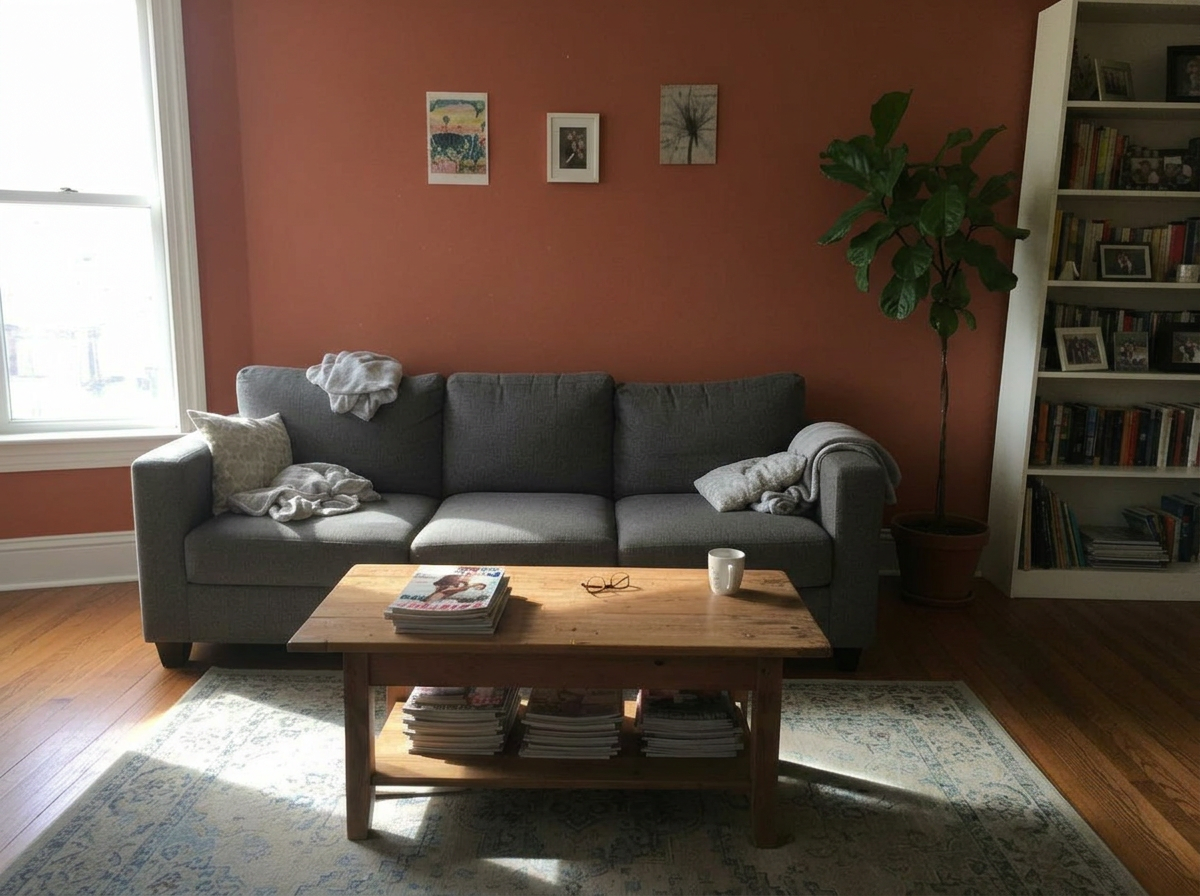
Living Room
These are just preset examples — in the app you can choose any color you want
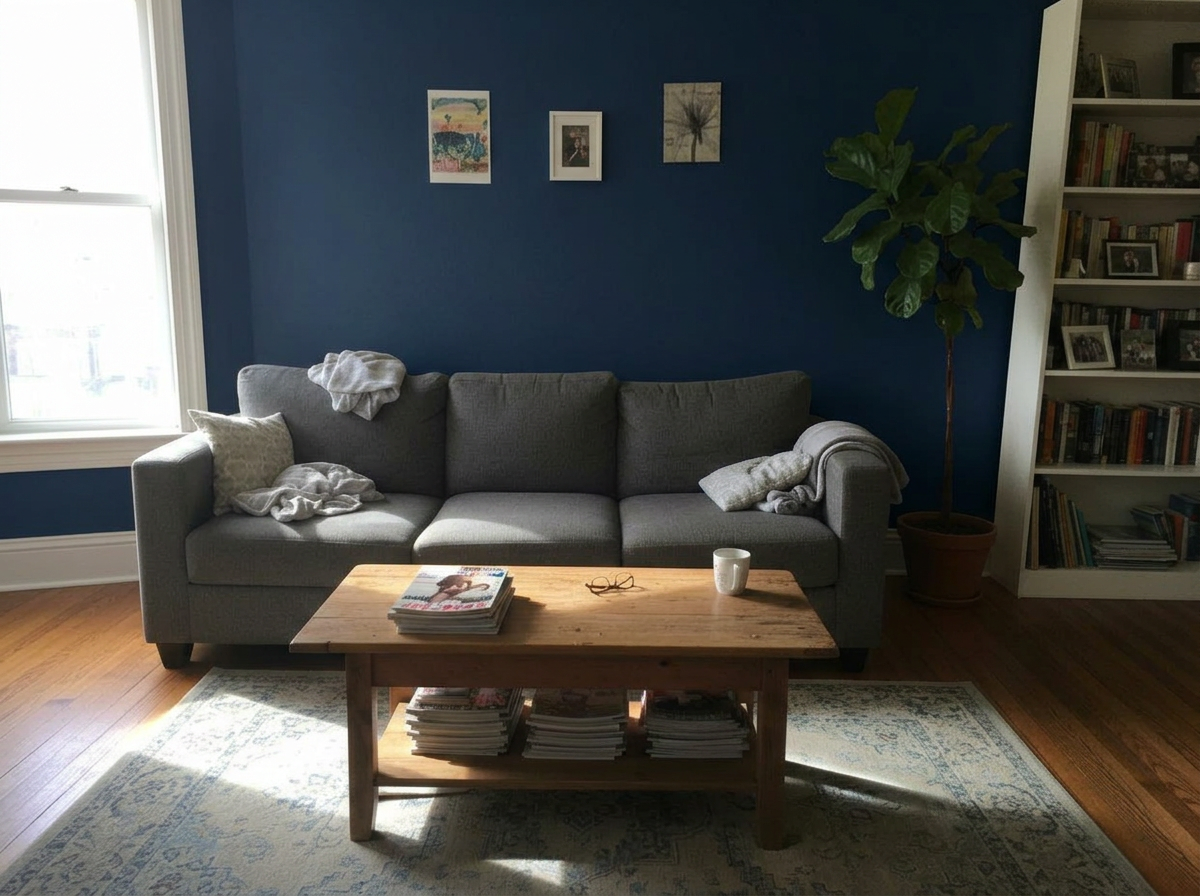
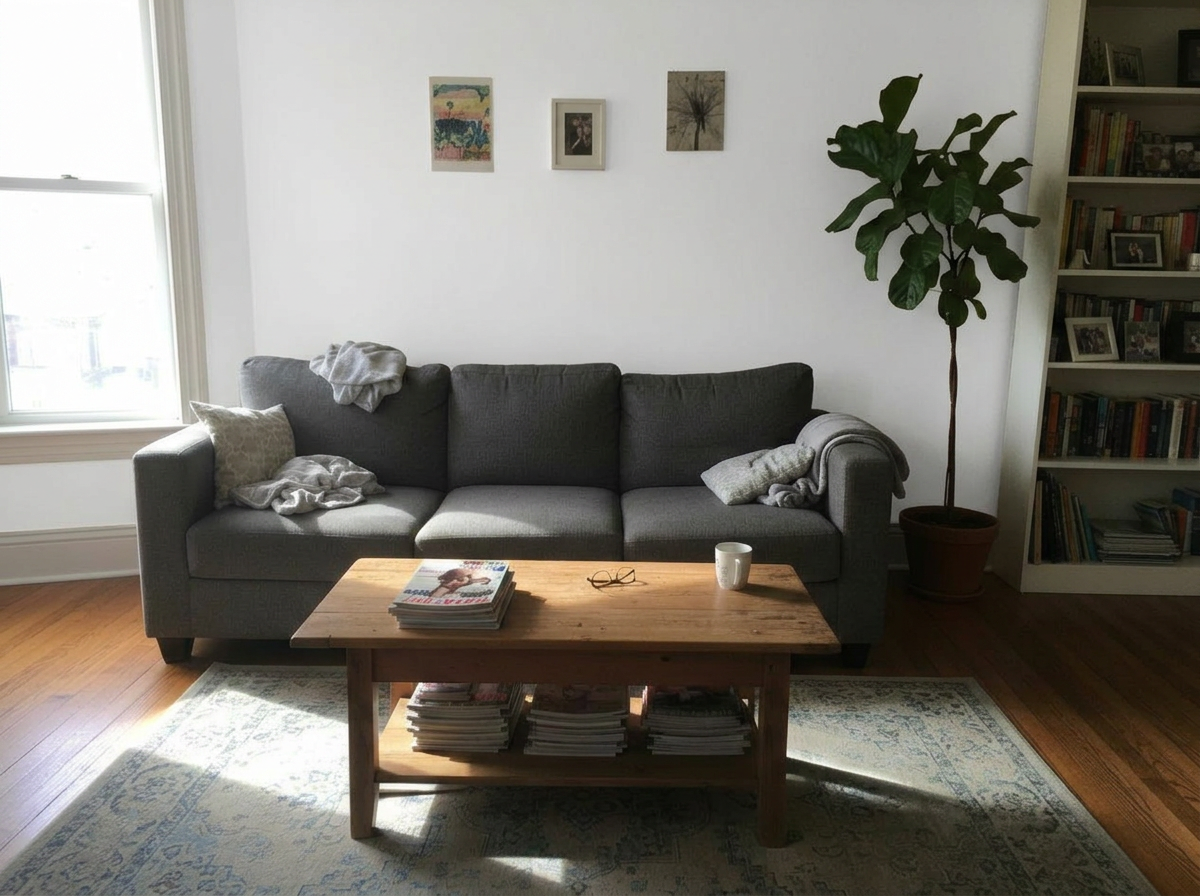
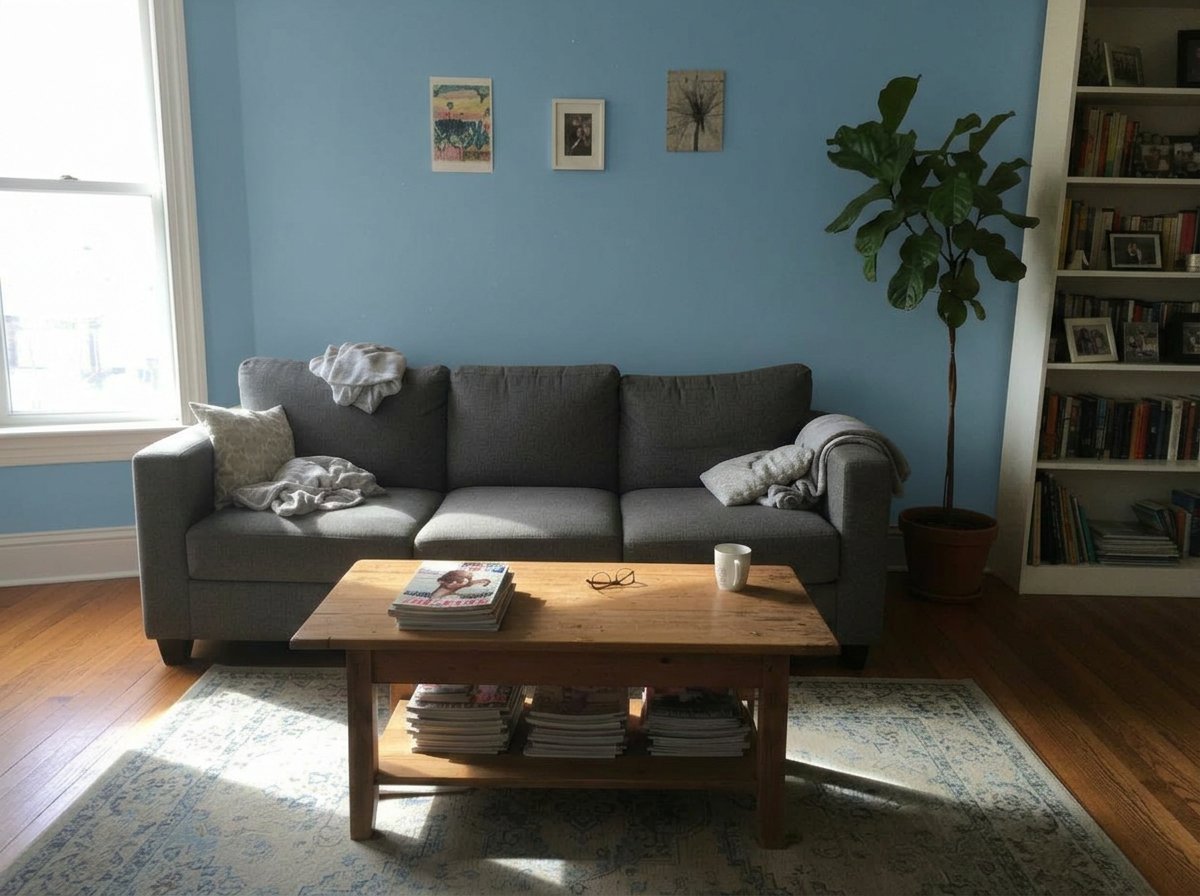
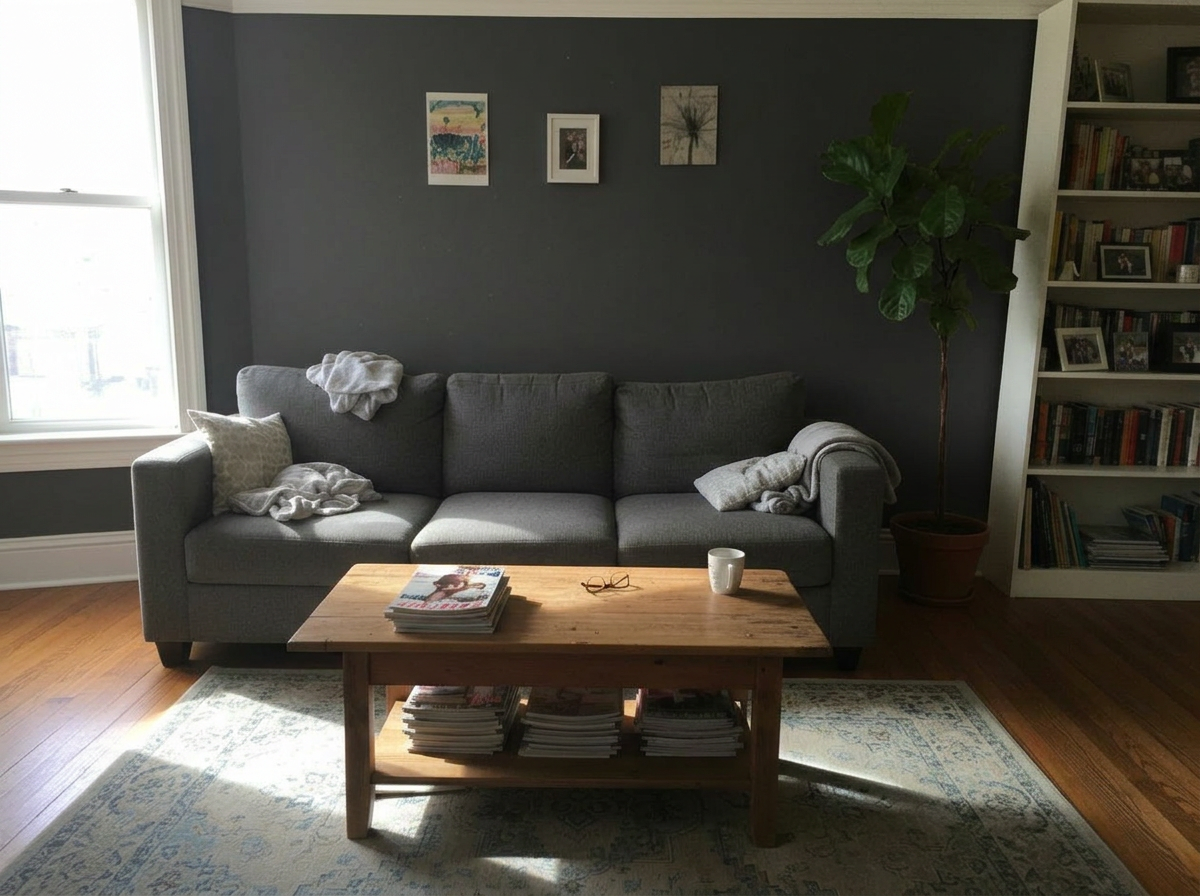
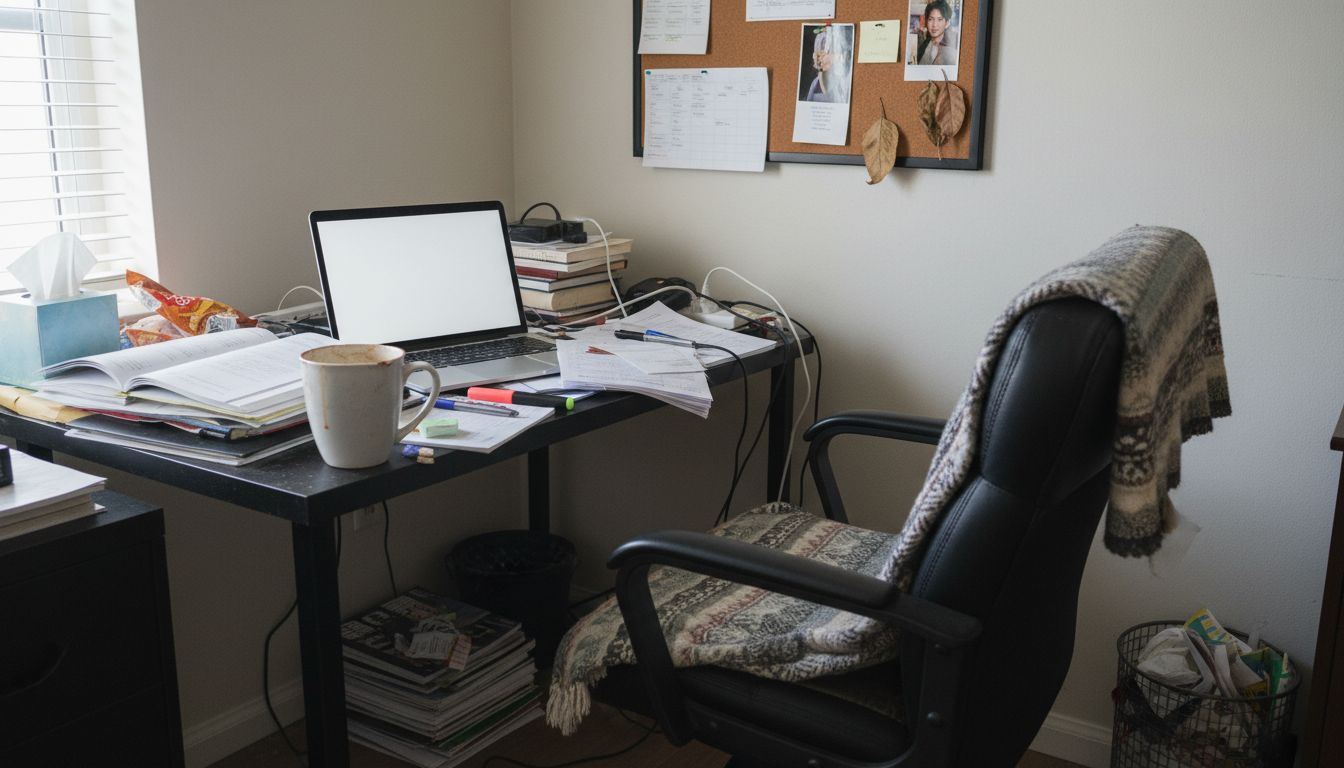
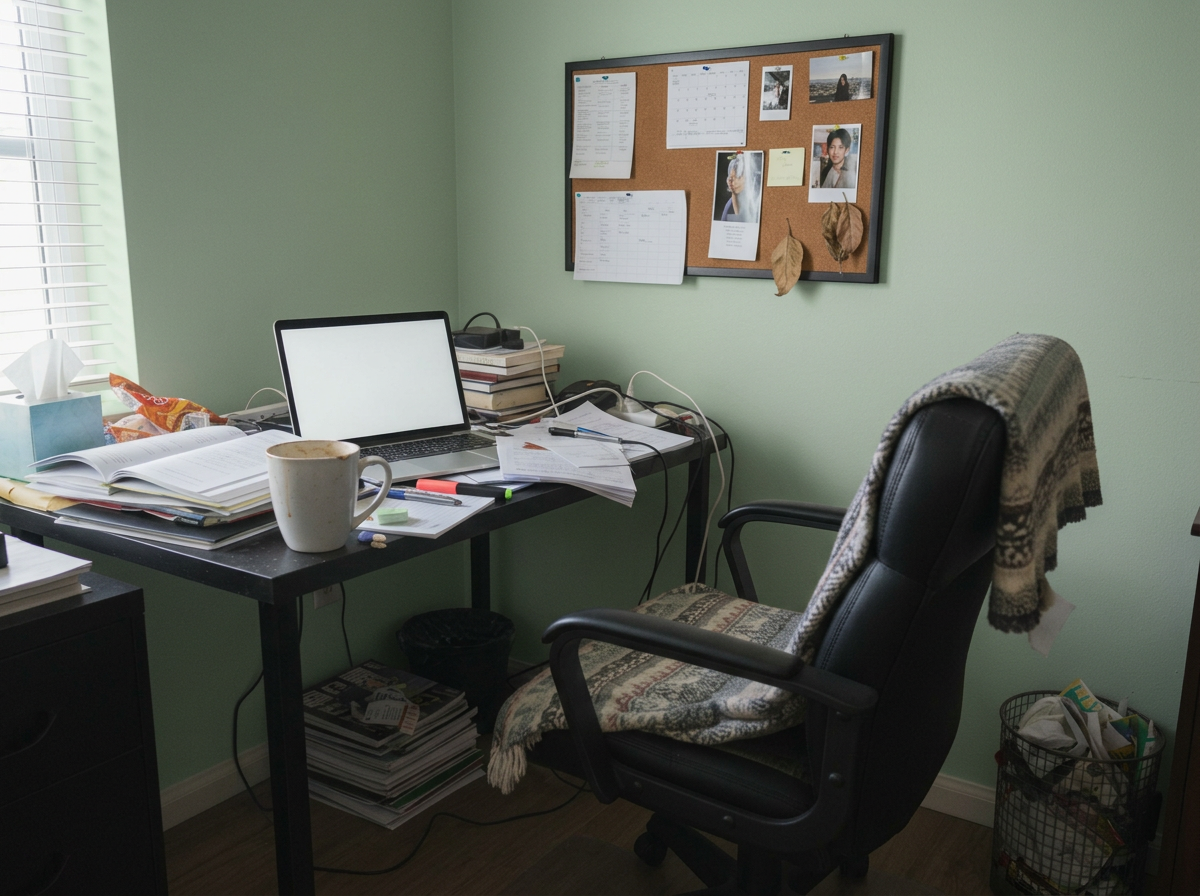
Home Office
These are just preset examples — in the app you can choose any color you want
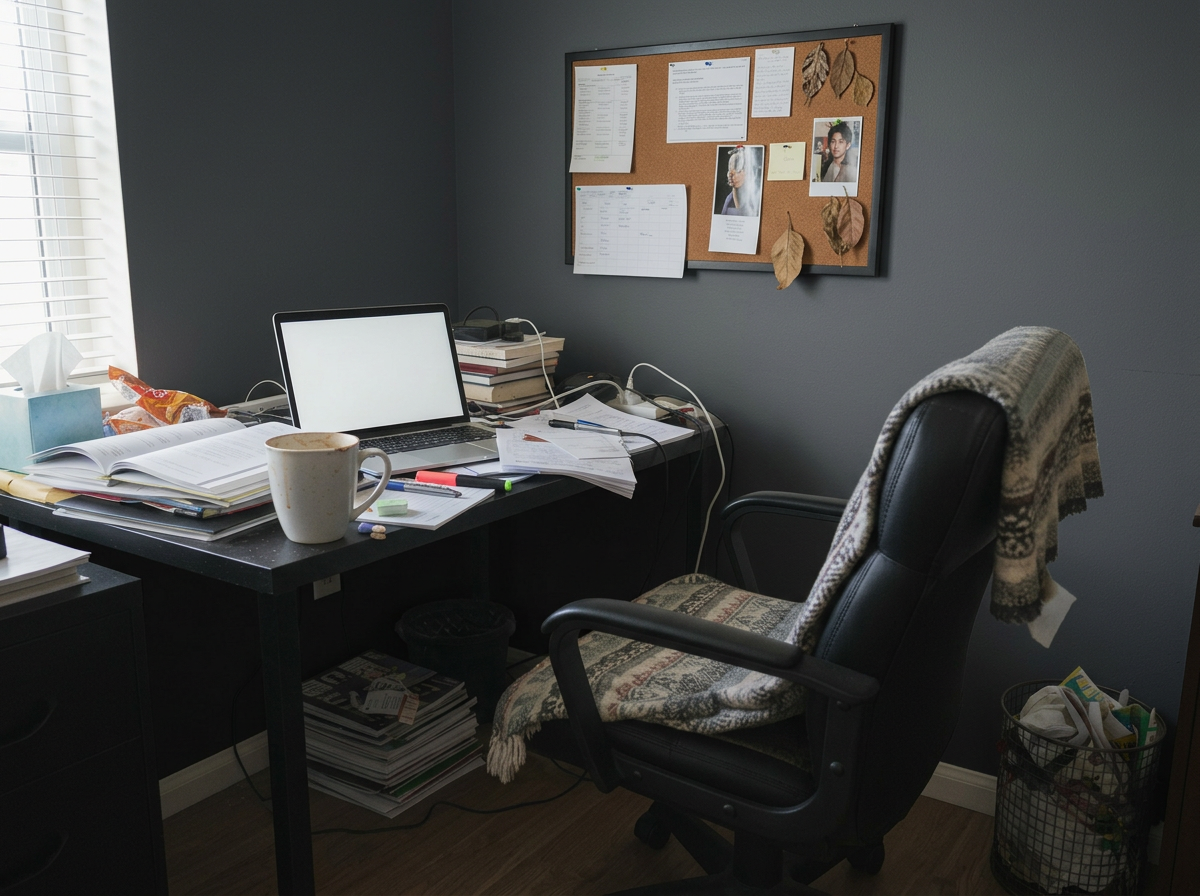
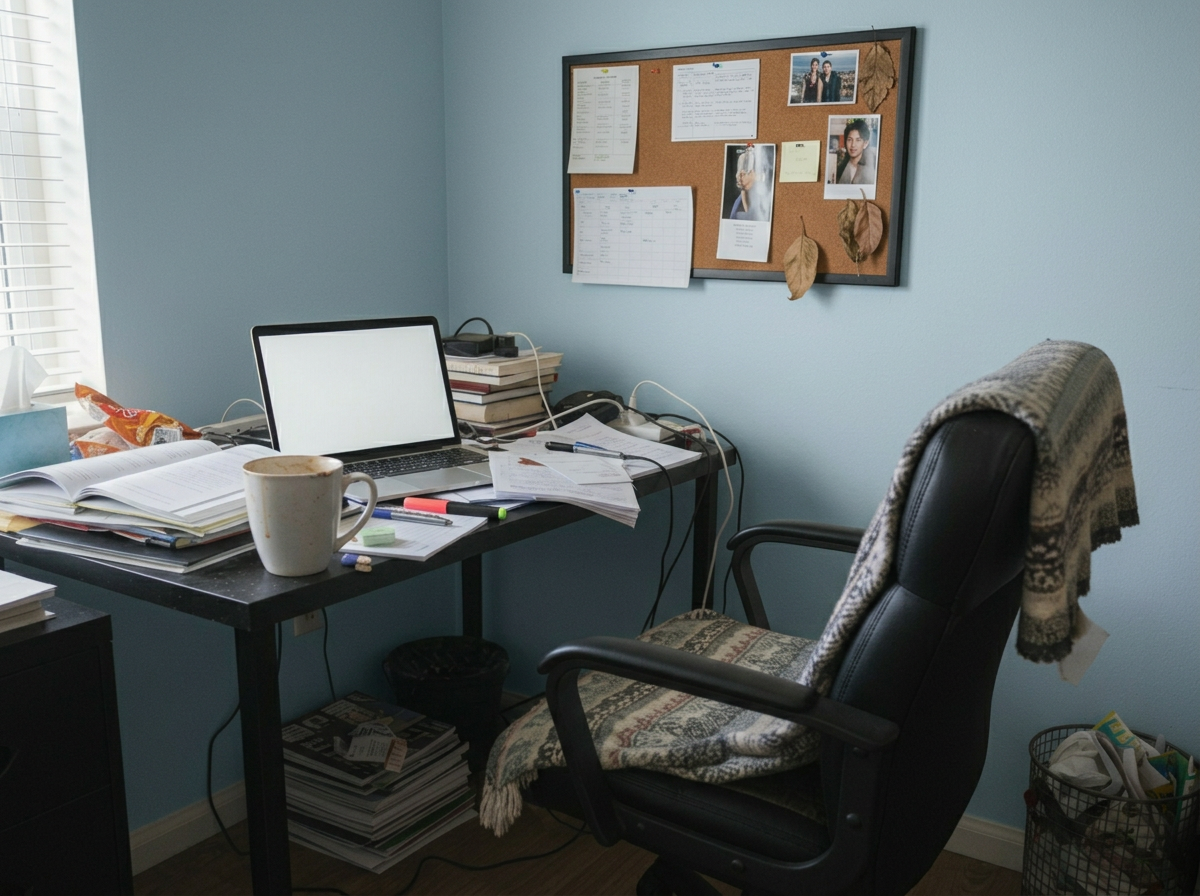
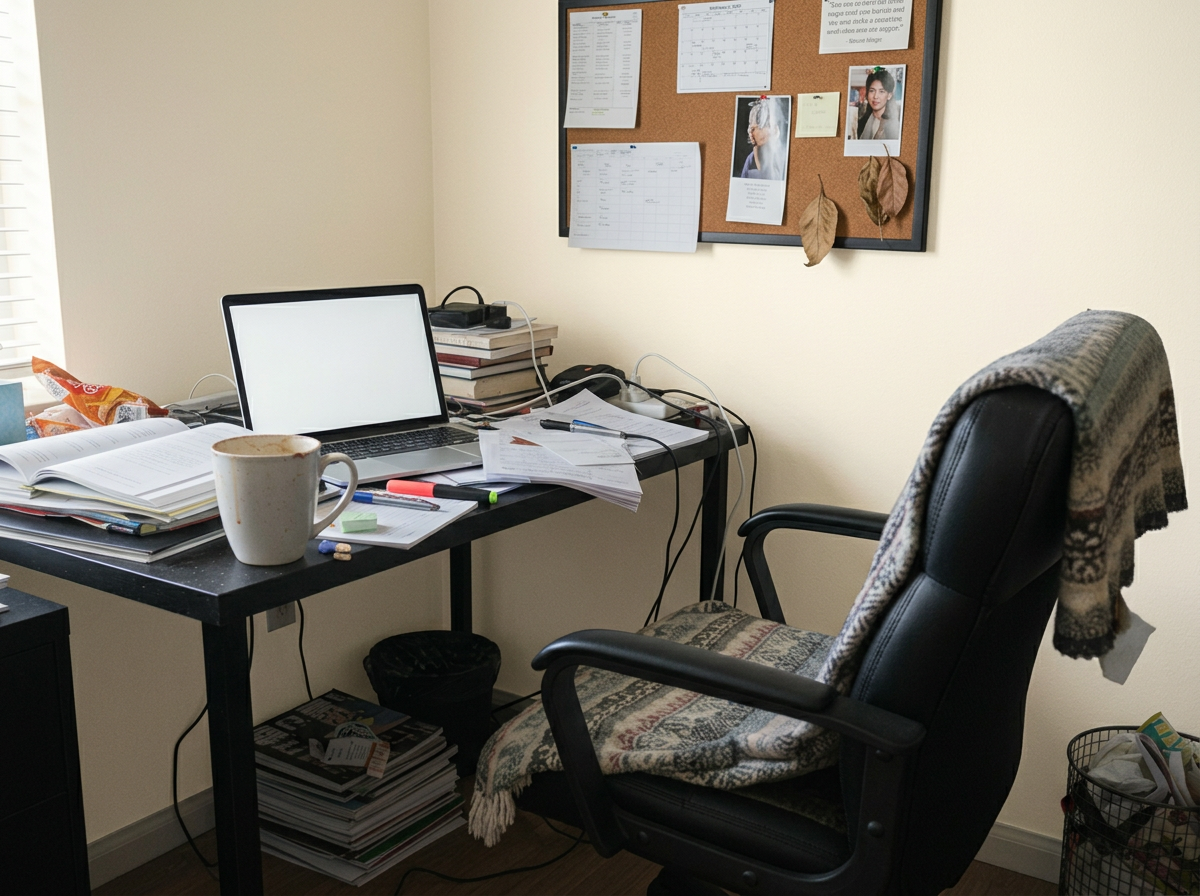
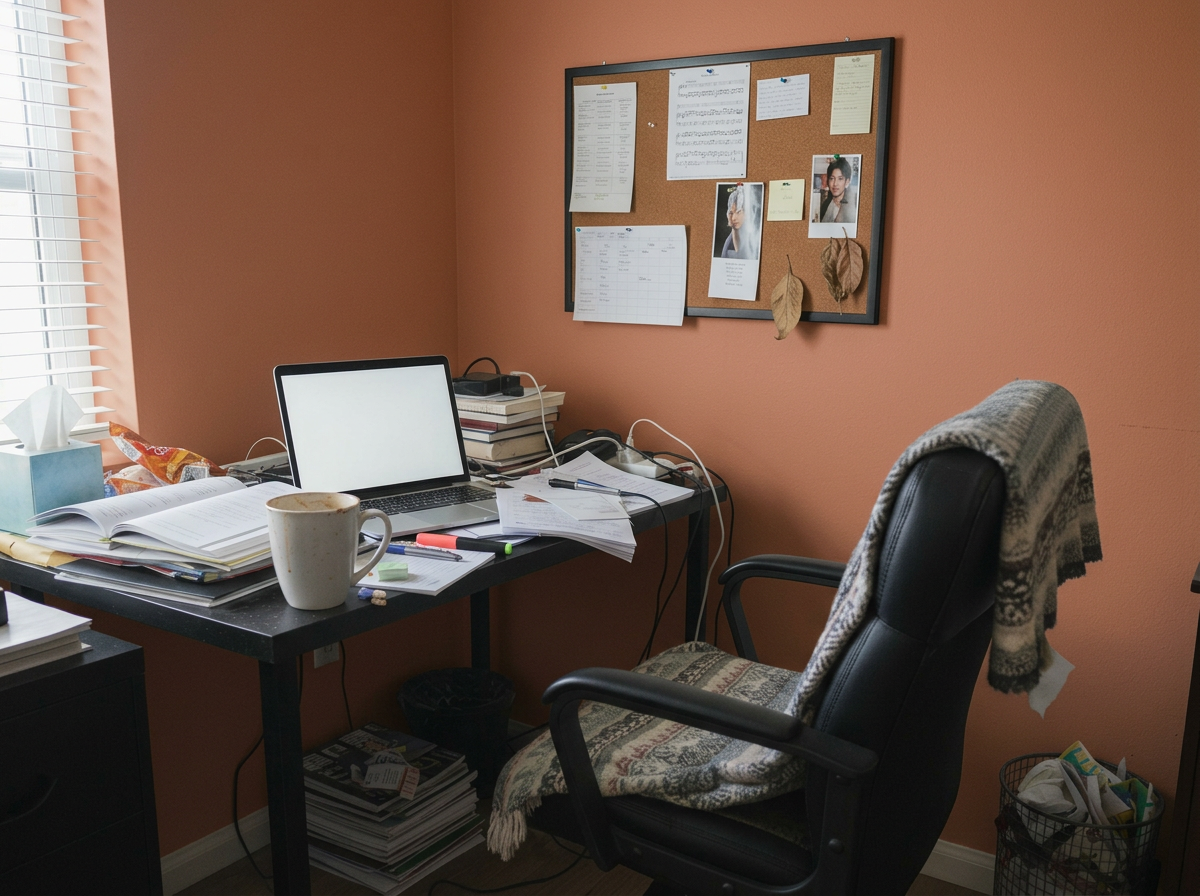
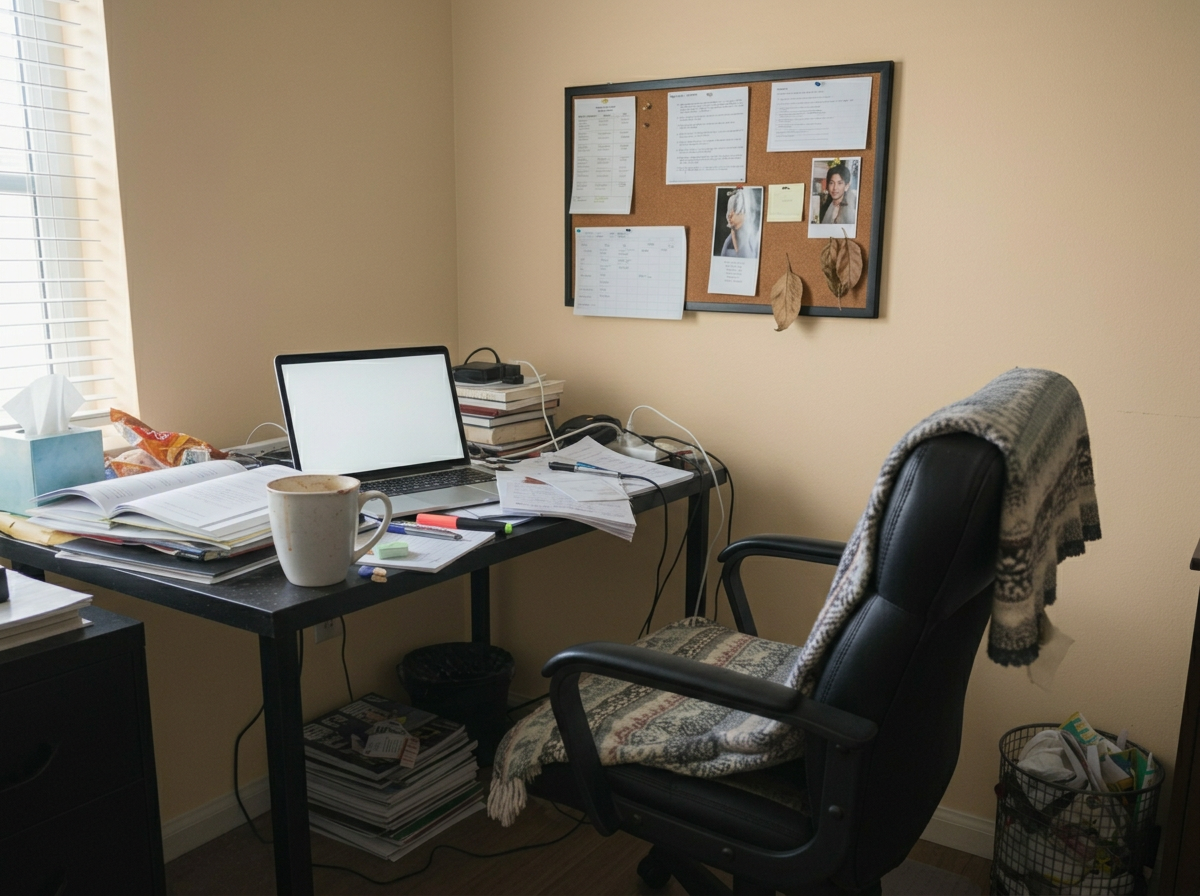
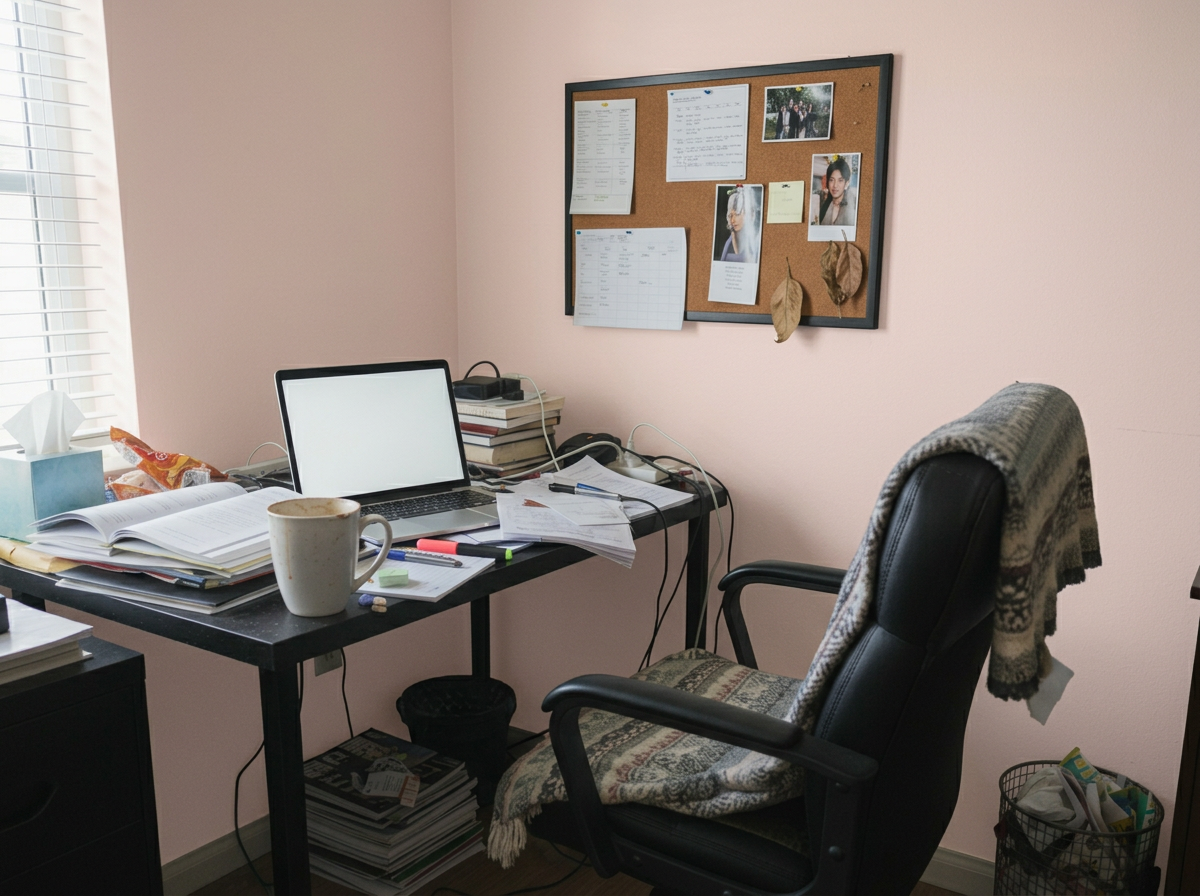
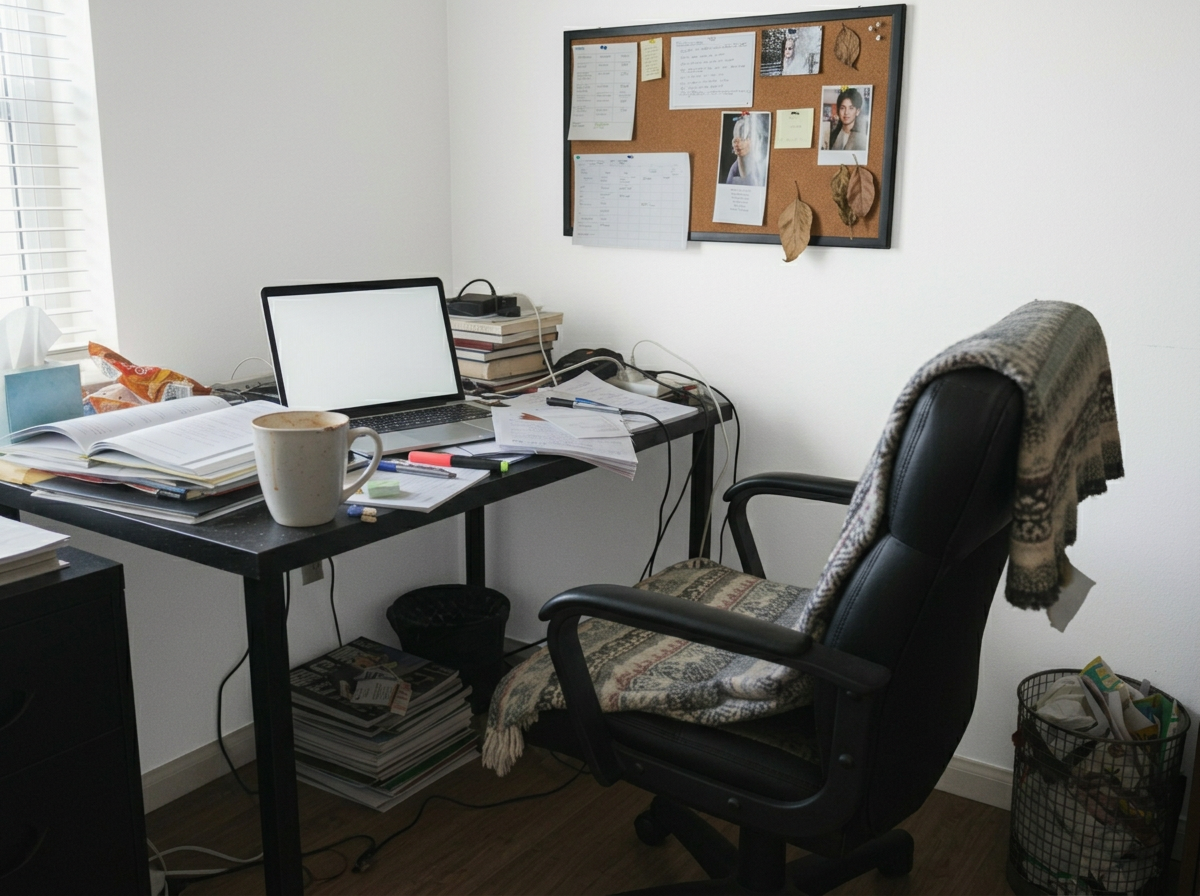
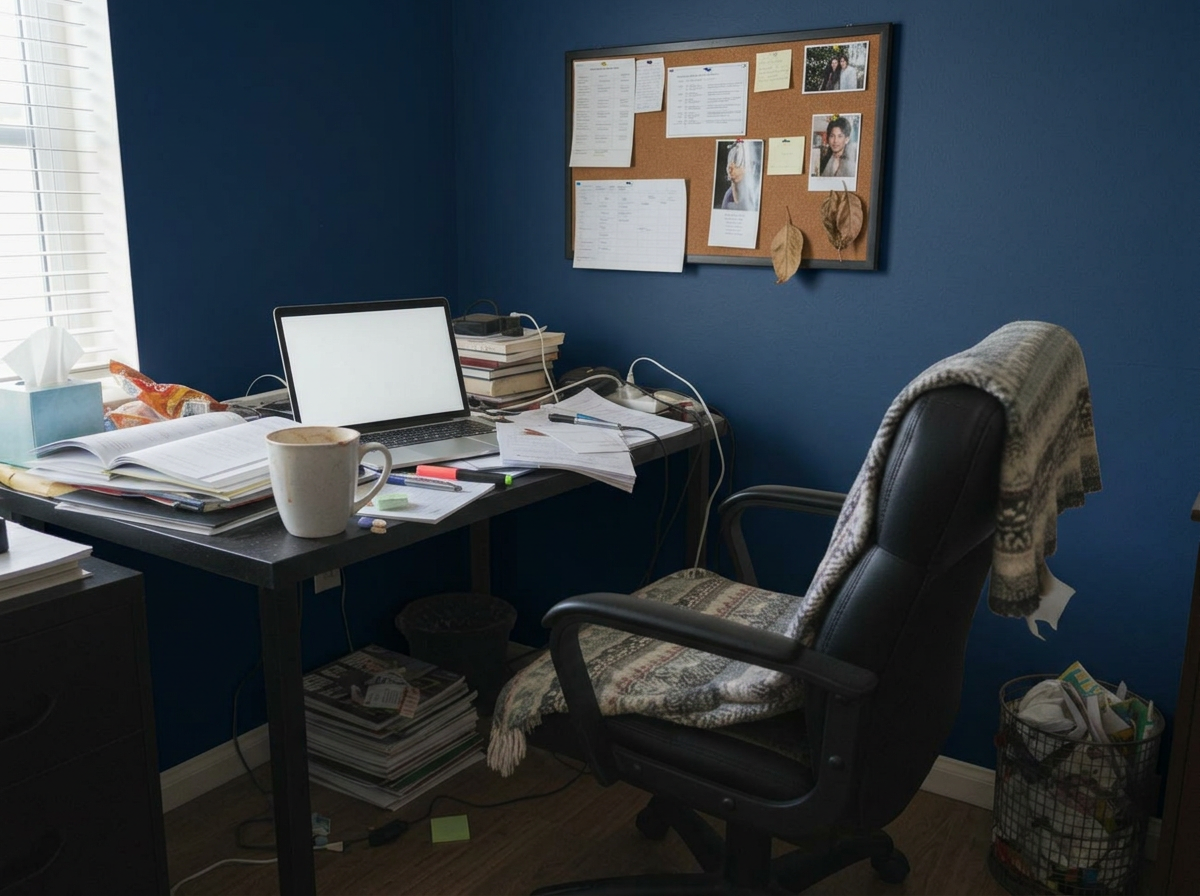
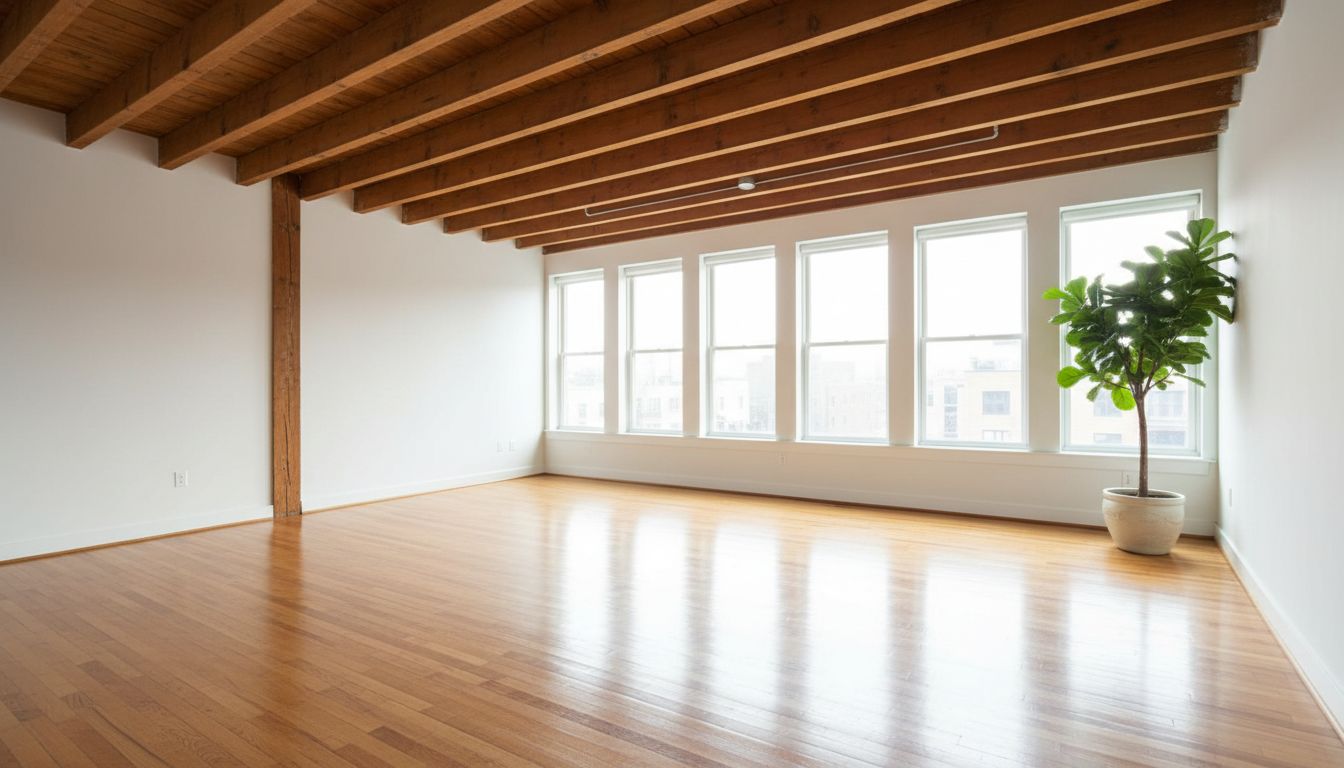
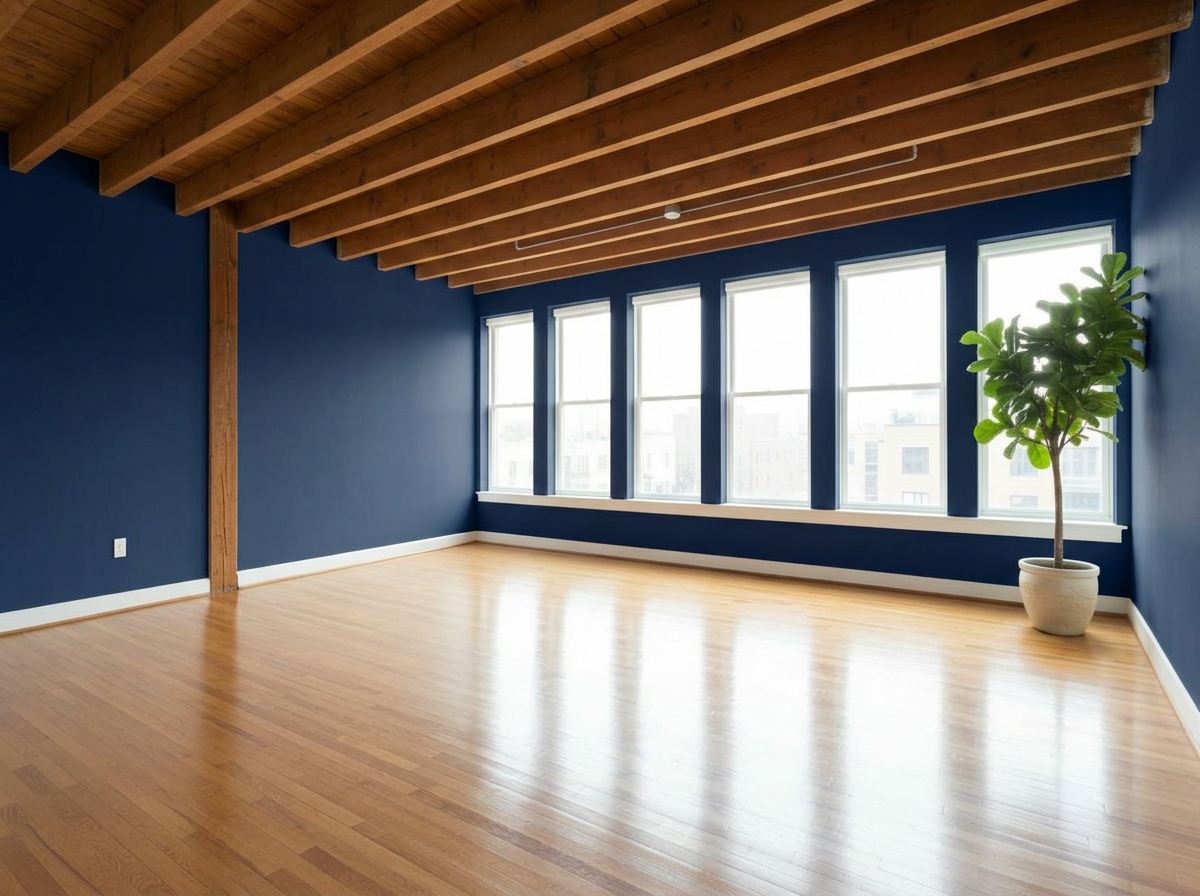
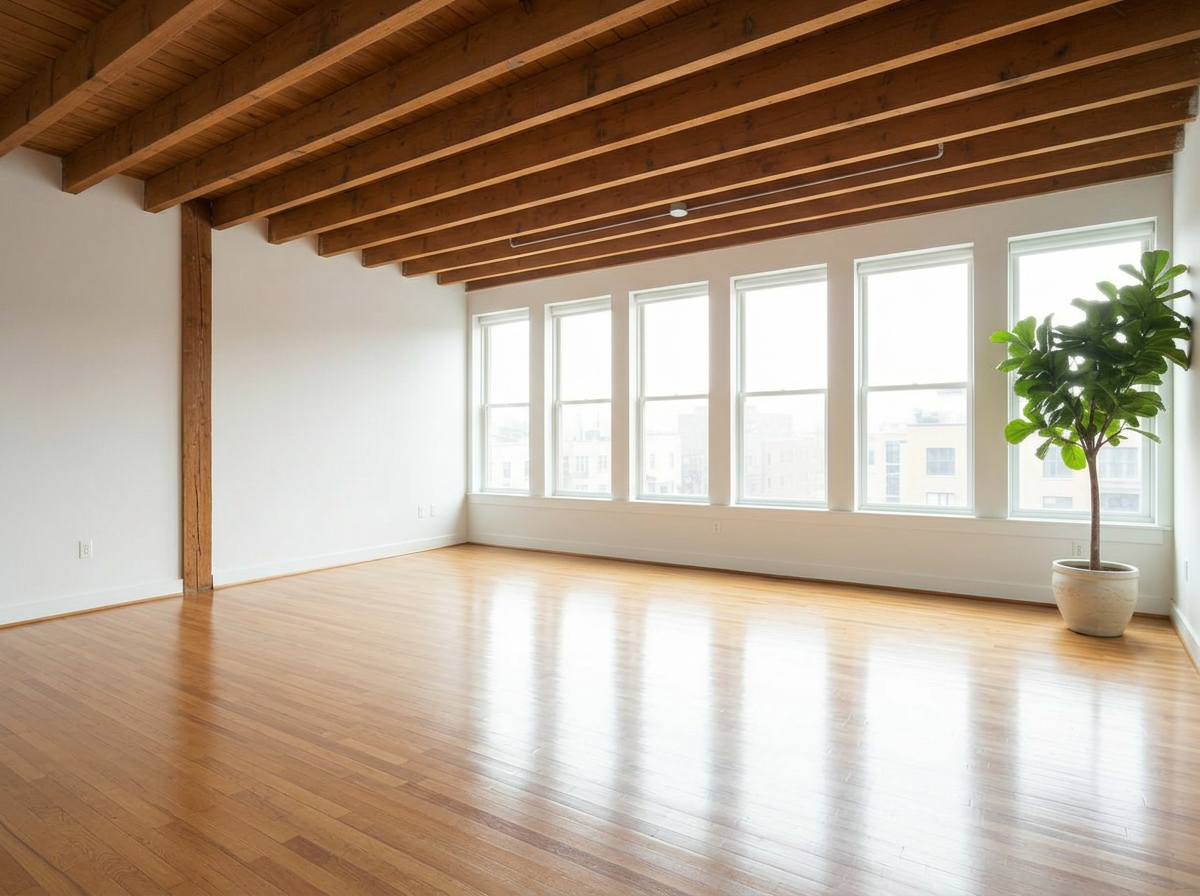
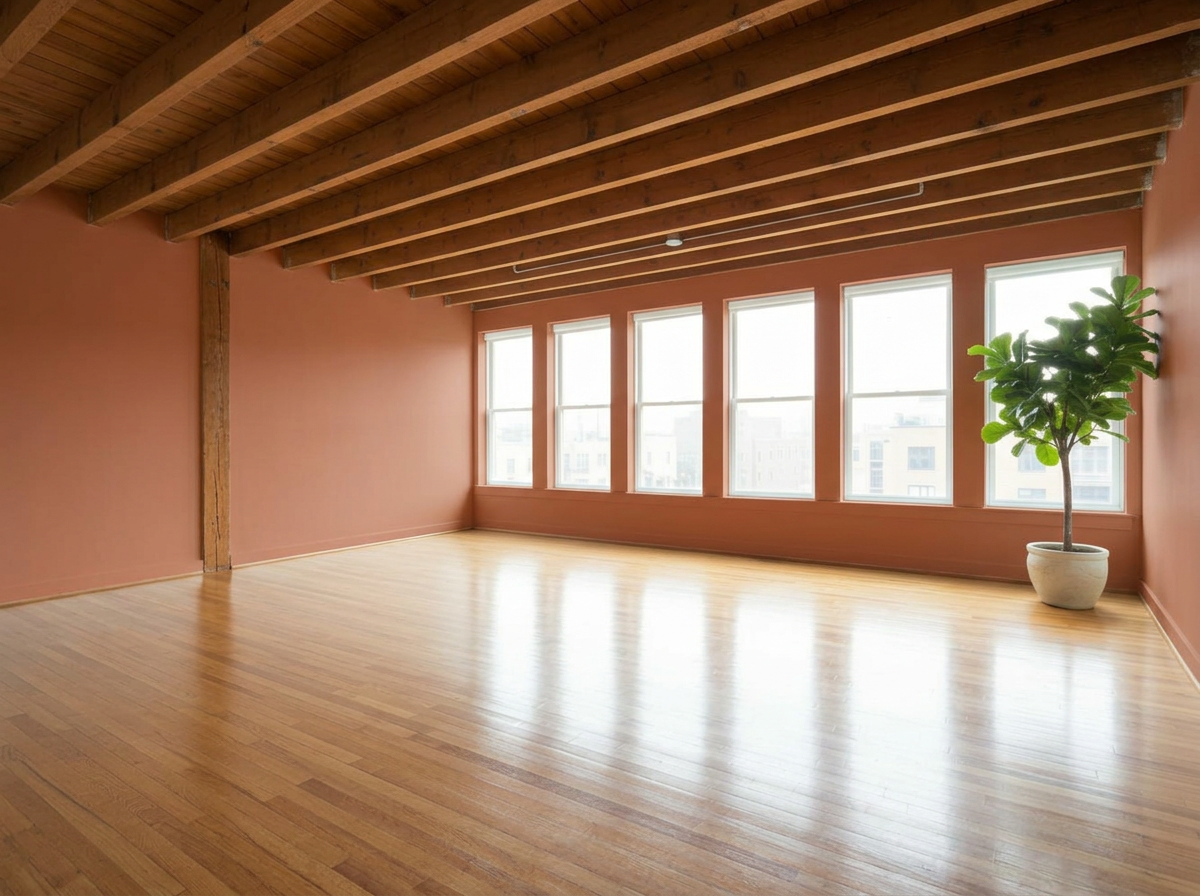
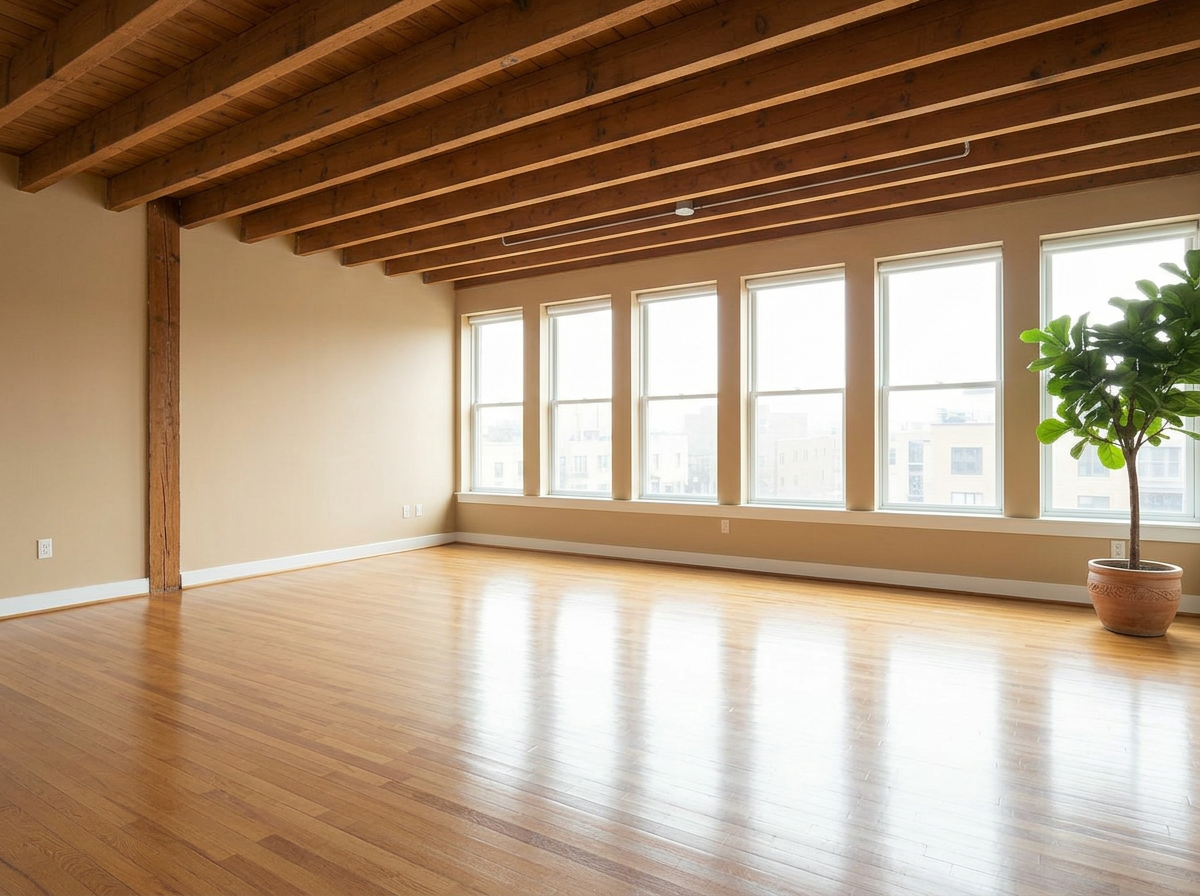
Empty Studio
These are just preset examples — in the app you can choose any color you want

AI Paint Color Generator — Frequently Asked Questions
Is there an AI that changes wall color in photos?
Yes. RoomLab.app's wall paint generator changes the wall color in a photo of your actual room. Upload the picture, pick a color, and the AI repaints the walls realistically — respecting lighting, shadows and textures — so you see exactly how that color looks in your space.
How can I see my room in a different paint color?
Take a photo of the room in daylight, upload it to RoomLab.app, and choose the Wall Colors mode. You can preview curated preset palettes or enter any custom color, and compare up to 9 options side by side on the same photo.
Is the wall paint visualizer free?
You can try it free — every new RoomLab.app account includes a free image generation, no credit card required. Testing a color virtually costs a fraction of repainting a wall you end up hating.
Can I test my own paint color, not just presets?
Yes. Presets are just a starting point — you can specify any color you want, so you can match the exact tone you're considering from your paint store before you buy.
How accurate is the AI paint preview?
The AI keeps your room's real lighting, shadows and wall texture, so the preview reflects how the color behaves in your actual conditions — far more realistic than looking at a flat swatch. For best results use a well-lit, straight-on photo.
Explore More Features
Discover what else you can achieve with RoomLab.app
Replace Furniture
Swap furniture pieces in photos to visualize options before purchase.
Replace Materials
Swap flooring, countertops, walls, and other surfaces to compare options.
Custom Prompt
Describe any transformation in natural language for unique results.
Furnish your room with furniture you choose
Upload your room—empty or furnished—and up to 13 furniture photos. See your chosen pieces together before you buy.
Virtual Staging
Add furniture and decor to empty rooms for listing-ready property photos.
Declutter Rooms
Remove mess and personal items while keeping the furniture intact.
Remove Furniture
Empty any room photo to show the bare space and its potential.
Change Style
Restyle existing rooms while preserving layout and structure.
3D to Photorealistic
Convert 3D models and renders into stunning photorealistic images.
Video Generation
Create walkthroughs, before-and-after transitions and multi-room house tours from property photos, or edit a clip you filmed.
Photo Enhancement
Blue skies, green grass, clean pools — one-click fixes for listing photos.
Pay only for the images you want to generate
All users get all features.
One-Time
Personal
One-time purchase, no subscription
15 images or 3 videos
150 Credits
One-time payment · no subscription
Subscriptions
Pro
For personal projects
40 images or 8 videos
400 Credits
Cancel anytime · unused credits saved for when you return
Ultra
Best for professionals
110 images or 22 videos
1,100 Credits
Cancel anytime · unused credits saved for when you return
Premium
For agencies and power users
300 images or 60 videos
3,000 Credits
Cancel anytime · unused credits saved for when you return
Personal
One-time purchase, no subscription
15 images or 3 videos
150 credits, paid once
- Every tool except House Tour
- Download your designs without a watermark
One-time payment · no subscription
Pro
For personal projects
$16.67/mo · billed yearly
40 images or 8 videos
400 credits every month 400 credits added every month
- Every tool, including House Tour
- Refill packs if you run low
Renews monthly until cancelled Renews yearly until cancelled
Most Popular
Ultra
Best for professionals
$40.83/mo · billed yearly
110 images or 22 videos
1,100 credits every month 1,100 credits added every month
- Every tool, including House Tour
- Refill packs if you run low
Renews monthly until cancelled Renews yearly until cancelled
6,100+
registered users
15,500+
room images created
What our customers say
RoomLab.app has been hugely beneficial, not just to our business but to our clients too. It gives us a much quicker turnaround when preparing homes for market, helping us launch listings sooner. We've also been really impressed with the quality of the staging: the furnishings feel realistic and considered, with a variety of styles.
 Lisa
Senior New Homes Marketing Specialist, Sowerbys
Lisa
Senior New Homes Marketing Specialist, Sowerbys
We've used RoomLab.app for lots of projects now, either to re-imagine existing rooms that need a lift, or to show dynamic transitions from before shots to completed project shots. Our clients have been blown away by the results, and it's a key part of our offering now.
 Alan Corrie
Images Above
Alan Corrie
Images Above
As a videographer, I used to build empty-to-furnished room reveals by hand from a 2D photo, which is slow and tedious. RoomLab.app's Video Transition gives me a clean staged reveal from my own room photos in a fraction of the time. And when I ran into an issue, the support team went above and beyond.
RoomLab.app helps me bring the potential of a property to life. I can transform empty or outdated rooms into attractive, realistic interiors, making it easier for potential buyers to visualise the possibilities of a space.
 Loes
Kluter Vastgoedpresentatie
Loes
Kluter Vastgoedpresentatie
Thanks to RoomLab.app, we can show the full potential of our properties and help potential buyers picture what it would be like to live in them.
 Núria Martínez
TEN Real Estate
Núria Martínez
TEN Real Estate
RoomLab.app helps me create more beautiful images and videos, and it helped me sell a house. It saves me time and money.
 Rebecca
Capture Your Home
Rebecca
Capture Your Home
Have any question?
How much does each generation cost?
How long does it take to generate an image?
What happens if I run out of credits mid-month?
What are credits?
Do credits expire?
Can I upgrade my plan?
How long are my images stored?
Can I get a refund?
Can I get a receipt or invoice?
What are input photos?
What happens to my personal photos?
What happens if I cancel my subscription?
Professional Results. Fraction of the Cost.
Get photorealistic interior renders in seconds, not days. Professional-grade AI visualization with full creative control — no design skills needed.
One free image, no credit card required