RoomLab.app MCP All of RoomLab.app, inside your AI agent
Connect any AI agent in a minute, then stage, declutter and redesign your own room photos without leaving the chat.
https://mcp.roomlab.app/mcp
Set up RoomLab.app in your AI agent
-
1
In Claude, open Settings, then Connectors, and add a custom connector with this URL.
https://mcp.roomlab.app/mcp -
2
Select Connect and sign in to your RoomLab.app account, or create a free one.
-
3
In a chat, ask for a tool, for example: Use RoomLab.app to stage my living room.
Claude does not pass pasted photos to connectors. Add your photo with the image picker in the RoomLab.app card that appears in the chat.
-
1
Open RoomLab.app in the ChatGPT plugin directory and add it.
Open RoomLab.app in ChatGPT → -
2
Sign in to your RoomLab.app account, or create a free one, and allow ChatGPT to use it.
-
3
Attach a room photo in any chat and say what you want.
Read the ChatGPT guide →
Attach photos to your message as usual. ChatGPT passes them to RoomLab.app.
-
1
Add the server from your terminal.
claude mcp add --transport http --scope user roomlab https://mcp.roomlab.app/mcp -
2
In Claude Code, run /mcp, choose roomlab and sign in to your RoomLab.app account.
/mcp -
3
Ask for a tool and give a public link to your photo.
Claude Code shows no RoomLab.app card, so give the photo as a public https link. The result comes back as a link.
-
1
Add the server from your terminal.
codex mcp add roomlab --url https://mcp.roomlab.app/mcp -
2
Sign in to your RoomLab.app account.
codex mcp login roomlab -
3
Ask Codex for a tool and give a public link to your photo.
Codex shows no RoomLab.app card, so give the photo as a public https link. The result comes back as a link.
-
1
Add this entry to ~/.cursor/mcp.json.
{"mcpServers":{"roomlab":{"url":"https://mcp.roomlab.app/mcp"}}} -
2
In Cursor, open Customize, turn on roomlab and sign in to your RoomLab.app account when asked.
-
3
Ask the agent for a tool and give a public link to your photo.
Cursor shows no RoomLab.app card, so give the photo as a public https link. The result comes back as a link.
-
1
Open the Grok connectors, then choose New Connector and Custom.
Open Grok connectors → -
2
Paste the RoomLab.app MCP URL and save.
https://mcp.roomlab.app/mcp -
3
Sign in to your RoomLab.app account, then ask Grok for a tool.
Give Grok a public https link to your photo. The result comes back as a link.
-
1
Add the server from your terminal.
openclaw mcp set roomlab '{"url":"https://mcp.roomlab.app/mcp","transport":"streamable-http","auth":"oauth"}' -
2
Sign in to your RoomLab.app account.
openclaw mcp login roomlab -
3
Ask for a tool and give a public link to your photo.
OpenClaw shows no RoomLab.app card, so give the photo as a public https link. The result comes back as a link.
-
1
Add these lines to ~/.hermes/config.yaml.
mcp_servers: roomlab: url: "https://mcp.roomlab.app/mcp" auth: oauth -
2
Restart Hermes and sign in to your RoomLab.app account when asked.
-
3
Ask for a tool and give a public link to your photo.
Hermes shows no RoomLab.app card, so give the photo as a public https link. The result comes back as a link.
-
1
Add RoomLab.app as a remote MCP server with this URL. It uses Streamable HTTP.
https://mcp.roomlab.app/mcp -
2
Sign in with your RoomLab.app account when the client asks. Sign-in uses OAuth, so there is no API key.
-
3
Ask for a tool by name, such as Virtual Staging or Declutter Room.
If your client cannot show the RoomLab.app card, give the photo as a public https link. The result comes back as a link.
You sign in with your RoomLab.app account. There is no API key to create.
Used by property and design teams around the world






AI Virtual Staging for an Empty Living Room
Turn a vacant living room photo into a furnished listing image with realistic modern furniture, decor, rugs, plants, and wall art.
 ChatGPT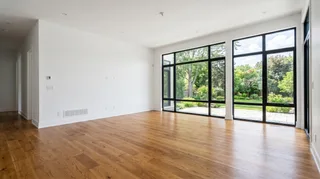
Furnish this empty living room in a warm modern style.
 RoomLab.app · Virtual Staging
 Ready
Ready

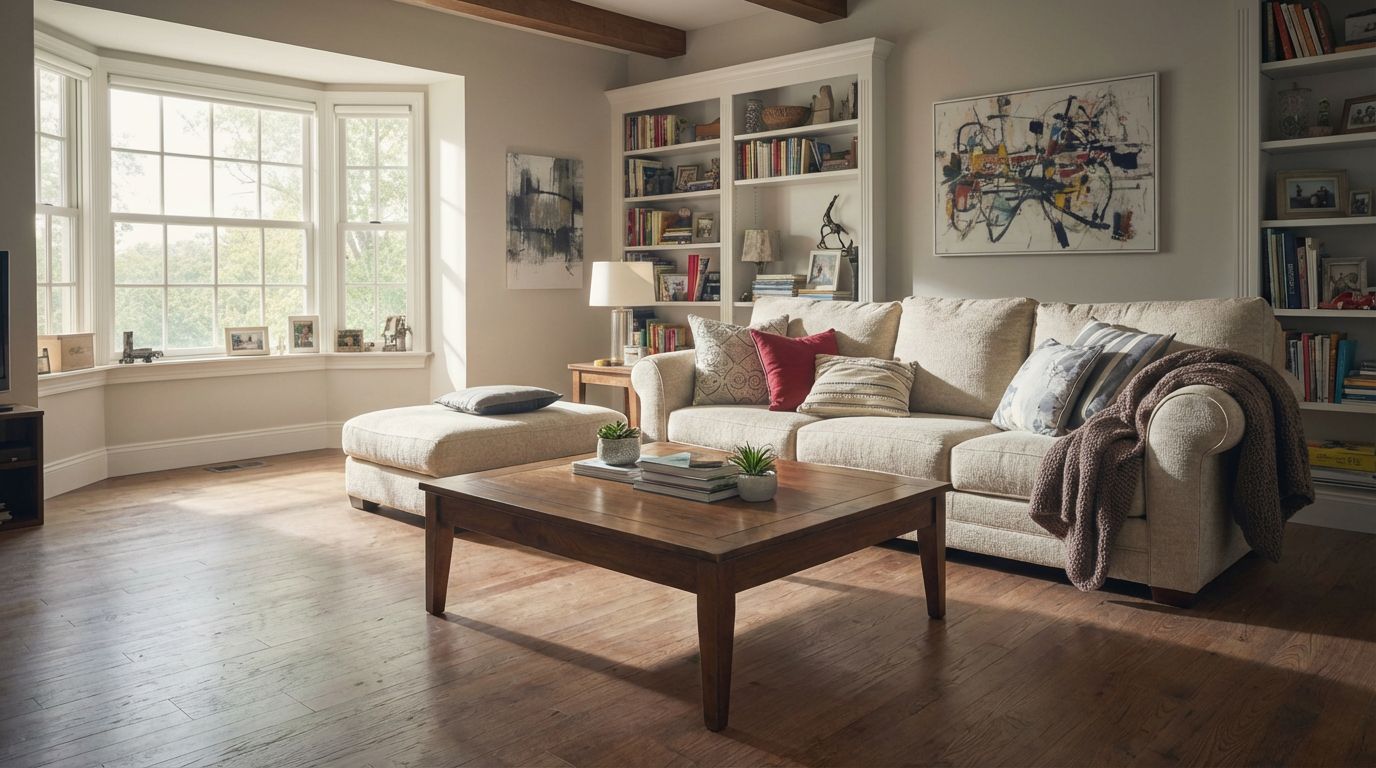
Virtually Declutter Your Living Room for Listings
Transform a lived-in property into a show-ready home with AI. Remove daily clutter from the living room while keeping key furniture pieces intact.
 Claude
Use RoomLab.app to declutter this living room and keep the furniture.
RoomLab.app · Declutter RoomReady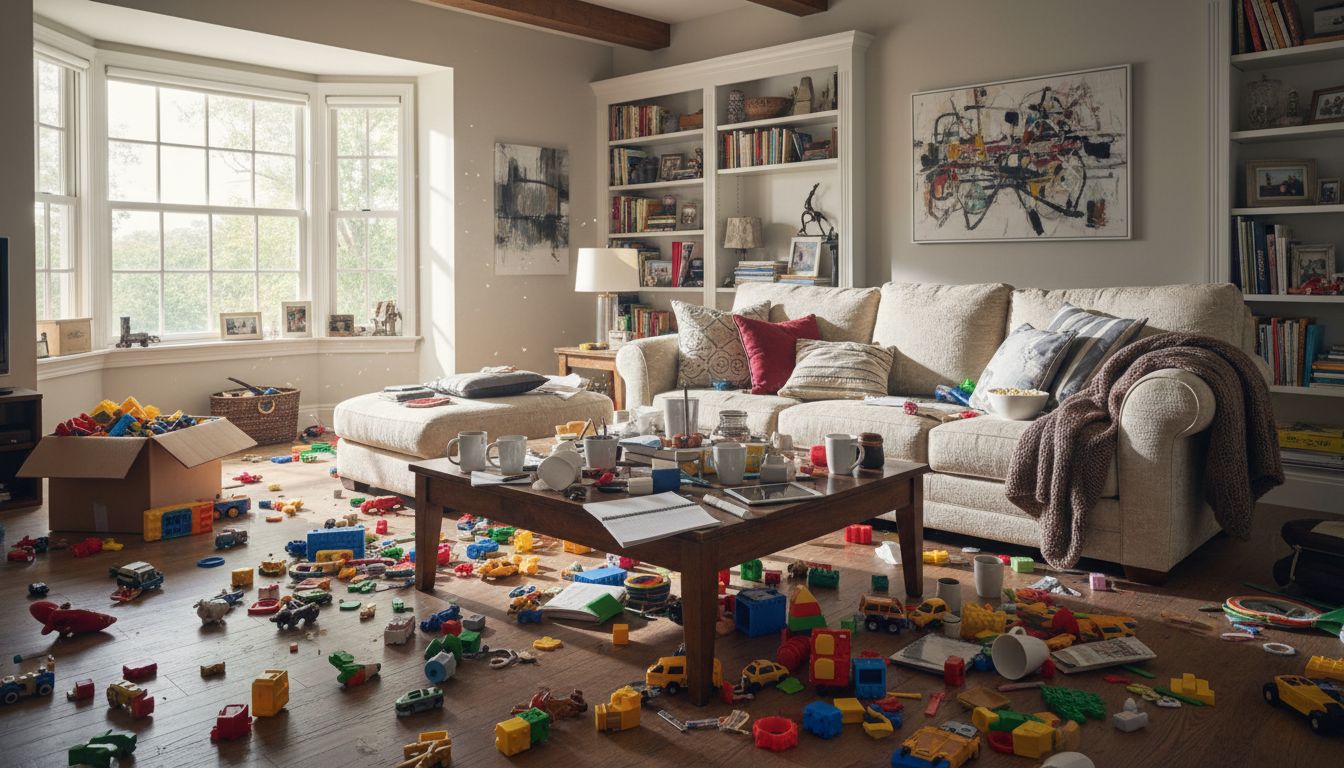
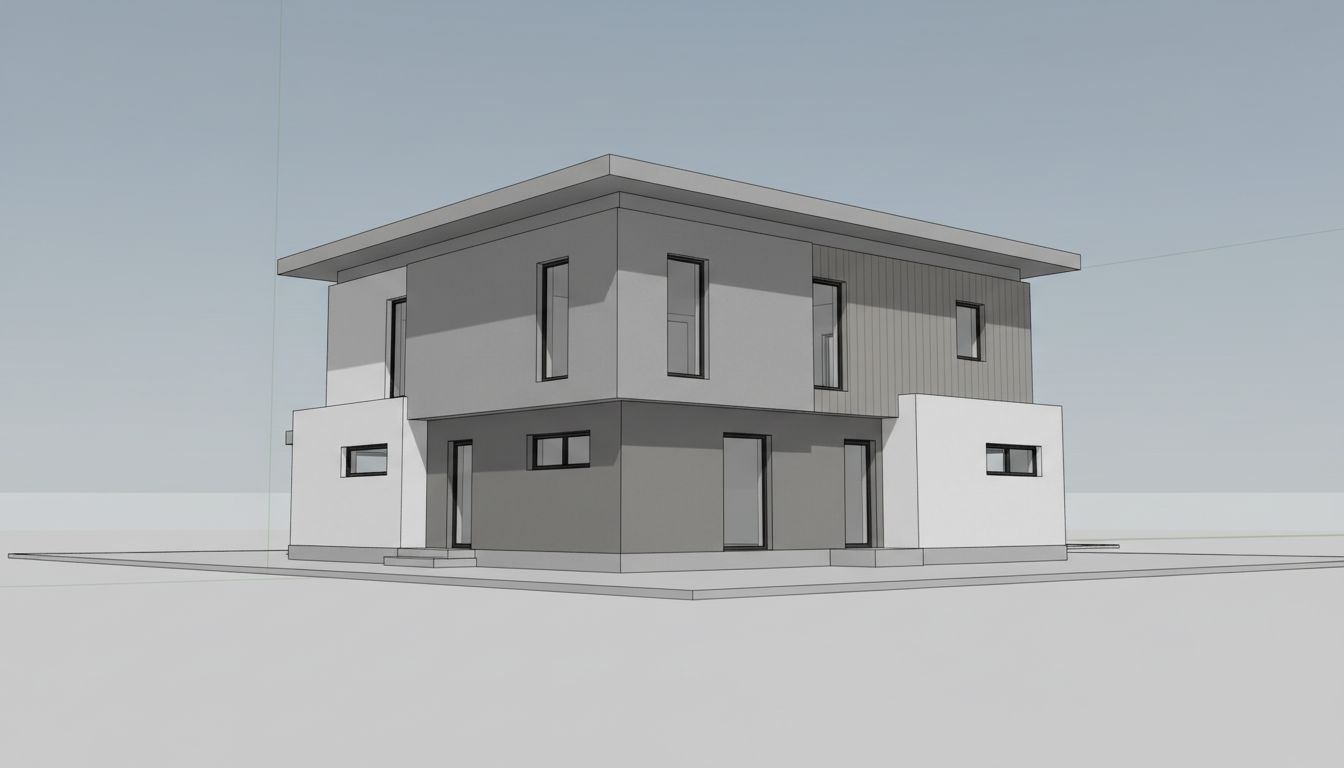
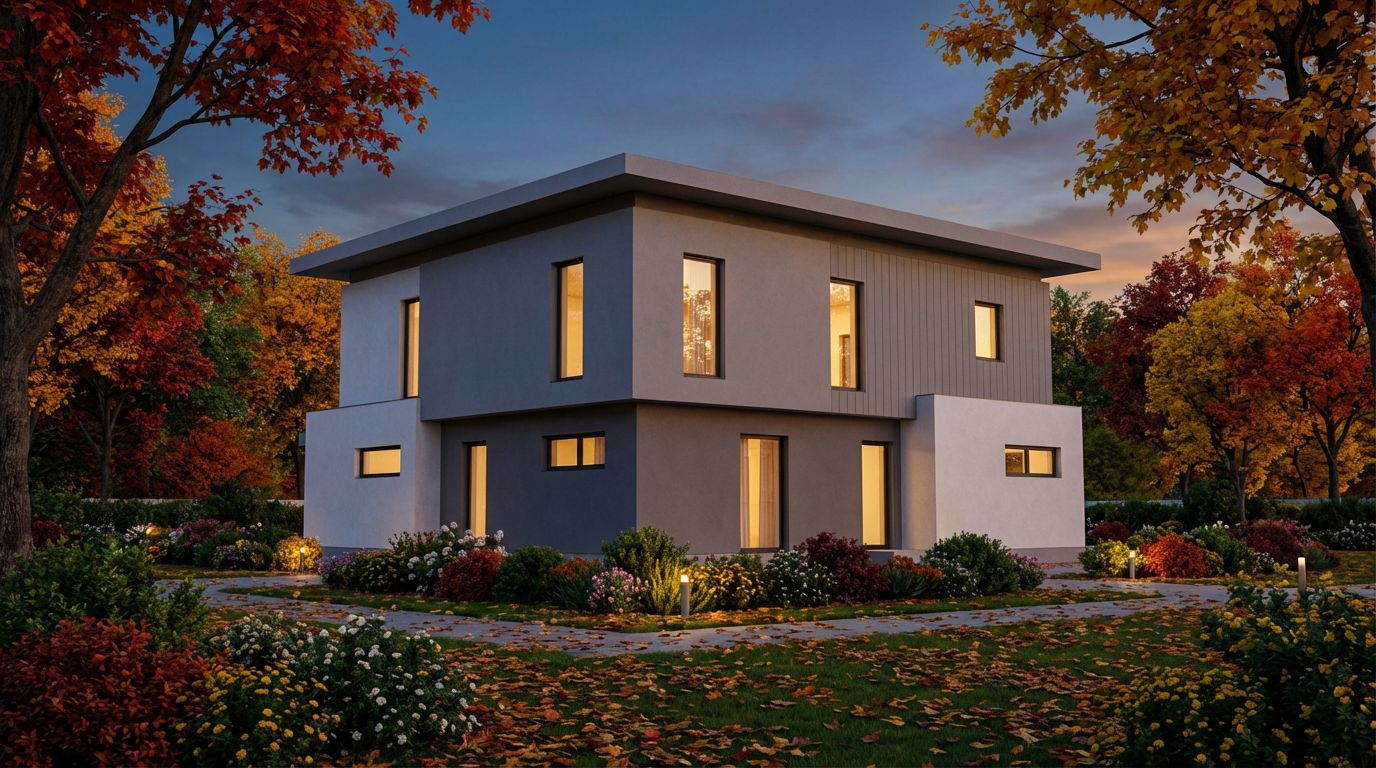
Render Your House Exterior Model Photorealistically
Convert a 3D house exterior model into a photorealistic architectural visualization with realistic surroundings and lighting.
 claude
> Turn this 3D model of a house into a photorealistic render. https://example.com/house-model.jpg
⏺ roomlab - Exterior Architectural Render (MCP)
⎿ succeeded · auth.roomlab.app/…/9b6d00dd.jpg
Every RoomLab.app tool in one connector
Name the tool you want, or describe the change and your agent picks it.
Staging and redesign
- Virtual Staging
- Change Style
- Declutter Room
- Empty Room
- Replace Furniture
- Replace Material
- Wall Colors
- Custom Prompt
Renders
- Interior Architectural Render
- Exterior Architectural Render
Outdoor fixes
- Set Sky Blue
- Fill and Clean Pool
- Clean the Garden
- Make Grass Greener
Videos
- Video Walkthrough
- Video Transition
- House Tour
4K
- Upscale Image to 4K
Each creation uses credits from the signed-in RoomLab.app account, at the same prices as the website. New accounts get one free image.
Questions about the RoomLab.app MCP
What is the RoomLab.app MCP?
It is a server that gives AI agents the RoomLab.app tools through the Model Context Protocol (MCP). Your agent sends a room photo and your request, and RoomLab.app returns the finished image or video.
Which AI agents does it work with?
Claude, ChatGPT, Claude Code, Codex, Cursor, Grok, OpenClaw and Hermes, plus any MCP client that can add a remote server by URL over Streamable HTTP and sign in with OAuth.
Do I need an API key?
No. You sign in with your RoomLab.app account the first time you use it, and your agent stays connected to that account.
How do my photos get in?
In ChatGPT, attach the photo to your message. In Claude, pick it with the image picker in the RoomLab.app card. In agents without that card, give a public https link to the photo.
How much does it cost?
Connecting is free. Each image or video uses credits from your RoomLab.app account at the same prices as the website, and new accounts get one free image.
Start with one free image
Create your RoomLab.app account, then connect it to your AI agent.