What's new in RoomLab.app
New tools and improvements, newest first.
-

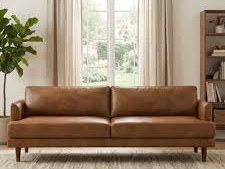
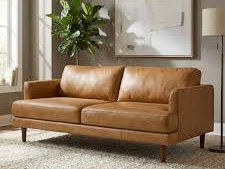
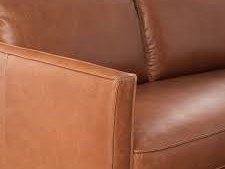
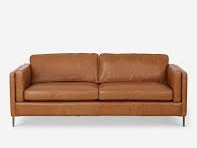
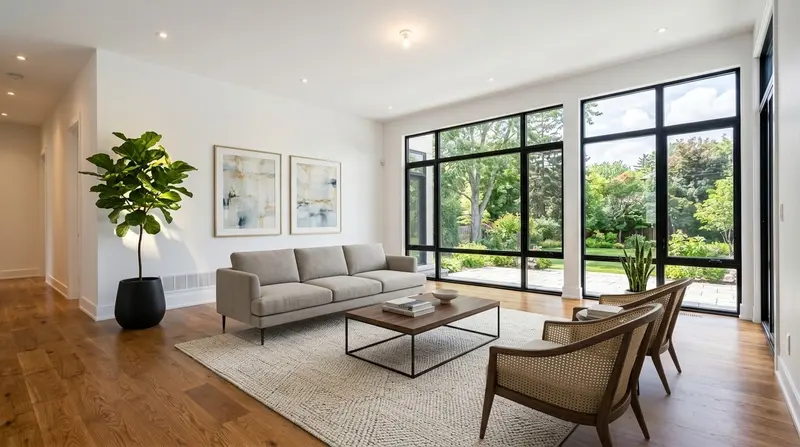
Like the sofa? Here's where to buy it
New tool
Find Furniture
Draw a box around a sofa, lamp or table in any photo and see similar products with prices and store links. It works on your results and on any photo you upload, and your searches stay in My Gallery.
Try it → -
 16:99:161:1
Improvement
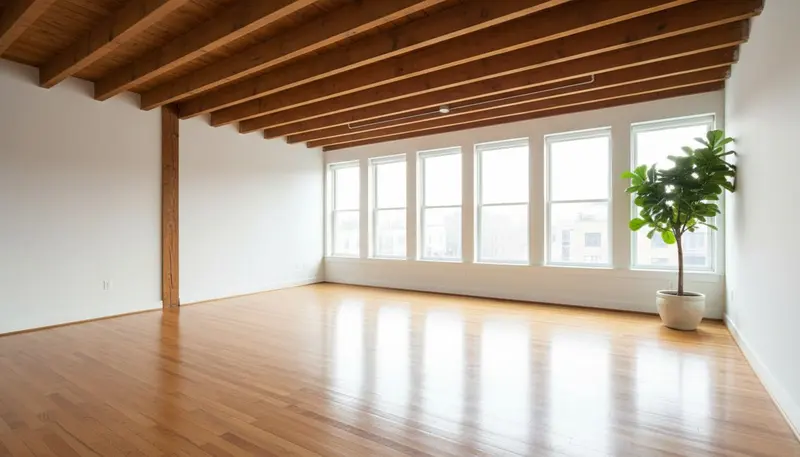
Crop or extend any photo to a new format
Every photo you add now has a Crop button. Cut it to 16:9 for property portals, 9:16 for Reels and Stories, or 4:3, 3:4 and 1:1. Need more of the room around the edges? Extend Photo fills in the missing sides.
Try it → -
 BeforeAfter
Improvement
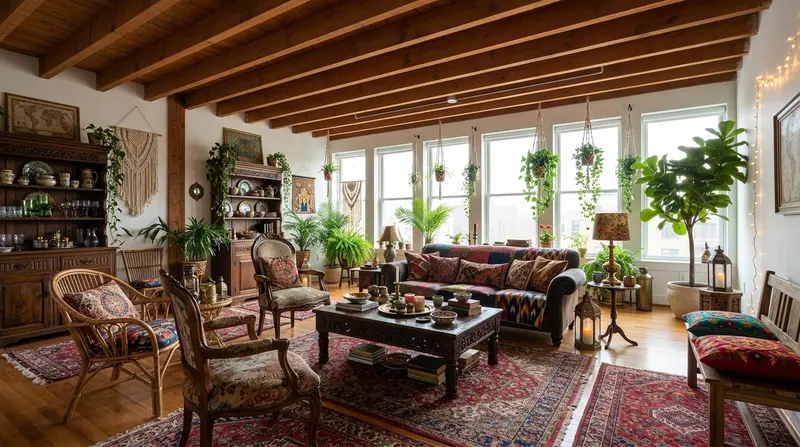
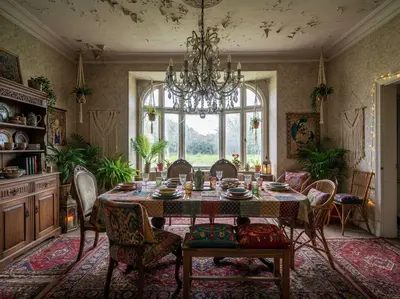
Copy the style of a photo you like
Virtual Staging has a new Style reference slot. Add a result you liked or any interior photo, and RoomLab.app furnishes your room the same way, starting again from your original photo. Walls, floors and windows stay as they are.
Try it → -
New tool
RoomLab.app in ChatGPT and Claude
Stage, declutter or restyle a room without leaving the chat. Add the RoomLab.app app in ChatGPT or Claude, attach a photo and ask. It uses the credits of your RoomLab.app account.
See how to add it → -
Improvement
Videos in 1080p and 4K
Video Walkthrough and Video Transition now come in 1080p and 4K, sharp enough for listing portals and large screens. House Tour now keeps portrait photos in portrait, ready for Reels and Stories.
Try it → -
 BeforeAfter
Improvement
Replace several pieces at once
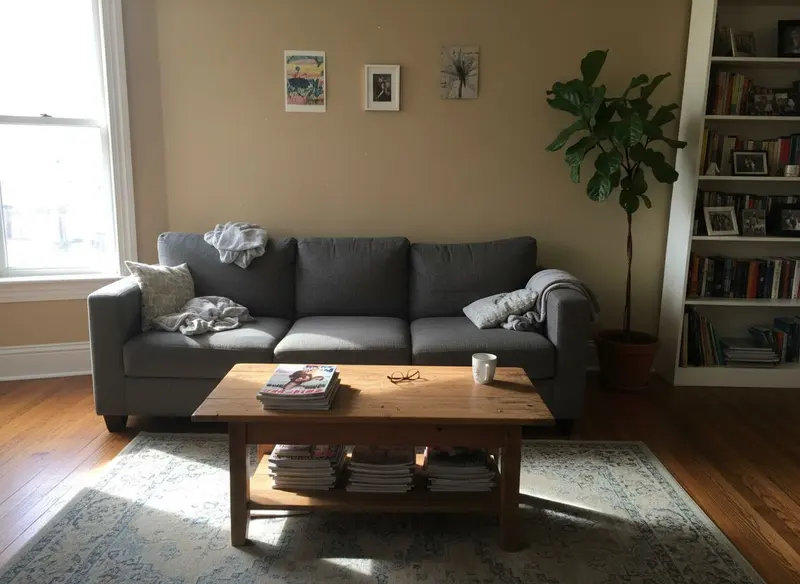
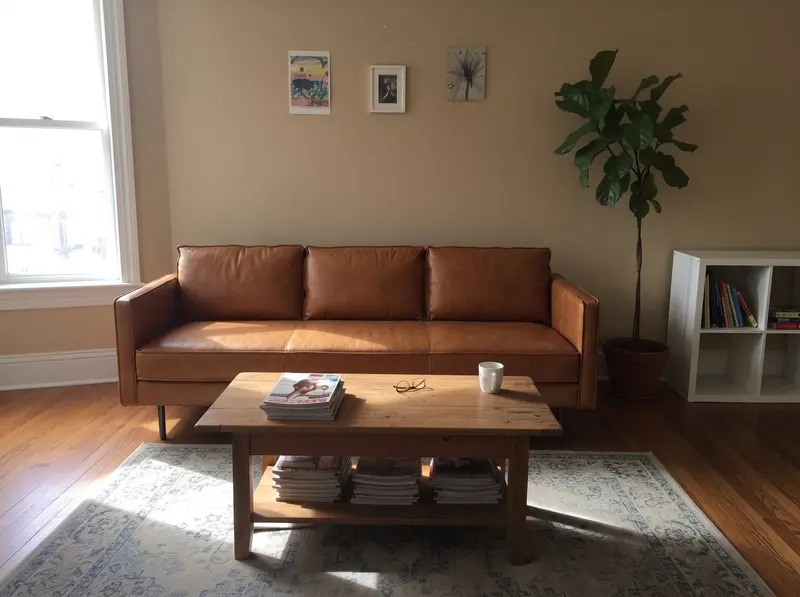
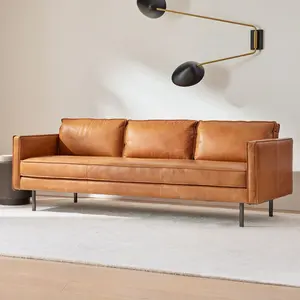
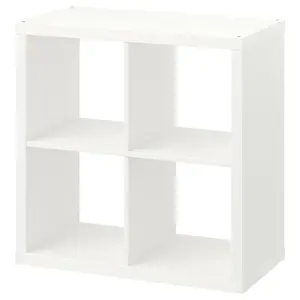
Replace Furniture now takes up to 13 furniture photos. Add a sofa and a bookcase, and each one replaces the matching piece in your room while everything else stays put.
Try it → -
 BeforeAfter
Improvement
Stage a room with your own furniture
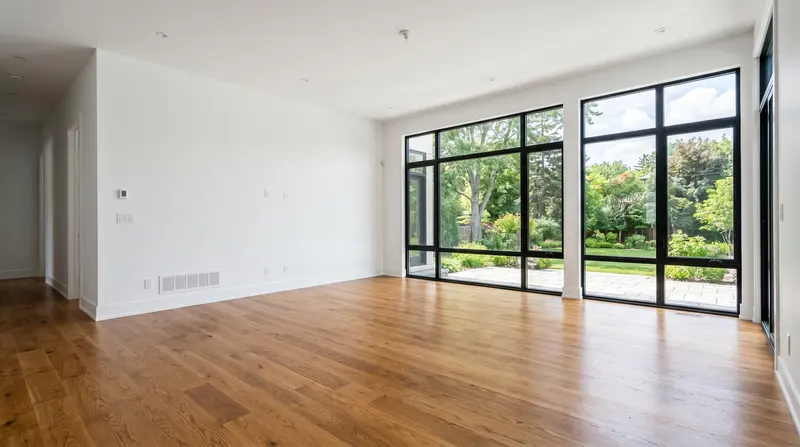
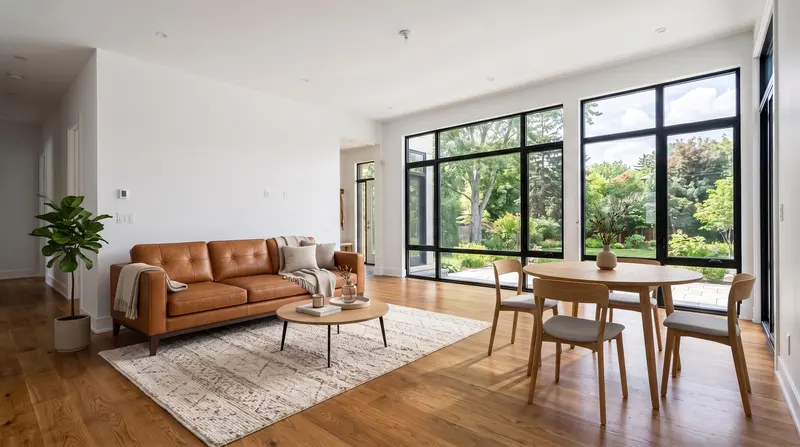
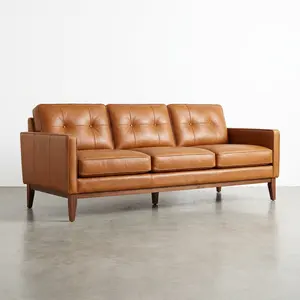
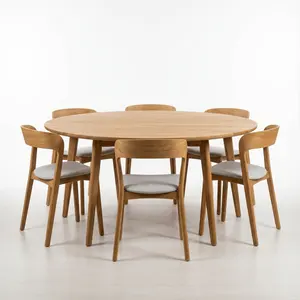
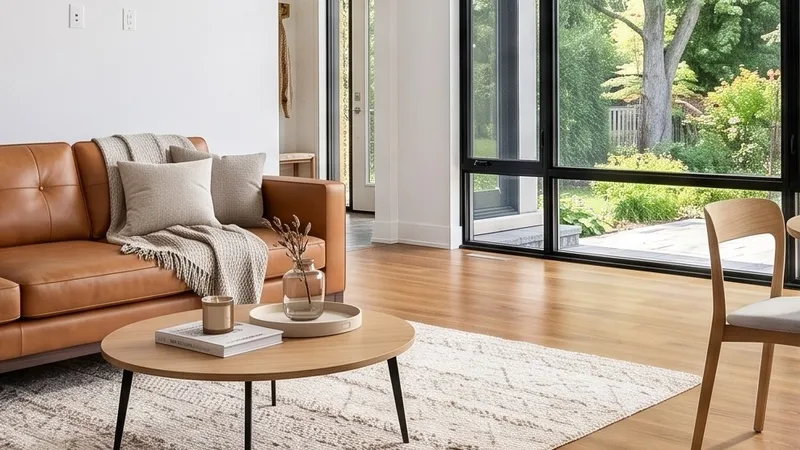
Add up to 13 photos of real furniture to Virtual Staging, from a shop or from your own home. RoomLab.app puts those exact pieces in the room and styles the rest around them.
Try it → -
 Before4K
New tool
Upscale Image to 4K and Upscale Video to 4K
Two new tools sharpen any photo or video to 4K, including ones you did not make in RoomLab.app. Use them for print, large screens or a listing photo shot on an old phone.
Try it → -
Improvement
Turn any result into a video
Press Make a video under an image result and Video Transition opens with your before and after already loaded. One more click and the room changes on screen.
Try it → -
New tool
Edit Video
Upload a room clip of up to 15 seconds and describe the change: furnish an empty room, repaint the walls, turn day into dusk. You get the clip back with the same camera move.
Try it → -
Improvement
RoomLab.app in German and Italian
The whole app now works in German and Italian, alongside English, Spanish, Catalan, French and Portuguese. Change the language at the top of any page.
-
Improvement
A handier My Gallery
Filter My Gallery by tool, compare the before and after side by side, and keep editing any image in the workspace with one click.
Try it → -
New tool
House Tour
Upload photos of several rooms and get one video tour of the whole home, with close-ups of its best features. Made for listings and social media.
Try it → -
Improvement
Folders and tags in My Gallery
Group your images by property or client in folders, and add tags to find them again later.
Try it →


