Best AI Real Estate Photo Enhancement Tools in 2026
 David Sirera
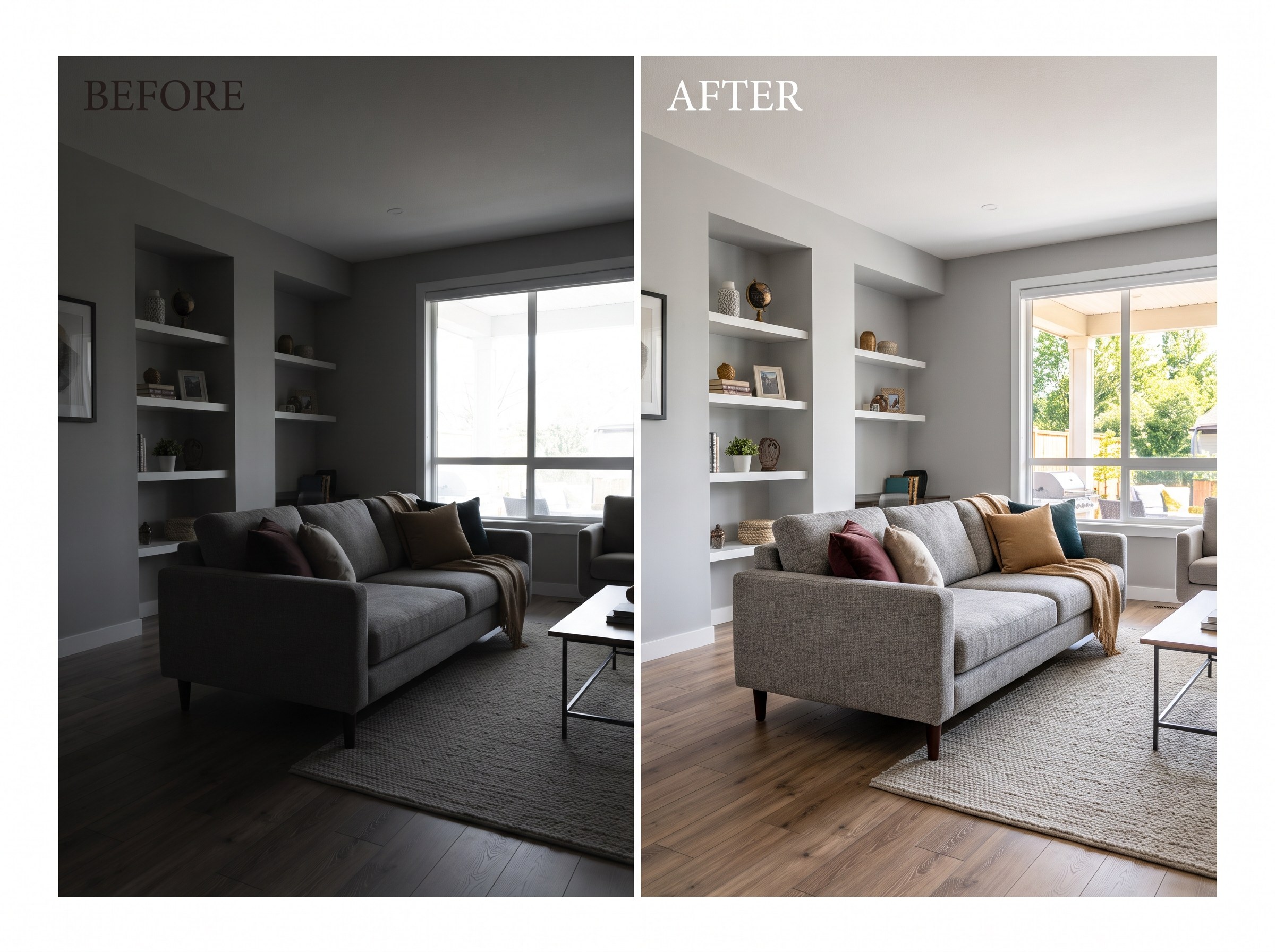
 The short answer: the best AI tool for real estate photo enhancement in 2026, if you also want to stage or restyle the room afterward, is RoomLab.app. Upload a listing photo to its photo enhancement tool to brighten, straighten and color-correct it, then keep working in the same workspace with its virtual staging tool, no exporting to a second app. The 7 alternatives below are all real, currently active products, and most are genuinely good at the enhancement step on its own. We'll say where each stands out and where it falls short.
Listing photos carry a lot of weight before a buyer ever books a viewing: 89% of sellers' agents and 77% of buyers' agents said having listing photos was important to their clients (NAR 2023 Profile of Home Staging). A photo shot at dusk with mixed lighting or a blown-out window can undercut a good listing before anyone reads the description, which is why HDR blending, sky replacement and color correction have become their own AI product category. Most tools in that category do the enhancement step well. Few of them let you go straight from "enhanced" to "staged" without leaving the app.
Key takeaways
- RoomLab.app wins on the enhance-then-stage workflow: it's the only tool in this roundup where the same workspace that brightens and color-corrects a photo can also stage or restyle the room in it.
- Listing photos matter more than most sellers assume: 89% of sellers' agents and 77% of buyers' agents said having listing photos was important to their clients (NAR 2023 Profile of Home Staging).
- Not every "AI enhancement" tool is actually AI-automated: BoxBrownie and PhotoUp both use human editors behind an "AI-powered" marketing label, which is worth knowing before you pick one for speed.
How did we pick these AI real estate photo enhancement tools?
We started from the tools that actually rank and get recommended for "AI real estate photo enhancement," confirmed each one is still live on its own official site today, and judged each on three questions:
- Is it actually AI-automated, or is a human doing the editing? Several tools in this space market themselves as "AI-powered" while the enhancement itself is done by a team of retouchers. That's a legitimate service, just a different one.
- Does enhancement stay in its lane, or does it open the door to staging? Some tools stop at brightness and color. A few can go further into sky replacement or lawn greening. Fewer still let you restyle or stage the room in the same place.
- What does it cost, and can you try it before you commit? Free tier versus subscription versus pay-per-image, and whether pricing is actually published on the vendor's own site.
Full disclosure: RoomLab.app is our product, so we're not a neutral referee. No tool on this list paid for placement. Every listing below was checked directly on the vendor's own site in September 2026; features and pricing change often, so verify current terms with each vendor before you rely on one.
The best AI real estate photo enhancement tools at a glance
| Tool | Best for | Standout | Price note |
|---|---|---|---|
| RoomLab.app #1 | Agents who want a photo enhanced and then staged or restyled without switching apps | One workspace for enhancement, staging and room restyling on the same photo | One free image, then $15 one-time / $20 mo* |
| Autoenhance.ai | High-volume photographers and PropTech platforms wanting API-level automation | HDR merge, sky replacement, window pull and reflection removal, full shoot in 5-10 minutes | Plans reported from ~$29/mo* |
| Imagen AI | Photography teams wanting consistent, on-brand editing across many shoots | Learns a photographer's editing style and applies it automatically to new galleries | 250 free edits reported, then pay-as-you-go* |
| AutoHDR | Photographers and media companies with high shoot volume wanting fast turnaround | HDR blending, sky replacement, grass greening and hex-matched paint color changes | Reported from ~$0.37-$0.50/image* |
| Nodalview | Agents wanting one platform for capture, editing and tours instead of separate tools | Mobile HDR capture app plus AI editing (sky, lawn, object removal) and virtual tours | 14-day free trial, plans not published* |
| Styldod (free enhancer) | Solo agents wanting a quick, free fix for a handful of listing photos | Free AI sharpen, denoise, color-correct and upscale tool, no signup required | Free; $0.99 for HD download* |
| BoxBrownie | Agents who want guaranteed, consistent, professionally finished images | 17-step enhancement process done by a team of human retouchers | Image Enhancement from €2.00/image* |
| PhotoUp | Photographers wanting a dedicated human editor for consistent turnaround | HDR, flambient editing, window masking and day-to-dusk conversion by human editors | Reported $0.50-$1.00/edit* |
*As of September 2026. Checked directly on each vendor's own site where possible; some pricing could not be independently confirmed on-site and is flagged above, verify current terms with the vendor before relying on one.
What are the 8 best AI real estate photo enhancement tools?
1. RoomLab.app: the only one that enhances, then stages, in the same workspace
Every other tool on this list stops once the photo is enhanced. RoomLab.app's photo enhancement tool brightens, straightens and color-corrects a listing photo, and because it lives in the same workspace as virtual staging and room restyling, you can turn a dim, empty listing photo into a bright, furnished one without exporting anything or opening a second app. For the staging side of that workflow, see our AI virtual staging guide.
Pricing: one free image, no card required. Paid plans start at a one-time $15 pack, or $20/month for the Pro plan. Best for: agents and photographers who want the enhanced photo to flow straight into staging or restyling, not a one-and-done edit. Trade-off: it doesn't offer the deep, dedicated HDR-bracket automation of a high-volume photography pipeline the way Autoenhance.ai or AutoHDR do, so studios processing hundreds of bracketed shots a week may still want a dedicated enhancement tool for that specific step.
2. Autoenhance.ai: purpose-built, API-level automation
Autoenhance.ai is built specifically for property photos: it merges bracketed exposures into HDR, replaces skies, pulls detail back into blown-out windows, corrects perspective and removes the photographer's reflection, with a full shoot processed in roughly 5 to 10 minutes.
Best for: high-volume photographers and PropTech platforms that want API-level automation into an existing pipeline rather than a manual editing workspace. Trade-off: it's enhancement-only, with no staging or restyling step, so you'll still need a separate tool for anything beyond correcting the photo itself.
3. Imagen AI: a general photo editor with a real estate vertical
Imagen AI applies its core editing engine, which learns a photographer's or team's style, to real estate galleries: HDR merge, window pull, perspective correction, sky replacement and color enhancement, delivered in the browser with no plugin required.
Best for: photography studios and teams wanting consistent, on-brand editing across multiple photographers and shoots, not just a single user. Trade-off: its core product was built for weddings and portraits before real estate, so it's a general-purpose editor with a real estate page layered on top, not a tool built real-estate-first the way Autoenhance.ai is.
4. AutoHDR: fast HDR blending with a few staging-adjacent extras
AutoHDR blends bracketed exposures with Natural or Intense HDR modes, replaces skies, greens up lawns, generates virtual twilight shots and can match a wall's paint color to a specific hex code, plus a couple of staging-style add-ons like lighting a fireplace or filling a blank TV screen.
Best for: photographers and media companies doing high shoot volume who want fast, automated turnaround. Trade-off: it blurs enhancement and staging together in a few specific add-ons rather than offering a full staging or restyling workspace, so it's not a substitute for a dedicated staging tool.
5. Nodalview: enhancement bundled into an all-in-one listing platform
Nodalview pairs a mobile HDR capture app with AI editing (sky replacement, lawn enhancement, object removal, denoising, white balancing) and virtual tours, all inside one platform aimed at agents rather than photographers.
Best for: agents who'd rather buy one platform for capture, editing and tours than stitch several tools together. Trade-off: you're committing to the whole platform subscription to get the enhancement piece, and per-image or standalone enhancement pricing isn't published separately.
6. Styldod's free enhancer: a fast, free fix for a handful of photos
Styldod offers a free AI enhancement tool that sharpens, denoises, corrects color and white balance, and upscales resolution, with no signup required and a $0.99 charge for the HD download.
Best for: individual agents wanting a quick, free correction on a few listing photos rather than a full production pipeline. Trade-off: it's a lighter, general-purpose enhancer capped at a 5MB upload, thinner than the dedicated HDR and sky-replacement pipelines above, and it's really a free entry point into Styldod's main business, which is virtual staging.
7. BoxBrownie: guaranteed results from human retouchers, not AI
BoxBrownie's image enhancement runs a 17-step process, white balancing, sharpening, straightening, sky replacement, lawn enhancement, HDR window blending and optional fireplace or TV add-ons, but the editing itself is done by a team of human retouchers, not an automated AI pipeline, despite "AI-powered" language elsewhere on the site.
Best for: agents who want guaranteed, professionally finished images without judging AI output themselves. Trade-off: a 24-hour turnaround instead of minutes, since a person is doing the edit, and you're paying for outsourced labor rather than software.
8. PhotoUp: dedicated human editors for consistent turnaround
PhotoUp offers single-exposure, HDR and flambient editing, window masking, and day-to-dusk conversion, done through a dedicated editor or a distributed editing network, with a 12 to 24 hour turnaround.
Best for: photographers who want a consistent human editor they can build a working relationship with, rather than an automated tool. Trade-off: like BoxBrownie, this is human-edited, not AI-automated, so it's a fair comparison point but not a direct AI peer to the tools above it.
Why does photo enhancement matter for a listing, and not just the extras?
Enhancement is the unglamorous step that decides whether anyone looks past the thumbnail. 89% of sellers' agents and 77% of buyers' agents said having listing photos was important to their clients (NAR 2023 Profile of Home Staging), and a photo that's dim, color-cast or blown out in the windows is fighting that first impression before staging, video or anything else even enters the picture. Getting exposure, color and sky right is the baseline every other listing asset builds on.
That's also why the enhance-then-stage order matters. A photo that's still dark or color-shifted makes an AI-staged room look inconsistent, since the added furniture inherits the same lighting problems as the walls around it. Fixing exposure and color first, then staging or restyling in the same place, avoids that mismatch entirely. For the cost and ROI case behind staging generally, see our guide to AI virtual staging for real estate.
Which AI real estate photo enhancement tool should you choose?
Need dedicated, high-volume automation with nothing else attached? Autoenhance.ai or AutoHDR if you want fast, purpose-built HDR pipelines, Imagen AI if you want a studio-wide consistent style across photographers, Nodalview if you'd rather buy one platform for capture and editing together, or Styldod's free tool if you just need a quick fix on a few photos. Want the editing guaranteed by a human instead of software? BoxBrownie or PhotoUp are real, active options built exactly for that.
But if you want the enhanced photo to flow straight into a staged or restyled room without switching tools, RoomLab.app is built for that job. Your first image is free. Compare it against the wider field of AI room design tools in our roundup of the best AI interior design tools.
Frequently asked questions
Is there an AI tool that can edit real estate photos?
Yes. Autoenhance.ai, Imagen AI, AutoHDR and Nodalview all use AI to automate HDR blending, sky replacement and color correction on listing photos. RoomLab.app also enhances listing photos with AI, and additionally lets you stage or restyle the room in the same workspace afterward.
What do real estate agents use to edit photos?
It splits between AI-automated tools and human-edited outsourcing. Autoenhance.ai, Imagen AI, AutoHDR, Nodalview and Styldod all run the edit through AI. BoxBrownie and PhotoUp instead route the same job to a team of human retouchers, which some agents prefer for guaranteed consistency even at a slower turnaround.
Is there a free way to enhance real estate photos with AI?
Yes. Styldod offers a free AI enhancement tool with no signup, charging only $0.99 for the HD download. Autoenhance.ai, Imagen AI and Nodalview all offer free trials before their paid plans, and RoomLab.app offers one free image generation with no card required.
Can you use AI to edit real estate photos and then stage them too?
Most AI enhancement tools stop at correcting the photo itself. RoomLab.app is the tool in this roundup where enhancement and staging live in the same workspace: brighten and color-correct the photo, then stage or restyle the room without exporting to a second app.
Sources
- National Association of Realtors, "2023 Profile of Home Staging," 2023, retrieved 2026-09-28, nar.realtor
Competitor features and pricing were checked directly on each vendor's official site where possible in September 2026 and change often; several vendors' pricing could not be independently confirmed on-site and are flagged above, verify current details with the vendor before relying on one.
Want to see it for yourself? Browse real before-and-after examples or jump straight into the workspace.
Ready to Transform Your Space?
Start creating stunning room transformations in minutes. Sign up and try it yourself!
More Articles
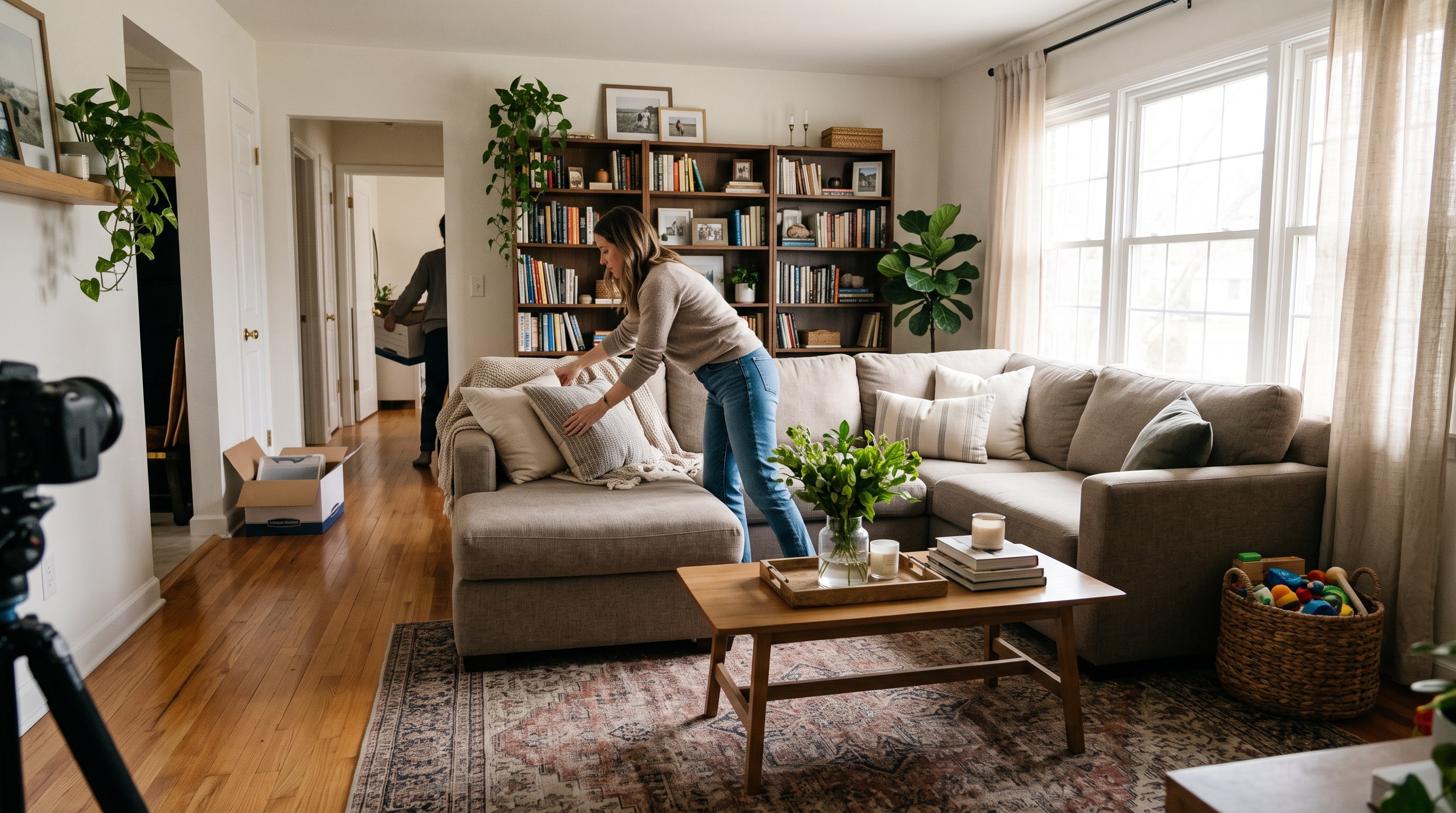
Occupied Home Staging: How to Stage a Home You Still Live In
How to stage a house you still live in: what to pack, a room-by-room plan, a daily show-ready routine, and a real test of decluttering listing photos with AI.
10 min read
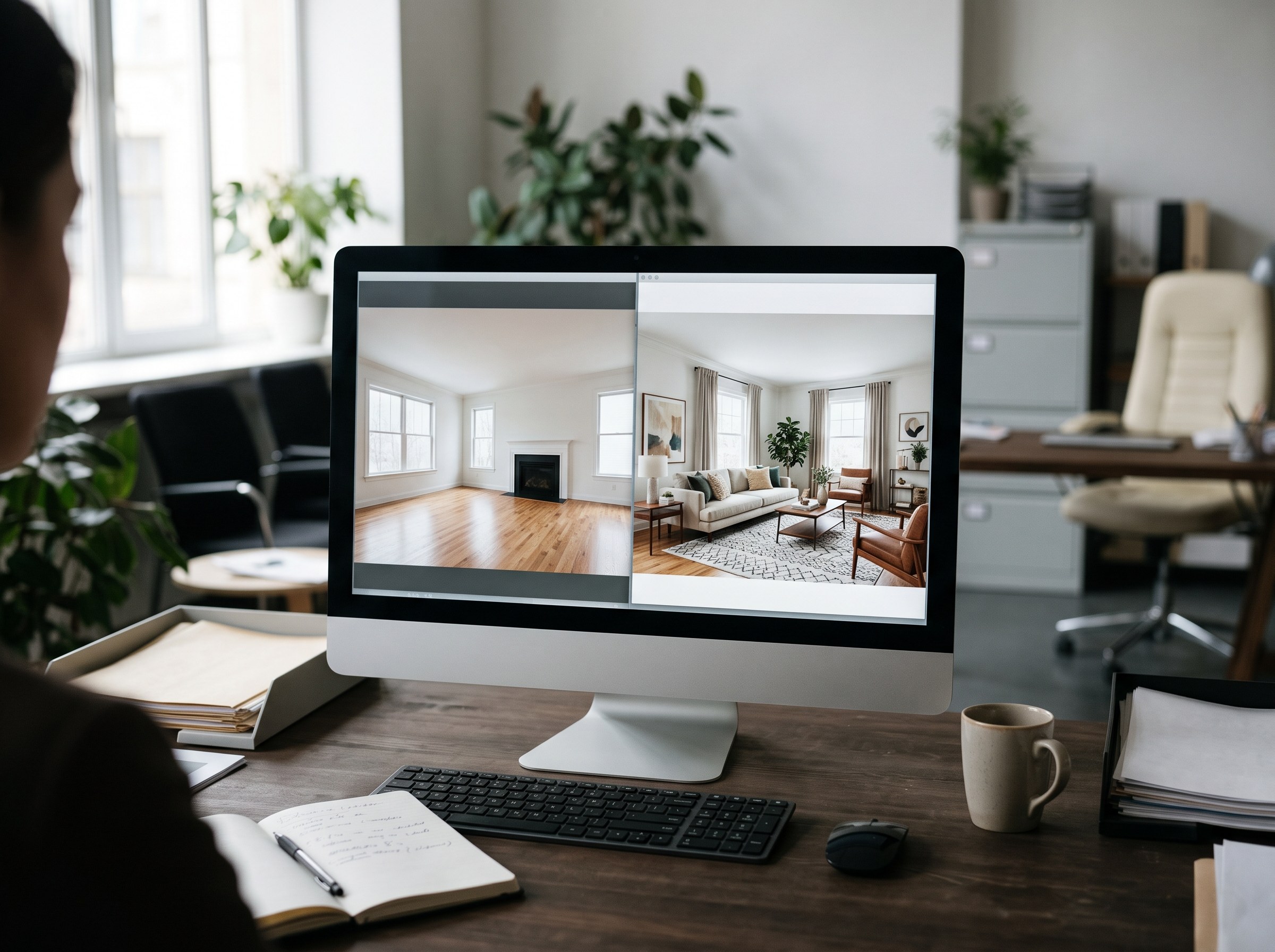
AI Virtual Staging vs Virtual Staging Services: Cost, Speed and Quality
Virtual staging services charge $16 to $34 per photo; an AI app costs $1 or less per attempt. Real vendor prices, a real three-attempt test and when each wins.
9 min read
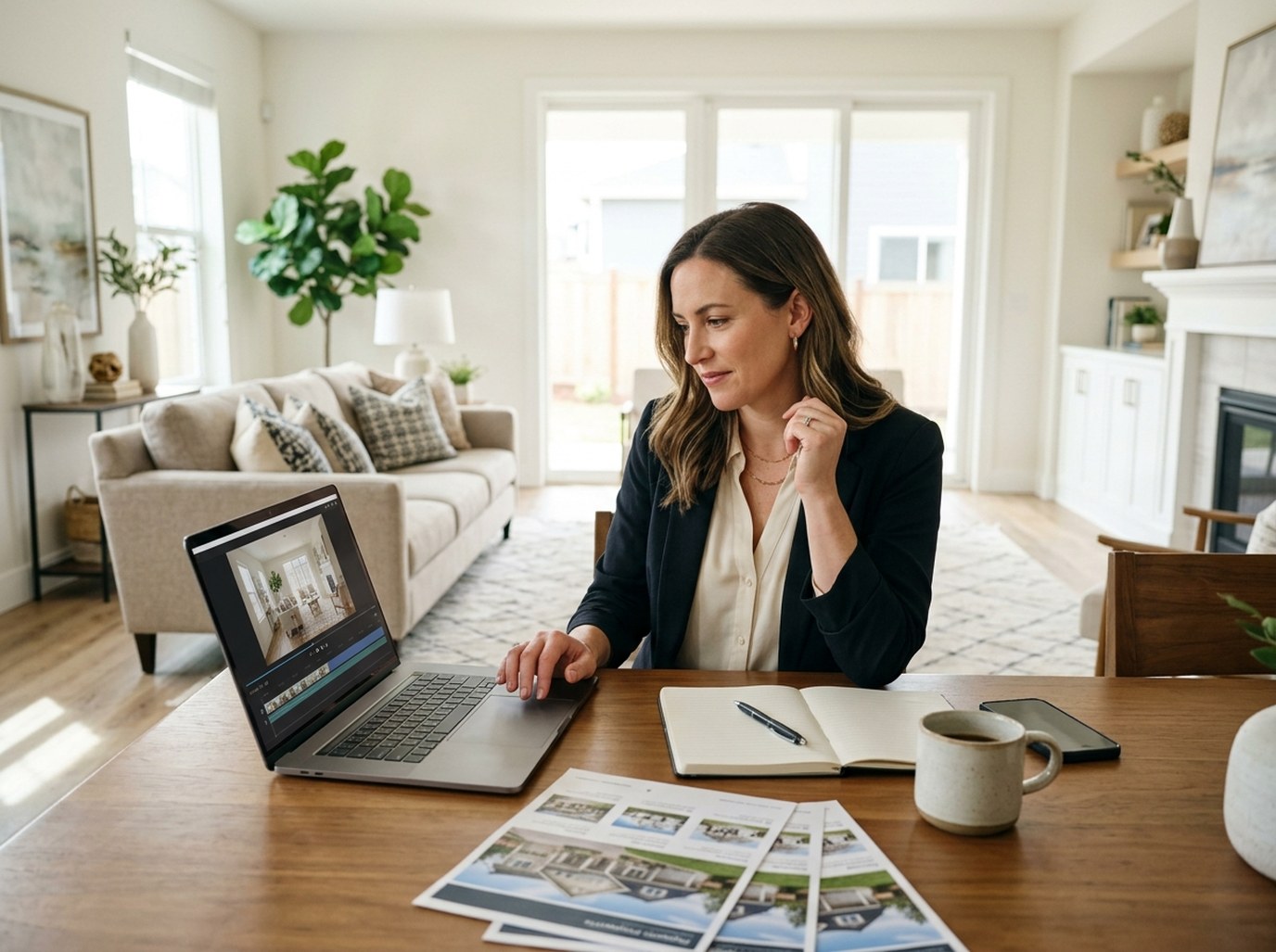
Real Estate Listing Video From Photos: 3 Formats Compared
Make a real estate listing video from photos alone: Video Transition, Video Walkthrough and House Tour compared, with real outputs, credit costs and limits.
9 min read