Tidy an Overgrown Garden for a Property Listing
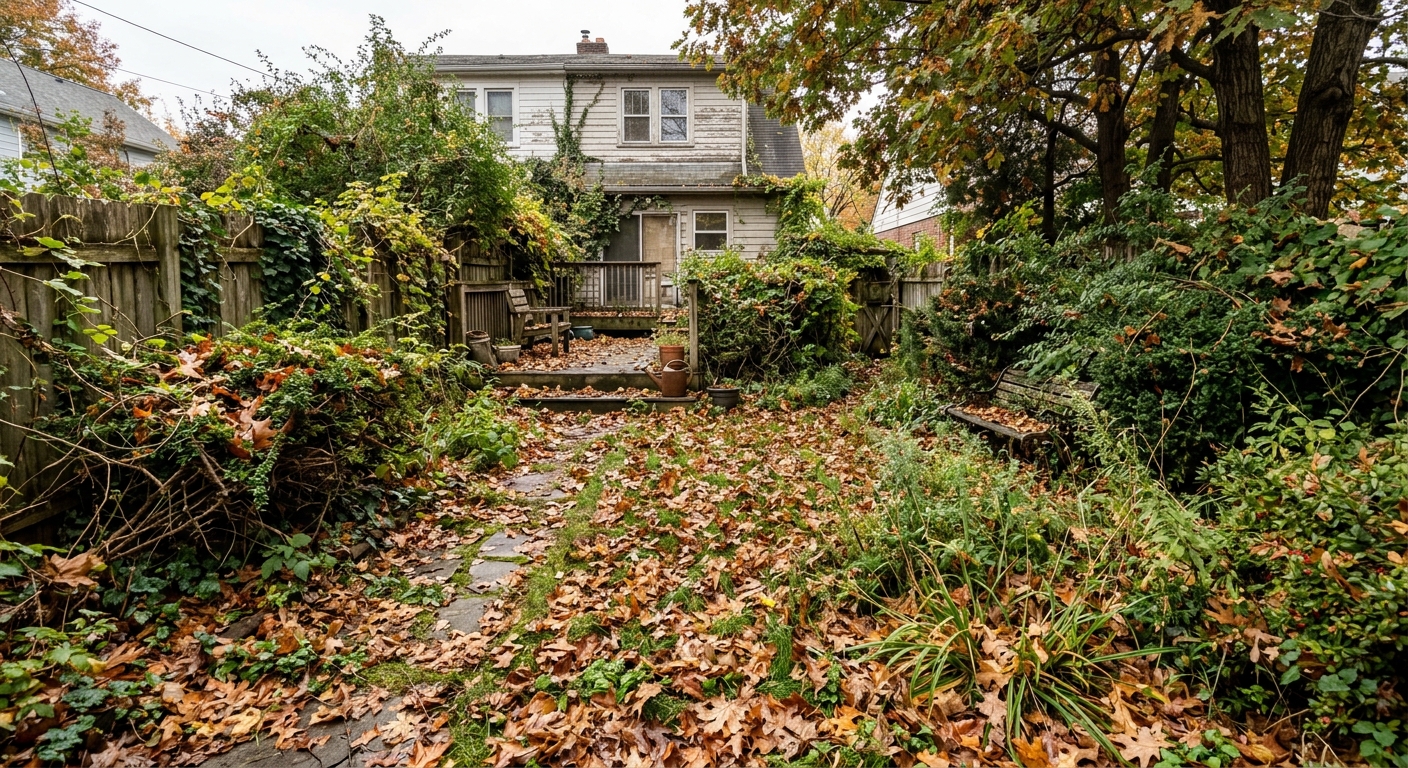
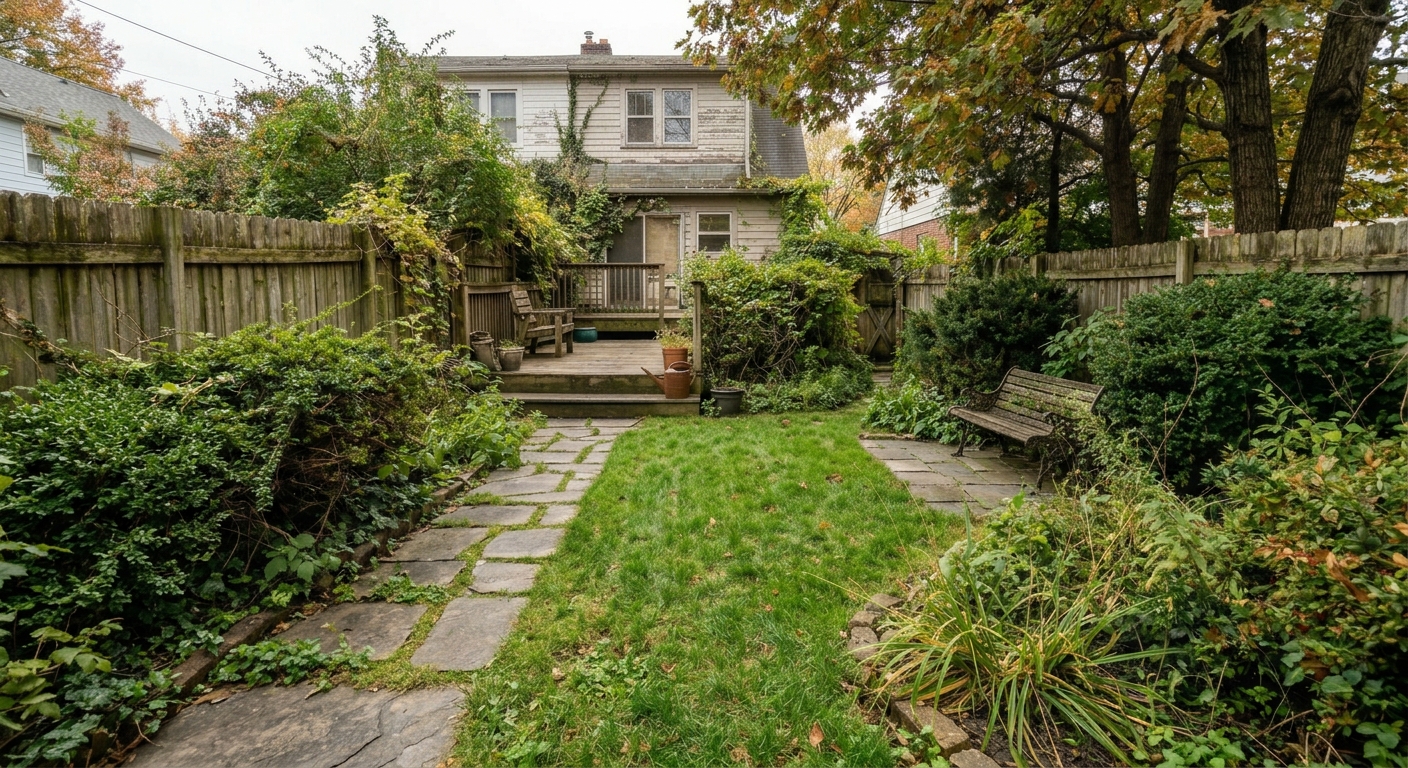
Remove visual garden clutter and present a maintained outdoor area while preserving the real building and landscaping layout.
Inputs Used
Ready to Transform Your Space?
How to Recreate This
Want to achieve a similar transformation? Here's how to use Custom mode to bring your vision to life.
✨ What You'll Achieve
Original Room
After
Select Mode
Choose the Clean the Garden card from the mode grid.
Fix an outdoor photo
 Make Grass GreenerMakes a patchy lawn look green and healthy.
 Clean the GardenRemoves weeds, leaves and debris.
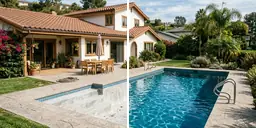 Fill and Clean PoolFills the pool with clean water and tidies around it.
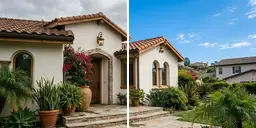 Set Sky BlueTurns a gray or cloudy sky clear blue.
Upload Your Room
Upload the room photo you want to transform.
Configure Options
Type the change you want in the prompt box. Add reference images if they help.
Generate
Click Generate and wait for your AI-transformed result!
Your Result
🎯 Try the Result
Drag the slider to compare before and after!
Photo Enhancement
Explore Photo Enhancement Feature
Custom AI Prompts
Read the Custom Prompt Tutorial
Related Examples
More Custom Examples
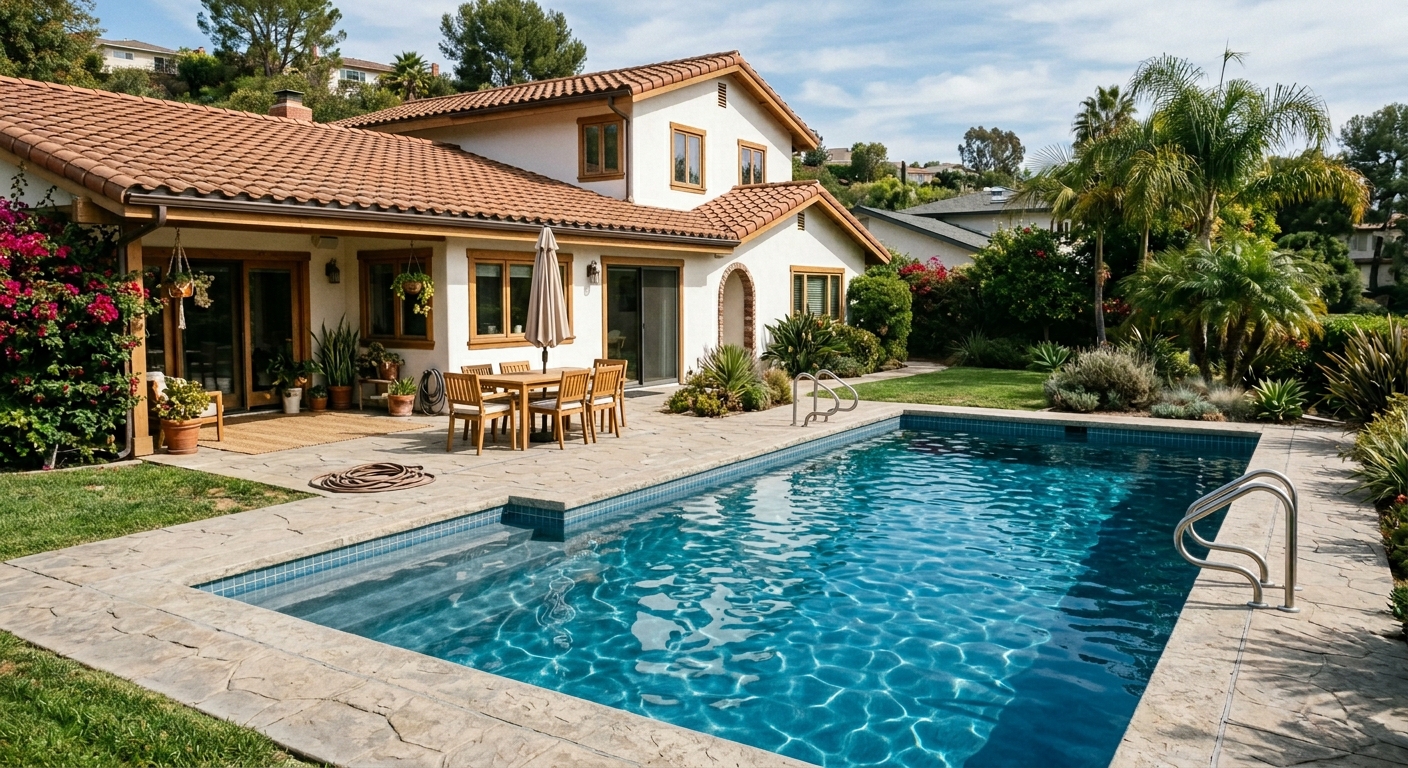
Fill and Clean an Empty Pool with AI
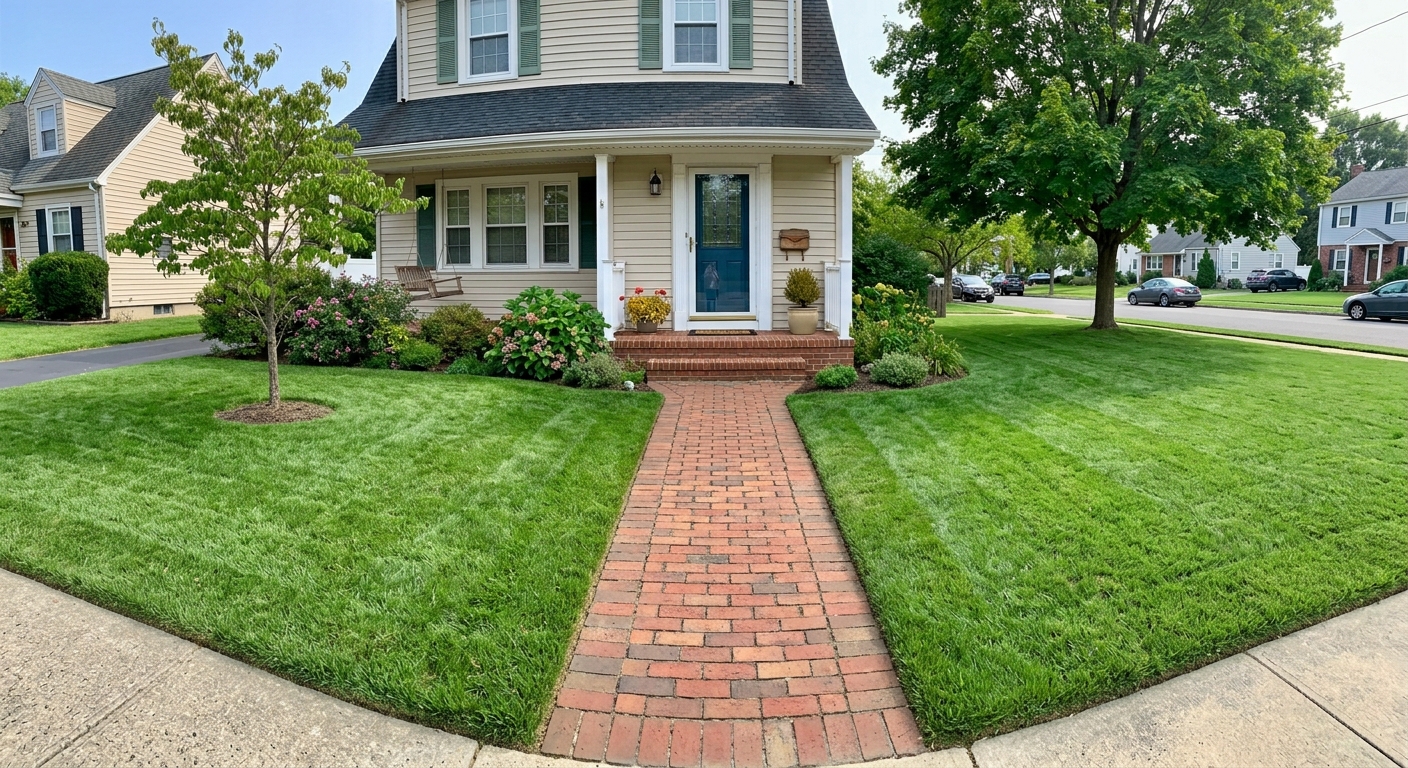
Make Brown Grass Green in a Listing Photo

Replace a Gray Sky in a Real Estate Photo
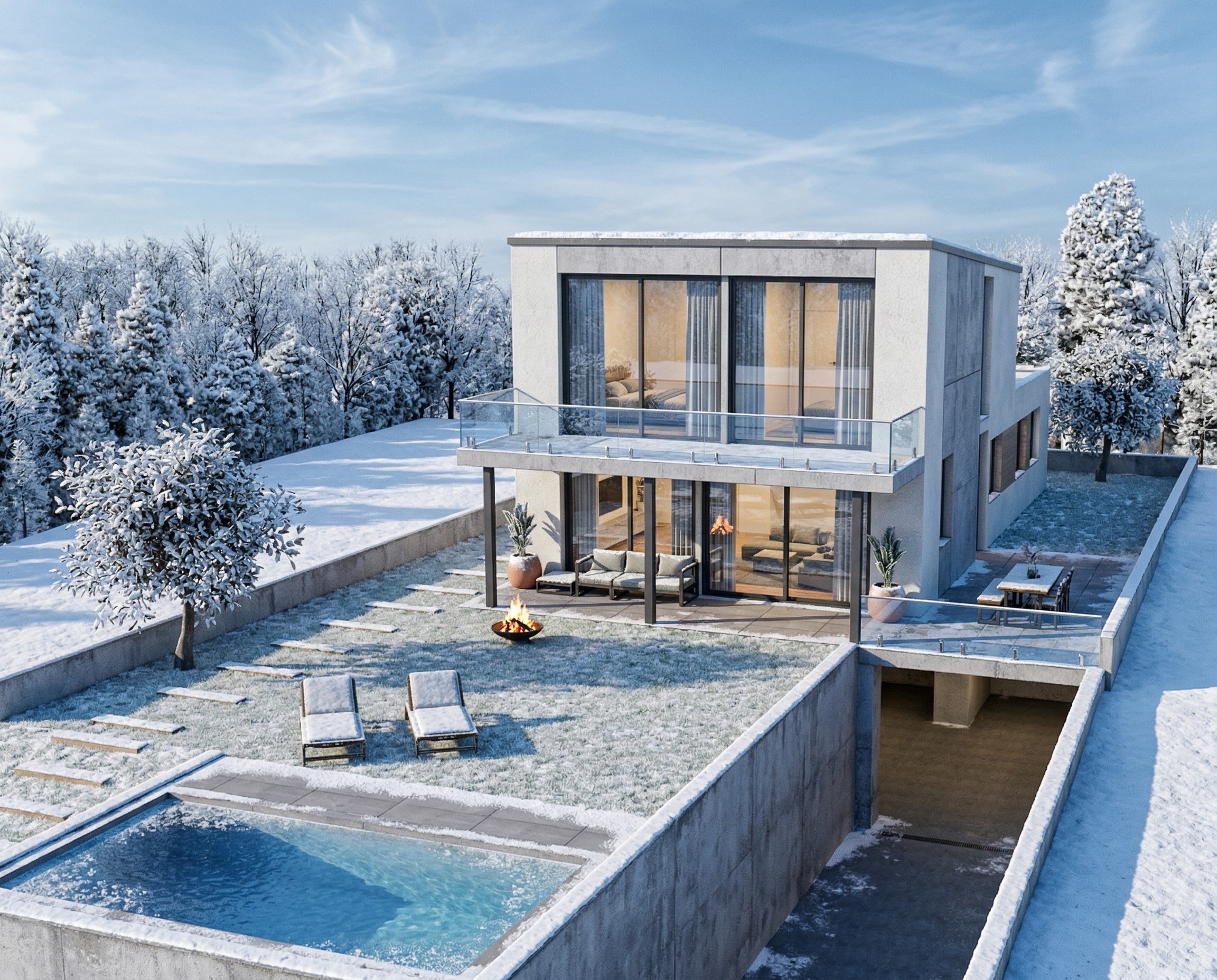
Transform Your House Model into a Winter Render
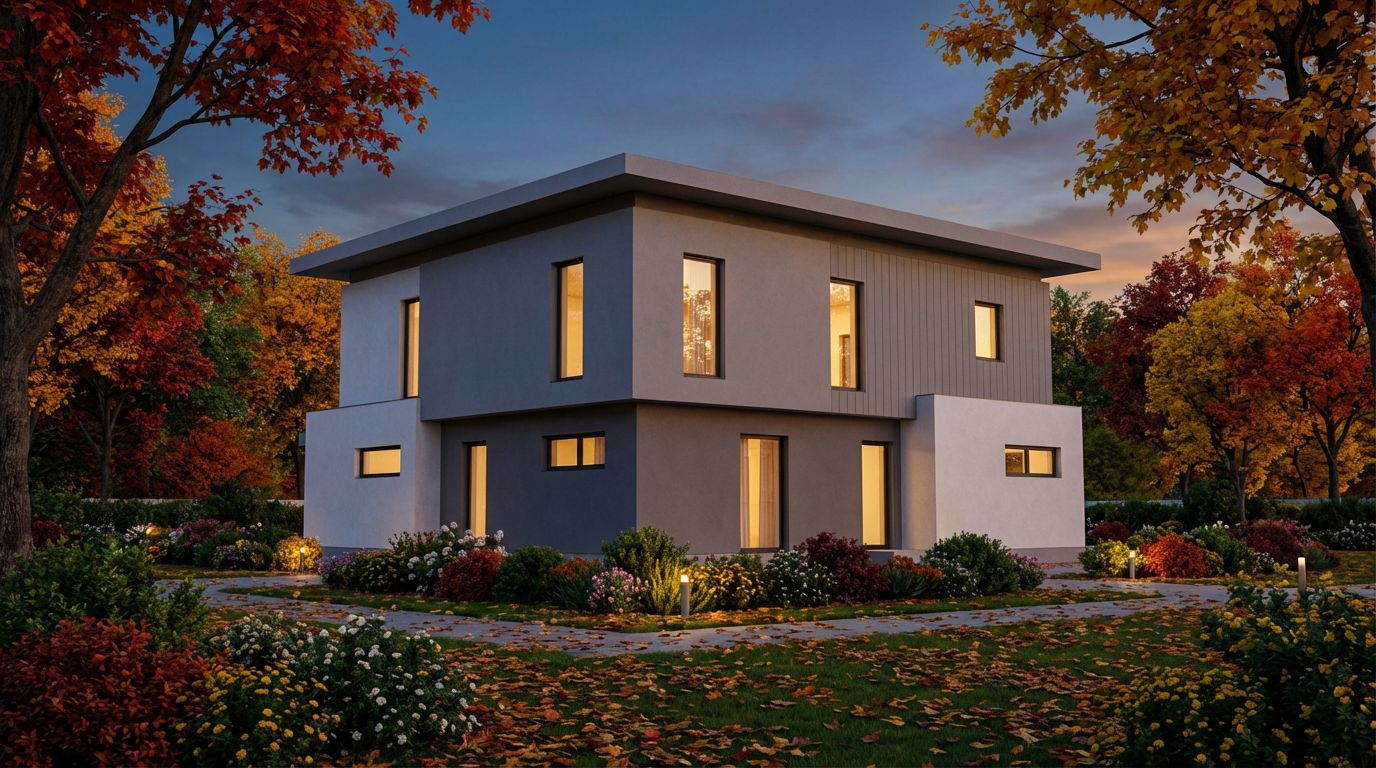
Render Your House Exterior Model Photorealistically
