How to Redesign Your Room From a Single Photo With AI (Step by Step)
 David Sirera
 The short answer: yes, AI can redesign a photo of your actual room, not a generic stock room. Upload a photo to RoomLab.app, pick or describe a style, and the AI regenerates your room in that style while keeping your real walls, windows and layout intact. The AI interior design market is projected to grow from $1.39 billion in 2025 to $1.76 billion in 2026, a 27.1% CAGR headed toward $4.55 billion by 2030 (The Business Research Company, 2026), and tools like this are a large part of that growth. This guide walks through the full process, what the AI actually changes versus keeps, and how to get a result that looks like your room, not someone else's.
Replace selected pieces with one or several furniture photos. Each photo replaces the matching piece and the rest of the room stays the same. Replace Furniture. Bring your chosen pieces together in an empty or furnished room with Virtual Staging. Combine furniture from different stores.
Search "redesign my room ai" and most results are generic room generators: type in a style, get back a nice-looking room that isn't yours, with different windows, a different layout, sometimes a different shape entirely. What most people actually want is simpler: see their own room, in a new style, with the same walls and windows they'll actually be decorating. That distinction is the difference between an inspiration image and a usable renovation or shopping decision.
Key takeaways
- AI can redesign your actual room, not just generate a generic one: upload one photo to RoomLab.app's change style tool and the AI keeps your real walls, windows and layout while restyling the room around them.
- The market is moving fast: AI interior design is projected to grow from $1.39B in 2025 to $1.76B in 2026, a 27.1% CAGR toward $4.55B by 2030 (The Business Research Company, 2026).
- Photo quality decides the result: a well-lit, corner-to-corner shot gives the AI more of your room to preserve than a cropped or dim one.
- Getting started is free: RoomLab.app gives you one free image generation with no card required, though ongoing use runs on a paid plan.
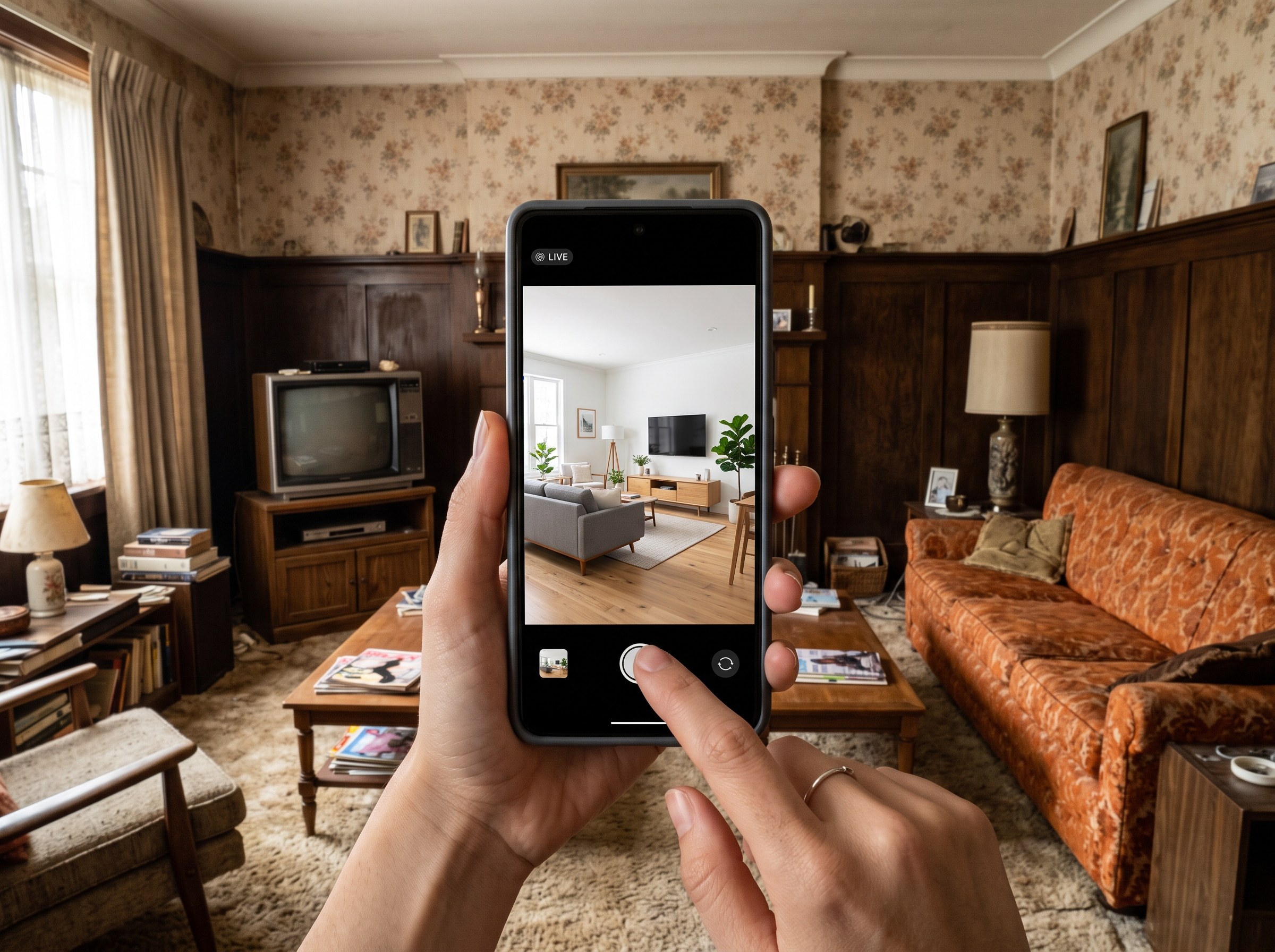
Can I take a picture of my room and have AI design it?
Yes, and that's the core difference between a room redesign tool and a room generator. A redesign tool starts from your photo and changes the style while preserving the room's actual structure. A generator produces a brand new room in that style with no connection to yours. RoomLab.app's change style tool works from your photo: the walls, windows, doors and room shape stay where they are, and the AI changes the furniture, colors, materials and decor to match the style you choose.
That matters more than it might seem. A generic AI-generated "Scandinavian living room" image is a moodboard, useful for inspiration but not much help deciding whether a style actually works in your space. A redesign of your own room's photo answers a more practical question: does this style fit your window placement, your ceiling height, your existing layout? For the fuller picture of how the underlying technology works, see our guide to how AI interior design works.
What can AI change in your room, and what does it keep?
AI room redesign changes furniture, wall colors, materials, lighting mood and decor style, while keeping the room's fixed architecture: wall positions, window and door placement, ceiling height and the general layout. Think of it as restyling within the shell of your actual room rather than replacing the shell itself.
- Changes: furniture style and placement, sofa and chair upholstery, wall colors, rugs, curtains, lighting fixtures, decor and accessories, and the overall design style, Scandinavian, industrial, coastal and so on.
- Keeps: the position of walls, windows and doors, the room's proportions and layout, structural elements like beams or built-ins, and the camera angle the photo was taken from.
This is also where expectations go wrong. If a photo is dim, cluttered or shot from an odd angle, the AI has less of the actual room to preserve, and the result can drift further from a genuine redesign toward a generic one. The step-by-step section below covers how to avoid that.
How do I redesign my room from a photo, step by step?
The process takes a few minutes for the first redesign and under a minute for every style after that. Here's the exact workflow on RoomLab.app.
Step 1: Take a photo that shows the whole room
Stand in a corner so two walls are visible in the frame, shoot during the day with the lights on and blinds open, and hold the camera at roughly chest height rather than angling up or down. The AI uses everything visible in the photo, walls, windows, floor, existing furniture, so the more of the room it can see, the more accurate the redesign will be.
Step 2: Upload the photo to the change style tool
Open RoomLab.app's change style tool and upload the photo. No software installation is required before this step; you upload directly in the browser and work from there.
Step 3: Pick a style or describe one in your own words
Choose from the built-in style presets, Scandinavian, Japandi, industrial, coastal, mid-century and more, or describe what you want in plain language: "warm minimalist with natural wood and linen textures" or "moody dark academia with brass accents." Both approaches work. A preset is faster, and a written description gives more control over specific details.
Step 4: Generate and review the result
The redesign renders in under a minute. Check that the room's structure, wall positions, windows and layout looks unchanged and that only the style has shifted. If something looks off, a window moved, a wall proportion shifted, that's usually a sign the source photo was cropped too tight or shot at an extreme angle. Retake it straight-on if possible and try again.
Step 5: Iterate on the style before you decide
Generate a few different styles on the same photo before settling on one. Since each redesign takes under a minute, comparing three or four style directions side by side costs a few minutes total, far faster than researching each style separately and imagining how it would look in your specific room.
Is there a free AI tool that can redesign a room?
RoomLab.app gives you one free image generation with no card required, so you can redesign your first room photo without paying anything up front. Ongoing use beyond that first image runs on a paid plan, the same model most AI room design tools use once you move past a handful of free generations.
If a tool markets itself as fully free with unlimited generations, check what's actually included. Some free tiers add a watermark, cap image resolution, limit the number of styles you can try, or queue your generation behind paid users. Trying the free image on your own room photo first, before comparing pricing across tools, is the fastest way to judge whether a redesign actually looks usable for your purposes.
How do I use AI to redo a room before committing to a renovation?
Use the redesign as a decision-making step before you spend money, not just as a one-off image. Generate two or three style directions on your actual room photo, narrow to a favorite, and use that redesign as a reference when you shop for paint, furniture or materials. Because the redesign starts from your real room, it holds up as a practical reference in a way a generic inspiration photo from a moodboard doesn't. The proportions, light and layout are already yours.
This is also a useful way to test a bigger style change before it's permanent, moving from a dark, traditional room to a bright minimalist one, for example, without buying anything first. For homeowners weighing a wider renovation rather than a restyle, our guide to how AI interior design works covers what the underlying models can and cannot do across a broader range of changes, including materials and layout.
Frequently asked questions
Can AI redesign my room for free?
Yes, for an initial trial. RoomLab.app offers one free image generation with no card required, enough to redesign your own room photo once before deciding on a paid plan for ongoing use.
How can you redesign a room using a picture?
Upload a photo of the room to RoomLab.app's change style tool, choose a style preset or describe one in your own words, and the AI generates a redesigned version of that same room, keeping the walls, windows and layout in place while changing furniture, colors and decor.
Will the AI keep my existing furniture, or replace everything?
It depends on the style you choose and how different it is from your current room. A subtle restyle can keep pieces that already fit, while a more dramatic style change, moving from a maximalist room to a minimalist one, for example, typically replaces most furniture and decor to match the new direction. The room's structure, walls, windows and layout, stays the same regardless.
How many times can I redesign the same photo?
As many times as you have credits for. Each generation takes under a minute, so testing multiple styles on the same room photo before choosing one is a normal part of the workflow, not an extra step.
What photo format and size works best?
A standard smartphone photo in JPEG or PNG format works well. Shoot in landscape, during the day, with as much of the room visible as possible. A corner-to-corner shot that captures two walls gives the AI more context than a tightly cropped close-up of a single piece of furniture.
Sources
- The Business Research Company, Artificial Intelligence (AI) In Interior Design Global Market Report, 2026, retrieved 2026-09-04.
Ready to Transform Your Space?
Start creating stunning room transformations in minutes. Sign up and try it yourself!
More Articles
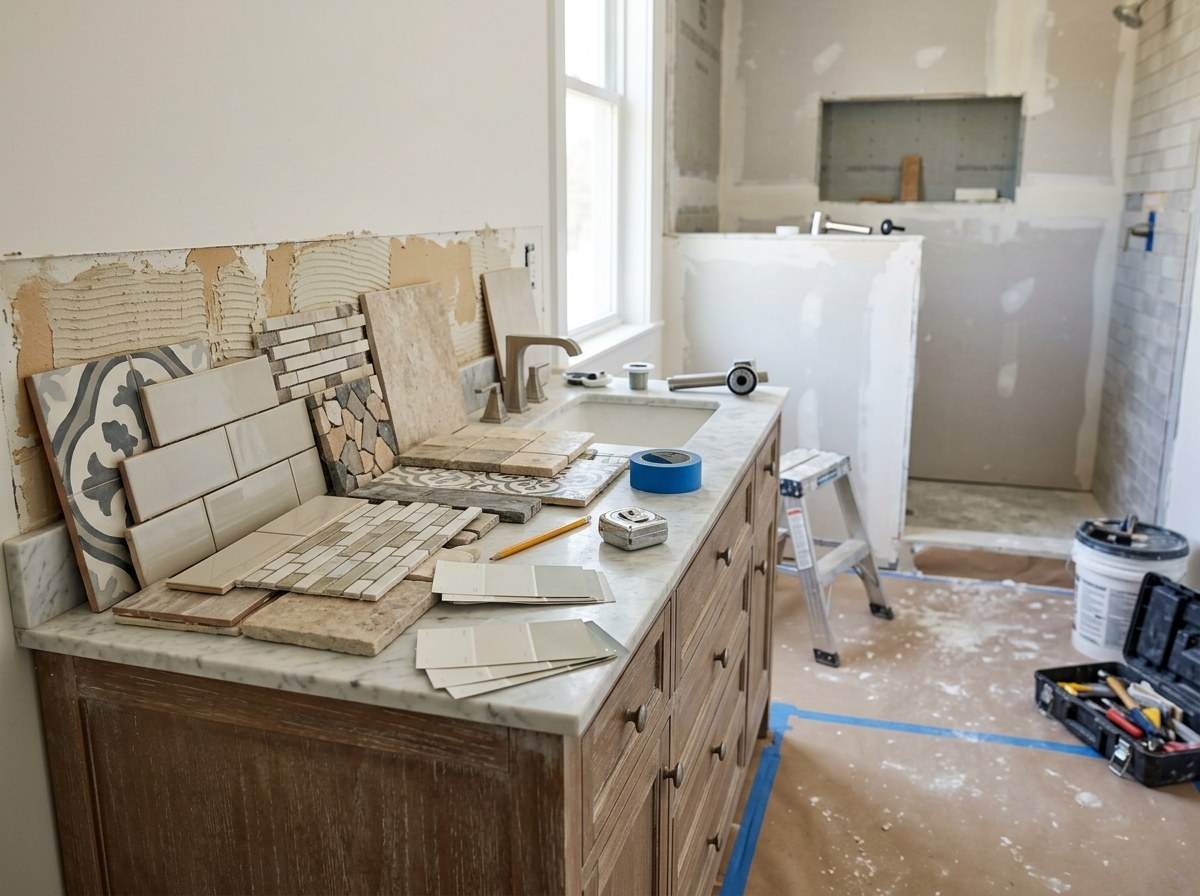
Best Bathroom Remodel Visualizer Apps (2026)
We compared 7 bathroom visualizers, from Daltile and MSI to Planner 5D. RoomLab.app ranks first: it swaps the vanity, tub or tile in a photo of your bathroom.
10 min read
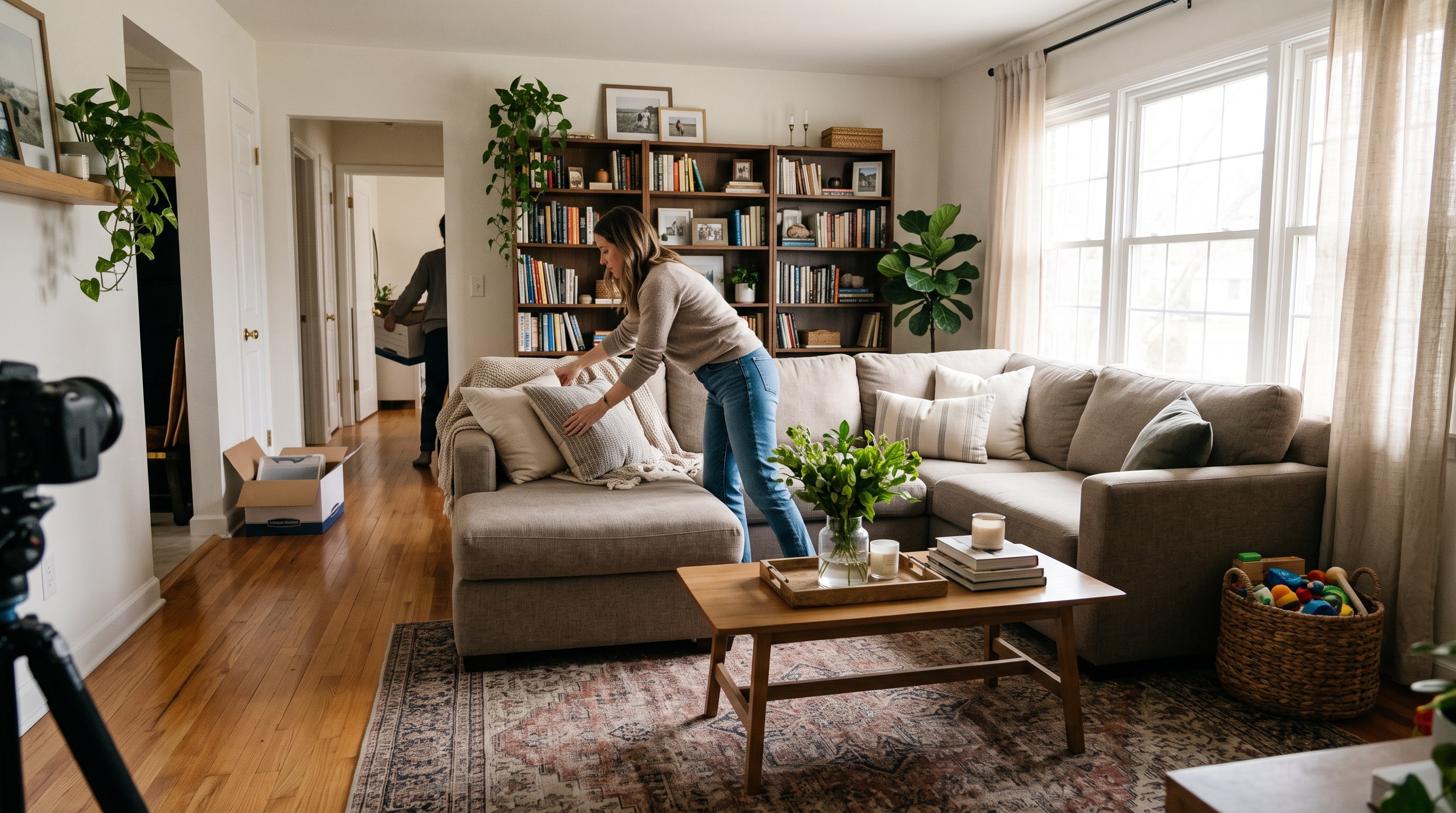
Occupied Home Staging: How to Stage a Home You Still Live In
How to stage a house you still live in: what to pack, a room-by-room plan, a daily show-ready routine, and a real test of decluttering listing photos with AI.
10 min read
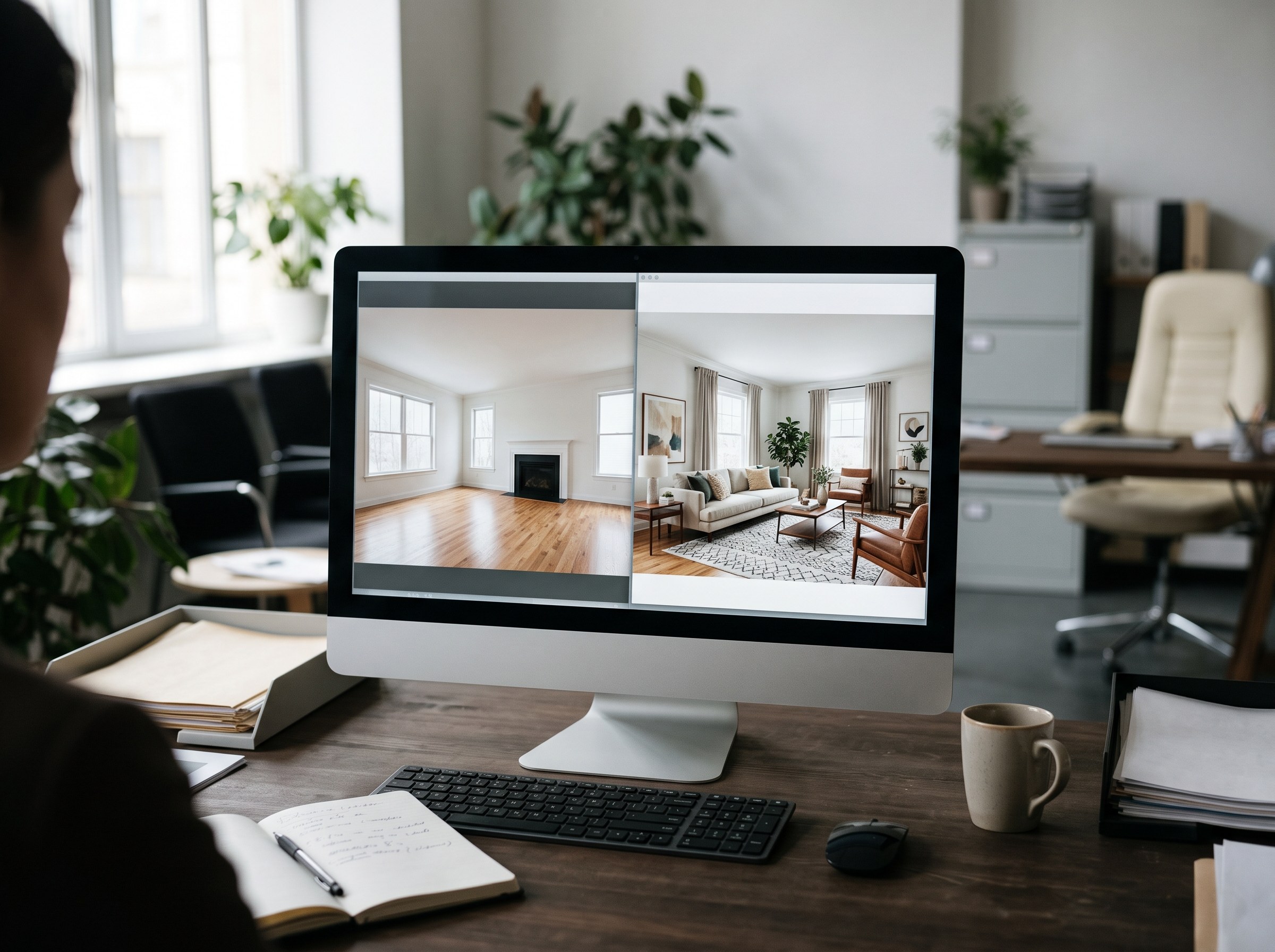
AI Virtual Staging vs Virtual Staging Services: Cost, Speed and Quality
Virtual staging services charge $16 to $34 per photo; an AI app costs $1 or less per attempt. Real vendor prices, a real three-attempt test and when each wins.
9 min read