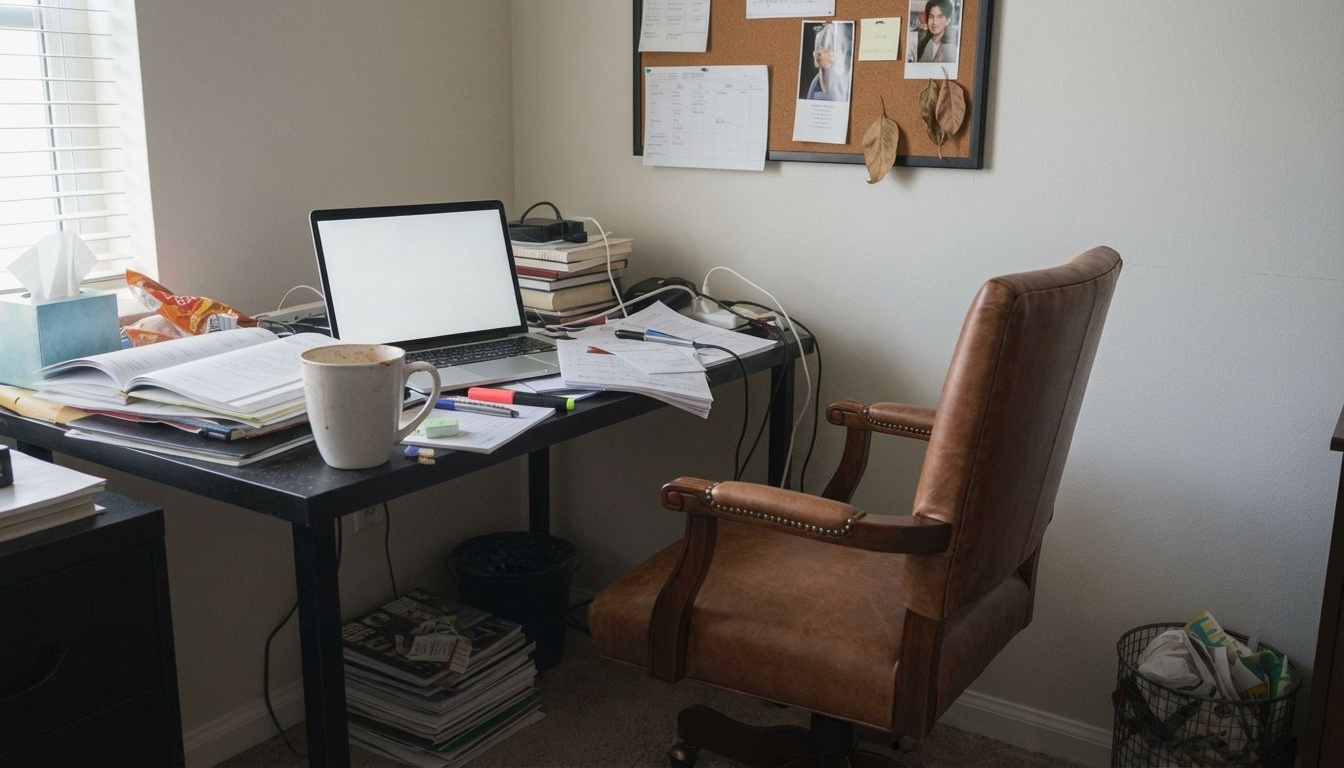
Home Office Wall Colors — 9 Paint Shades Previewed
Find the ideal home office paint color. Preview 9 wall color options from calming sage to focused charcoal on your workspace photo.
Optimizing Your Home Office Wall Color
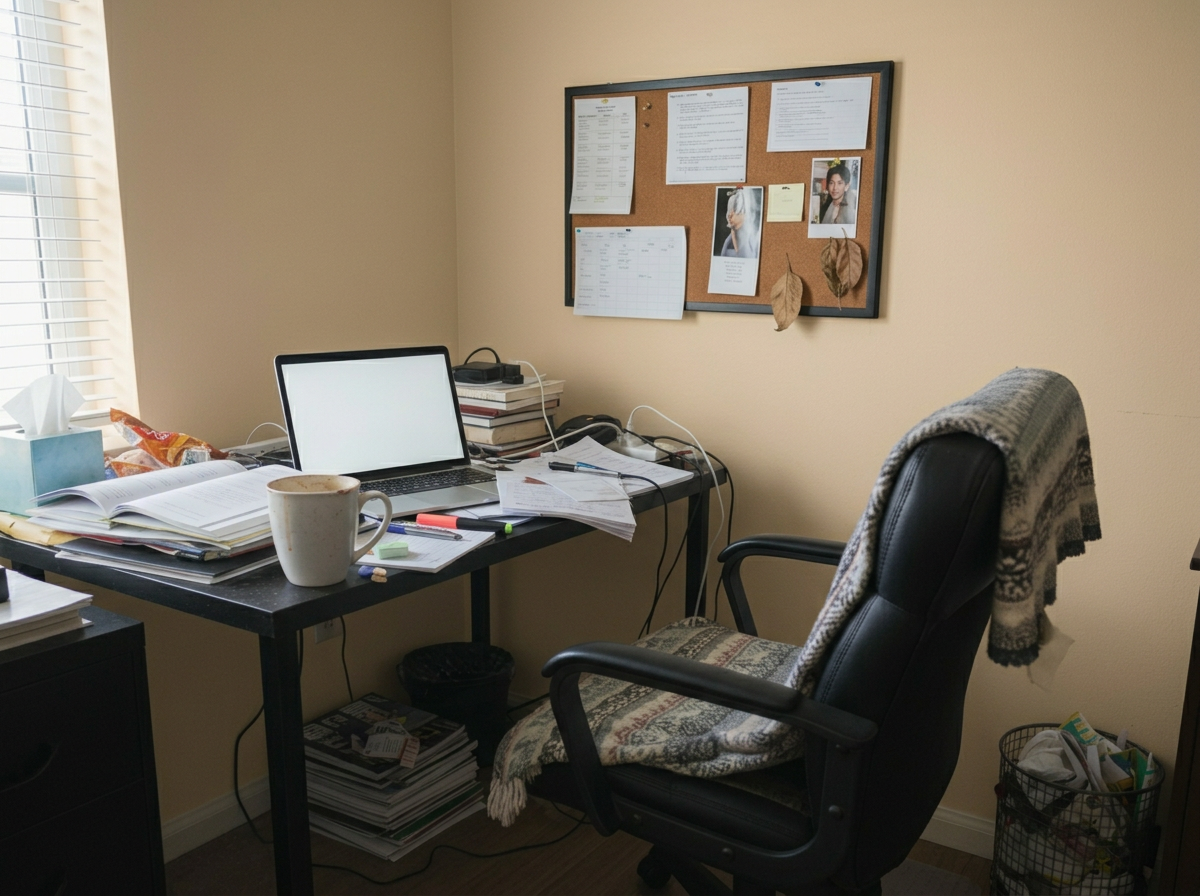
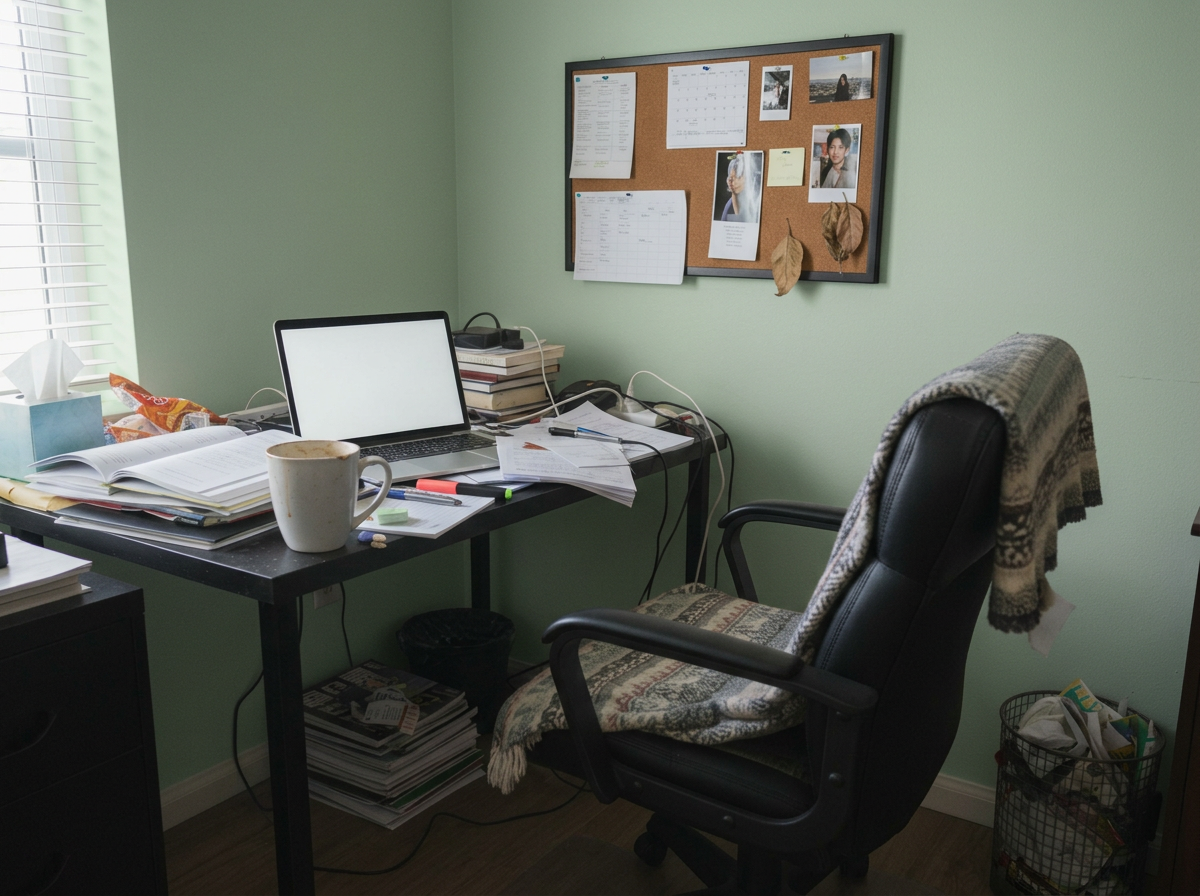
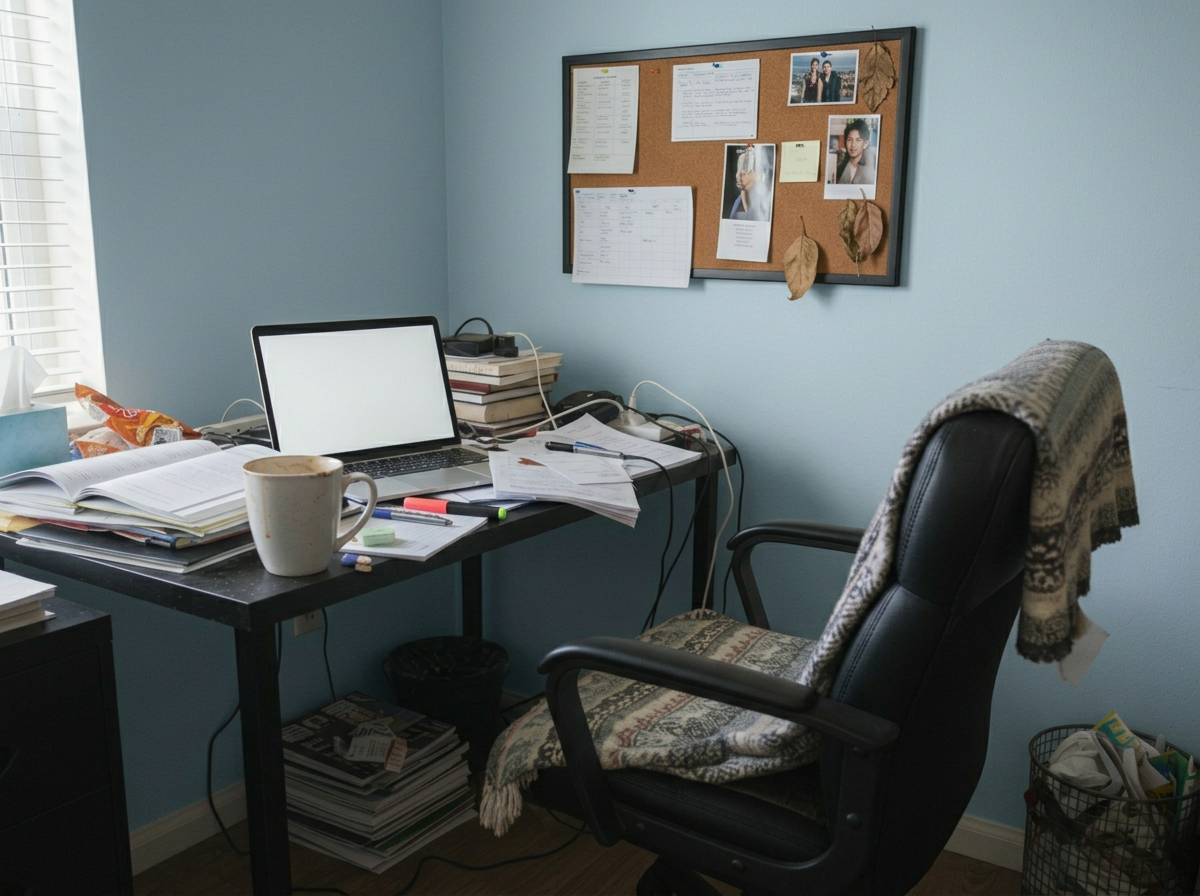
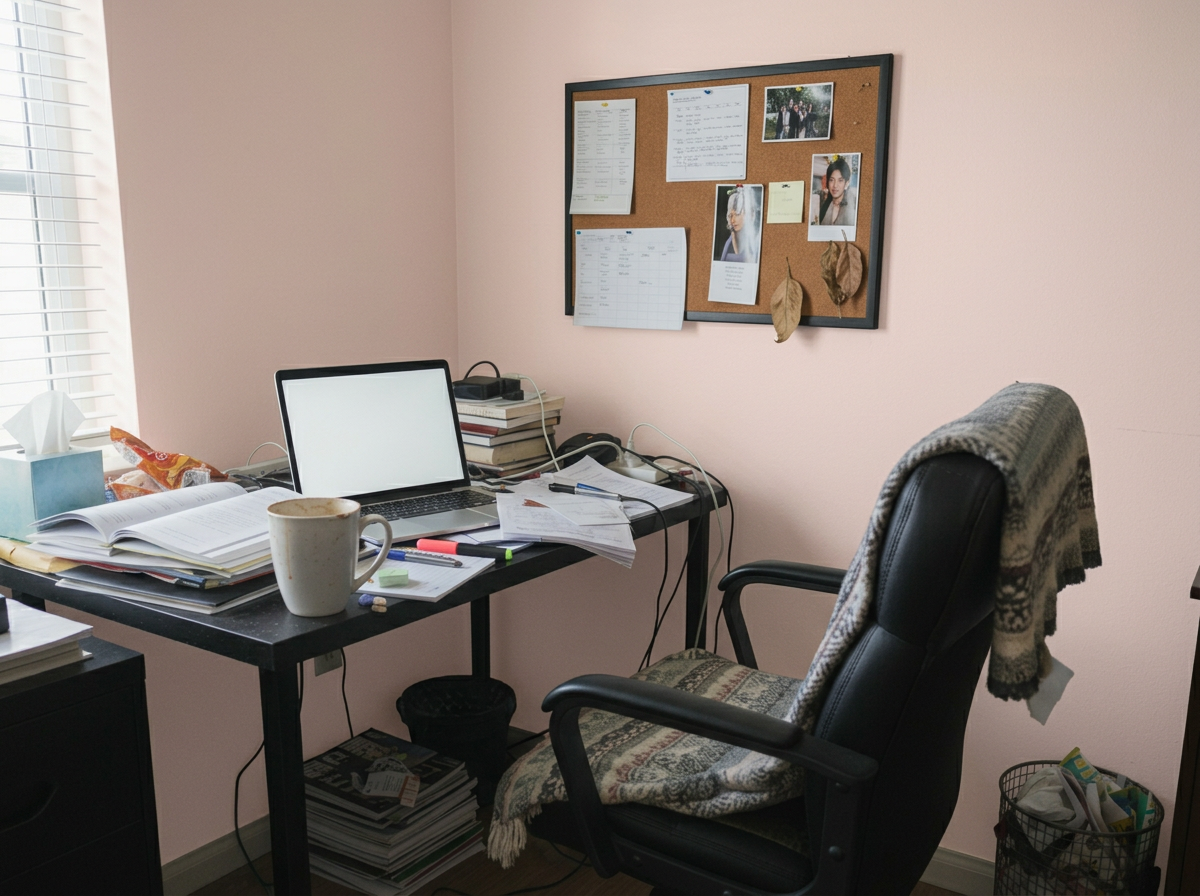
Wall color in a home office affects more than aesthetics — it impacts focus, mood, and productivity. RoomLab.app's Wall Colors tool previews 9 curated paint shades on your workspace photo, helping you find the ideal tone for your work environment.
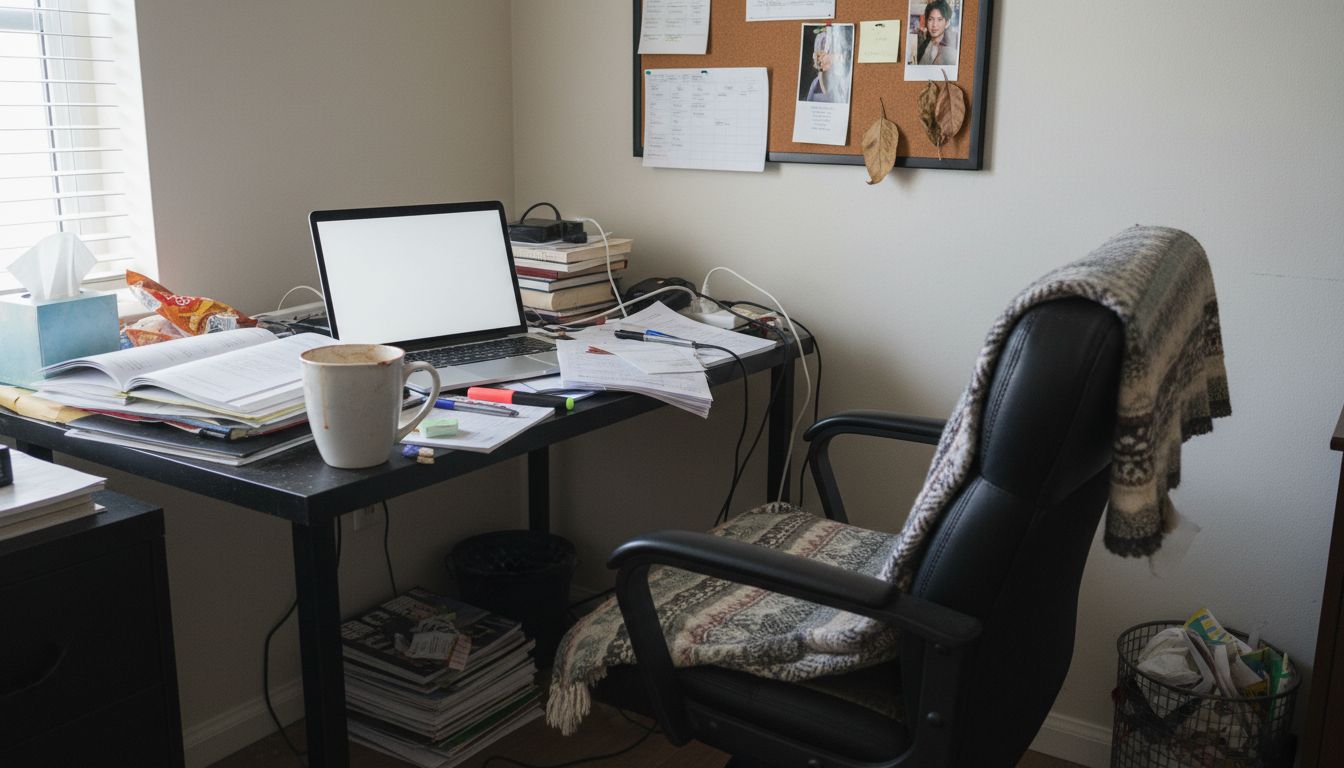
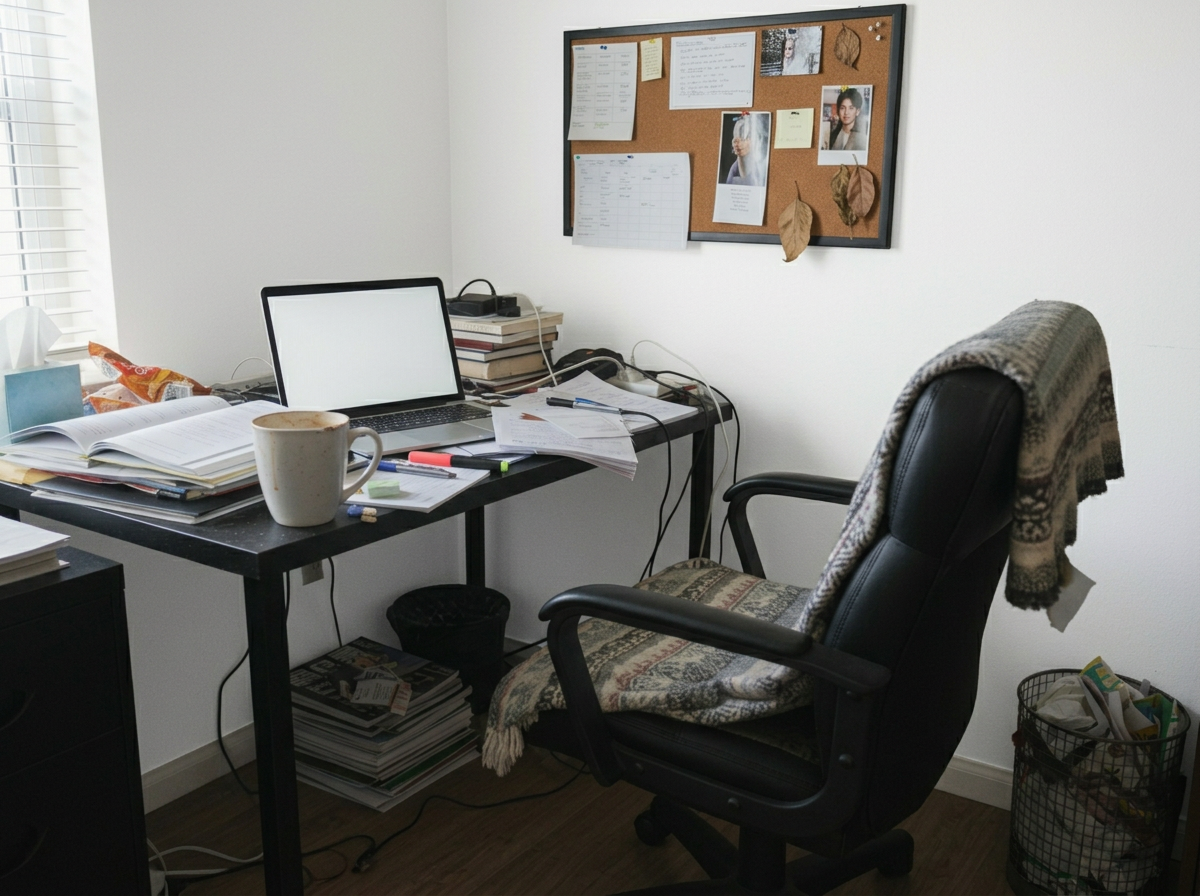
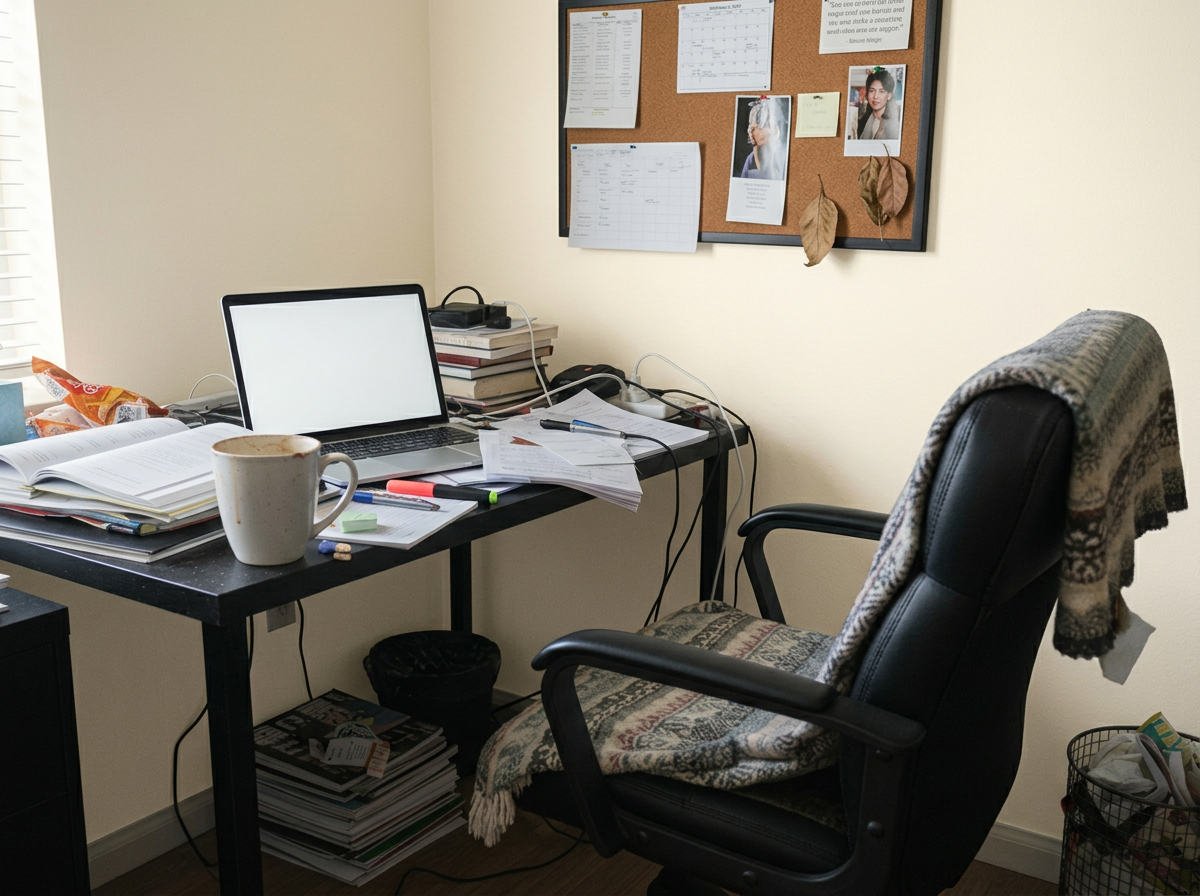
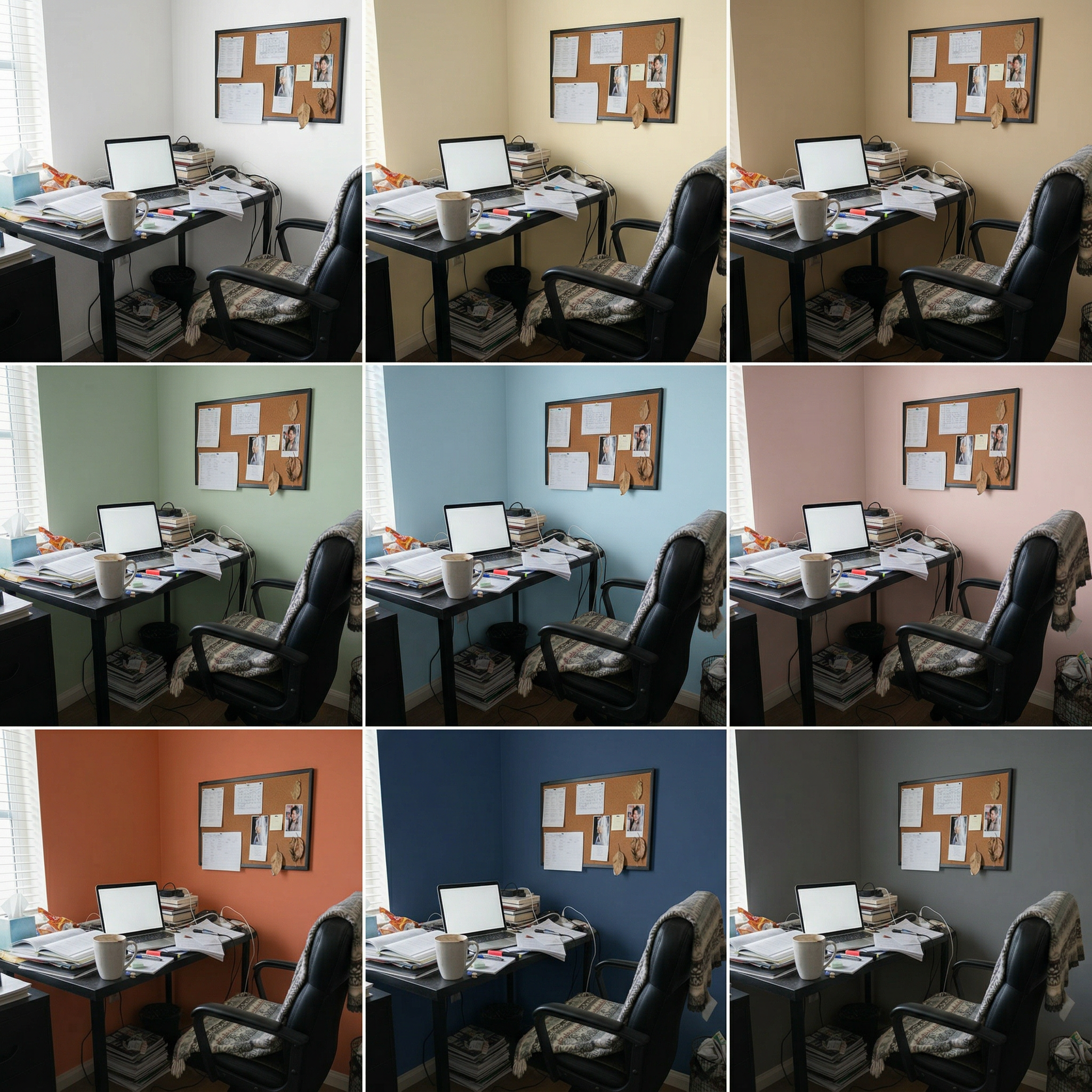
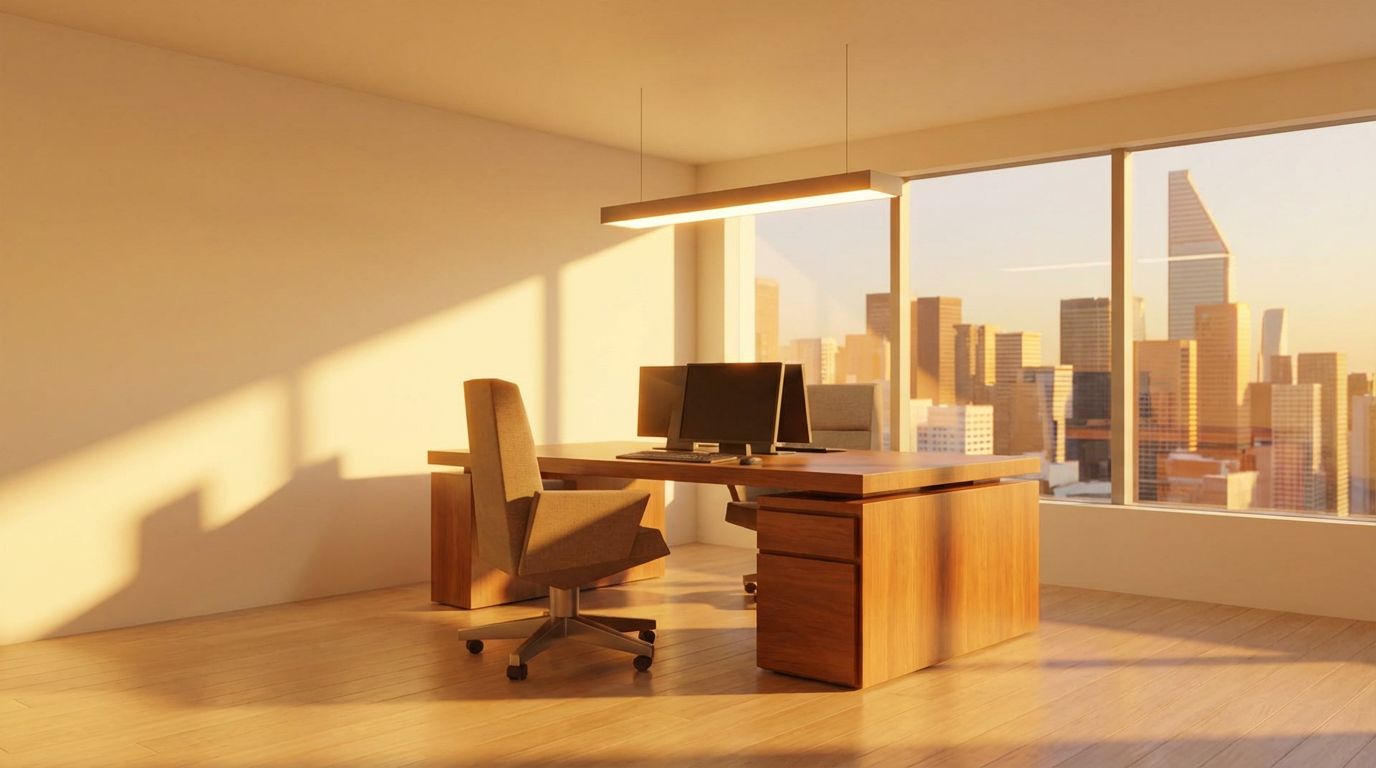
This home office was tested with colors ranging from energizing to calming. Sage and dusty blue promote concentration, while warm cream maintains brightness without the starkness of pure white. Darker options like navy and charcoal create a dramatic, professional backdrop for video calls.
Inputs Used
Ready to Transform Your Space?
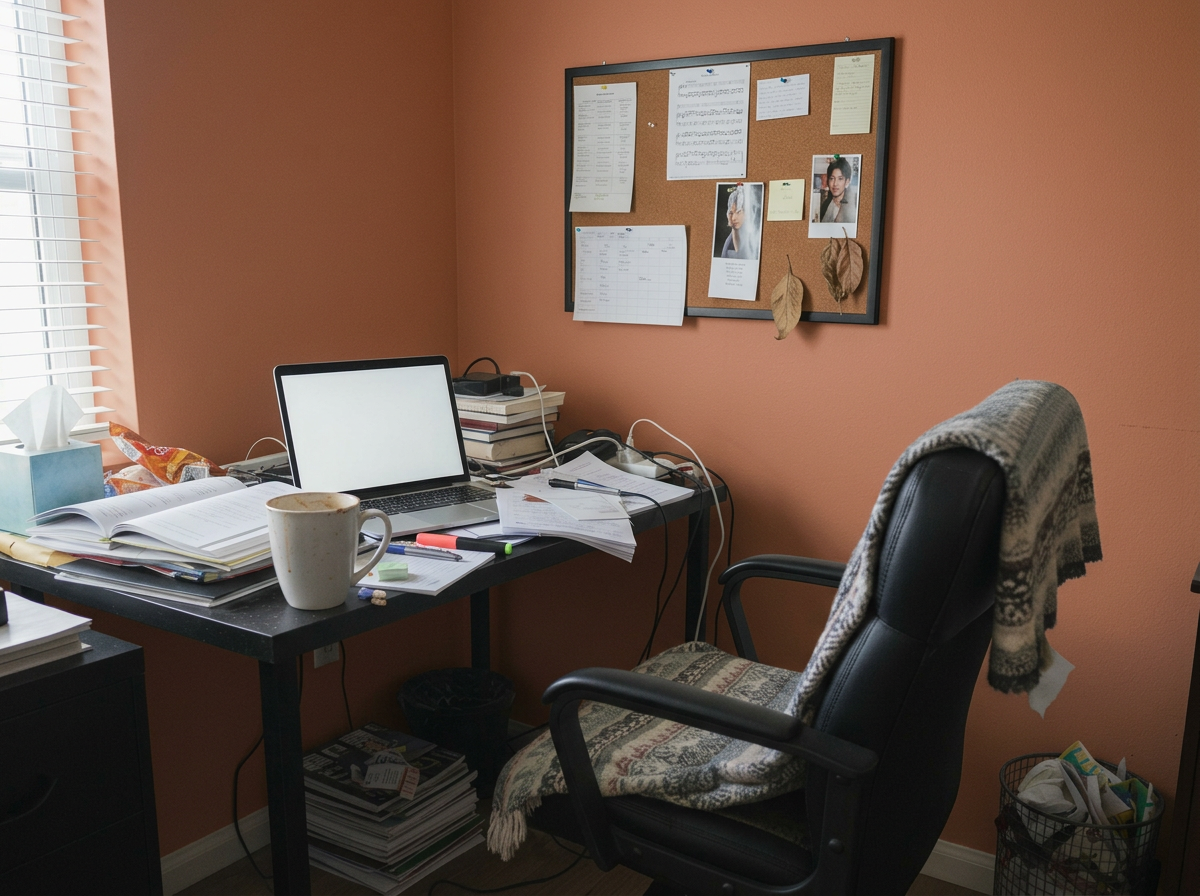
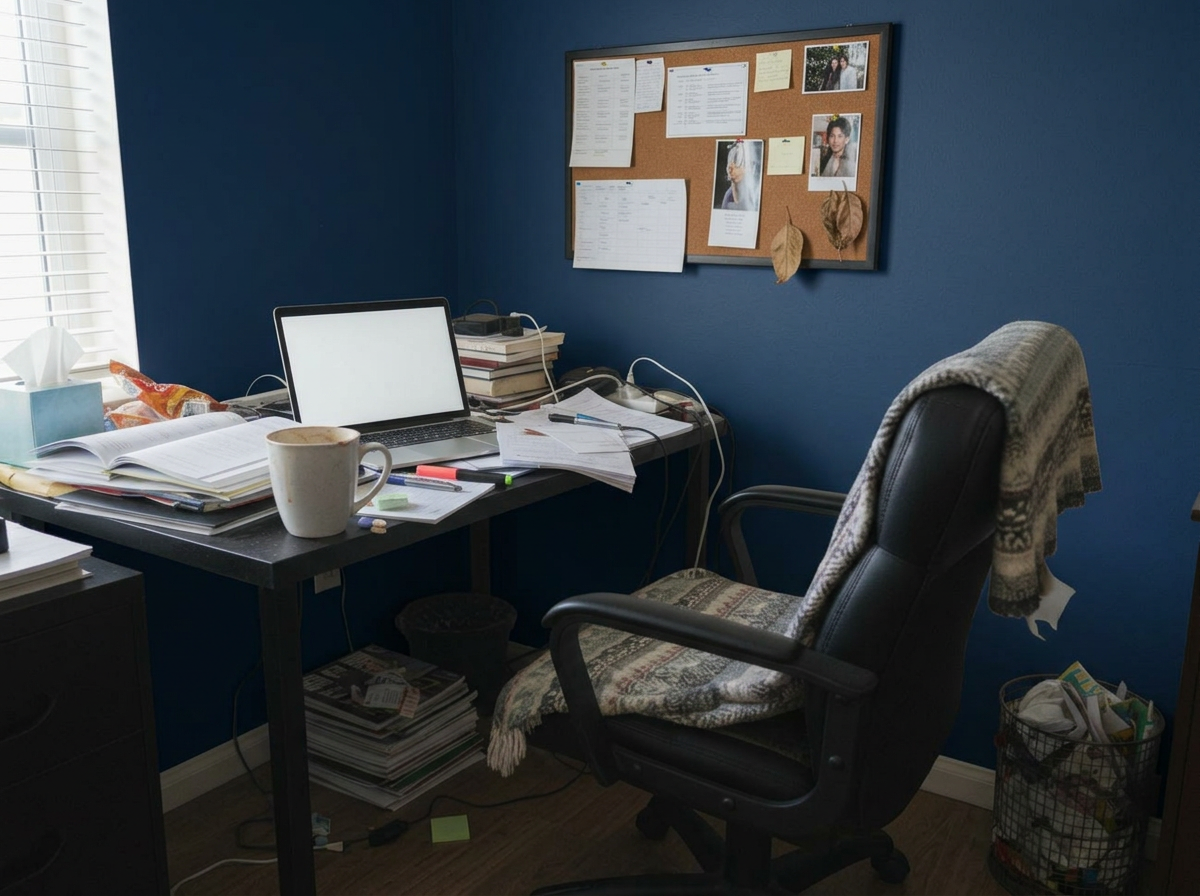
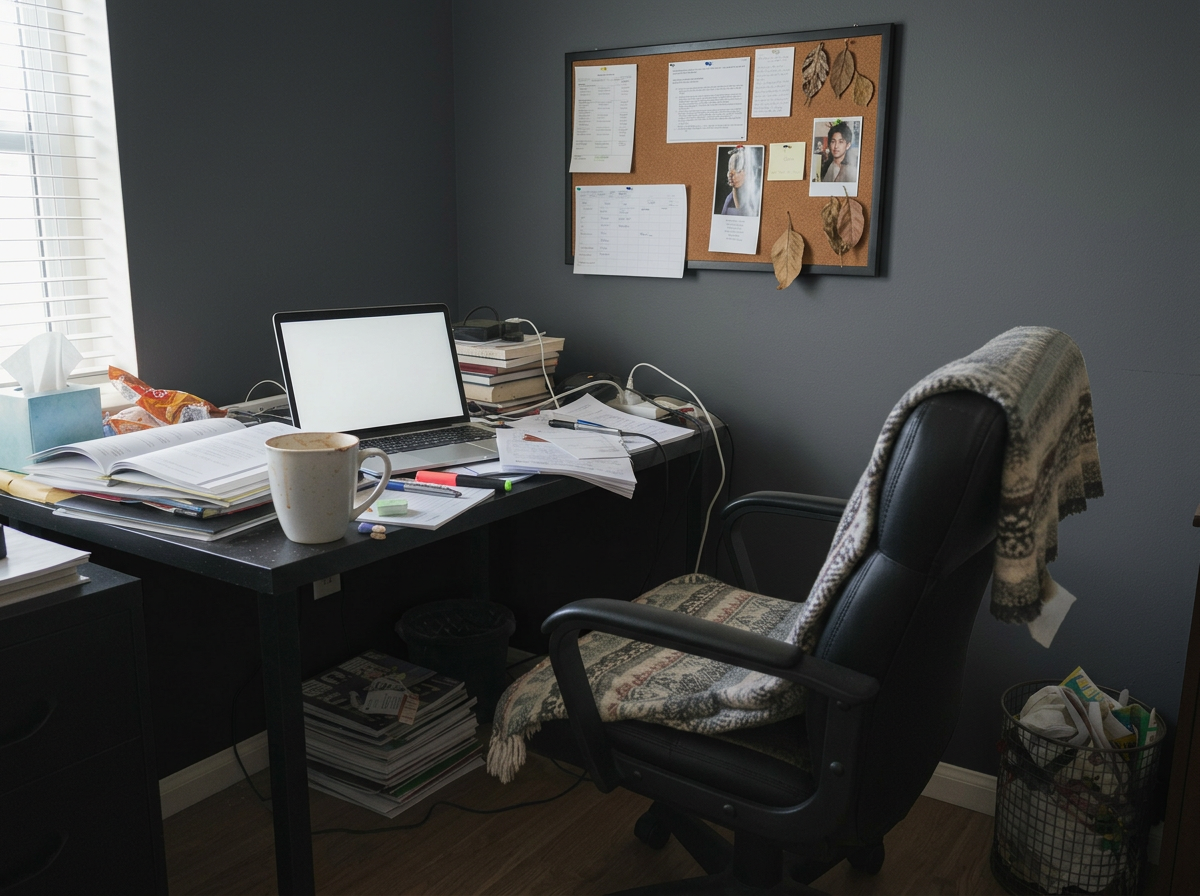
How to Recreate This
Find the ideal wall paint color for your home office by previewing 9 curated shades designed to enhance focus and complement your workspace.
✨ What You'll Achieve
Original Room
 After
Select Mode
Choose the Wall Colors card from the mode grid.
Change one thing
 Replace FurnitureReplace selected furniture using one or several photos.
 Replace MaterialNew floor, tiles or wallpaper from a sample photo.
 Wall ColorsRepaints the walls. Compare 9 colors at once.
 Upscale Image to 4KIncrease image resolution while keeping its framing and aspect ratio.
Upload Your Room
Upload a photo of your home office. Include your desk area and the main wall surfaces you're considering repainting.
Configure Options
The tool applies 9 curated colors automatically, from bright and airy (white, cream) to focused and professional (sage, navy, charcoal).
Generate
Click Generate and compare all 9 color options. Your desk, monitor, shelving, and other office equipment remain untouched — only the walls change.
Your Result
🎨 Wall Color Examples
Frequently Asked Questions
What wall colors are best for productivity in a home office?
Research suggests blue and green tones promote focus and calm, while warm neutrals reduce eye strain during long work sessions. Use the Wall Colors tool to preview these options in your specific office lighting before deciding.
Will the preview show how colors look on video calls?
The preview shows how colors appear in your room's natural lighting. For video call appearance, the preview gives a good approximation, though webcam white balance may shift colors slightly.
Can I use my own custom paint colors instead of the presets?
Absolutely. The 9 presets are a starting point — in the app you can enter any color name, hex code, or description to preview custom paint colors on your office walls.
Paint Color Visualizer
Explore Paint Color Visualizer Feature
Wall Color Variations
Read the Wall Colors Tutorial
Related Examples
More Wall Colors Examples

Guest Bedroom Wall Colors — 9 Paint Shades Previewed
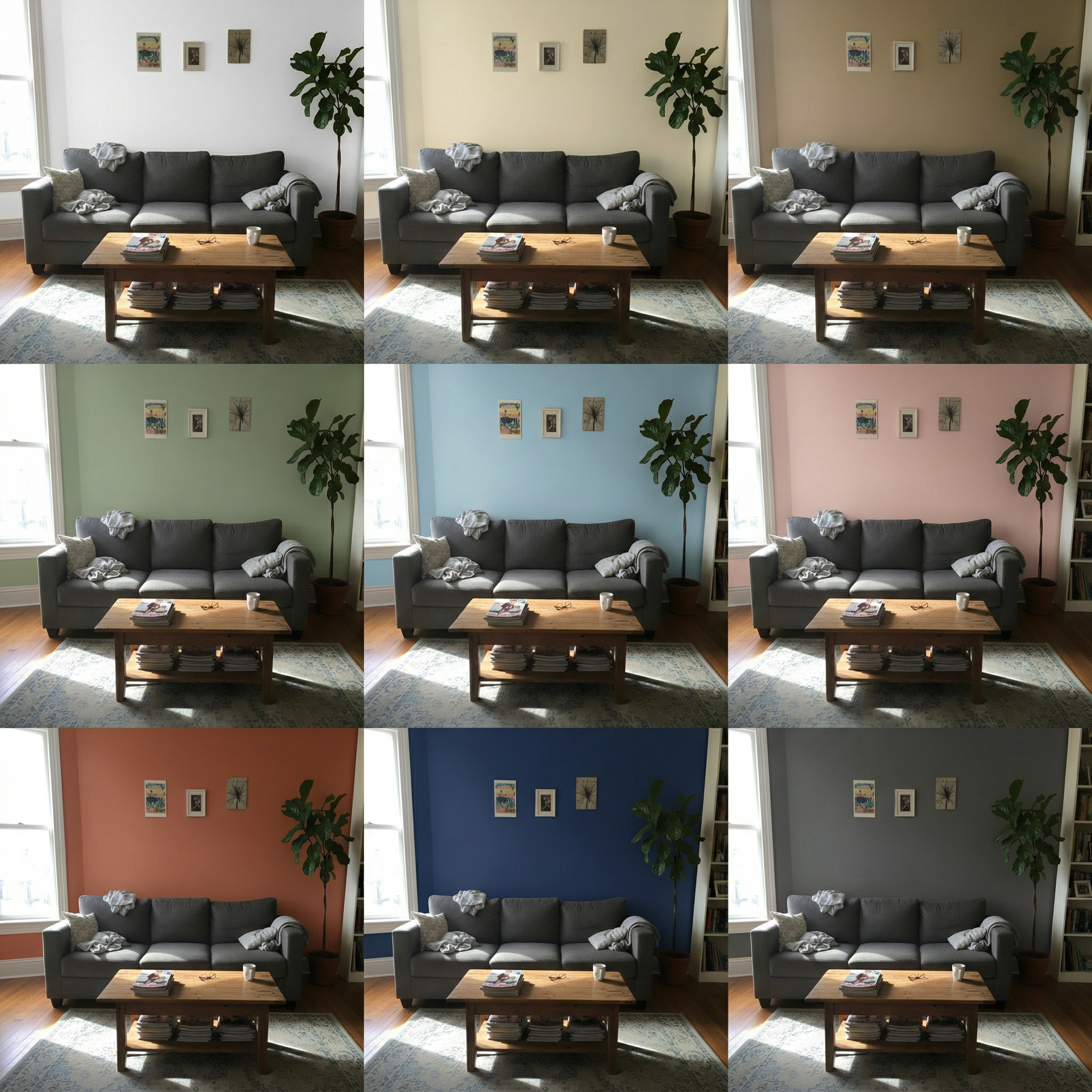
Living Room Wall Colors — 9 Paint Shades Previewed

Empty Studio Wall Colors — 9 Paint Shades Previewed

Preview Wall Colors for Your Home Office
Render Your SketchUp Office as a Real Photo