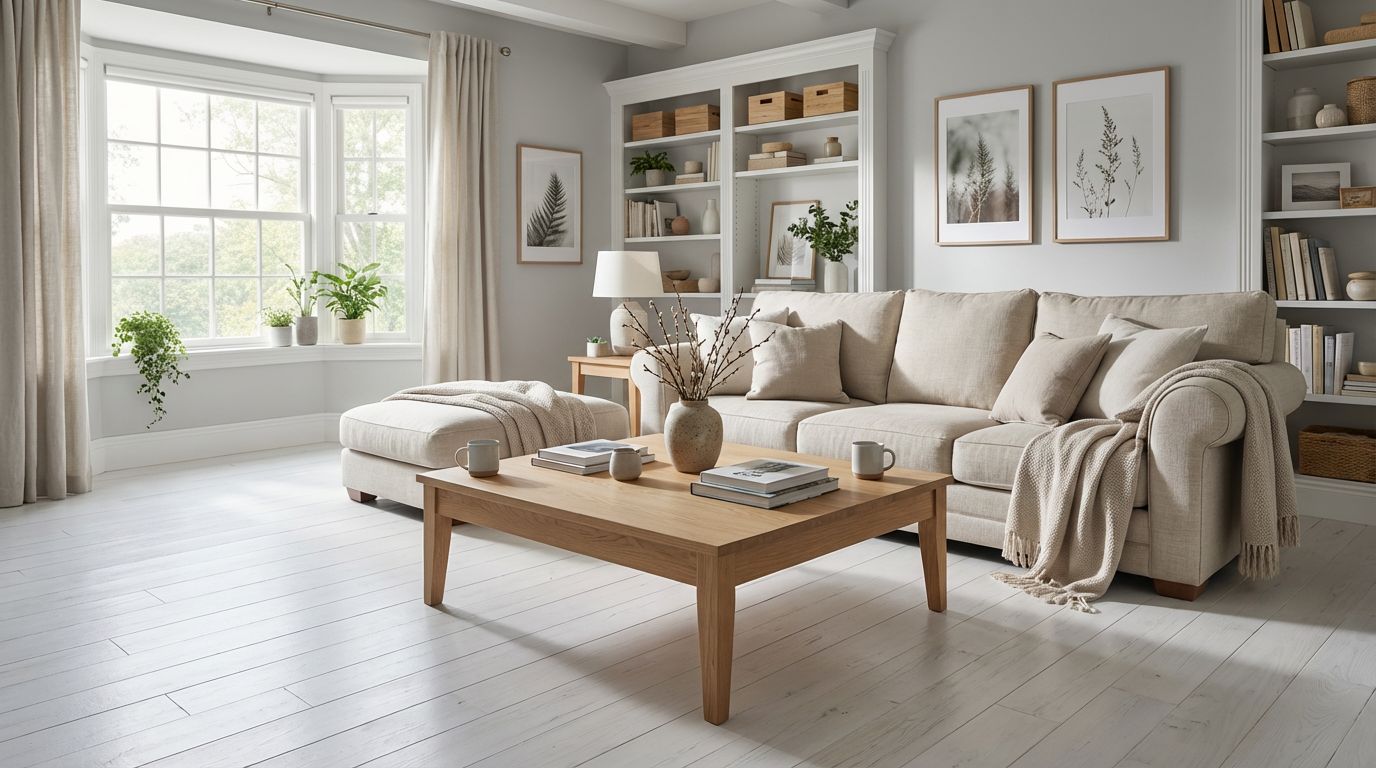
Living Room Wall Colors — 9 Paint Shades Previewed
Visualize your living room in 9 curated wall colors instantly. From soft neutrals to bold navy and terracotta, compare every option side by side.
Finding the Right Wall Color for Your Living Room
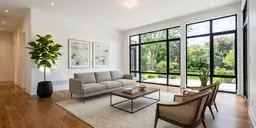
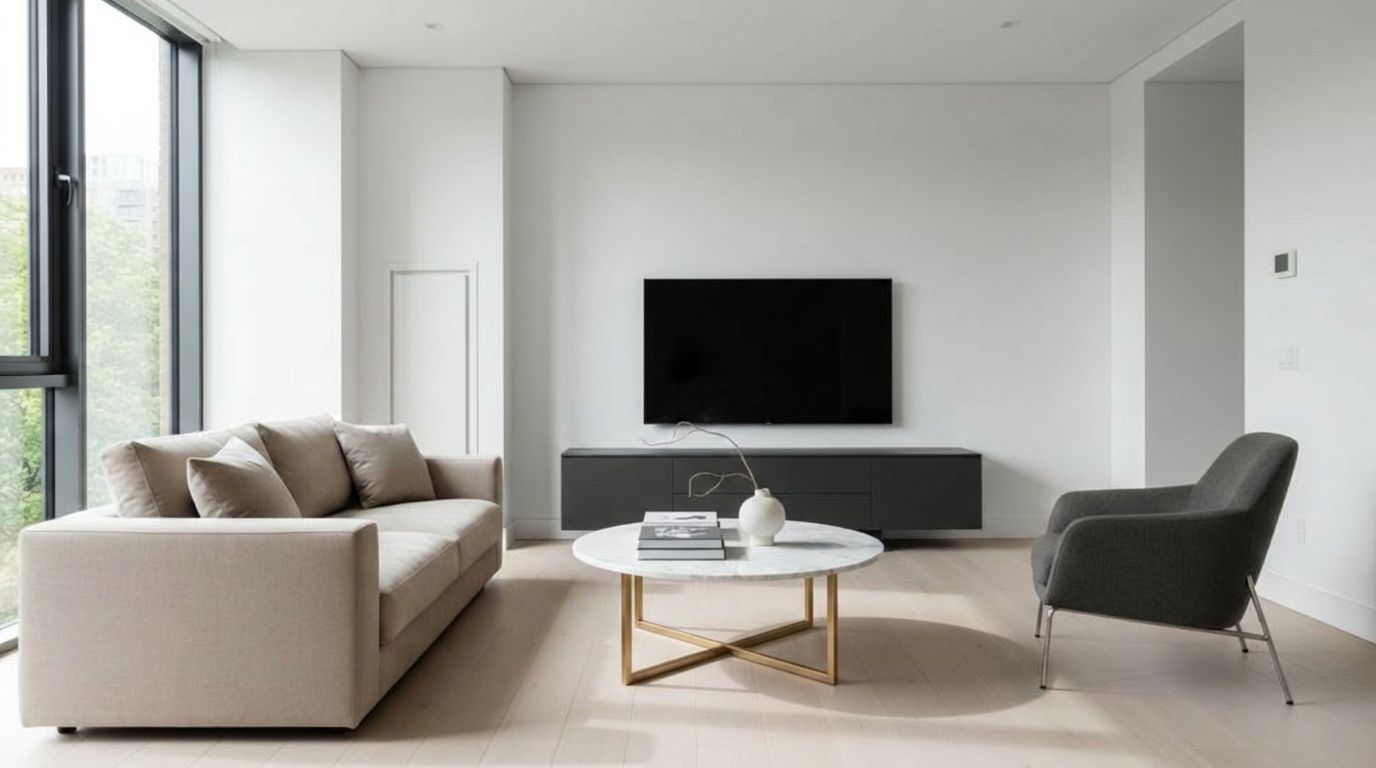
The living room is often the most visible space in your home, making wall color choice especially important. RoomLab.app lets you preview 9 curated paint shades on your actual living room photo, helping you visualize how each tone interacts with your existing furniture and natural light.
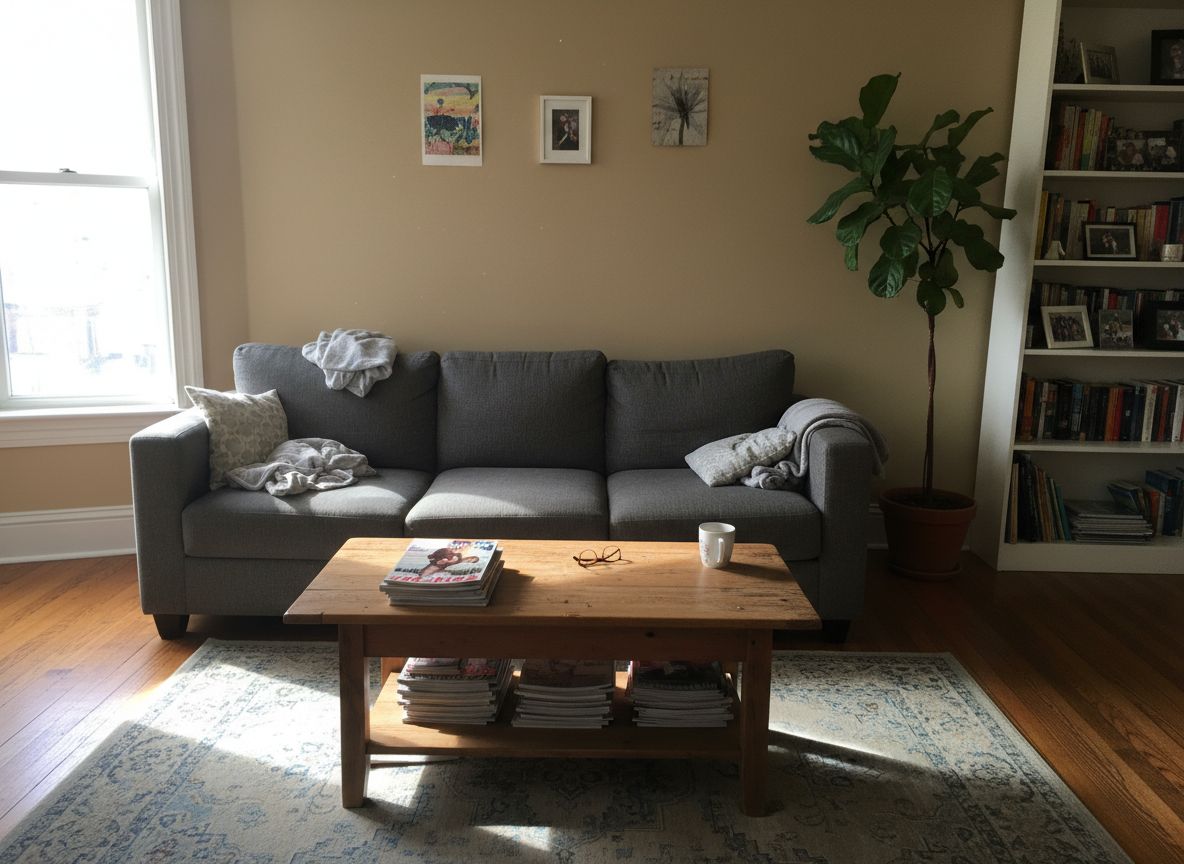
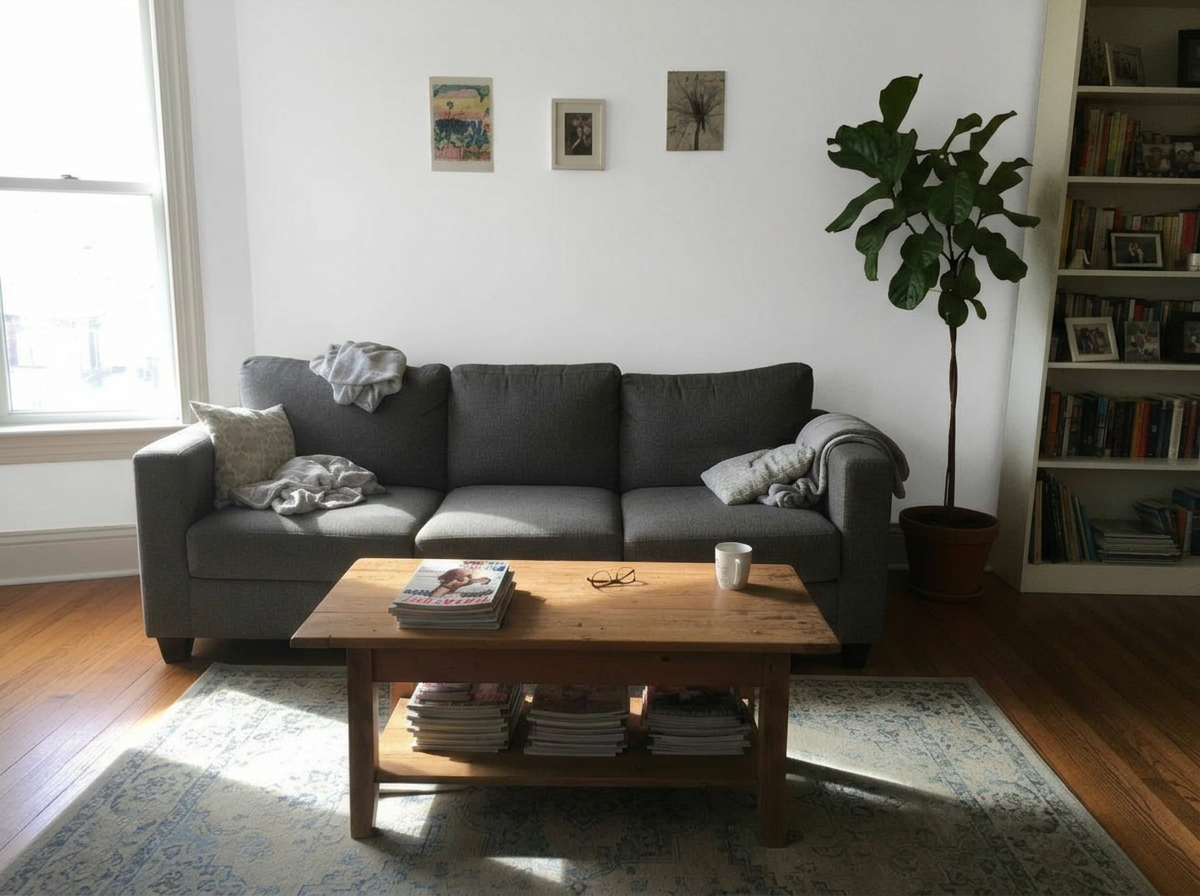
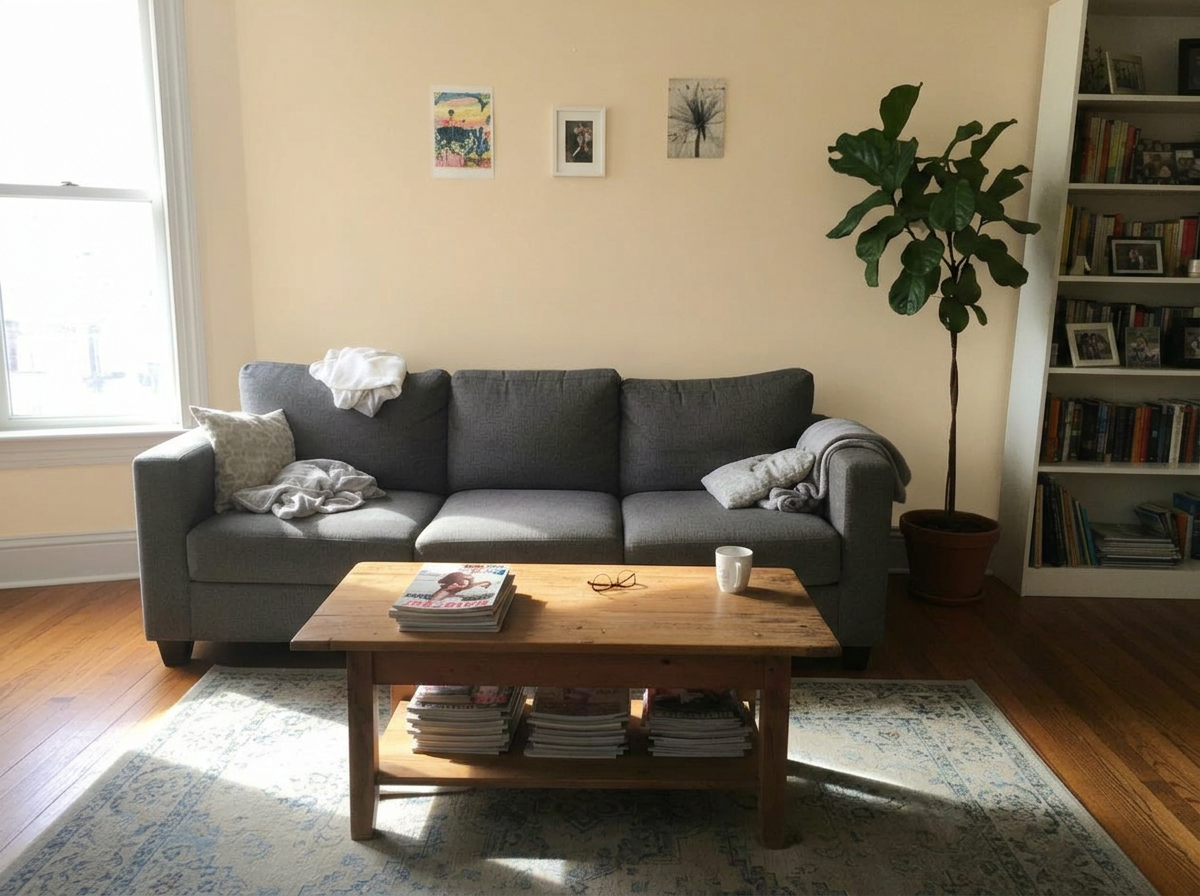
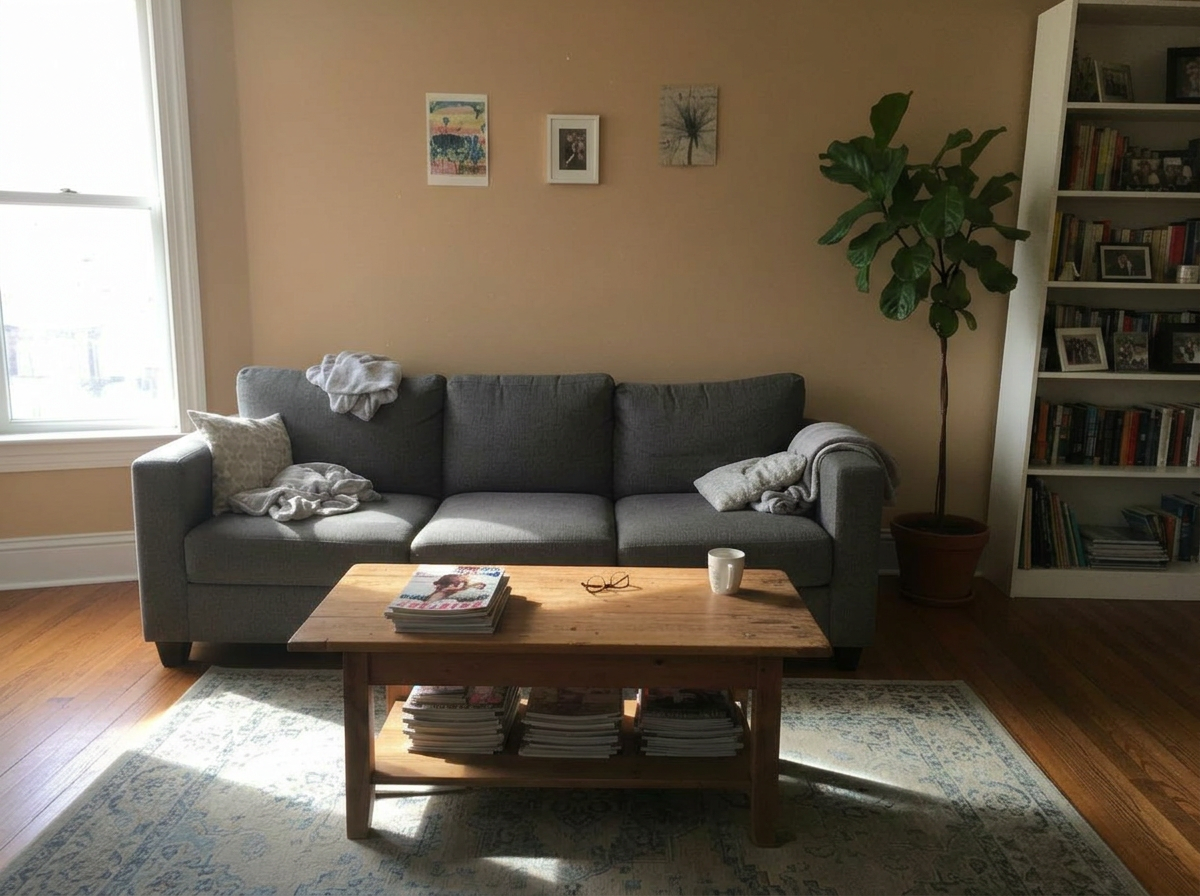
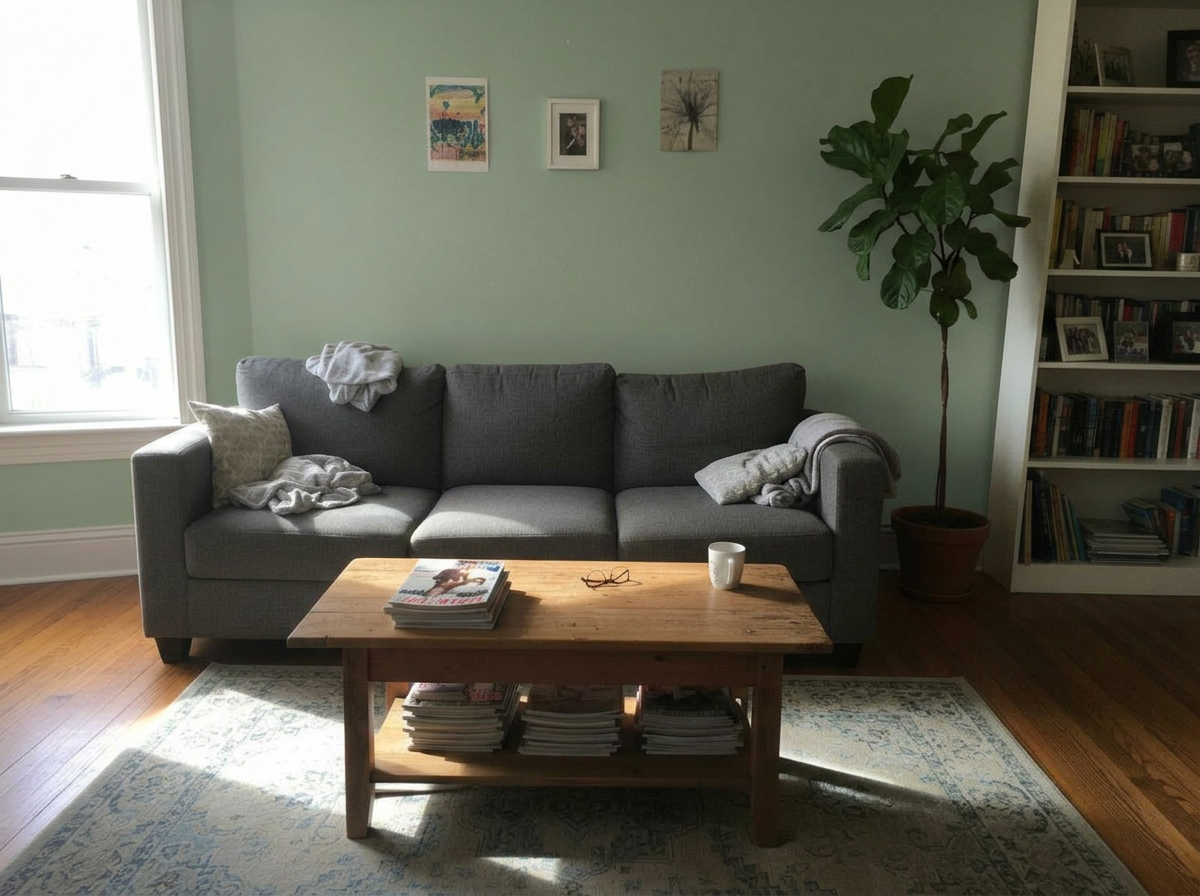
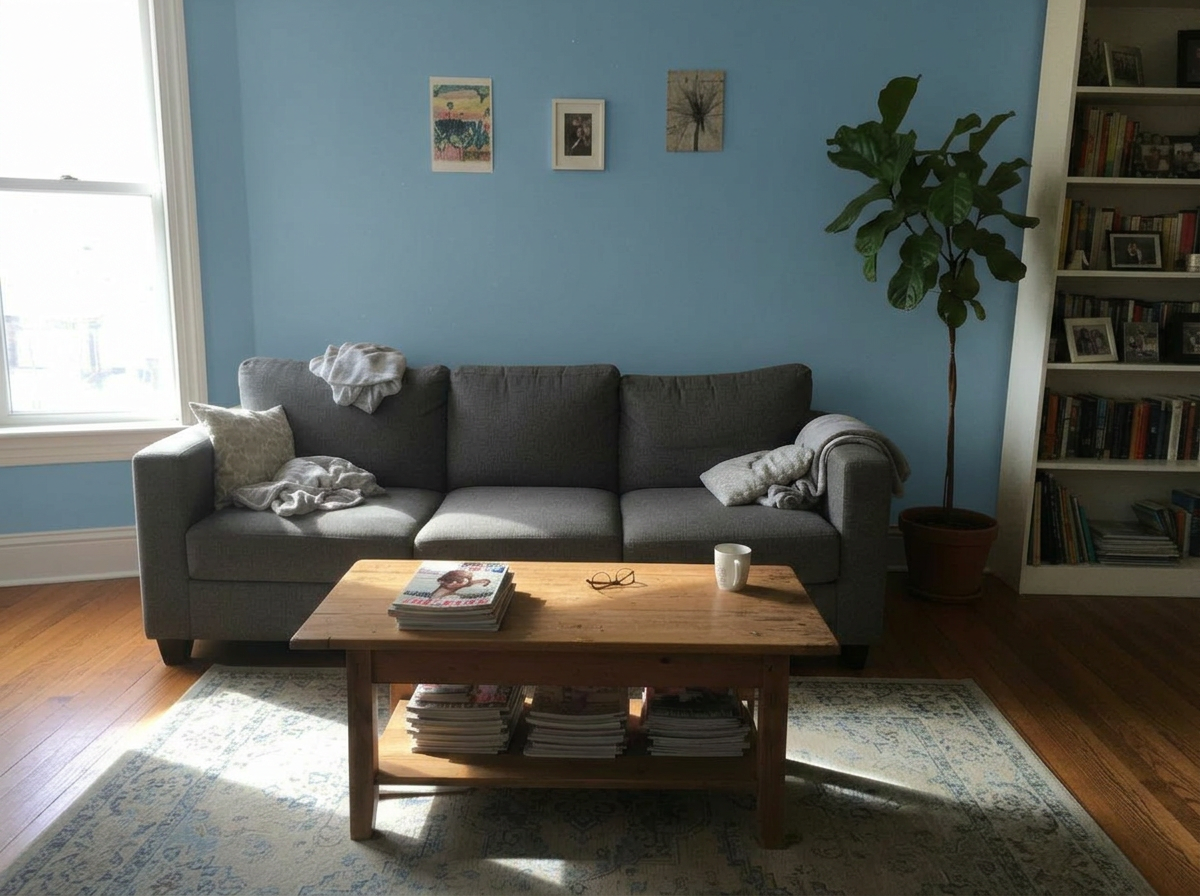
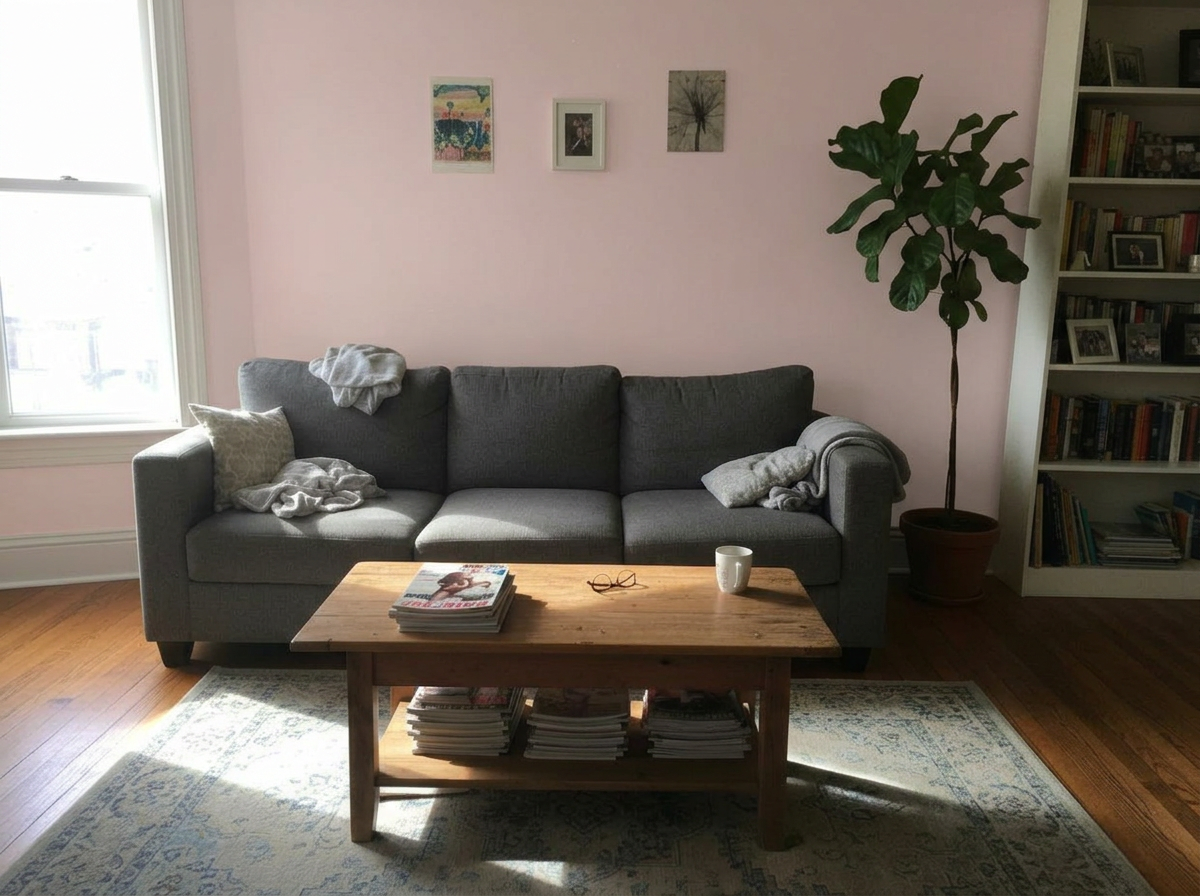
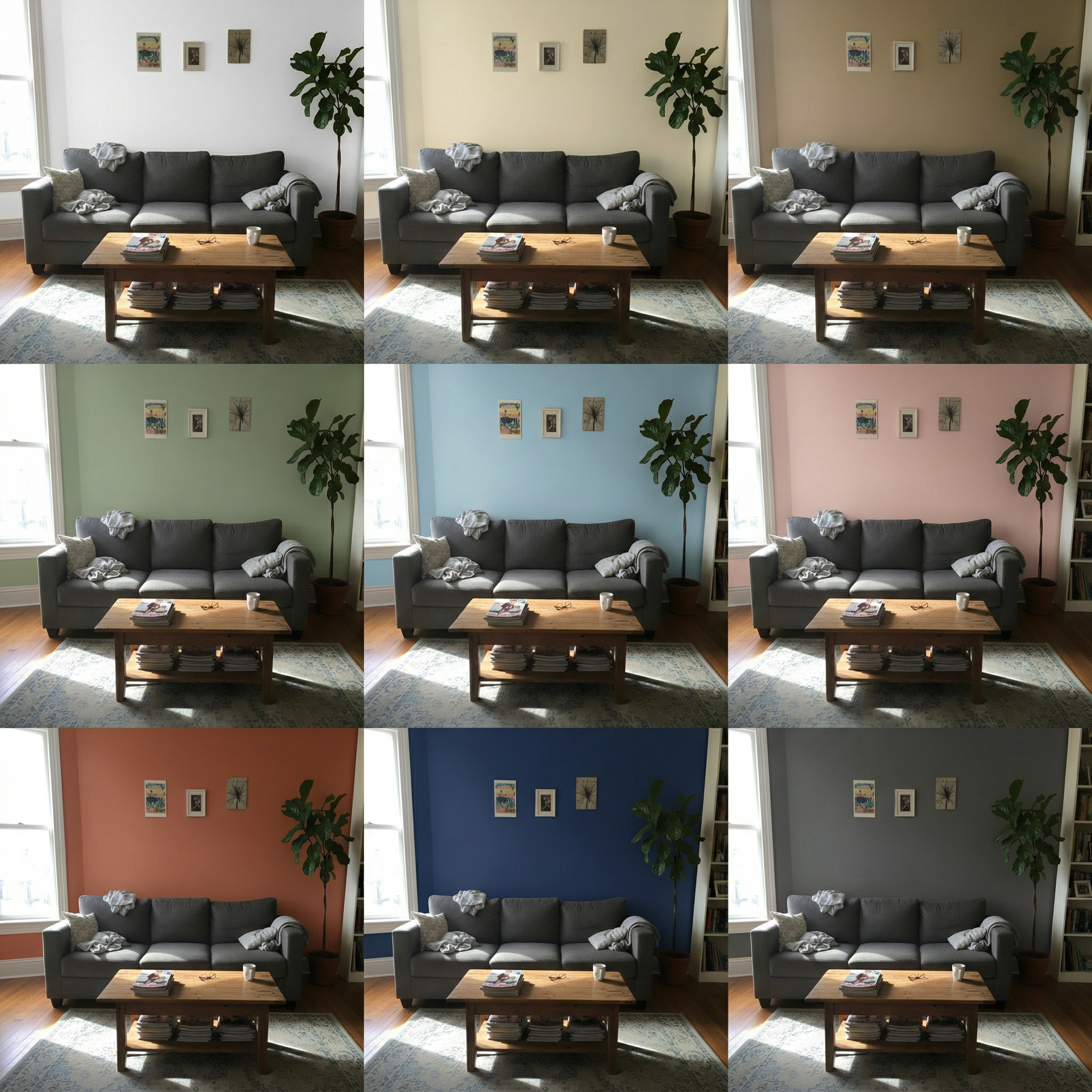
This living room test showcases the dramatic impact wall color has on atmosphere — warm terracotta creates an inviting focal wall, while light blue opens the space up and sage brings a natural calm. Compare all 9 side by side before committing to a gallon of paint.
Inputs Used
Ready to Transform Your Space?
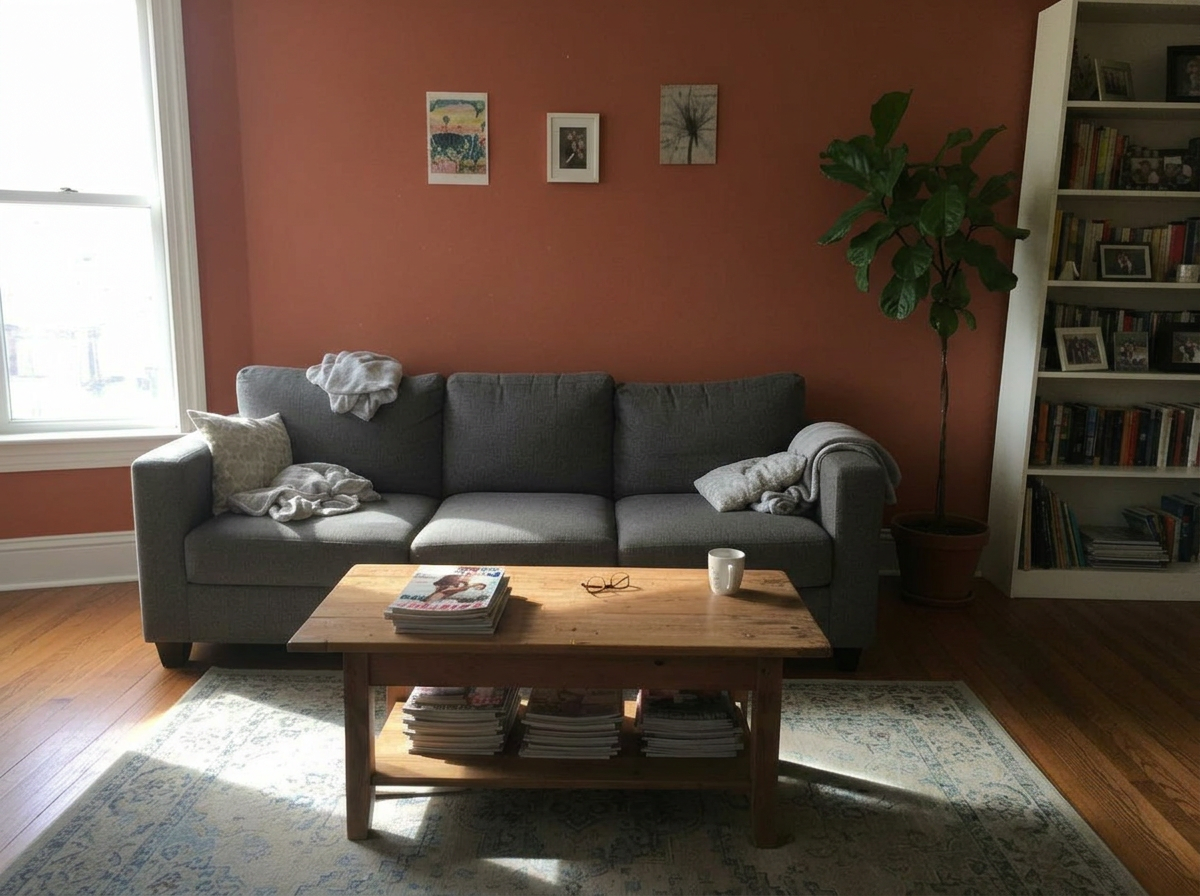
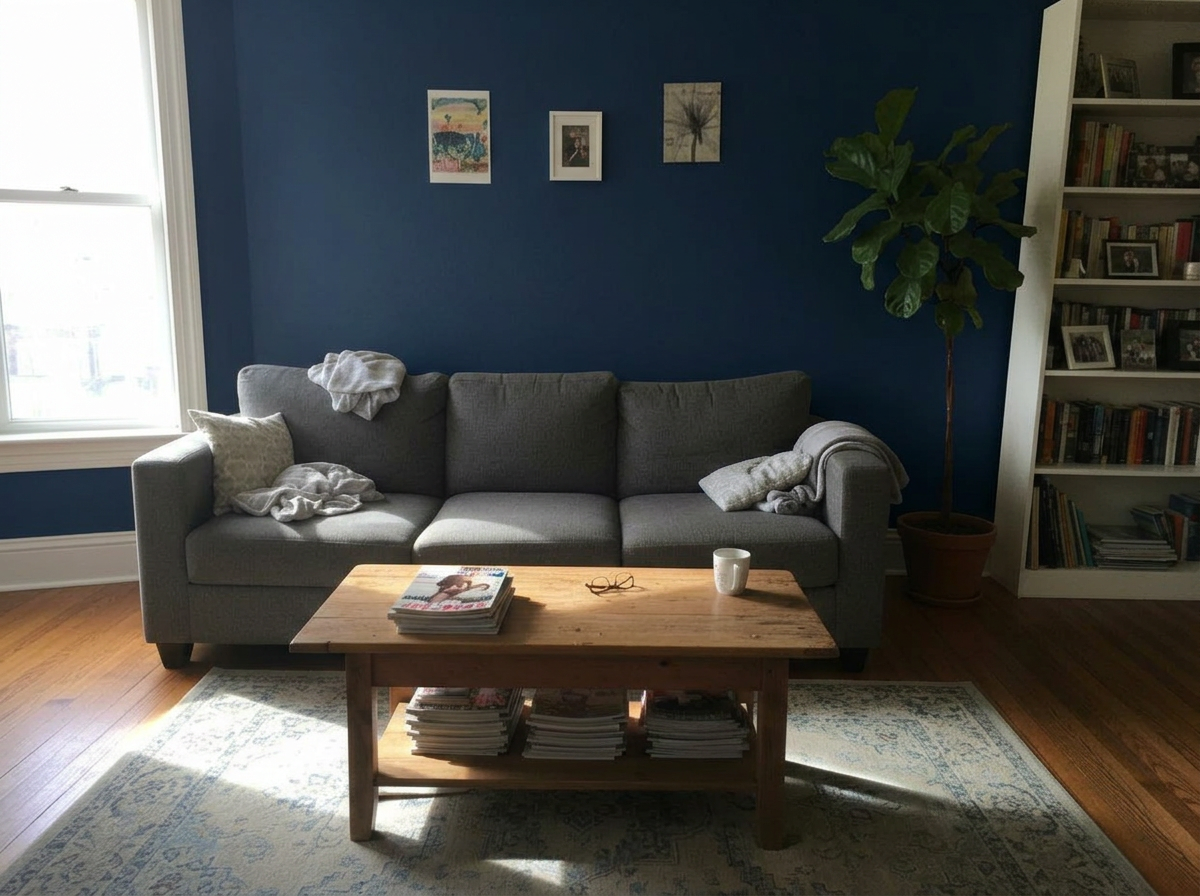
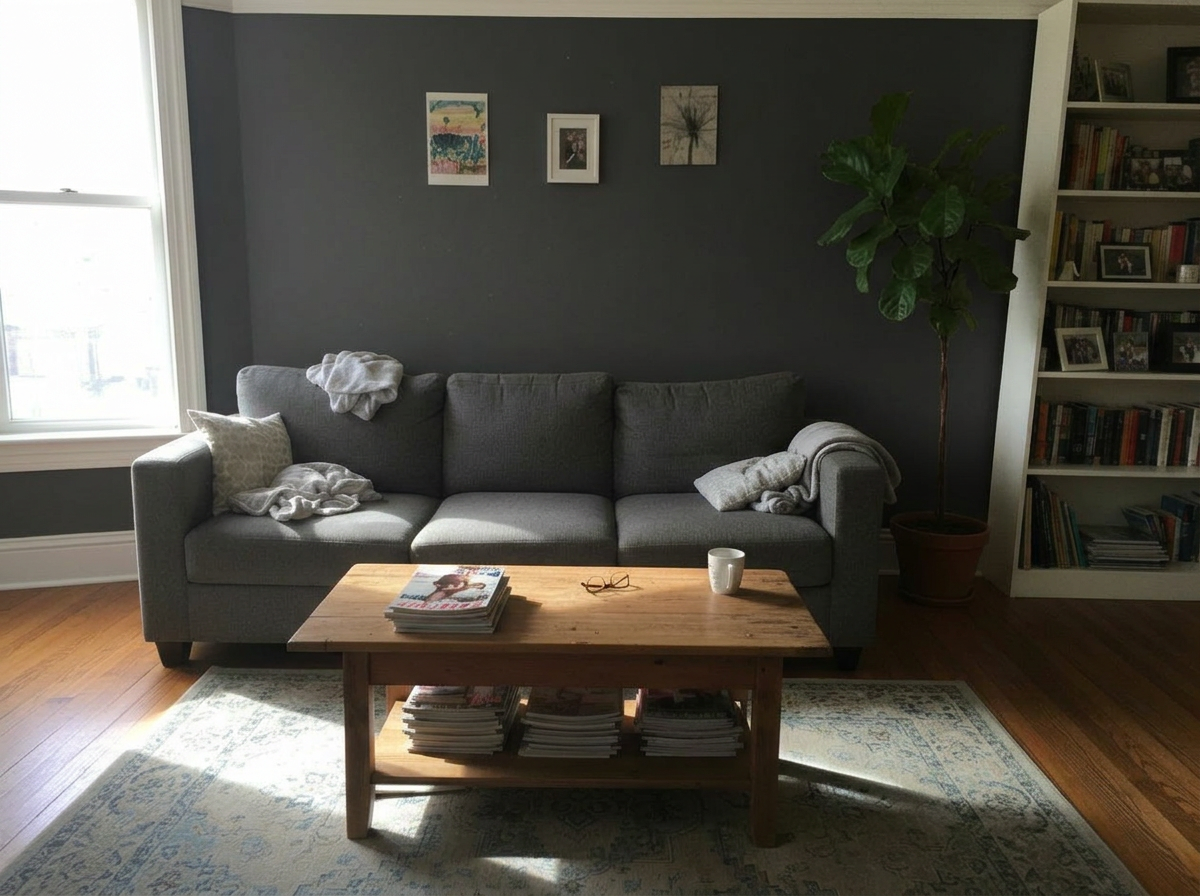
How to Recreate This
Visualize 9 curated wall paint colors on your living room to find the shade that best complements your furniture and decor.
✨ What You'll Achieve
Original Room
 After
Select Mode
Choose the Wall Colors card from the mode grid.
Change one thing
 Replace FurnitureReplace selected furniture using one or several photos.
 Replace MaterialNew floor, tiles or wallpaper from a sample photo.
 Wall ColorsRepaints the walls. Compare 9 colors at once.
 Upscale Image to 4KIncrease image resolution while keeping its framing and aspect ratio.
Upload Your Room
Upload a well-lit photo of your living room showing the walls you want to repaint. Natural daylight photos produce the most accurate color previews.
Configure Options
Nine curated colors are automatically applied: ranging from soft neutrals (white, cream, tan) to bold accents (terracotta, navy, charcoal).
Generate
Click Generate to receive 9 realistic wall color previews. The AI preserves all furniture, decor, and architectural details while changing only the wall surfaces.
Your Result
🎨 Wall Color Examples
Frequently Asked Questions
Which wall colors make a small living room look bigger?
Lighter colors like white, cream, and light blue tend to make rooms feel more spacious by reflecting more light. The Wall Colors preview lets you compare these options directly on your specific room to see which works best.
Can I preview an accent wall instead of all walls?
The preset mode applies color to all visible walls. For accent wall previews, you can use the Custom mode with a specific prompt describing which wall to change.
Do the previews account for my room's lighting?
Yes. The AI analyzes the existing lighting in your photo and adjusts how the paint color appears accordingly, including shadows, reflected light, and natural sunlight effects.
Paint Color Visualizer
Explore Paint Color Visualizer Feature
Wall Color Variations
Read the Wall Colors Tutorial
Related Examples
More Wall Colors Examples

Guest Bedroom Wall Colors — 9 Paint Shades Previewed

Empty Studio Wall Colors — 9 Paint Shades Previewed
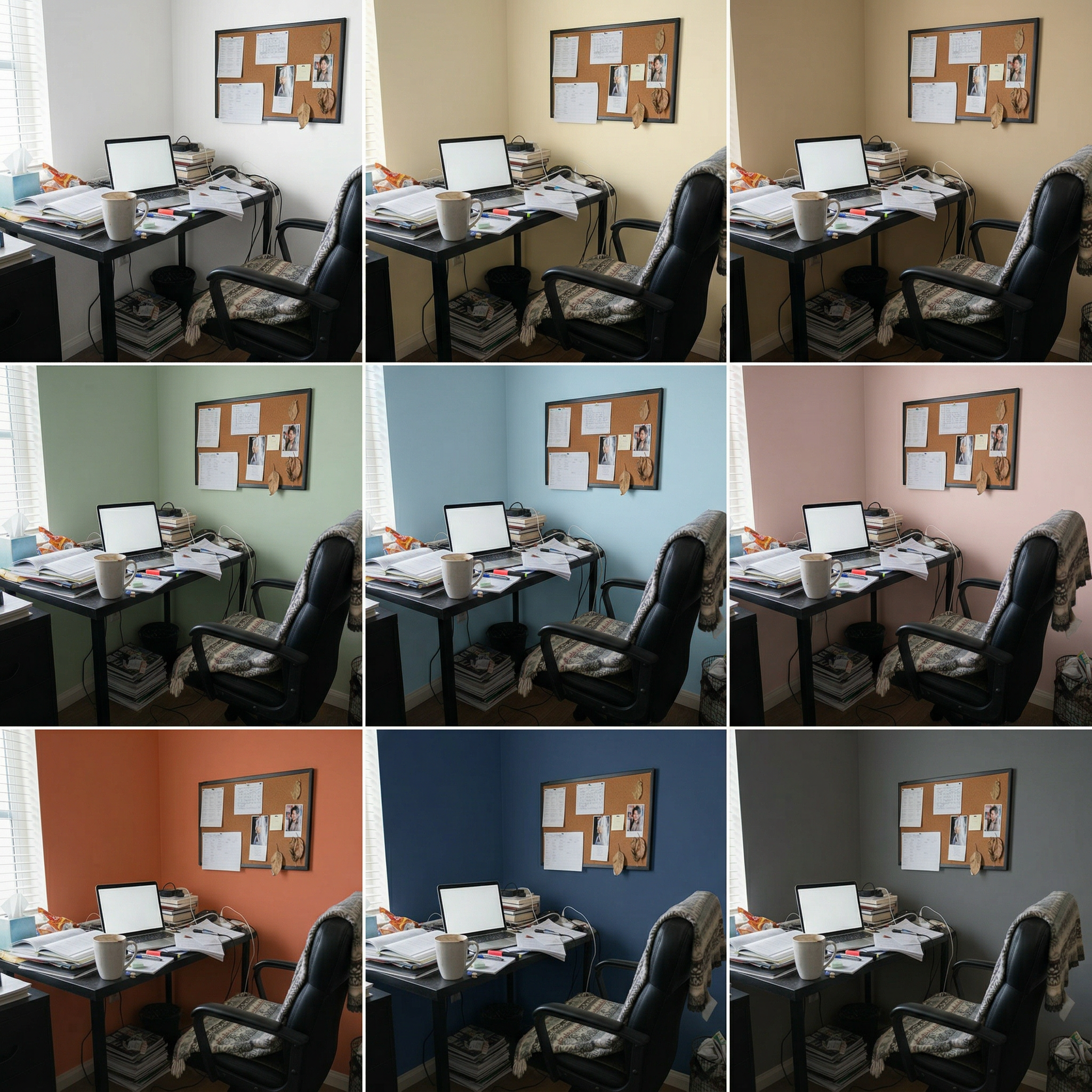
Home Office Wall Colors — 9 Paint Shades Previewed
Try Different Coffee Tables in This Space

See Different Sofas Transform This Living Room